Funeral Announcement Cards vs Funeral Invitations: What’s the Difference?
It’s a common question at a difficult time: should you send a funeral announcement or a funeral invitation? The two look similar, but they serve different purposes. This guide explains the difference, when to use each, what to include, and how to adapt one of our Funeral Announcement Cards so it works perfectly for your plans—whether that’s a private family farewell, a church service, or a celebration of life.
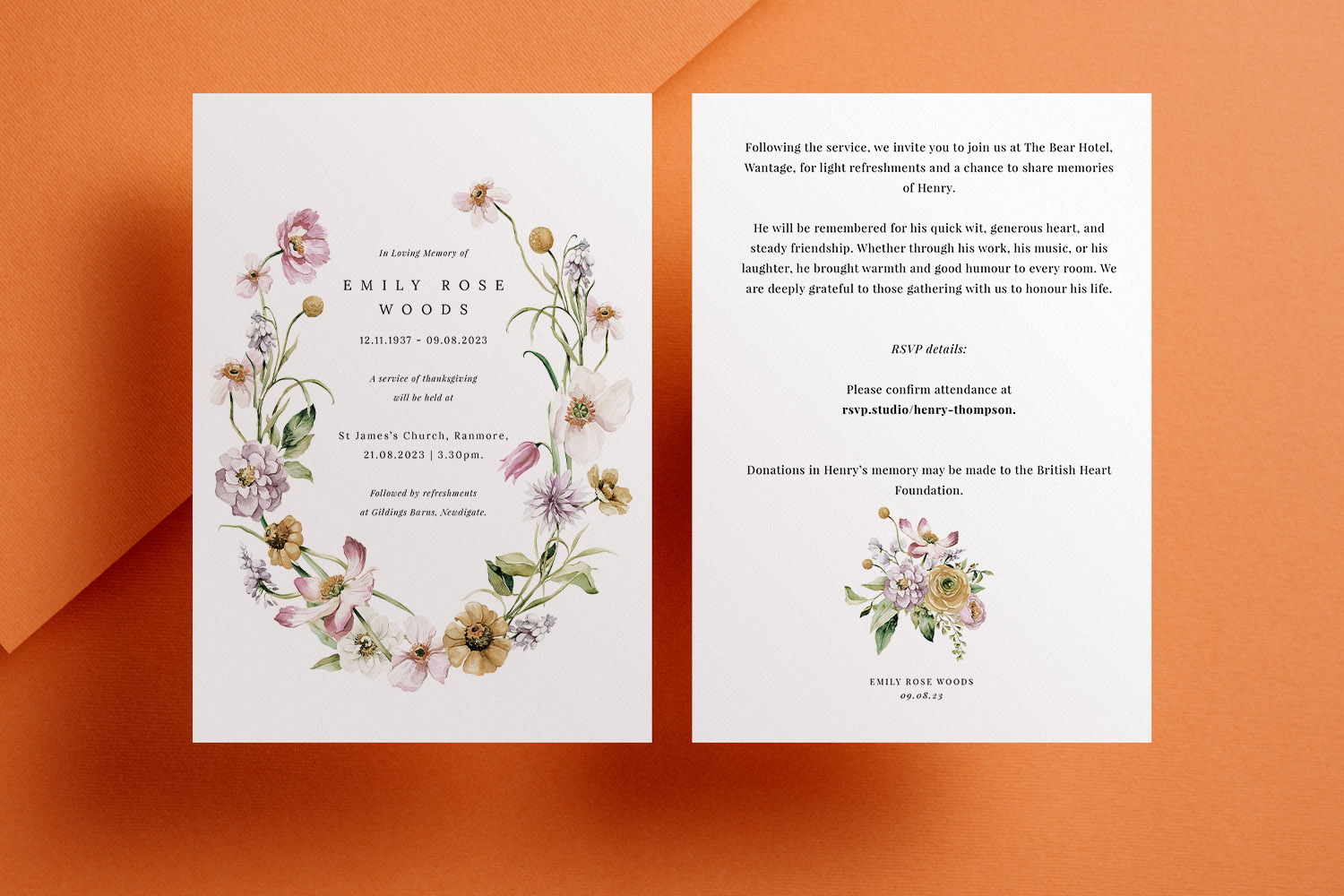
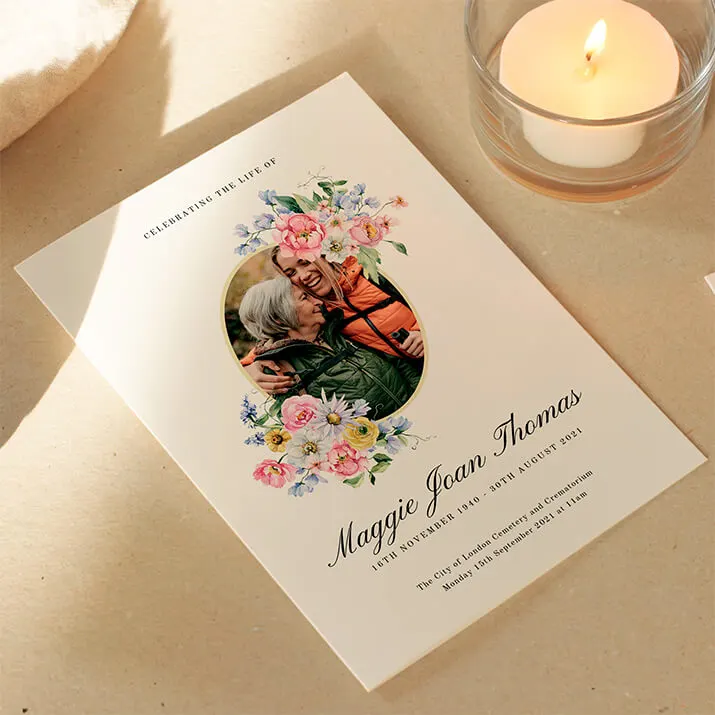
Beautifully designed funeral announcements featuring delicate floral artwork, perfect for sharing service details with loved ones.
1) The short answer: announcement vs invitation
- What is a funeral announcement?
A respectful notice that someone has died. It shares key information (name, life dates, and, if you wish, details of the funeral) without assuming attendance. Think of it as “for your information”. - What is a funeral invitation?
A clear request to attend a specific service or gathering, typically with date, time, venue and RSVP details. - Does a funeral announcement count as an invite?
No. An announcement only becomes an invitation when you explicitly invite people and/or provide RSVP instructions. Adding a reply contact or a QR code to respond online turns an announcement into a practical invitation. - Can one card do both?
Yes. The wording does the work. Our editable templates allow you to personalise the text: keep it as a notice, or switch to welcoming language and include RSVPs for a full invitation. See our range of easy-to-edit designs here: Funeral Announcement Cards.

Personalised funeral announcements with a tasteful photo collage layout, ideal for sharing memories and service information with loved ones.
2) Which should I send—and when?
Every family situation is different, but these scenarios help you decide:
- Family-only or private cremation
Choose an announcement. Common wording includes “A private cremation has taken place” or “Funeral to be held privately with close family”. This sets a gentle boundary while keeping friends informed. - Limited numbers at the venue
Send invitations to the people you can accommodate, plus a separate announcement to the wider circle. Invitations should include RSVP details so you can manage capacity. You can request replies via phone or a QR code linking to our online digital funeral RSVP tool. - Open funeral service
If the service is open to the community, use invitational wording (“You are warmly invited…”) and include venue, timings and access notes. If you don’t need replies, you can still keep the tone welcoming and simply omit RSVP lines. - Celebration of life at a later date
Many families hold a private funeral, then a celebration of life weeks later. Send an announcement first, followed by a separate invitation once celebration details are set. If you already know both dates, one card can carry both messages—with the celebration side inviting attendance and including RSVP details. - Livestream only or mixed arrangements
Use an announcement to share the news and add a line such as “The service will be live-streamed; details via the QR code” or “Please visit the link to watch online”. If you also have a small in-person gathering, invite those guests directly with an invitation version.
Practical note: Utterly Printable templates are quick to personalise online. You can download a print-ready PDF for same-day sharing or order professionally printed cards on FSC-certified boards, with express UK turnaround when time is tight.

Elegant funeral announcements card featuring a photo collage and custom details, ideal for sharing service information with loved ones.
3) What to put on each card (with wording examples)
A. Funeral announcement (no invitation)
Include:
- Deceased’s full name and life dates
- A short tribute line (optional)
- Clear status of the service (e.g., “Private cremation”, “Funeral has taken place”) or basic details without inviting attendance
- Donation or charity preference (optional)
- Livestream information or a link/QR code if you wish to share it
- Organiser’s contact details (optional)
Example wording:
In loving memory of
Margaret Elaine Smith
12 June 1947 – 3 October 2025
Margaret passed away peacefully at home. A private funeral has taken place.
Donations in her memory may be made to St Catherine’s Hospice.
This wording makes it clear that attendance is not expected.
B. Funeral invitation
Include:
- Deceased’s full name and life dates
- A warm invitational line (“You are warmly invited to the funeral of…”)
- Date, time and full venue address
- Reception or wake details, if applicable
- RSVP instructions (email/phone) or a QR code for quick replies
- Notes on dress code, parking, access or flowers/donations (if relevant)
- Livestream link or QR code if some guests will attend online
Example wording:
Please join us to celebrate the life of
Daniel James O’Connor
4 March 1954 – 14 November 2025
Funeral service: 11.30am, Tuesday 25 November 2025
St Mary’s Church, Market Lane, Bristol BS1 1AA
Reception to follow at The Green Rooms.
Kindly RSVP via the QR code or email by 20 November.
Tip: Adding RSVP information—especially a QR code to the online digital funeral RSVP page—instantly signals that this is an invitation, not just an announcement.
C. Using Utterly Printable templates for either option
- Start with any design you like in our Funeral Announcement Cards collection. The online designer lets you adjust every line, so the same template can read either as a notice or an invitation.
- If you’re inviting guests, add a short RSVP line or a QR code that points to a simple reply form—ideal when numbers are limited or you need dietary info for a reception.
- Prefer to include a photograph? Many templates support a single portrait or a small collage. For displaying favourite images at the venue, consider ordering framed and mounted photo prints to sit beside flowers or a memory table.
- After the service, matching stationery makes your thanks easy. Browse our co-ordinated funeral thank you card templates and personalise a message in the same style as your announcement or invite.

FAQs: announcements, invitations and wording
These answers are designed to reduce stress and help you choose the simplest, most considerate approach for your family and community.
No. An announcement shares the news and, if you wish, general details. It becomes an invitation only when you clearly welcome attendance and/or include RSVP instructions or a reply method such as a QR code.
If the funeral is private, send an announcement now and a separate invitation for the celebration once the venue and timings are confirmed. If you already have the celebration details, you can invite people straight away and include an RSVP or QR code to manage numbers via our online digital funeral RSVP.
Phrases such as “A private cremation has taken place” or “Funeral to be held privately with close family only” are clear and gentle. You can still add donation information or a livestream link if you want others to participate from afar.
Use RSVPs when capacity is limited, you need to plan catering, or travel/weather may affect attendance. A QR code or short link to an online form is quickest for guests and avoids phone/email back-and-forth.
Yes. Many of our designs are photo-led. If you’d like to display larger prints at the venue or give framed keepsakes to close relatives, our framed and mounted photo prints are ideal.
Before you go
When you’re ready to create yours, start with our flexible Funeral Announcement Cards. Use announcement wording for a simple notice, or turn it into an invitation by adding welcoming text and an RSVP line or QR code linked to our online digital funeral RSVP. After the day, it’s easy to send your thanks with matching funeral thank you card templates, and to commemorate a favourite photograph with framed and mounted photo prints.
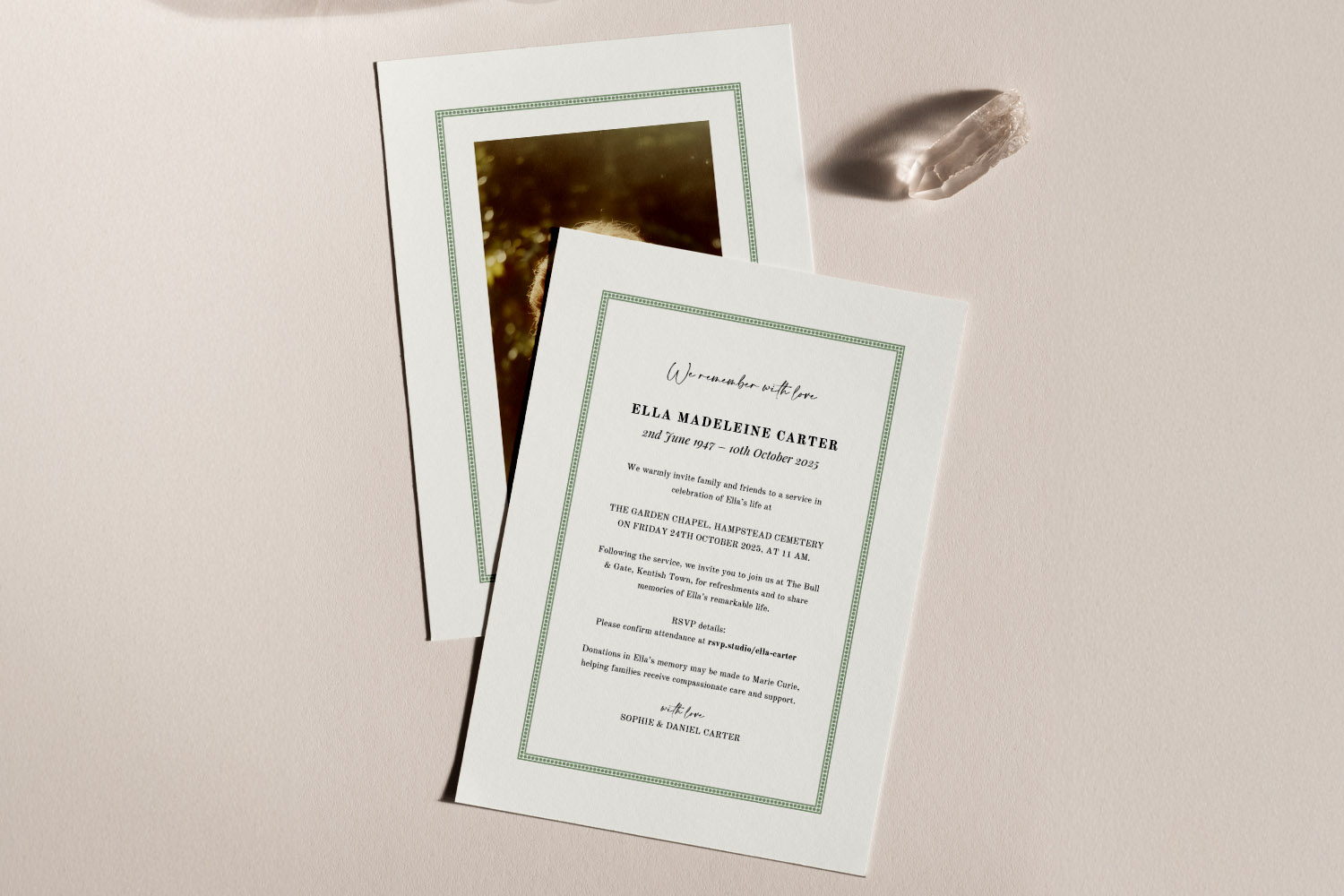
Funeral Announcement Wording Examples & UK Etiquette
Discover thoughtful funeral announcement wording examples and essential UK etiquette in this practical guide. Learn how to set the right tone, what details to include, and find adaptable templates to help you create respectful, clear funeral announcements with confidence.
Photo funeral announcements: best practices for choosing and uploading images
Discover how to select and prepare the perfect photo for a funeral announcement with our gentle guide. Learn best practices for choosing, editing, and uploading images, plus tips on card design and paper stock to create a dignified tribute.

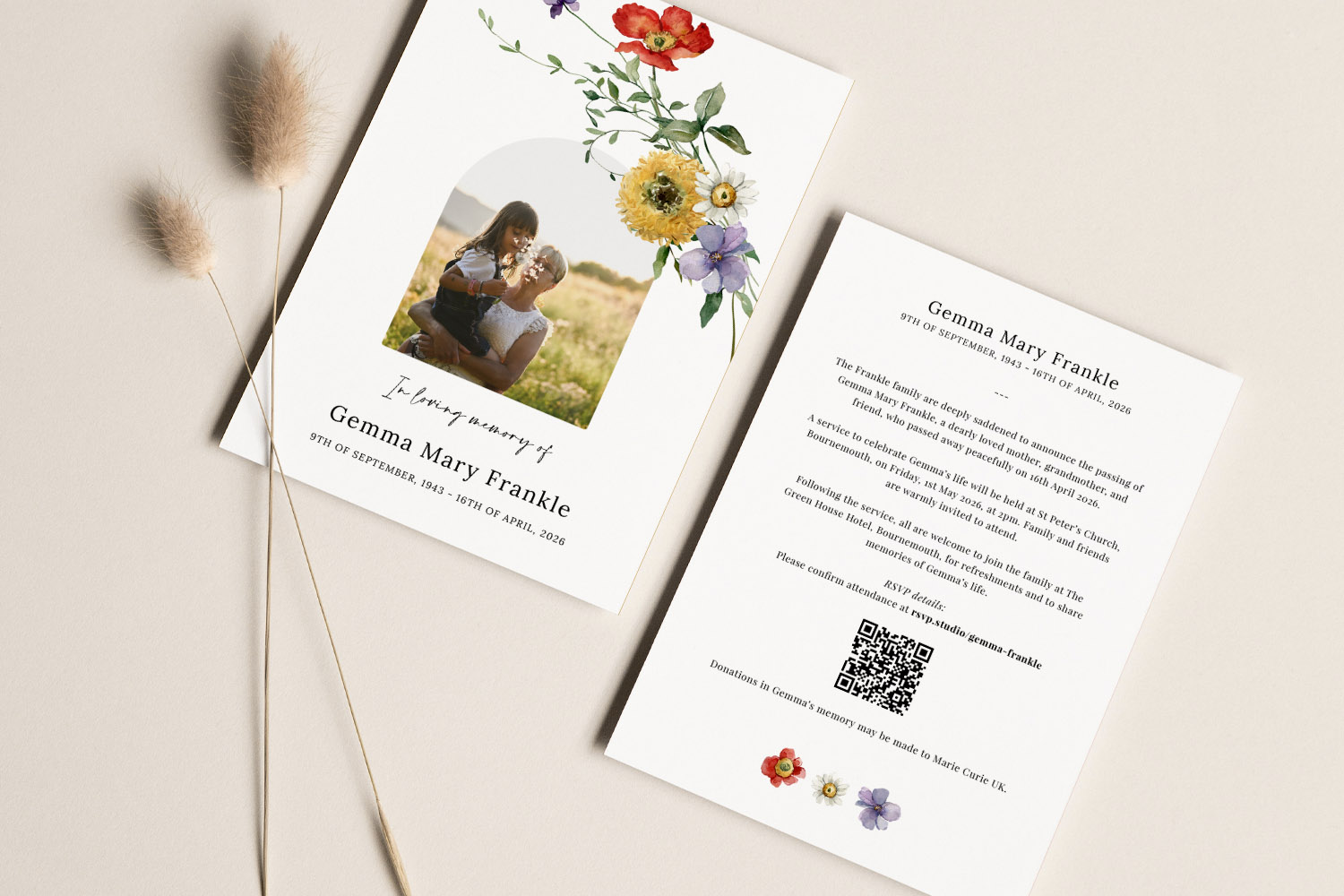
Using QR Codes and Digital RSVPs on Funeral Announcement Cards
Discover how using QR codes and digital RSVPs on funeral announcement cards can simplify guest replies, share livestream details, and manage practical arrangements with care. This guide offers gentle advice on design, placement, and making planning less stressful.
Products related to funeral announcements:



The Utterly Printable Blog
Funeral announcement cards provide a dignified way to inform loved ones of a loss. Visit the blog for advice on wording, design styles, and how to create a fitting tribute for the occasion.