Troubleshooting Photo Magnet Design Issues: Cropping, Orientation & Composition
Running into awkward crops, sideways faces, or parts of a scene disappearing in the online designer? You’re not alone. Photo magnets have fixed shapes, and if your image ratio doesn’t match, the designer must trim somewhere. This practical guide explains why cropping happens, how to pick the right orientation, and how to compose images so the finished magnet looks intentional and polished. It’s written specifically for Utterly Printable’s flexible, wipe-clean Photo Fridge Magnets in four sizes (business-card, 9×9 cm square, A6, and 14.8×14.8 cm square), and it covers single-photo designs as well as simple collages.
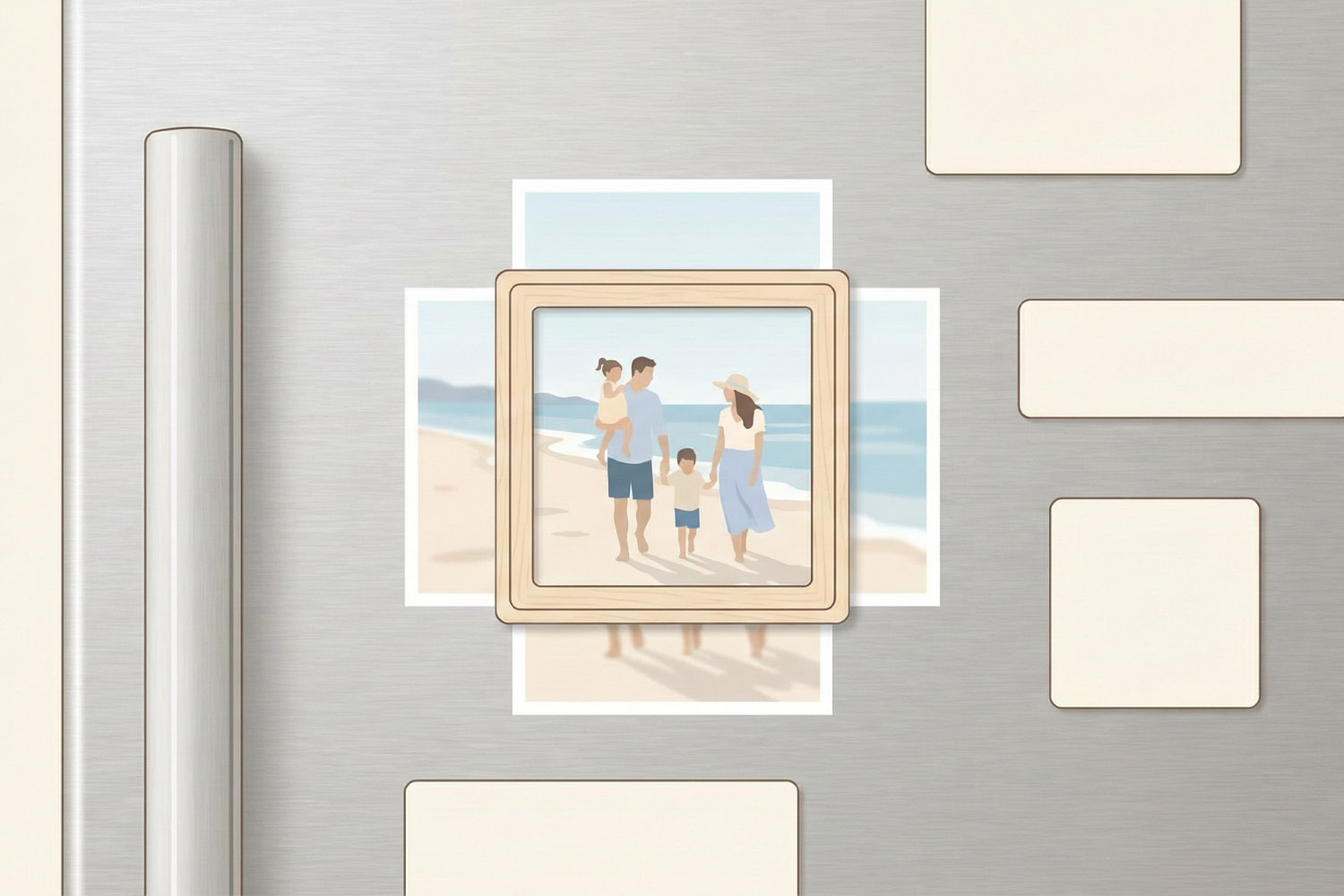
Personalised fridge magnets with a family beach scene, displayed on a modern fridge, perfect for adding a personal touch to your kitchen
1) Why your photo is being cropped (and how to fix it)
Most “mystery” cropping comes down to aspect ratio—the relationship between a photo’s width and height. Each magnet size has its own ratio:
- 8.5 × 5.5 cm (business-card): approx. 1.55:1 (best with 3:2 or 16:10ish photos; 16:9 will crop top/bottom).
- A6 (10.5 × 14.8 cm): approx. 1.41:1 (close to classic print sizes; 4:3 usually needs a light trim; 3:2 will crop more).
- 9 × 9 cm and 14.8 × 14.8 cm: 1:1 square (non-square photos will crop on the long edges).
What this means in the designer
- If the magnet shape is squarer than your photo (e.g., making a square magnet from a landscape shot), the sides get trimmed.
- If the magnet is wider than your photo (e.g., business-card magnet from a 4:3 phone photo), the top and bottom will crop.
- The easiest fix is to choose the magnet shape that matches your photo. If that’s not possible, reposition the image so less-important areas fall outside the frame.
Handy minimum pixel guidelines (for crisp results at 300 dpi)
Tip: Bigger is always better, but these are useful ballparks.
- 8.5 × 5.5 cm: ~1004 × 650 px
- 9 × 9 cm: ~1063 × 1063 px
- A6 (10.5 × 14.8 cm): ~1240 × 1748 px
- 14.8 × 14.8 cm: ~1748 × 1748 px
Utterly Printable prints magnets on durable 668 gsm Magnecote® with a matte-satin, wipe-clean finish, so higher-resolution, well-lit images with good contrast will always look better. If an image is too small, consider switching to a smaller magnet (e.g., 9×9 cm instead of 14.8×14.8 cm) to avoid softness.
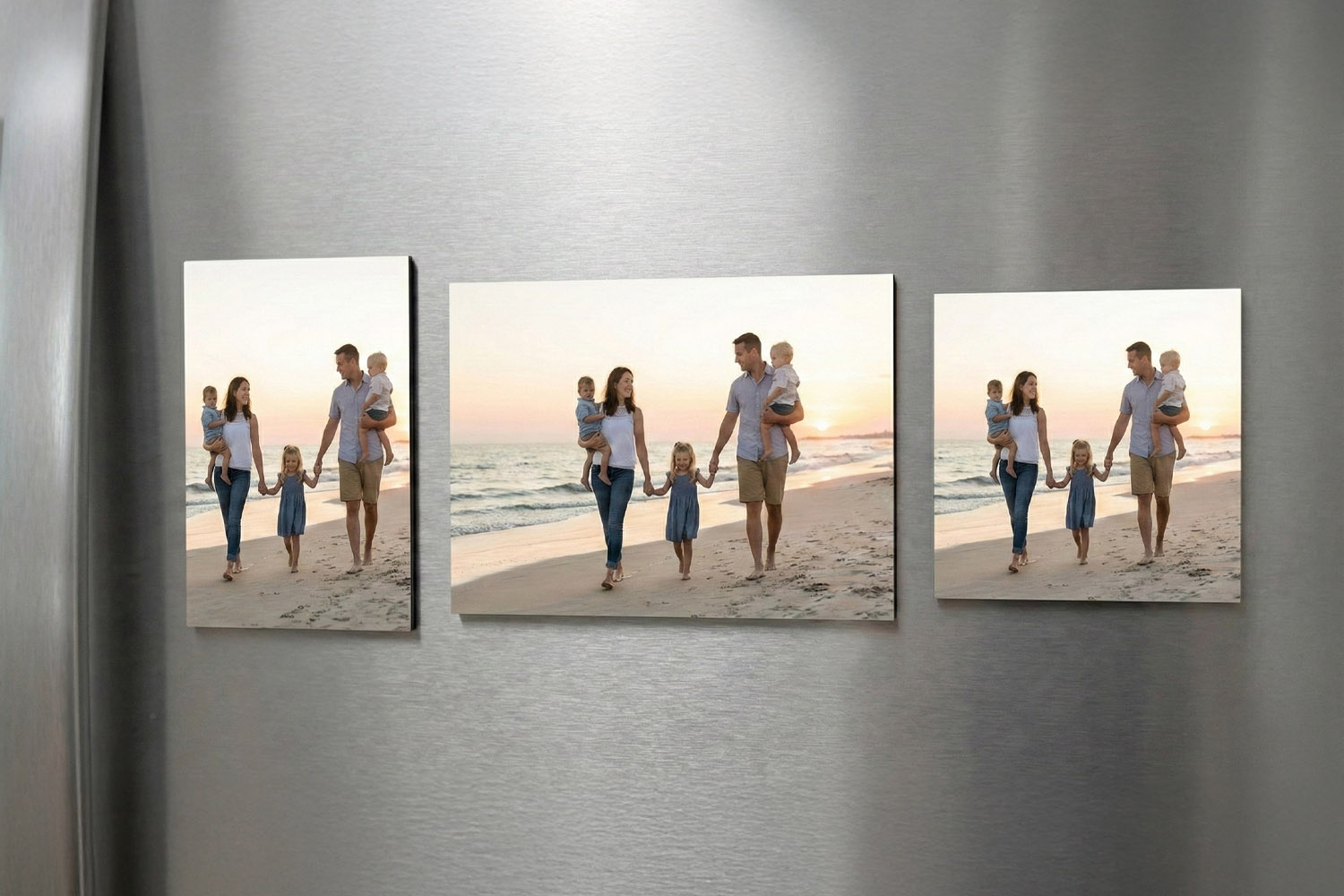
Showcase your favourite memories with personalised fridge magnets, displayed here in various crop formats for a custom touch at home
2) Portrait vs landscape: picking the right orientation (including Instagram squares)
Choose your magnet orientation to match your subject:
- Portrait magnets suit people standing, doorways, tall buildings, and pets sitting upright.
- Landscape magnets flatter group shots, horizons, cityscapes, and wide scenes.
- Square magnets are ideal for Instagram-style images and centred compositions.
Instagram tip:
Square magnets (9×9 cm or 14.8×14.8 cm) are the simplest route for Instagram photos. If you drop a 4:5 or 16:9 image into a square magnet, expect the designer to crop the longer dimension. In that case, keep faces and key details well inside the frame.
If your orientation doesn’t match your photo
Say you’ve selected a portrait A6 magnet but uploaded a landscape image. The designer will crop left/right. You can either switch the magnet to landscape, or re-centre the subject so what’s lost at the edges is unimportant (blank sky, spare background, etc.). For unpredictable scenes, a square often gives more flexibility.
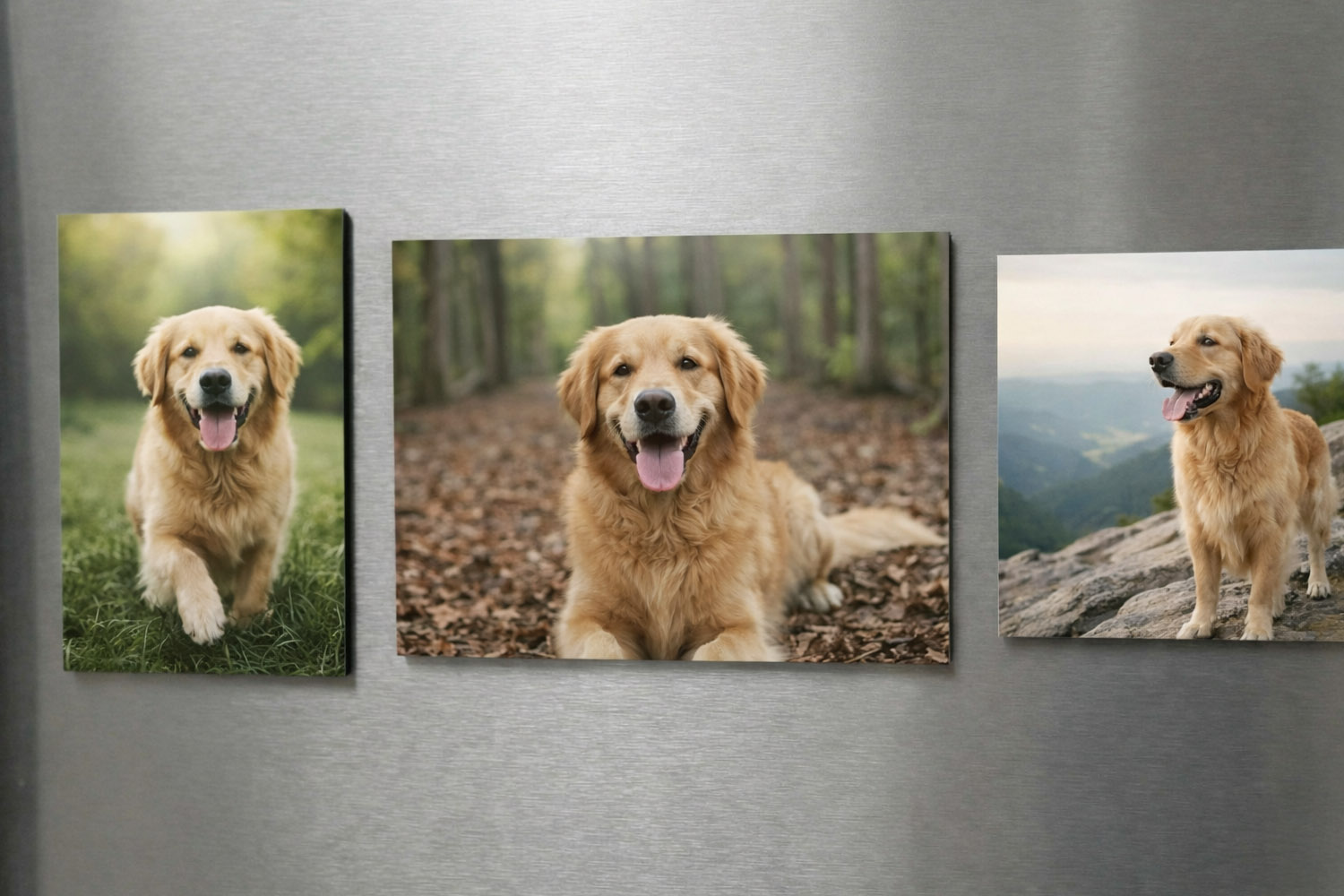
Showcase your favourite memories with personalised fridge magnets, each displaying a golden retriever in different outdoor settings.
3) Composition fixes that work every time (single photos and collages)
Even when the ratio fits, poor composition can make a magnet feel “off”. These simple rules keep things looking intentional:
1) Keep important content away from the edges
Avoid placing eyes, text, or fingertips right against the frame. A small trim in production can feel dramatic if a face is within a couple of millimetres of the edge. Give key subjects a little breathing room.
2) Centre or “rule-of-thirds”—but pick one
Centred portraits are perfect for square magnets. For rectangles, try the rule of thirds: place eyes or the main subject where the imaginary thirds intersect. This naturally balances space.
3) Watch headroom and hand-room
Top-of-head chopped off? Hands missing? Zoom out slightly or nudge the image so there’s comfortable space above heads and around gestures.
4) Straighten horizons
Crooked sea lines and leaning buildings are more noticeable on smaller formats. Straighten before upload if needed.
5) For collages: aim for even spacing
Utterly Printable’s online designer supports simple multi-photo layouts. To keep collages tidy:
- Use images of similar aspect ratios in the same row/column.
- Keep consistent margins between images for a clean grid.
- Mix close-ups (faces, details) with wider context to avoid a busy, all-wide montage.
- For three-image squares, a big hero photo plus two smaller supporting shots often reads best.
6) Don’t stretch or squash
If something looks oddly wide or tall, it’s likely been scaled non-proportionally. Reset to proportional scaling and reposition instead.
7) Consider the size in the real world
9×9 cm is compact: fine details or long captions can feel cramped. If you need clarity for small text or intricate patterns, consider A6 or 14.8×14.8 cm—or keep the design simple on smaller sizes.
A gentle reminder about proofs & refunds
Magnets are printed exactly as approved in your preview. Because this product is personalised and upload-only, design errors (e.g., tight crops, low-res images) can’t be refunded. Take a moment to doublecheck framing before checkout. If you need a different keepsake to send your new address to friends and family, our printed change of address card designs are a neat option.

Frequently asked questions
A few common questions and answers to help you out.
Because the magnet has a fixed aspect ratio. If your image is wider or taller than the magnet shape, the designer trims the excess. Choose a magnet closer to your photo’s ratio or reposition the subject so the crop falls on background.
Match the orientation to your subject. Tall people/pets and vertical scenes = portrait. Groups, horizons and panoramas = landscape. Square magnets give you a forgiving middle ground, especially for Instagram-style photos.
Try a magnet size whose ratio matches your photo (e.g., square photo square magnet). If that’s not possible, zoom out slightly and centre the subject so background—not faces or text—sits at the edges.
Yes—especially on the 9×9 cm and 14.8×14.8 cm square magnets. For non-square magnets, parts of the image will crop; reposition to protect faces.
For crisp results, aim for 300 dpi at the chosen size. As a guide: ~1004×650 px (8.5×5.5 cm), 1063×1063 px (9×9 cm), 1240×1748 px (A6), 1748×1748 px (14.8×14.8 cm). Higher resolutions are always welcome.
Quick next step: Ready to try again with the right size and orientation? Head to Photo Fridge Magnets and upload your image with these tips in mind.
How to Prepare Your Photos for the Sharpest Possible Magnet Print
Get the sharpest photo magnet prints by preparing your images with the right resolution, thoughtful cropping, and balanced lighting. This guide covers essential tips for crisp, vibrant results on Utterly Printable’s Magnecote¬Æ photo fridge magnets, from start to finish.
What Makes a High-Quality Photo Fridge Magnet? A Detailed Buyer’s Guide
Explore what makes a high-quality photo fridge magnet in this concise buyer’s guide, highlighting key features such as magnetic materials, print finishes, colour fidelity, and the advantages of flexible Magnecote¬Æ magnets for lasting, vibrant photo displays.