What Makes a Good Photo for Canvas Printing?
Choosing the right image for a canvas is part art, part simple prep. This guide explains—plainly—how to pick and prepare a photo that looks superb once stretched and hung on the wall. We’ll cover resolution, file types, cropping, colour choices, and the realities of gallery-wrapped edges, with troubleshooting at the end.
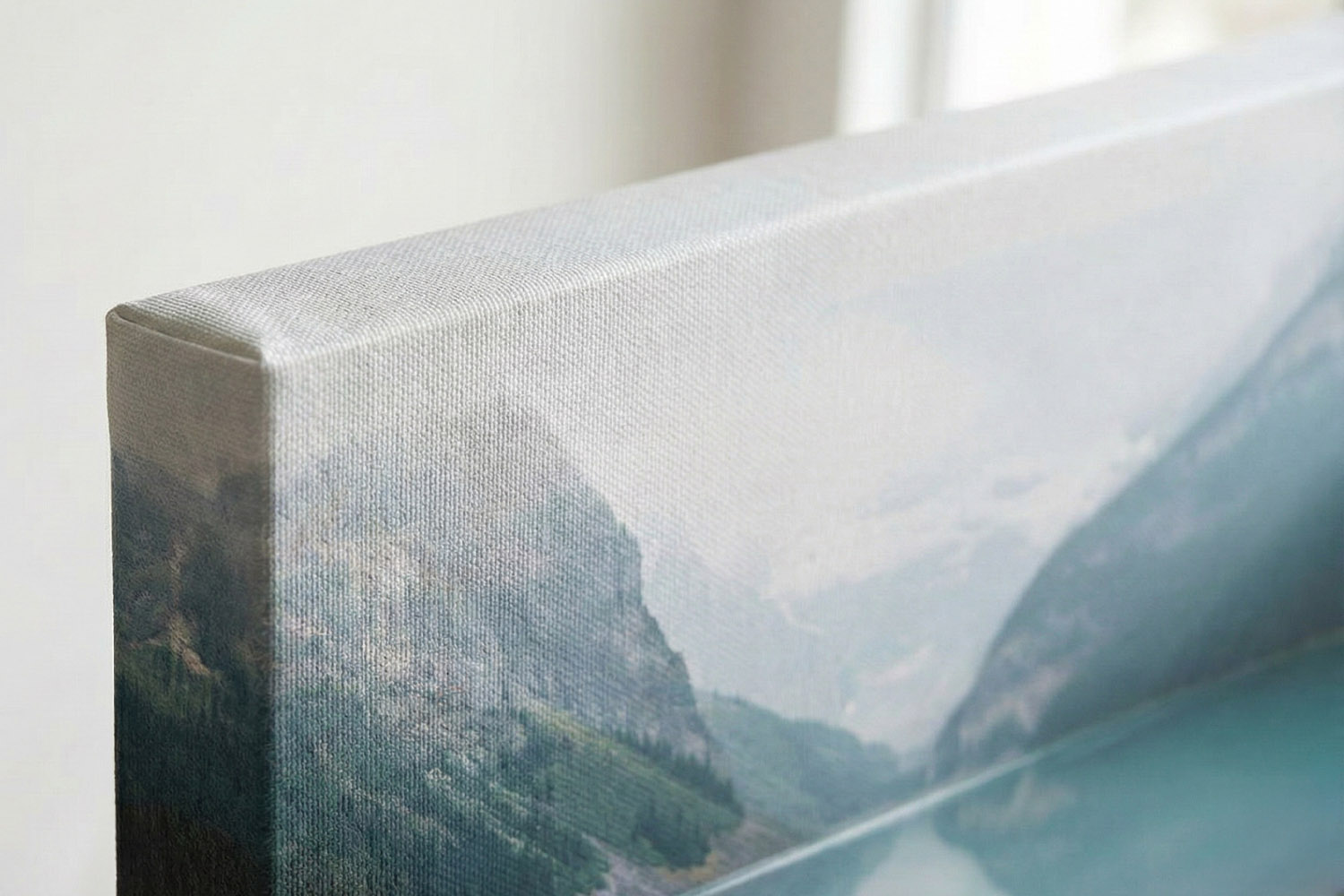
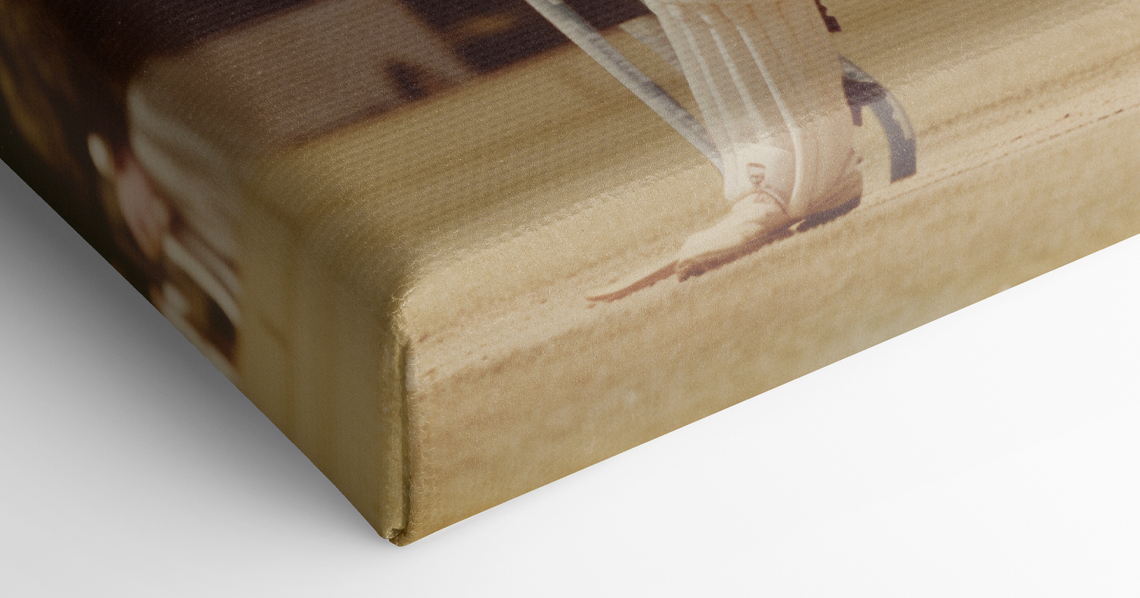
This canvas print highlights the quality of edge wrapping and detailed mountain landscape, perfect for adding depth to any room.
1) Get the basics right: resolution, size and file type
Canvas rewards good source material. A clear, well-lit photo will always print better than a dim or fuzzy one, even on a textured surface. Here’s how to set yourself up for success:
Match pixels to print size (roughly). For most canvases, aiming for 150–240 pixels per inch (ppi) is sensible. Canvas texture is forgiving, so you don’t need the pin-sharp 300 ppi often quoted for glossy paper. As a rule of thumb, a 12-megapixel smartphone photo (4032 × 3024 px) prints very nicely at 60 × 40 cm when viewed at typical sofa-to-wall distances, and looks even crisper at 40 × 30 cm. If your image is flagged as low-resolution in the editor, consider a smaller canvas or a different photo.
Know the canvas sizes on offer. Utterly Printable produces five handy formats: 20 × 20 cm, 30 × 20 cm, 30 × 30 cm, 40 × 30 cm and 60 × 40 cm—each in a Standard 1.8 cm or Premium 3.9 cm depth. The deeper wrap projects further from the wall and includes a free hanging kit.
Use the right file type. Upload JPG (best all rounder), PNG (great for crisp graphics), or PDF (if you have artwork with embedded settings). Avoid HEIC and RAW by exporting to JPG first. Keep edits “light touch” to avoid banding; heavy filters tend to amplify noise on larger prints. Maximum recommended upload size is 20 MB
.
Avoid screenshots. Screenshots are limited by screen resolution, aggressive compression, and often contain UI artefacts. They can look soft or blocky when enlarged. Always upload the original photo file from your camera roll or camera card.
Let the system help. Utterly Printable’s upload tool automatically checks your image’s resolution against the print size you’ve chosen and will warn if the file looks too small. It’s a quick, reliable confidence check before you proceed.
If you’re exploring sizes and depths, you can browse the full range of stretch canvas photo prints to see what suits your space.
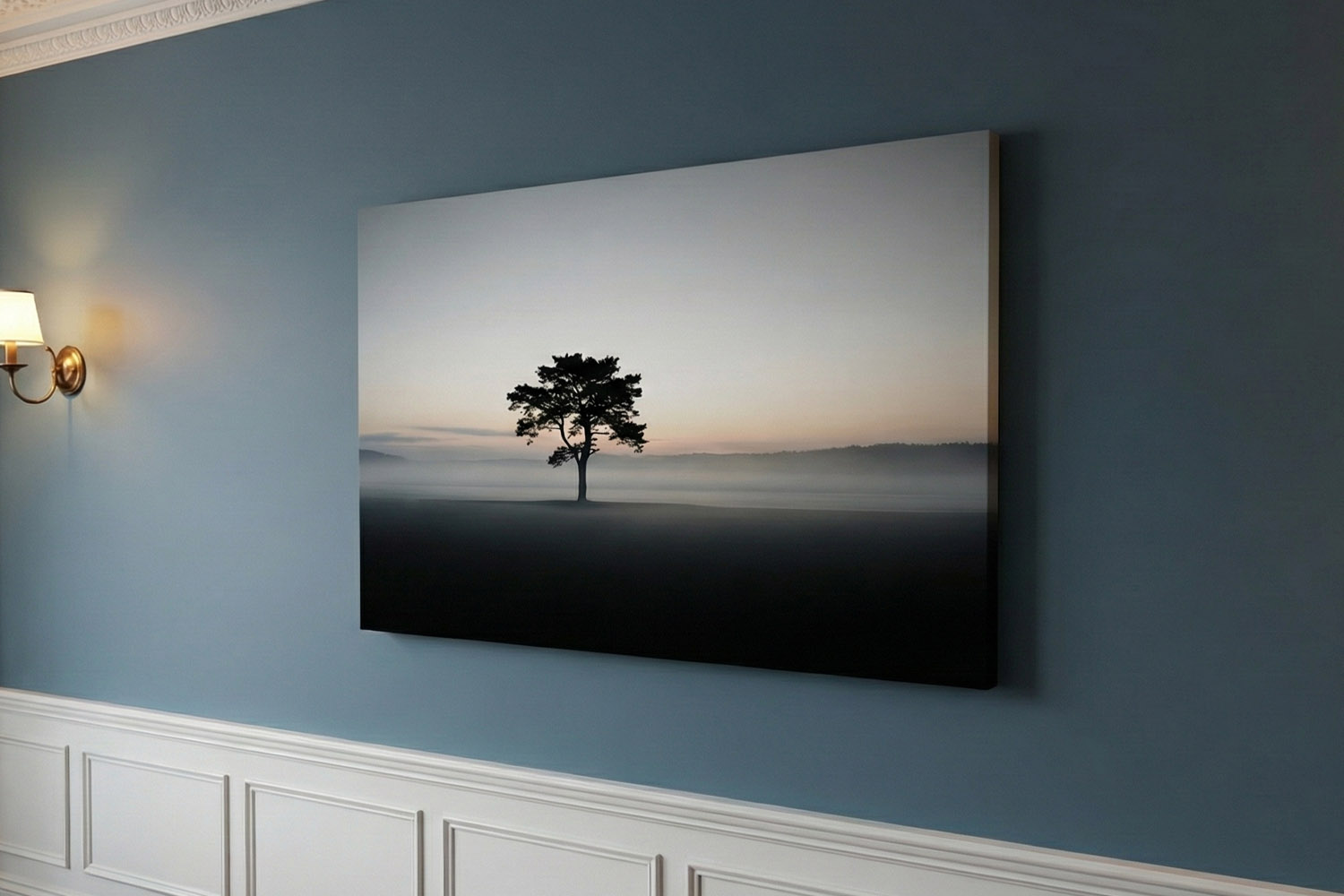
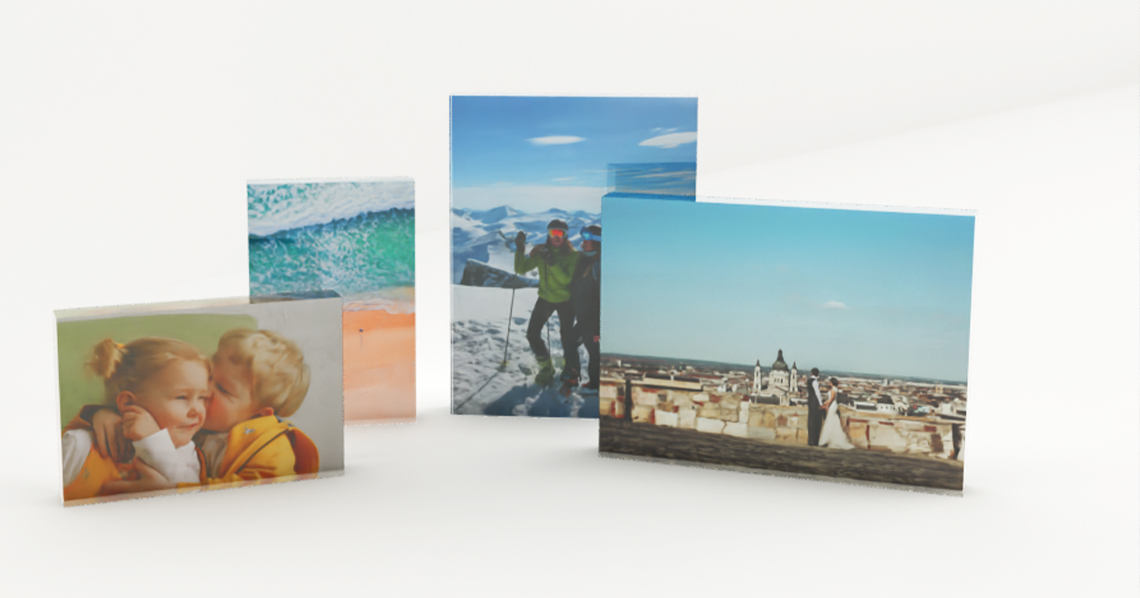
This canvas print showcases a serene landscape with a single tree at dawn, making it a striking focal point for any contemporary space.
2) Composition that sings on canvas
Canvas has presence. The texture gently diffuses ultra-fine detail and flatters bold shapes, clean lines and confident subjects. When you’re choosing (or cropping) your image, consider the following:
Favour strong, simple subjects. Close-ups, portraits, pet shots, architectural details, and minimal landscapes read beautifully from across a room. Look for a clear focal point and supportive negative space. If your photo is busy, consider a crop that simplifies the story.
Crop with the final shape in mind. The five formats include both square (20 × 20 cm and 30 × 30 cm) and rectangle options (30 × 20 cm, 40 × 30 cm, 60 × 40 cm). Square crops work well for centred portraits and bold florals; 60 × 40 cm is brilliant for sweeping beach scenes and cityscapes. If you’re struggling to choose just one picture, our lots-of-photos canvas designs are perfect for collages and gallery walls.
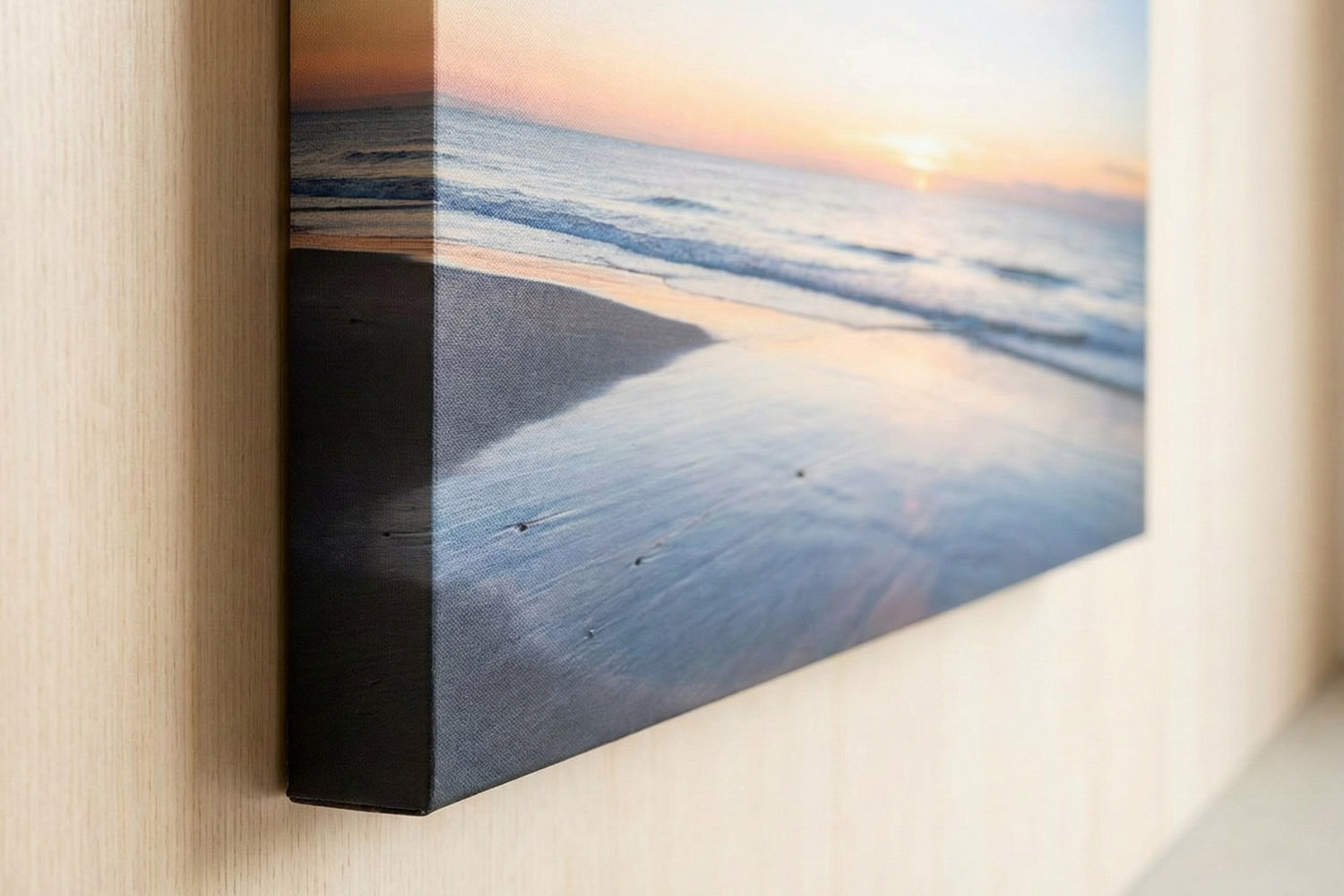
Keep key details away from the edge. Canvas is gallery-wrapped, which means the printed image continues around the sides of the frame. There are no mirror-wrap, colour-wrap or white-edge options at present; the picture itself forms the edge. So it’s wise to keep faces, signatures and vital details a comfortable distance from the borders. Bear in mind that a deeper 3.9 cm wrap will place slightly more of your image on the sides than the 1.8 cm version.
Think viewing distance. Above a sofa or bed, your canvas will be seen from a metre or two away. Big, legible shapes and mid-tone contrast tend to work better than super-delicate textures.
Prefer a crisp border and a frame rather than a wrapped edge? Take a look at framed photo canvases as an alternative.
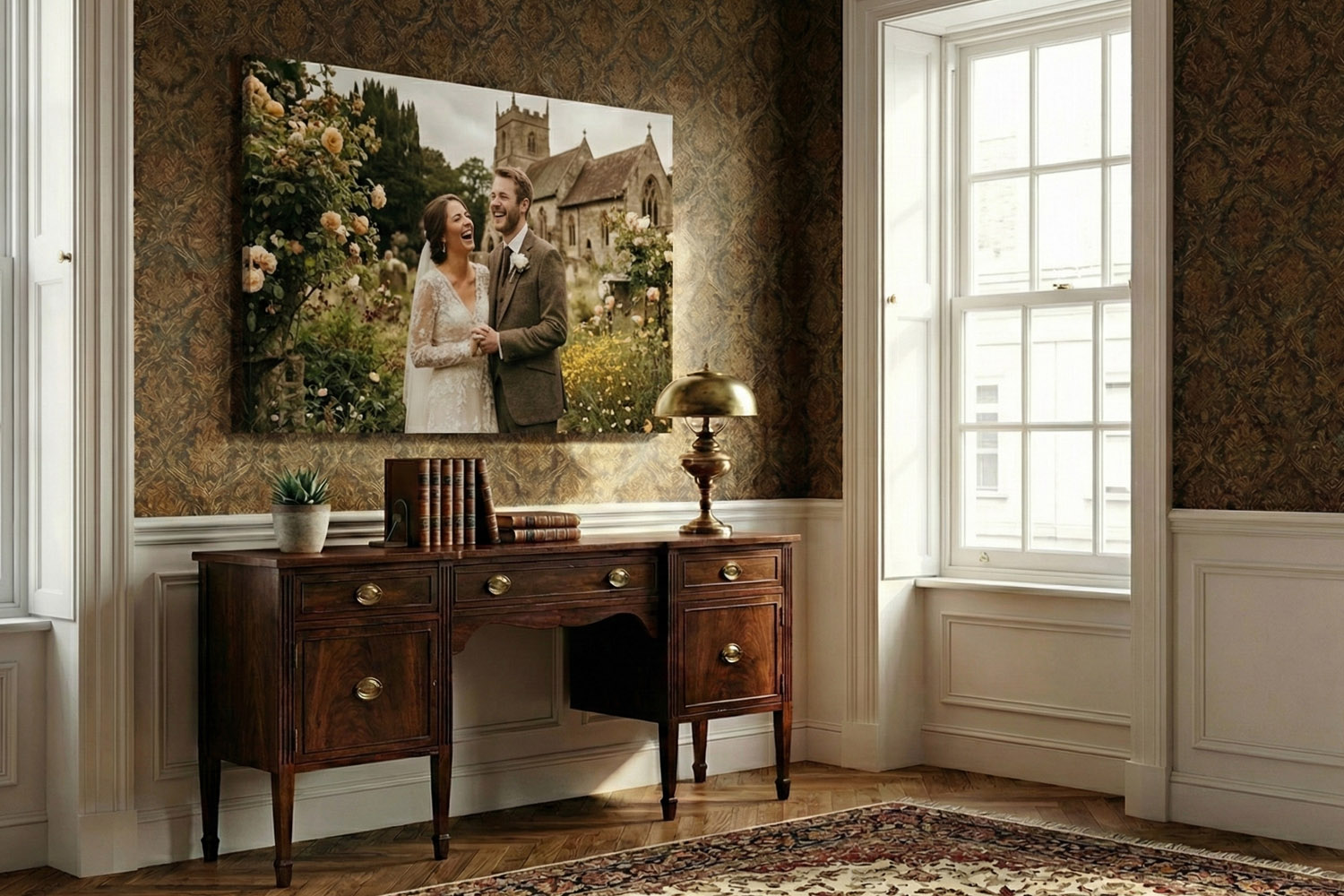
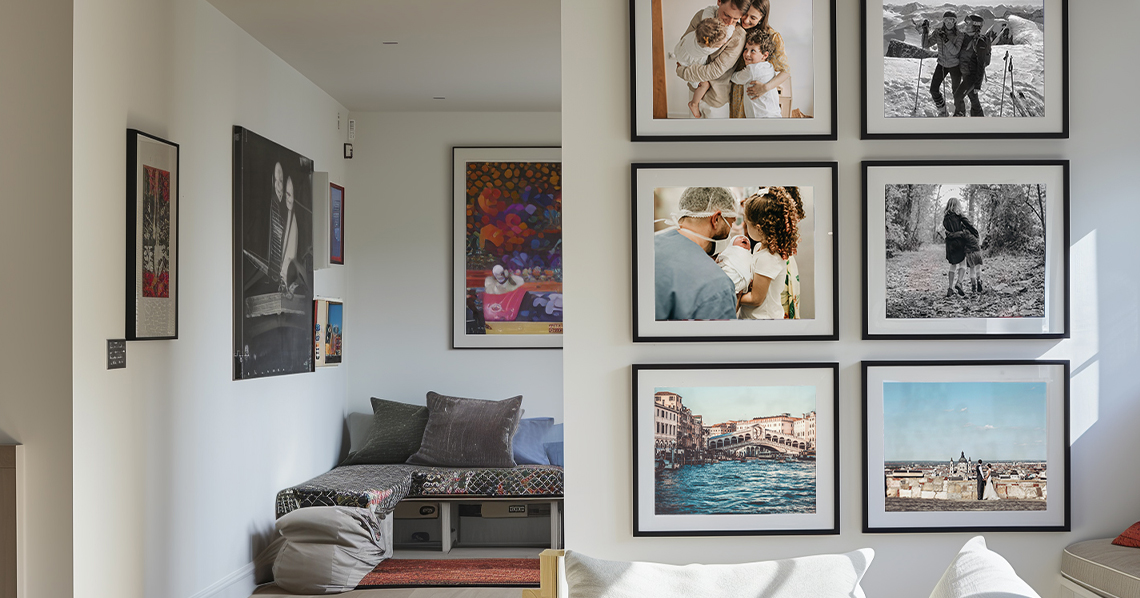
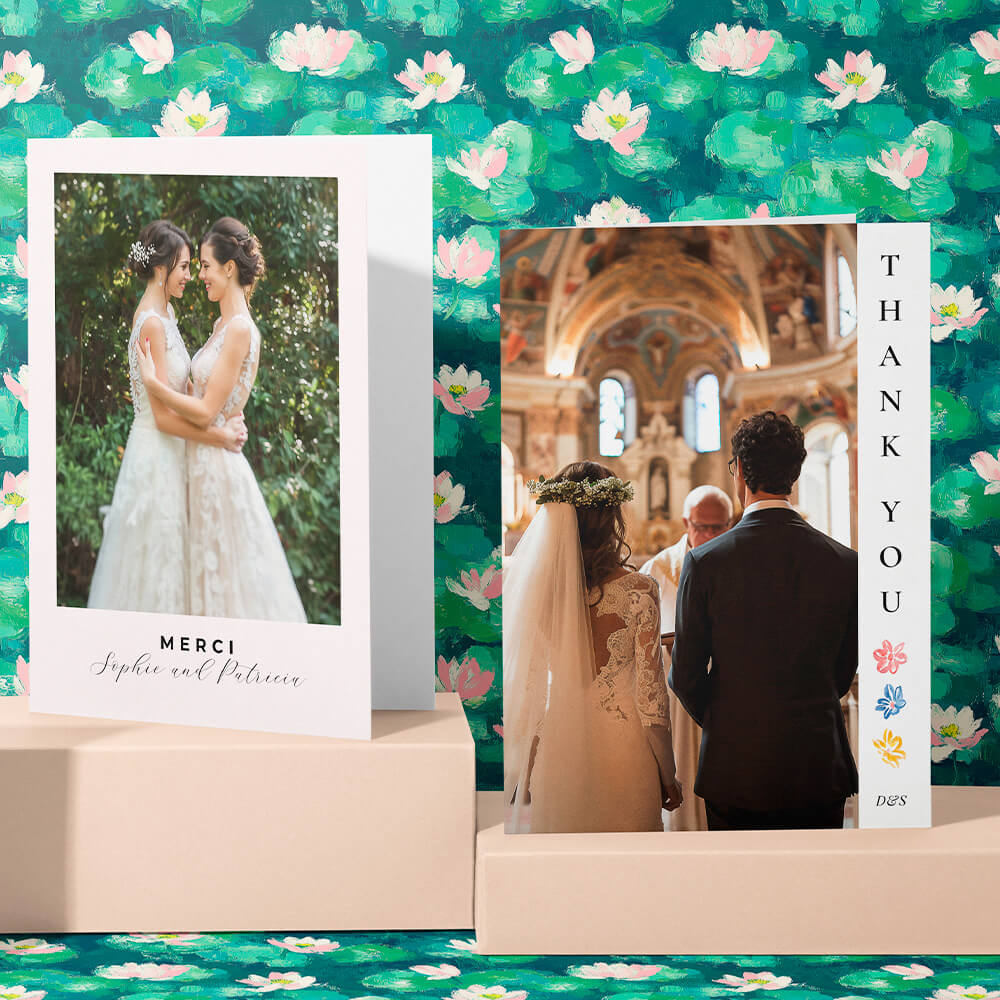
Elegant canvas prints with a romantic wedding scene add a personal touch to traditional interiors, perfect for home or office décor.
3) Colour, black-and-white and finishing touches
Colour photos: Canvas loves bright yet natural colour. If your image looks flat, a subtle lift in exposure and a gentle contrast curve can help. Be cautious with ultra-saturated filters—what looks punchy on a phone can skew skin tones or crush shadows on a larger print.
Black-and-white: Monochrome can be striking on canvas. Convert intentionally (not by desaturating) to preserve tonal range. True blacks, bright whites and a rich mid-tone spread give the classic gallery feel. Try a slight clarity or structure tweak to enhance texture—then stop.
Smartphone vs camera: Modern phones produce excellent files in good light. If you’re using a mobile shot, pick the “main” (non-zoom) lens, avoid heavy digital zoom, and shoot in bright, even light where possible. Lowlight images can show noise; canvas hides a little, but not all, grain.
Fine detail expectations: Canvas is printed with archival 12-colour inks on a robust, acrylic-coated polyester canvas. The texture adds depth and a tactile, gallery-style finish, slightly softening the razor-edge crispness you might expect from glossy paper—but in a way that flatters portraits and landscapes alike
.
Final checks before you order: Zoom in to 100% on a desktop if you can; check for motion blur, heavy noise, or compression artefacts. Make sure the crop respects the wrapped edges. If your image passes the upload checker and looks good on screen, you’re on the right track. You can also download a watermarked proof PDF before checkout to sanity-check the layout. When you’re ready, you can design and order directly from our canvas prints page—setup is quick, and every canvas arrives ready-to-hang.

Frequently Asked Questions
New to canvas? These short answers cover the basics we’re asked most often—from “how big is big enough?” to “why are my edges missing?”
For canvas, 150–240 ppi is a sensible target. As a rough guide, a 12 MP photo (4032 × 3024 px) suits 60 × 40 cm well in typical living-room settings; smaller sizes will look even crisper. If our upload tool warns the image is too small, consider choosing a smaller canvas or a different photo.
JPG, PNG and PDF are supported; the recommended maximum upload size is 20 MB. Avoid screenshots and export HEIC/RAW to JPG before uploading.
Utterly Printable canvases are gallery-wrapped: the image continues around the sides. Mirror-wrap, colour-wrap and white-edge options aren’t currently offered, so allow for that in your crop.
Try a smaller canvas size, choose a different photo, or reexport the original at full resolution (not a screenshot or thumbnail). Cropping tighter can help if the important subject still has enough pixels. Our resolution checker will guide you.
Usually yes—especially in good light, with the main lens and no heavy digital zoom. Canvas texture is kind to minor noise and makes colours feel rich. Check the upload rating before ordering.
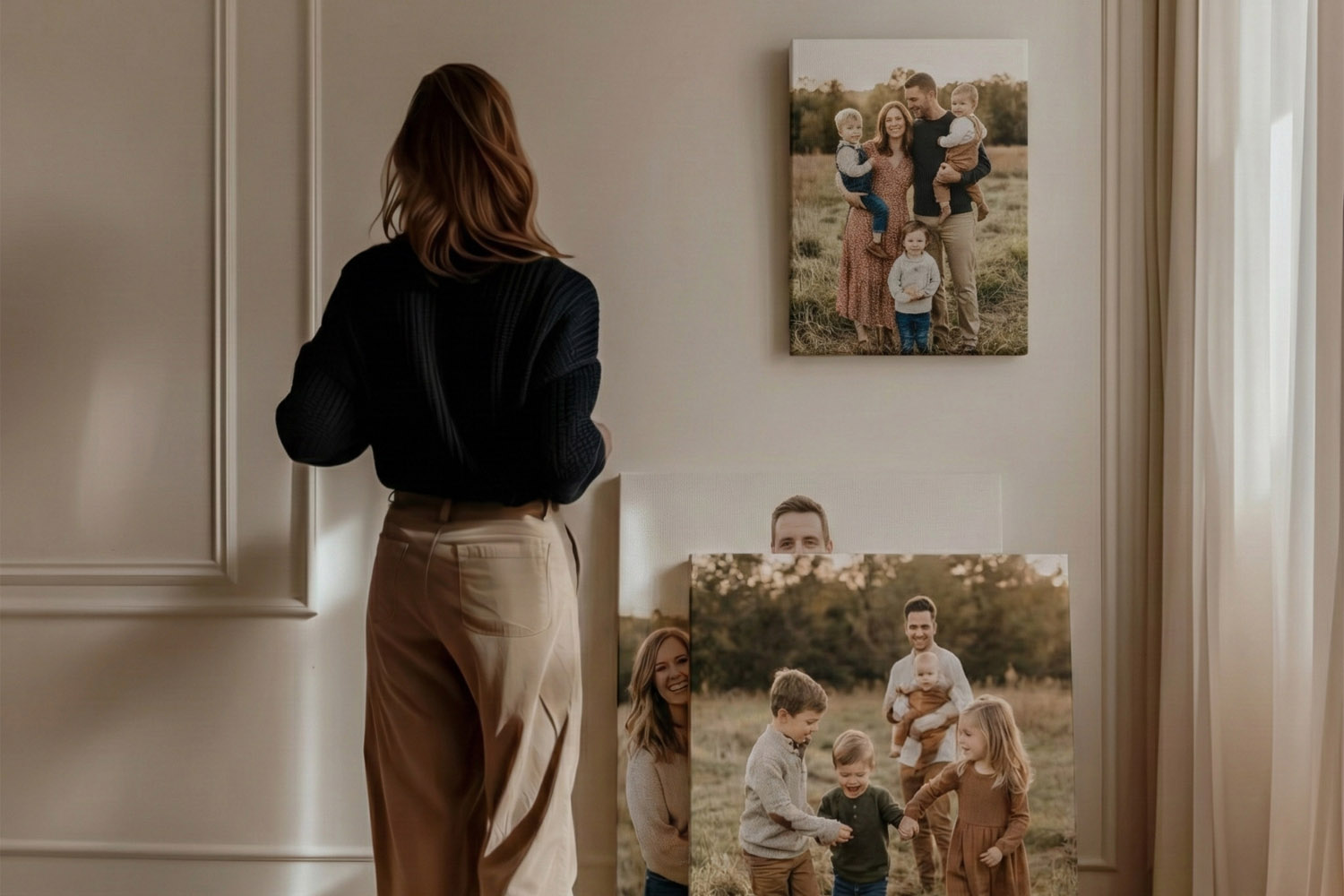
Canvas Prints vs Framed Prints: Which Should You Choose?
Deciding between canvas prints and framed prints for your wall art? This guide explains the differences in style, care, and suitability for various rooms, helping you choose the perfect format to complement your space and showcase your favourite photos beautifully.
Caring for Your Canvas Print: Cleaning, Placement & Longevity
Discover how to care for your canvas print with simple cleaning tips, smart placement advice, and guidance on preserving longevity. Learn the best ways to display, clean, and protect your photo canvas prints so they stay vibrant for years.
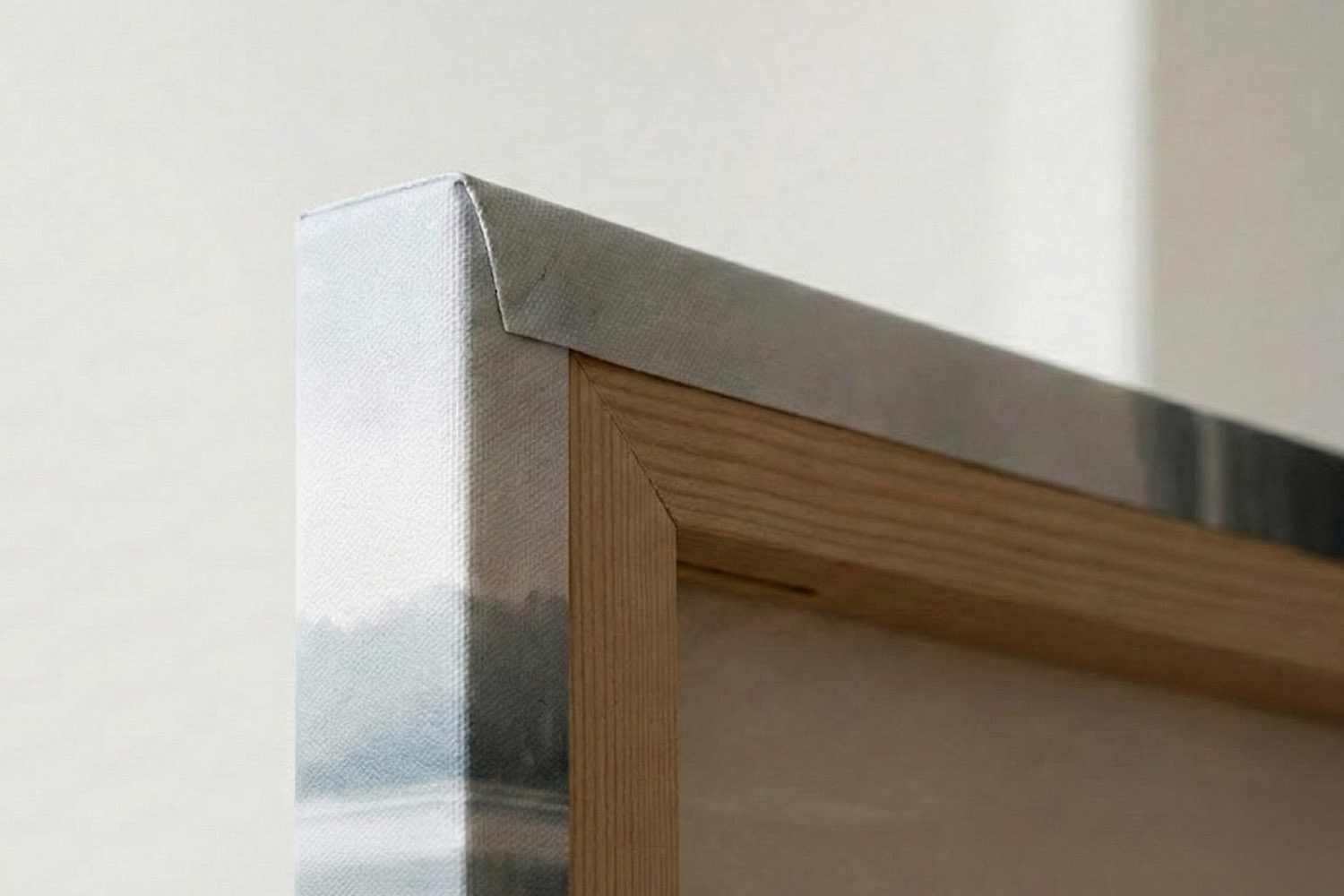
Understanding Canvas Wrap Styles: How the Edges Are Printed
Discover how canvas wrap styles affect the way your photo is printed around the edges, and learn simple tips to keep faces, text, and key details visible on the front of your canvas print for a polished, gallery-style finish.

Latest Blog Updates
Stretch canvas photo prints bring your favourite memories to life. Explore the blog for advice on image selection, canvas care, and styling these striking photo pieces in your home.