Managing Catering Numbers with a Digital Funeral RSVP
When you’re organising a funeral or memorial gathering, the catering head-count is one of the most practical—and stressful—details to pin down. A digital RSVP makes it simple to collect accurate numbers, note dietary needs, and share a clean summary with your venue or caterer. This guide explains how to use RSVP.studio for funerals to gather exactly the information you need, without adding extra pressure on the family.
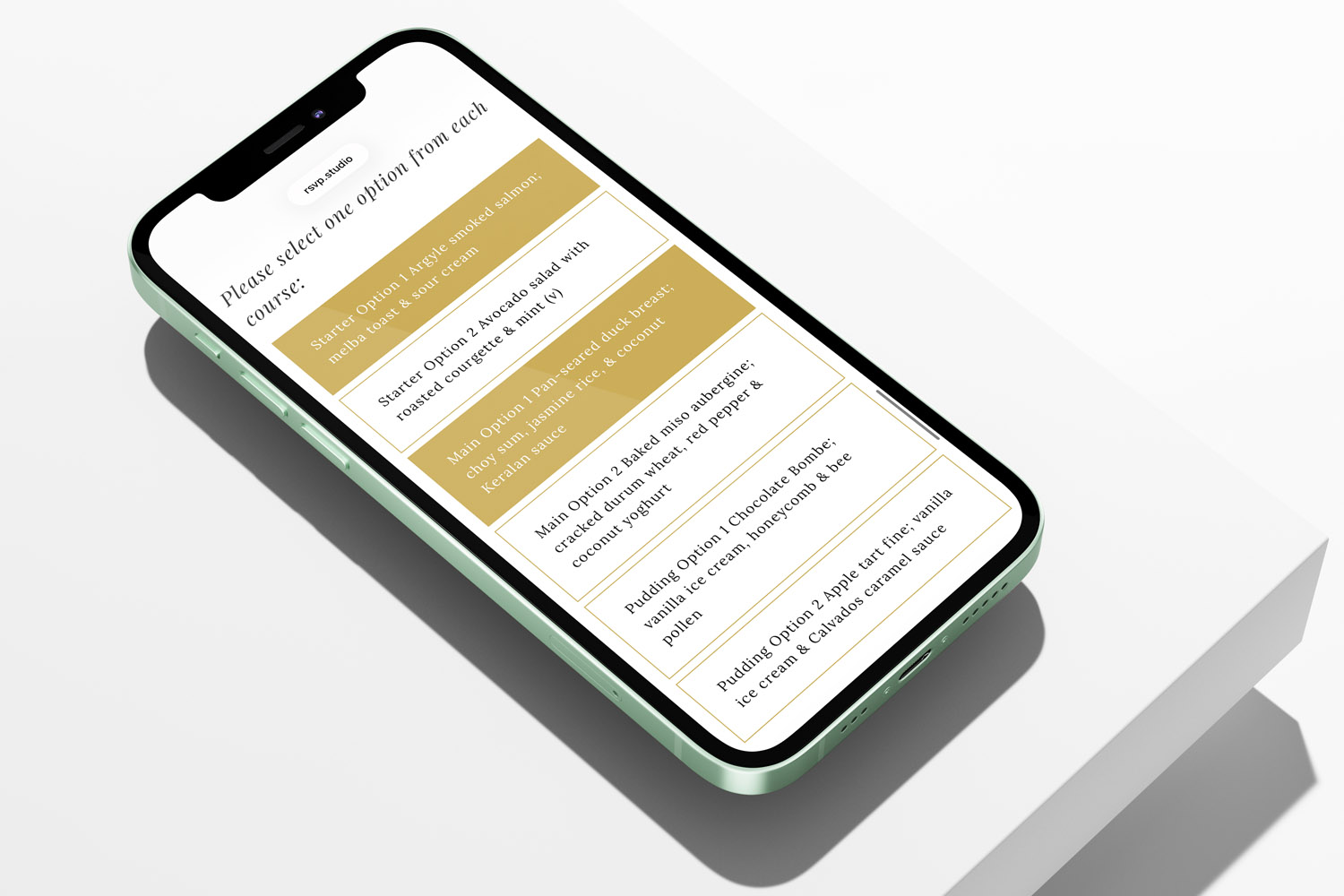
RSVP.studio funerals digital RSVP form lets guests select catering options easily on their phone, streamlining funeral event planning.
Why a digital RSVP is ideal for wake catering
Accurate catering depends on timely, consistent information. Paper reply cards and scattered emails can leave gaps, duplicates, or late updates. A dedicated online RSVP page brings everything into one place:
- One link for all details: Share a short custom web address (e.g., rsvp.studio/name) by email, text or WhatsApp.
- Clear sub-events: Add separate RSVP sections for the service, committal and wake, so you can measure interest in each part.
- Structured questions: Use multiple-choice and free-text fields to capture refreshment preferences, buffet choices and allergies.
- Capacity control: Apply attendee limits and plus-one rules for the wake to prevent over or under-ordering.
- Instant updates: Edit times, venues and notes in real time if plans change.
- Spreadsheet export: Download a tidy list of attendees and catering notes to pass directly to your caterer.
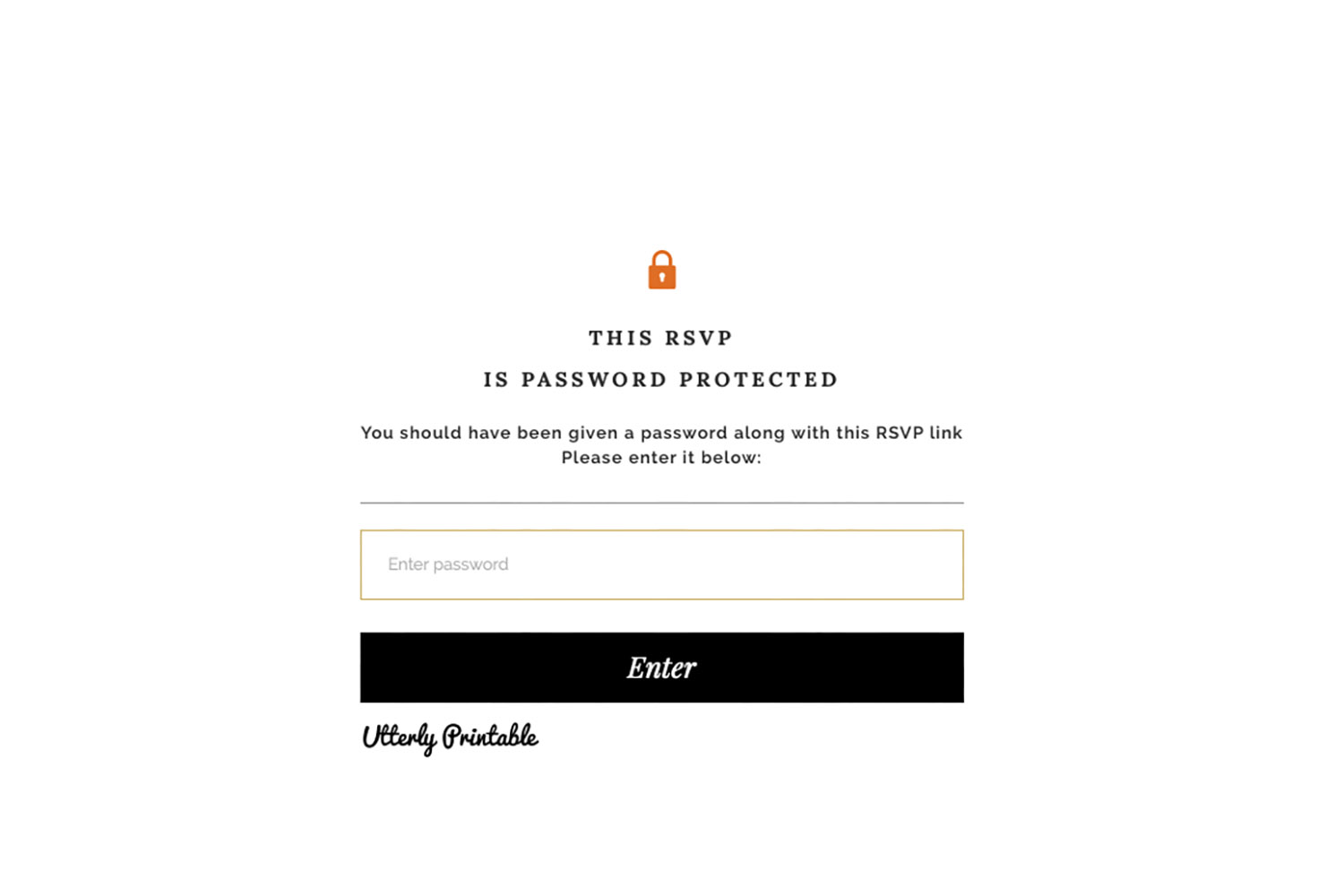
- Privacy when needed: Password-protect the page or pause RSVPs at any time.
- Fixed, low cost: Create the link for a one-off £12.50 and accept unlimited responses worldwide.

The screen shows a user clicking through settings to create and organise a website navigation menu for easier site browsing.
What to ask on your funeral RSVP page (with examples)
The aim is to collect just enough detail for a reliable headcount and a safe, respectful menu—without asking mourners to complete a long form. The following fields work well:
1) Attendance and headcount
- Will you attend the funeral service? (Yes/No)
- Will you join us for the wake or refreshments afterwards? (Yes/No)
- How many people will be attending with you? (Multiple-choice: Just me / 2 / 3 / 4+)
2) Catering choices
- Refreshments preference (Tea & cake / Light sandwiches / Hot buffet)
- Buffet options (e.g., Chicken / Vegetarian / Vegan)
3) Dietary requirements
- Please let us know about dietary needs or allergies (Free-text: “Gluten-free”, “Nut allergy”, “Halal”, “Dairy-free”)
4) Practical extras
- Transport/parking note (e.g., “Need a lift” / “Can offer a lift”)
- Message to the family (Free-text; many guests appreciate the chance to add a kind note)
Tips for helpful responses
- Keep choices simple and mutually exclusive so you can count them quickly.
- Use ranges (e.g., “3+”) for parties with children to avoid lengthy forms.
- Add a clear RSVP date so you can place your catering order in good time.
- If the venue has limited space, set an attendance cap on the wake sub-event.

Guests at a RSVP.studio funerals event mingle in a warm, inviting space, dressed in formal black and sharing quiet conversation
How to set up RSVP.studio (Funeral) for reliable catering numbers
Step 1 — Create your link
Purchase the RSVP once for £12.50 and choose a custom, easy-to-share URL. The page works on any phone, tablet or computer.
Step 2 — Add sub-events
Create separate sections for the service, a committal/cremation, and the wake. Each section has its own response button, giving you clean numbers for each part of the day.
Step 3 — Build catering questions
Add multiple-choice questions for refreshments/buffet choices and free-text for allergies. This structure prevents long, ambiguous answers and makes counting straightforward.
Step 4 — Control plus-ones and capacity
Use plus-one rules to manage guests bringing family members, and set attendee limits for the wake so you don’t exceed venue capacity.
Step 5 — Share the link
Send it by email, text or WhatsApp. If you’re printing stationery, you can include the link or a QR code inside your order of service booklet. If you need printed booklets, explore our main collection of funeral order of service templates or browse by style—such as classic order of service templates, modern designs, floral styles, elegant options or photo-led booklets.
Step 6 — Export for the caterer
Download your replies as a spreadsheet. Before sending to the venue, add a summary at the top, e.g.:
- “Wake attendance: 74 confirmed (incl. 9 children)”
- “Buffet: 38 standard, 22 vegetarian, 14 vegan”
- “Allergies flagged: 3 nut, 2 gluten”
This saves the caterer a call and helps them plan portions.
Step 7 — Keep control on the day
If numbers climb faster than expected, pause the wake RSVP or adjust the limit. If timings change, edit the page; guests will see the latest details immediately. For privacy, you can password-protect the page at any time.

Frequently Asked Questions
A few quick questions and answers to get you moving right away.
It standardises answers (so you can count quickly), shows live totals by sub-event (service vs wake), and gives you a clean spreadsheet you can forward to the venue—no chasing individual messages.
Yes. Add a wake sub-event and set an attendance limit. Once reached, you can pause replies or switch the question to “Join a reserve list” with a free-text note.
Keep it straightforward: Will you join us for the wake?; Refreshments preference (tea & cake/light sandwiches/hot buffet); Buffet choice (standard/vegetarian/vegan); Dietary needs/allergies (free-text). This gives caterers all they need.
Send the link by email, text or WhatsApp. You can also print a short URL or QR code on your announcement card or inside the order of service so people can reply on their phones.
Yes. Real-time edits let you update times, venues, and notes instantly. There’s no need to resend anything—the page always shows the latest information.
Further help: If you’re just getting started, the full overview of our funeral RSVP tool is here: digital funeral RSVP. And if you’re printing keepsake booklets for the day, explore our main collection of funeral order of service templates including classic, modern, floral, elegant and with-photos designs.

Multi-event funerals: collecting RSVPs for the service, committal and wake
Planning a multi-event funeral can feel overwhelming, but collecting RSVPs for the service, committal, and wake is made simple with RSVP.studio. Learn how to organise attendance, manage details, and keep everyone informed with ease and respect.
Privacy & security for online funeral RSVPs: a practical guide
Learn how RSVP.studio helps you protect privacy and security when managing online funeral RSVPs. This guide covers password protection, data handling, and guest visibility, ensuring sensitive funeral details are shared safely and you remain in control.
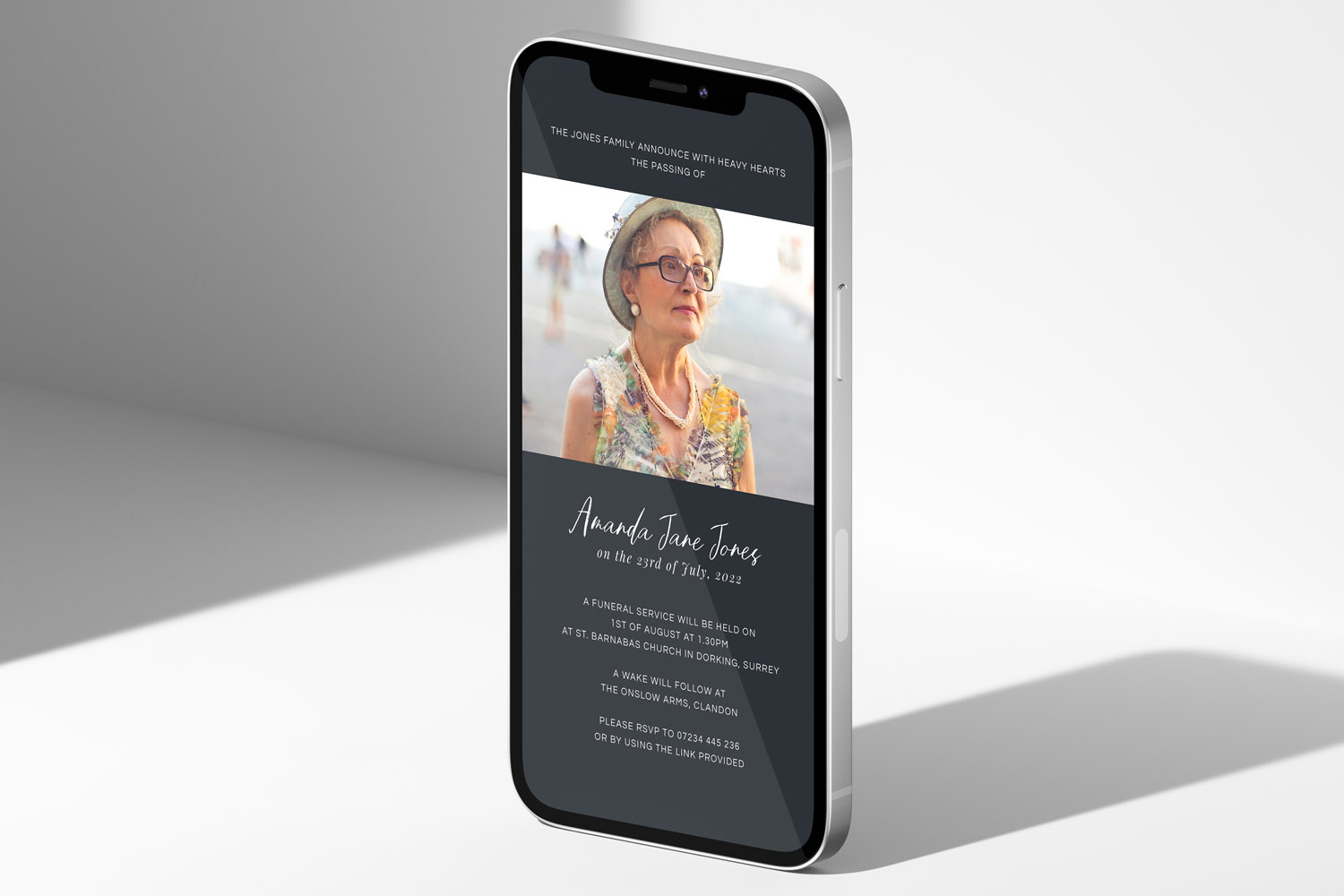
Sharing a Funeral RSVP Link on WhatsApp, Email and Social Media
Learn how to share a funeral RSVP link thoughtfully across WhatsApp, email, SMS, and social media. This guide covers step-by-step instructions, privacy tips, and helpful wording, making it easier to invite guests and manage responses with care.
What to include on a funeral RSVP page
Creating a thoughtful funeral RSVP page helps guests find essential details and respond with ease. This article guides you through what to include on a funeral RSVP page, ensuring clear communication, accessibility, and sensitivity for a smooth planning experience.
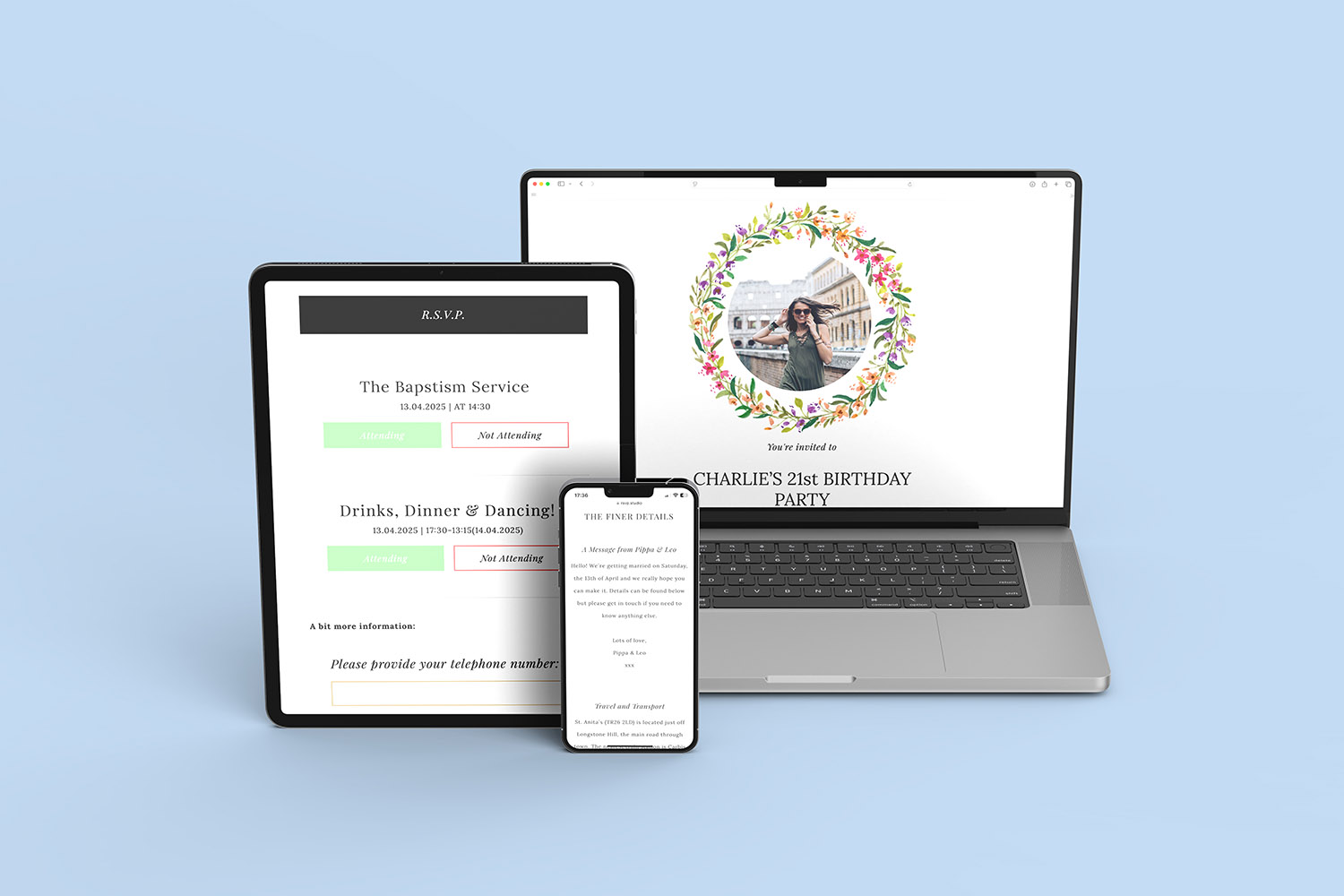

Ideas & Inspiration
Online digital funeral RSVP tools make organising memorial events easier. Explore the blog for tips on customising RSVP pages, managing responses, and ensuring seamless guest communication.