Choosing the right photo for your baby thank you cards
Selecting the photograph is the moment most new parents pause on—and understandably so. The right image turns a simple note into a keepsake. This guide walks you through how to pick and prepare a photo that will print beautifully on Utterly Printable’s baby thank you cards, with clear advice on formats, sizes, lighting and composition. If you’re still exploring design options, you can browse and customise our full range of Baby Thank You Cards at any time.
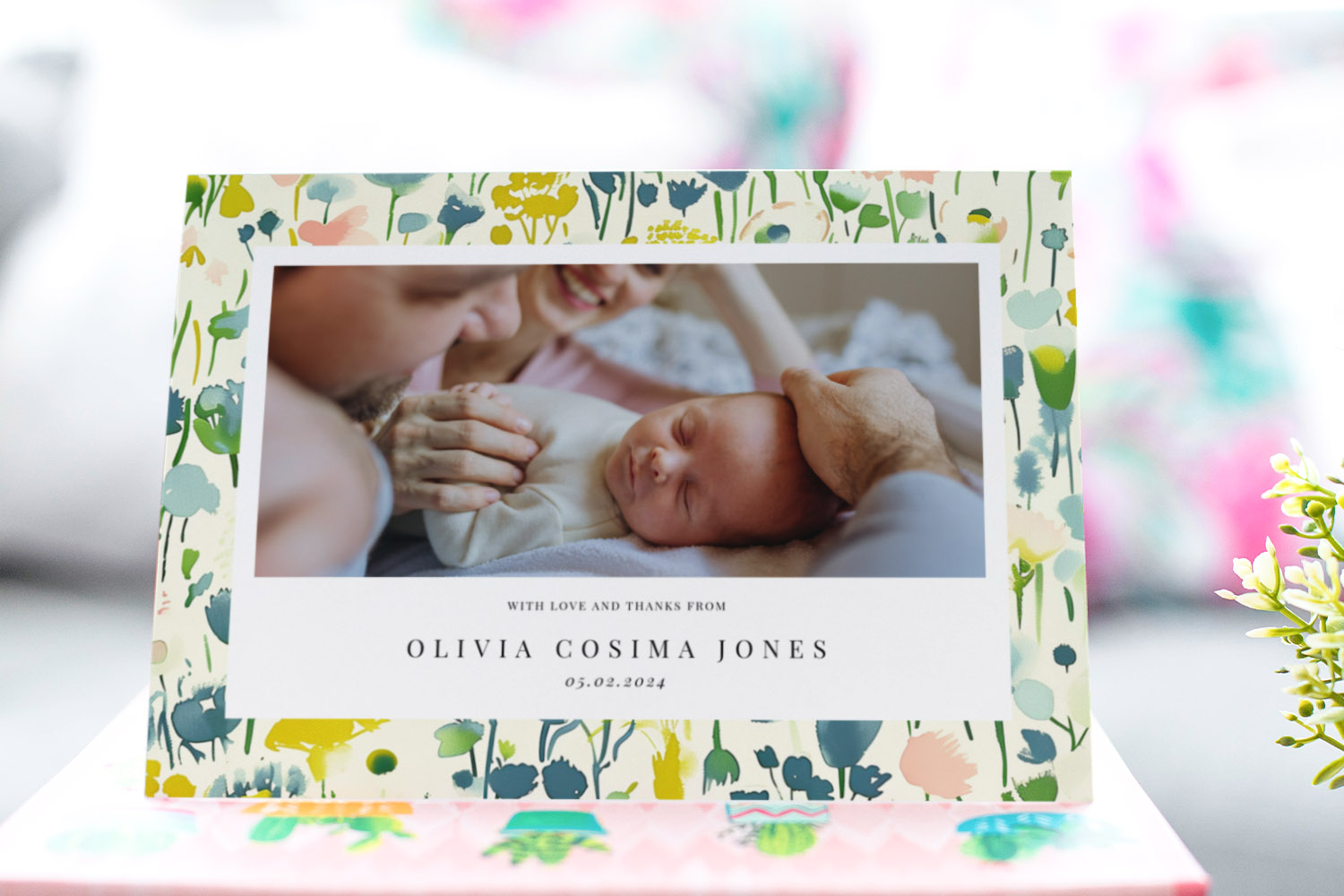
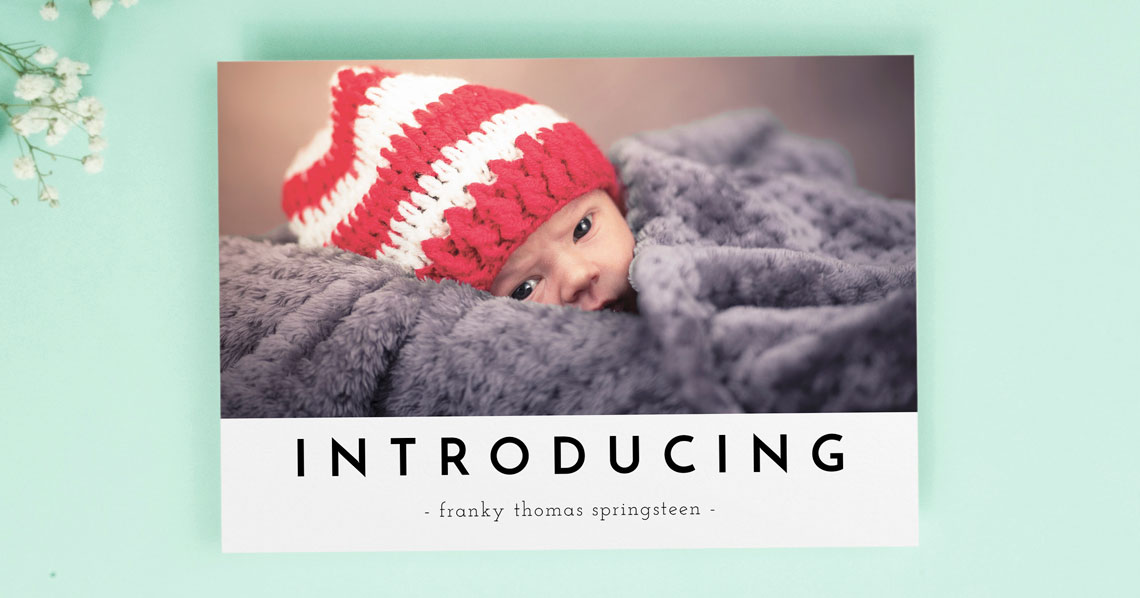
Personalised baby thank you cards with a colourful floral border and space for your favourite newborn photo and custom message.
1) Start with format and size: match your photo to the canvas
Before you decide on the image, decide where it will live. Card format and size shape the crop, the sense of scale, and the space left for your message.
Flat postcards vs folded cards
- Flat (postcard) cards give your image maximum real estate and feel contemporary—ideal for a bold, full-bleed photo or a simple collage.
- Folded cards create a more traditional, keepsake feel. A single hero image on the front works well, with space inside for a longer message, additional photo, or both.
Common sizes and what they mean for your photo
- A6 (148 × 105 mm) is compact and charming—great for a single close-up or a tight collage.
- A5 (210 × 148 mm) offers more impact: perfect for a standout portrait where you want tiny details—eyelashes, little fingers—to shine.
- Square 148 × 148 mm suits symmetrical compositions and classic baby portraits (think centred, with lots of soft background).
- 5″ × 7″ (127 × 178 mm) balances the feel of square and A6, useful if your favourite image isn’t quite square but you want a slightly taller canvas.
Orientation considerations
Portrait photos naturally suit portrait cards; landscapes love landscape. Folded cards can be set as a top fold (landscape) or a side-opening portrait—choose the option that flatters your photo’s shape and the direction your baby is facing.
Template types to help your photo shine
Utterly Printable’s photo-first templates are designed to give imagery pride of place. If you’d like to feature more than one moment (e.g. a sleepy yawn and a wide-eyed grin), look for collage layouts. Prefer a cleaner, trend-led look? Browse our modern baby thank you card designs. If a gentle pastel theme is more your style, you’ll find plenty of light pink baby thank you cards. Or simply explore all baby thank you card styles to see what fits your photo best.
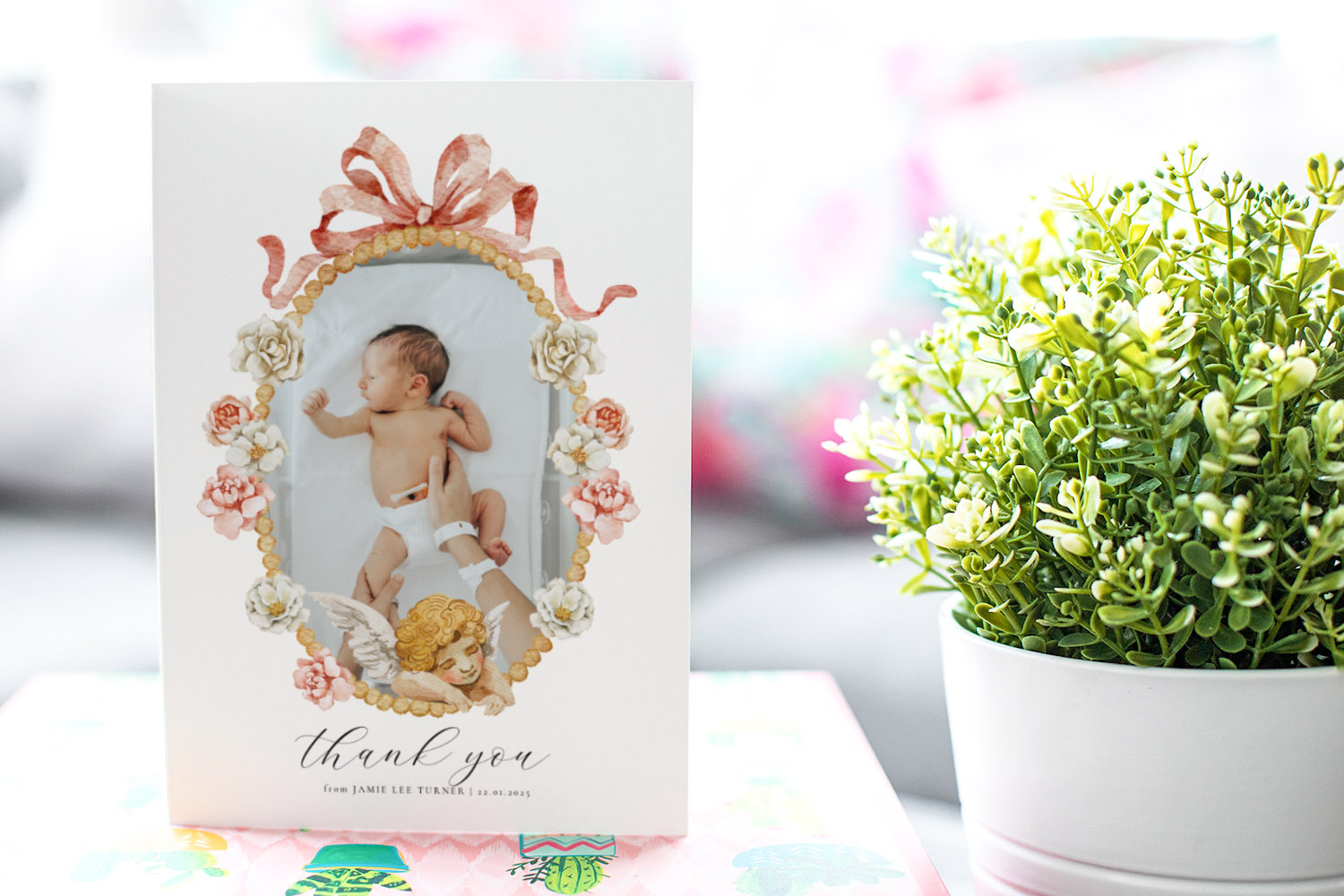
Elegant baby thank you cards with a newborn photo and decorative floral border, perfect for expressing gratitude to friends and family.
2) Capture (or choose) a photo that prints beautifully
You don’t need professional kit to produce a print-worthy image—smartphone photos are more than up to the task with a little care.
Use soft, natural light
- Place your baby near a window with indirect daylight. Turn off overhead lights to avoid colour casts.
- Outdoors, open shade (under an overhang or a tree) is ideal. Early morning or late afternoon produces gentle, flattering light.
- Position the light source at roughly 45° to your baby for soft modelling and sparkle in the eyes.
Keep backgrounds calm
A plain blanket, neutral bedspread or a softly textured swaddle keeps the focus on your little one. Busy patterns steal attention and can create moiré when printed.
Candid vs posed
- Candid moments—stretching, yawning, tiny fingers wrapped around yours—feel honest and warm.
- Posed portraits—your baby sleeping on their side, or looking towards the camera—are timeless.
Either can work beautifully. Pick the image that feels most “you”.
Composition tips that help with cropping later
- Leave a little “breathing room” around the head and hands so you aren’t forced to crop too tightly when you switch between A6, A5 or square.
- If you know you’ll use a square card, compose with a square frame in mind (most phone cameras let you preview this).
- Consider the direction of gaze. If your baby looks left, place them slightly right of centre so they’re “looking into” the frame.
Aim for crisp focus
- On a phone, tap the face to set focus and exposure.
- Keep the camera as steady as possible (brace elbows on a table or use a cushion).
- Avoid motion blur by shooting in good light; if indoors, nudge ISO as little as possible to keep grain low.
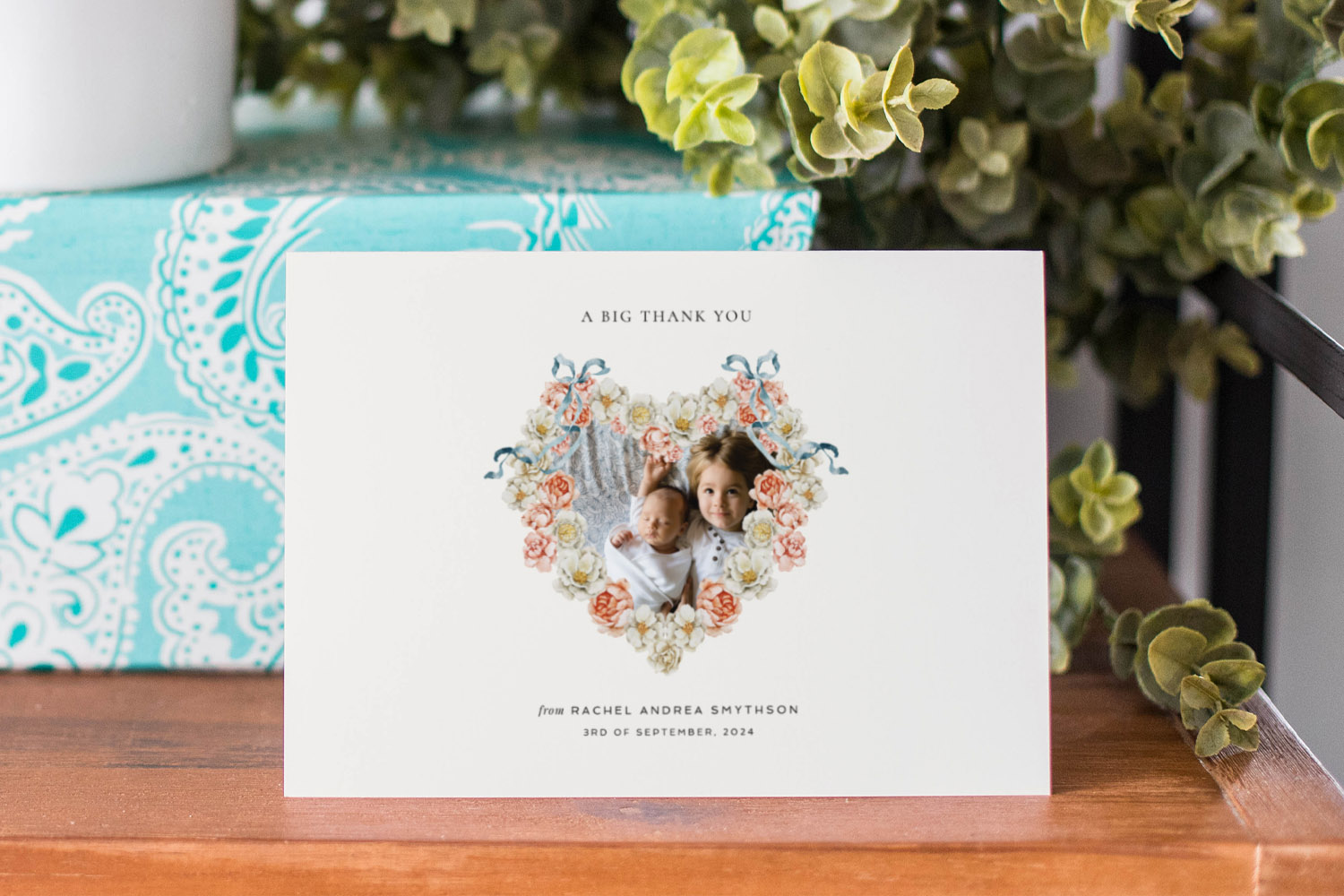
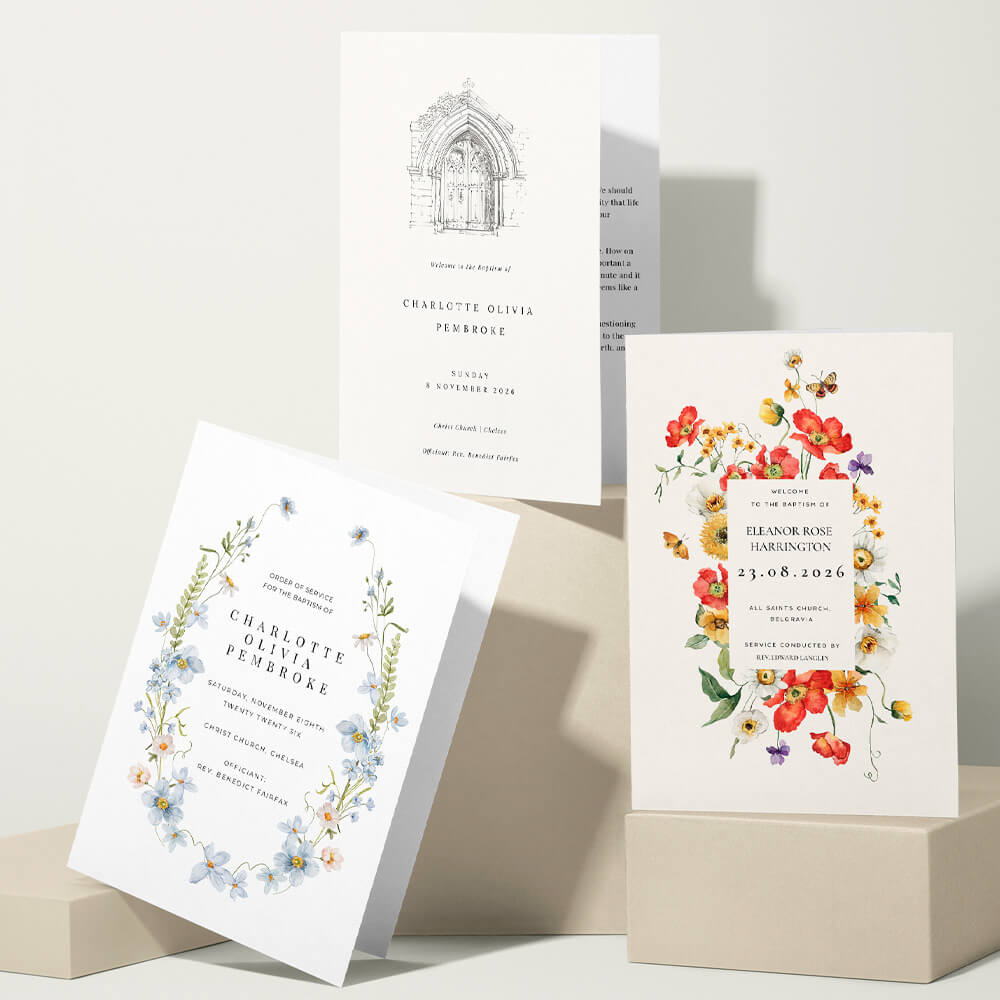
Elegant baby thank you cards featuring a heart-shaped floral frame with two children, perfect for expressing gratitude to loved ones.
3) Prepare the file for confident printing (quality, crop, and finish)
A few quick checks ensure your favourite shot holds up in print—and makes the most of Utterly Printable’s photo-led finishes.
Resolution: the simple rule of thumb
For sharp results, aim for 300 dpi at final print size. In pixel terms, that’s roughly:
- A6 (148 × 105 mm) ~1748 × 1240 px
- A5 (210 × 148 mm) ~2480 × 1748 px
- Square 148 × 148 mm ~1748 × 1748 px
- 5″ × 7″ 1500 × 2100 px
Most recent phones exceed these figures; just avoid heavy cropping that reduces resolution.
Orientation & cropping checks
- Switch your chosen image between portrait, landscape and square crops to see which suits it best.
- Keep eyes and key details well inside the frame; leave a small margin so nothing important sits on the very edge.
- If you’re adding text or a name overlay, choose an image with some “negative space” (a plain area) for the wording to sit on comfortably.
Single image or collage?
- Single standout image: best when one photo says it all—razor-sharp eyes, lovely light, simple background.
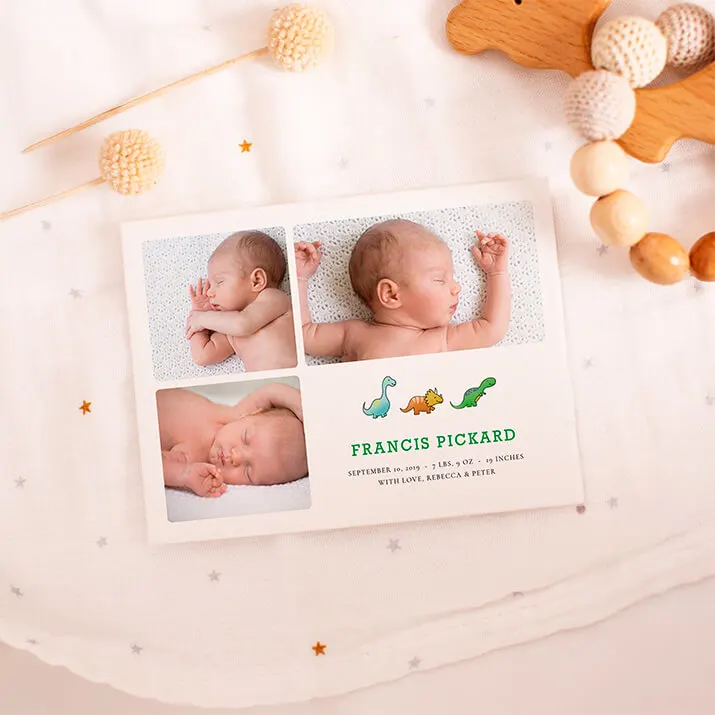
- Two to three photos: perfect for showing different moods (awake/asleep) or including a sibling/parent without losing intimacy.
- Collage grids: helpful for twins or multiples, or when you want to share close-ups (tiny toes) alongside a wider portrait.
Utterly Printable’s photo-first templates include clean collage options that keep layouts balanced and easy to read.
Paper that flatters photos
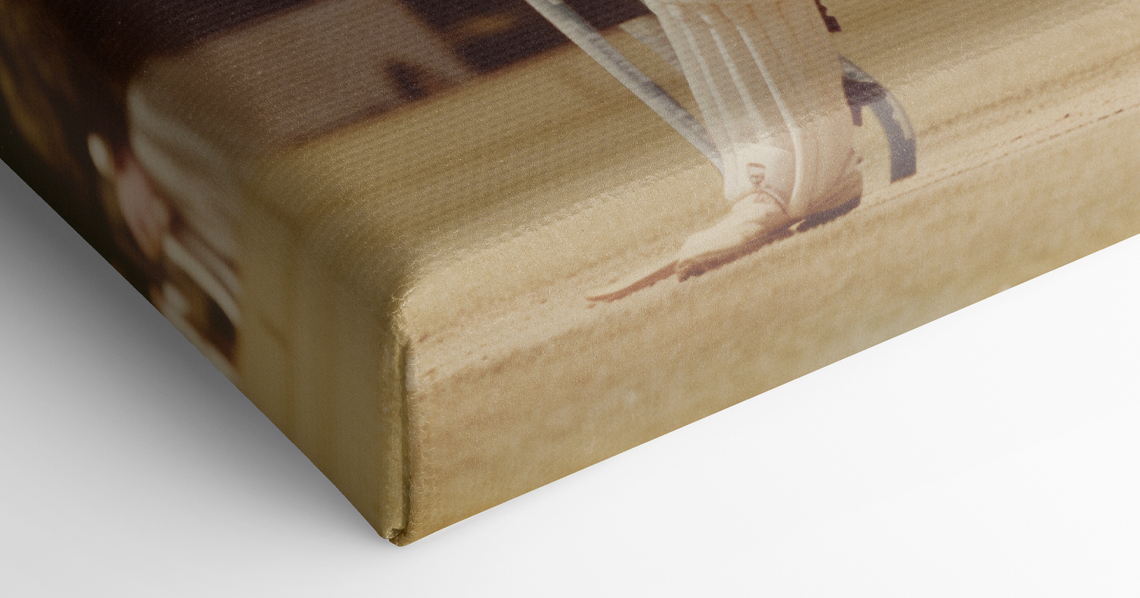
If you want your colours and fine details to sing, consider printing on a Photo Silk Touch 400gsm card. The bright white base and gentle sheen help enhance colour and perceived sharpness—ideal for image-led designs. If you prefer a softer, tactile feel, a lightly textured stock paired with a simple portrait can look beautifully understated. Either way, keep exposure bright and skin tones natural for the most pleasing result.
Colour and finishing tips
- Avoid heavy filters; subtle editing (exposure, contrast, white balance) is best for print.
- Warm up cool, bluish indoor shots slightly so skin looks healthy and soft.
- Convert to black & white only if the image is strong without colour (great for very simple, classic designs).
Final pre-print checklist
- Is the image bright, clean and in focus at 100% zoom?
- Does the crop suit your chosen size and format (A6 vs A5 vs square vs 5″ × 7″)?
- Will text be readable against the image (or would a template with a caption panel work better)?
- Have you compared how your favourite photo looks across a couple of designs—e.g. a bold image-led layout vs a softer pastel card like those in our light pink selection?
When you’re ready to personalise, head to the main Baby Thank You Cards page to choose a template and upload your photo with confidence.

Frequently asked questions
New parents often ask the same practical questions about image quality, cropping and style. Here are clear answers to help you move from “unsure” to “done”.
Absolutely. Most recent phones produce files large enough for A6, A5, square and 5″ × 7″ cards. Just pick a well-lit image and avoid heavy cropping.
As a rule of thumb, aim for 300 dpi at the final size (e.g. about 2480 × 1748 px for A5, or 1748 × 1748 px for a 148 mm square). Higher is fine; lower may look soft in print.
Let the photo decide. Portraits suit portrait cards; wide, scene-setting shots favour landscape; balanced, centred images look great on a square. If you’re undecided, try your favourite image on a square layout first.
Shoot in good natural light, steady the phone on a cushion or table, and take several frames in quick succession. Choose the sharpest.
Pick a single image when one photo clearly outshines the rest. Choose a collage when you want to show different expressions or include detail shots. Our photo-led designs include tasteful collage options that won’t feel cluttered.
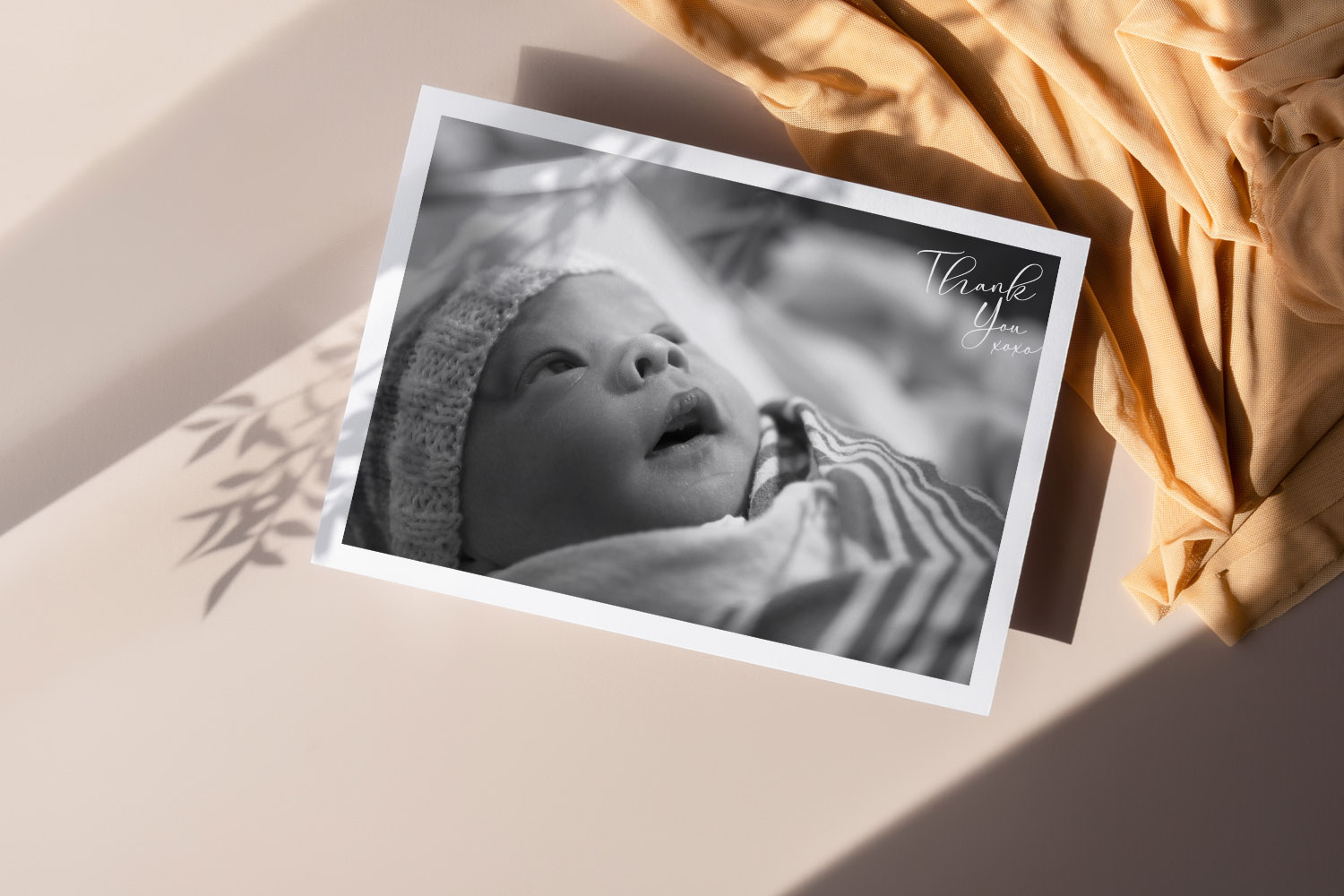
Designing a Baby Thank You Card Online — Step-by-Step Help
Discover how to design a personalised baby thank you card online with this step-by-step guide. Learn about choosing templates, uploading photos, adding QR codes, and selecting paper options, so you can create a heartfelt card quickly and easily.
Flat vs folded baby thank you cards — which format should you choose?
Discover the benefits of flat versus folded baby thank you cards in this guide, comparing photo-centric flat options with spacious, keepsake folded designs to help you choose the ideal way to express gratitude and share your favorite baby photos.
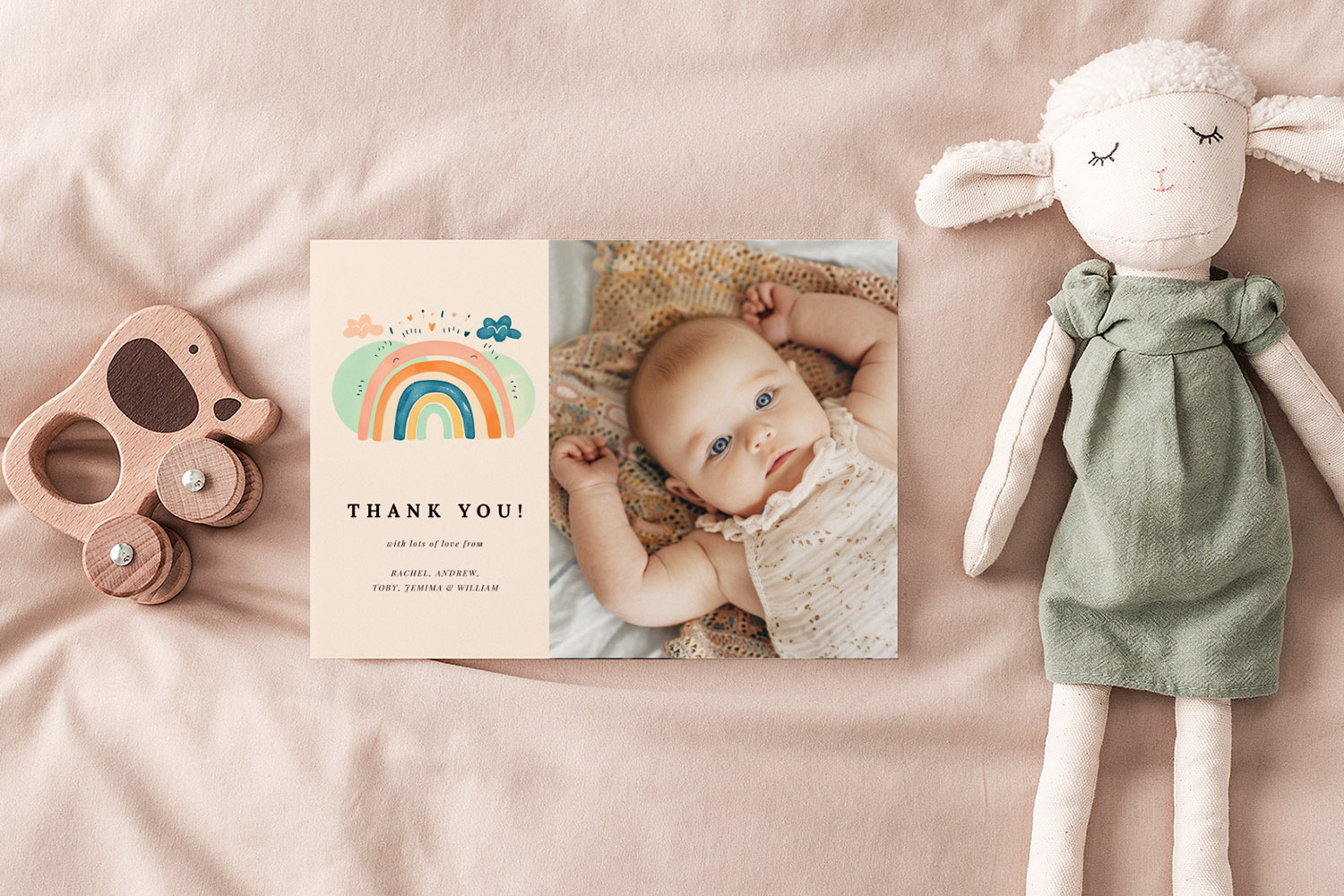
Products related to baby thank you cards:

The Utterly Printable Blog
Our collection of baby thank you cards lets you express heartfelt gratitude in style. Discover expert advice on wording, customisation options, and creative ideas for your perfect thank you cards.