How to Add Photos to Your Christening Order of Service
Create a meaningful, photo-rich keepsake without crowding the essentials
A christening booklet can do more than guide guests through the service—it can tell a small family story. This guide walks you through tasteful ways to add photographs to your Christening Order of Service while keeping hymns, readings and prayers easy to follow. You’ll find placement ideas, pixel-perfect setup tips, and advice on colour and balance. If you’re ready to design, you can start with Utterly Printable’s A5 templates here: Christening Order of Service. Utterly Printable offers fully personalised A5 programmes in 4, 8, 12, or 16 pages, with unlimited photos, free downloadable proofs, and optional QR codes—ideal for links to livestreams or galleries.

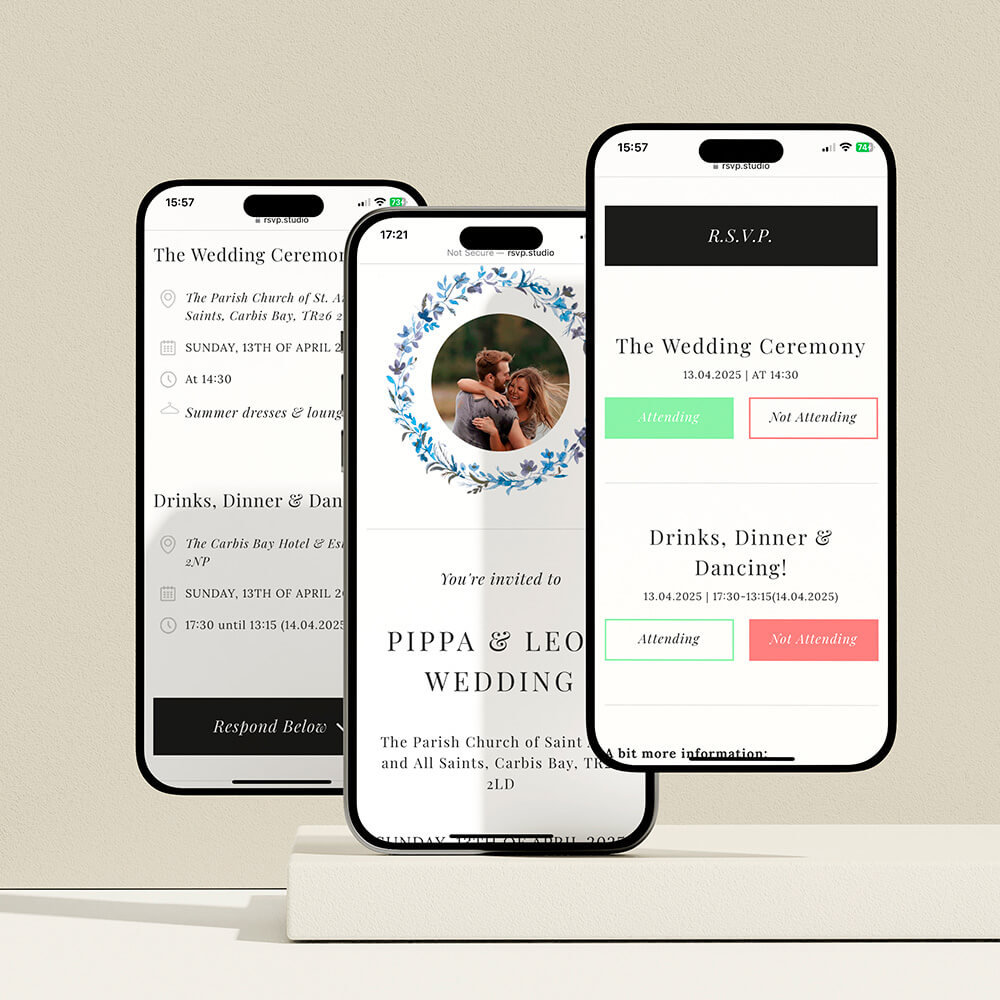
The user uploads, places, and adjusts photos inside a personalised template using the online design studio.
1) Where photos work best in a christening booklet
Thoughtful placement helps your pictures feel intentional rather than “stuck in”. Start with these anchor points:
Front cover portrait
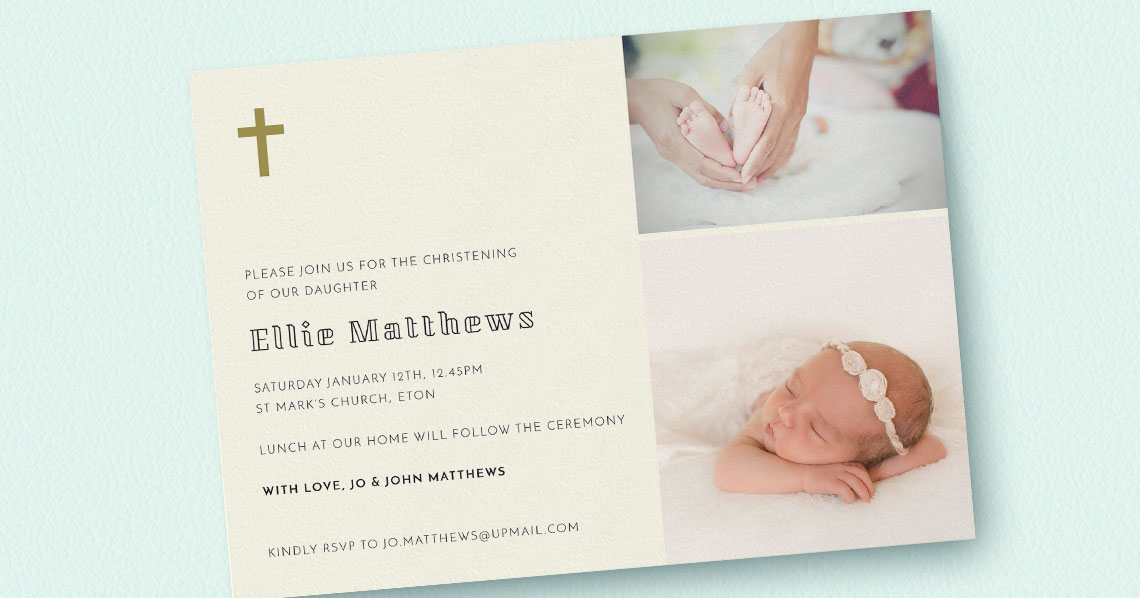
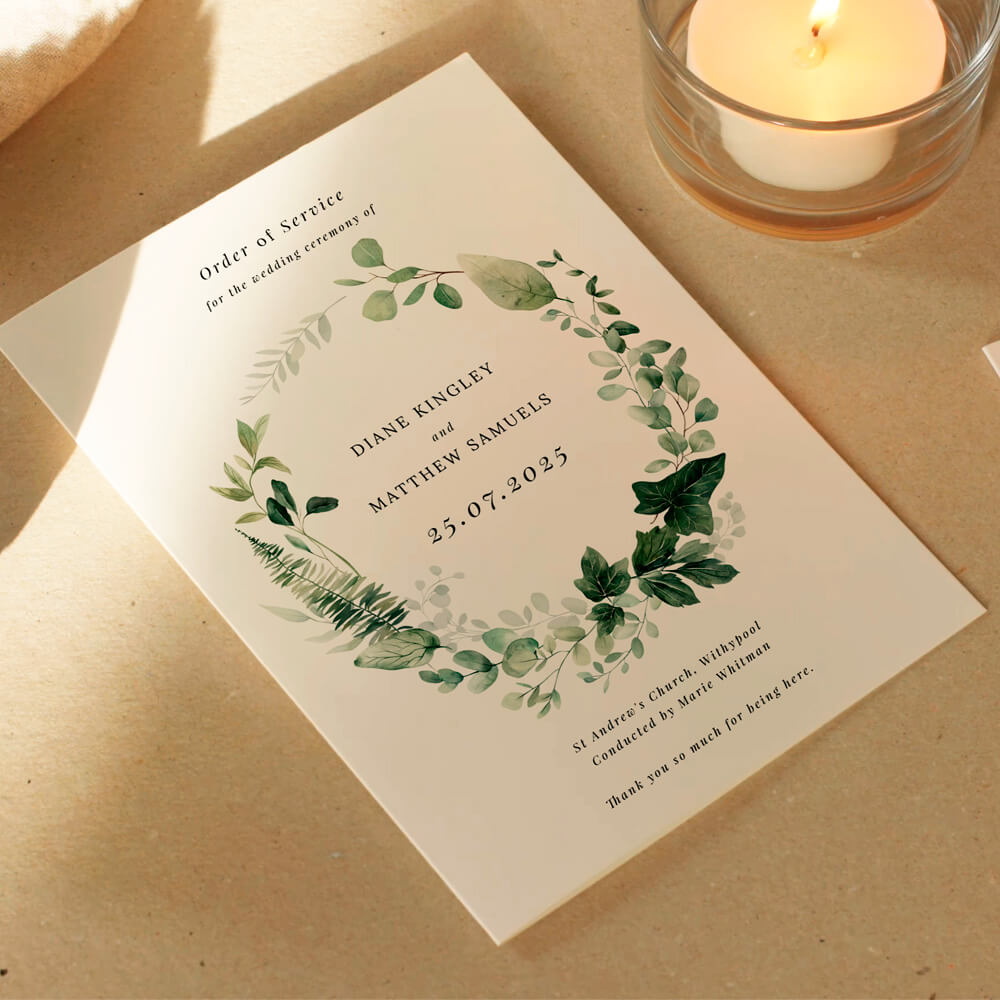
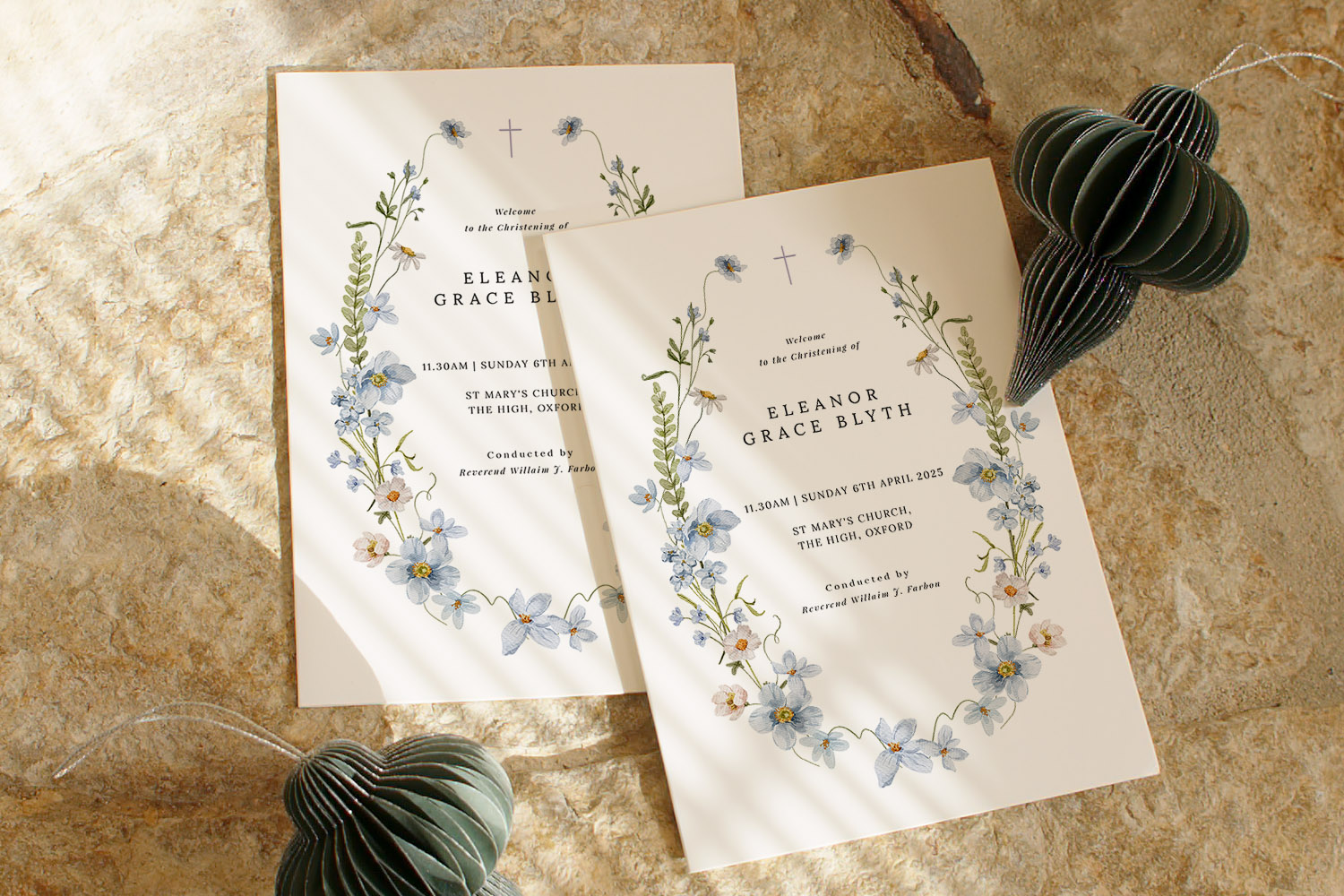
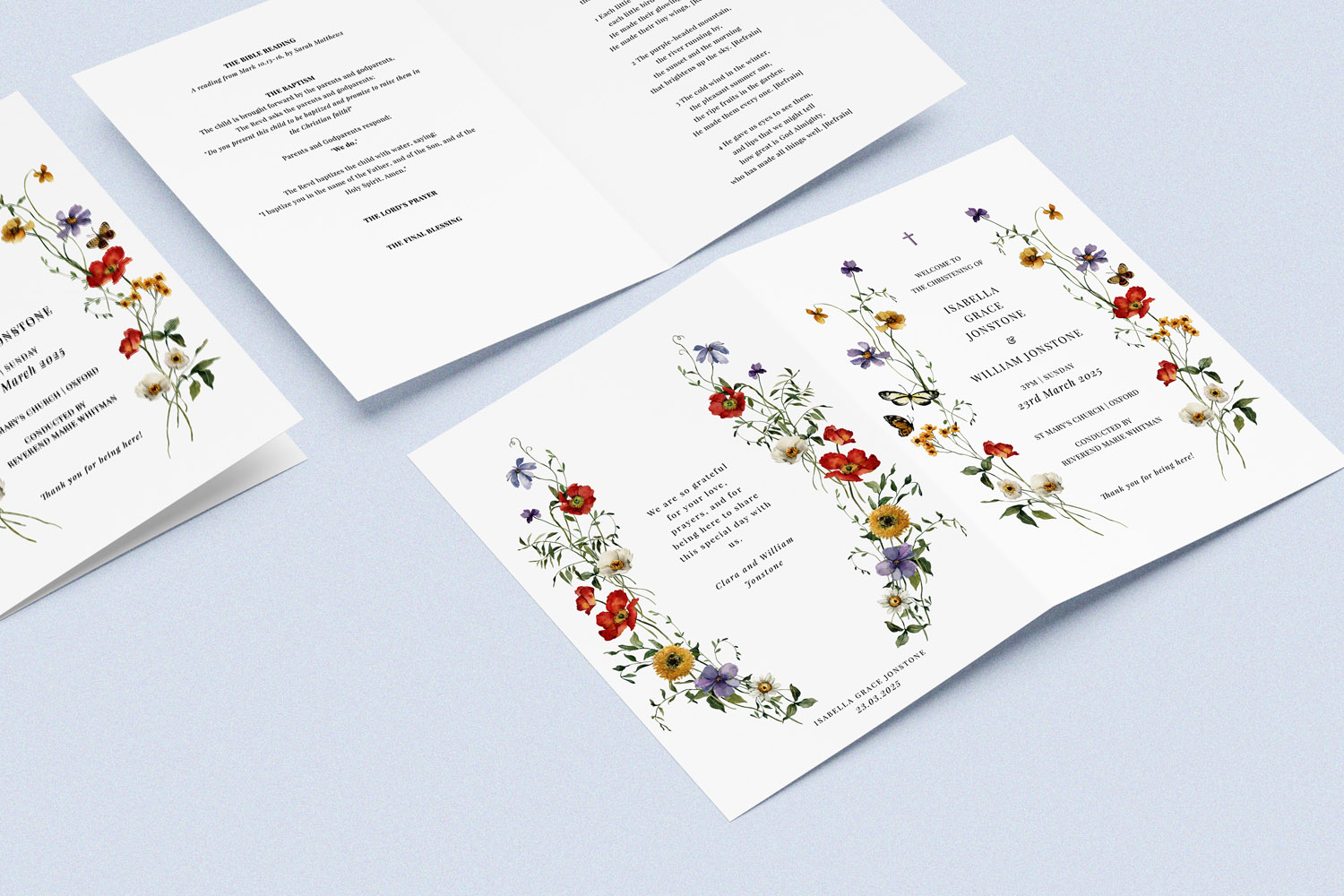
A single, joyful portrait (or a soft close-up) sets the tone. Keep it simple: child’s name, date, church, and a clean photo. If you’re using a decorative template—such as botanicals or soft watercolour—choose an image with gentle colours so the design and photo don’t compete. If you’re coordinating stationery, consider matching the cover styling with your invitations—e.g., a floral motif to echo your floral christening invitations.
Inside “welcome” panel
On page 2 (inside front), a small circular or square headshot works beautifully above a short welcome note or the order of service heading. This is also a good home for a subtle family group photo if the cover is portrait-led.
Hymn or reading spreads
If you have longer lyrics or readings, place a small image (3–5 cm wide) at the top corner to mark each section. Classic choices include a close-up of tiny hands, a christening gown detail, or a shot of the church doorway.
Collage feature
Reserve a full spread (two facing pages) for a collage: “first year highlights”, siblings with the baby, godparents, or grandparents. Use consistent crop shapes and spacing for a modern, tidy feel.
Inside back cover
A quiet, reflective image—hands on the font, a candle, or the church interior—pairs well with a thank-you note or a brief prayer. This is also the best place for a discreet QR code linking to a private photo album or livestream replay.
Back cover
Finish with a wider scene: the church exterior, a detail of the font, or a candid family photo after the service.
Tip: If you’re mixing imagery and decorative elements, keep the decorative items light in tone so the photographs remain the focal point. Utterly Printable’s templates include classic typography, watercolour botanicals and modern photo layouts, helping you find that balance quickly.
The screen shows a user adding photos into a design area to personalise a product quickly and easily.
2) Technical setup: sizing, resolution, colour and print-safe layout
A little technical care ensures your photos look crisp and elegant in print.
Know your canvas: A5 booklets
Utterly Printable’s programmes are A5 when finished (148 × 210 mm). Page counts come in 4, 8, 12 or 16 pages, always in multiples of four, so plan your photo sections accordingly. For 8 pages and above, the booklet is saddle-stitched (double-stapled) with a thicker cover and lighter inner pages—polished and keepsake-ready.
Resolution that holds up in print
Aim for approximately 300 dpi at the size the image prints. As a simple rule:
- Full-page A5 photo: ~1748 × 2480 px or higher
- Half-page A5: ~1240 × 1748 px or higher
- Small decorative image (30–40 mm wide): ~350–500 px wide
If you’re unsure, upload the original file straight from your phone or camera—the highest-quality version usually works best. Avoid screenshots and heavily cropped images where possible.
Cropping and alignment
- Use consistent aspect ratios for collages (e.g., all squares or all 4:3 rectangles).
- Keep faces away from the very edge; leave a tidy margin so nothing looks cramped.
- For full-bleed images, allow a few millimetres of extra image beyond the page edge so the trim is clean.
Colour and tone
- Choose images with natural light and gentle contrast; heavily filtered photos can print unpredictably.
- Keep a consistent white balance across your selection so the booklet feels unified from cover to back.
Typography comes first
Your hymns and readings must remain comfortable to read. Prioritise a clear point size and line spacing; then “fit” photos around the text rather than forcing text to wrap awkwardly around large images.
QR codes without the visual clutter
Link to a private gallery, a livestream replay or even a shared folder for guests’ snapshots. Place the QR code small and discreetly (inside back cover is ideal), and label it clearly (“Scan to view our photo album”). Utterly Printable’s online designer includes a QR code generator so you can add this directly during layout.
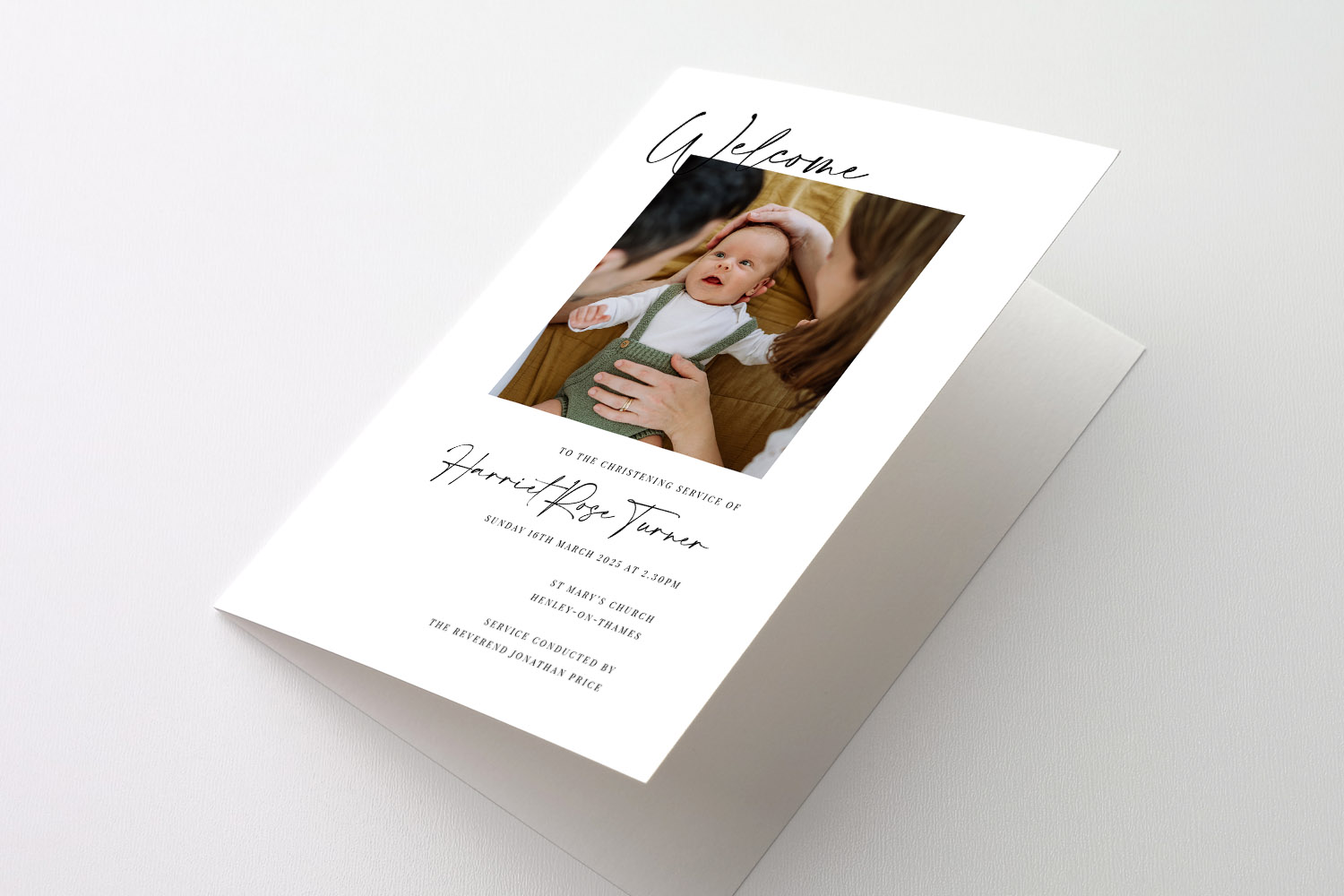
Personalised Christening Order of Service featuring a custom photo and modern script, perfect for commemorating your special ceremony.
3) A calm, practical workflow for choosing and placing photos
1) Curate with meaning
Pick 6–12 images that tell a simple story: a newborn portrait, a recent smiley close-up, one family shot, one with godparents, a detail (gown, shawl or shoes), and a quiet church scene. Add one “just in case” alternate for each key slot (cover, collage, closing page).
2) Map photos to pages before you open the editor
Draw a quick page plan: cover portrait; welcome headshot; collage spread across pages 6–7; reflective photo with thank-you on the inside back cover, etc. This saves time and avoids overfilling.
3) Design online in minutes
Open the template that matches your style—botanical, minimalist, or modern photo-led—and drop in your images. Utterly Printable lets you add, remove or reorder pages, insert unlimited photos, and edit every text field so the structure suits your service perfectly.
4) Proof properly with your celebrant
Download the free digital proof and share it with your priest or minister to confirm hymn lyrics, responses and readings. Make any edits, then place your order—or choose a high-resolution PDF download for home or third-party printing.
5) Print and co-ordinate keepsakes
If you’d like a small memento for godparents or grandparents, pair your booklet with a simple photo gift. For instance, you might create personalised mugs featuring the cover portrait, or pick from our cute range of baby and kids photo mugs. If you’re collecting readings or thank-you notes, personalised notebooks make tidy keepsakes too. And if you’ve not chosen invitations yet, browse coordinating floral christening invitation designs to carry the same motif into the day.
Paper and finish choices, briefly
For folded 4-page programmes you can pick between a smooth bright-white card or a lightly textured off-white stock. Stitch-bound (8 pages and up) combines a thicker cover with lighter inner pages for a professional booklet feel—ideal when you’re including collages and extra hymns. These options are printed in high-definition on Canon iX presses for crisp, vibrant results and are available as eco-friendly FSC-certified stocks, with an optional carbon-offset at checkout.

Frequently asked questions
A quick, practical reference for photo-friendly service booklets
You can add as many as you like in the online designer—use a single cover image, a few decorative inner images, or a full collage spread.
Booklets are A5 when finished, offered as a 4-page folded card or 8/12/16-page saddle-stitched programme with a thick cover and lighter inner pages—ideal for photo-heavy layouts.
Aim for about 300 dpi at print size. In practice, an original photo from a modern phone is typically fine for half or full-page use; avoid screenshots and heavily cropped files.
Yes—add a QR code in the designer and place it discreetly (inside back cover works well). Label it clearly so guests know what they’ll see when scanning.
Screen brightness varies, so choose well-lit, natural images and avoid heavy filters. Utterly Printable uses high-definition digital printing for crisp, consistent results across photos and delicate watercolours.
Next step: explore designs and start building your booklet here: Christening Order of Service templates. Keep the number of photos purposeful, give your text plenty of space, and place a small QR code on the inside back cover for digital extras. A calm, elegant keepsake awaits.
Catholic vs Church of England: what actually changes in a christening order of service
Curious about the differences between a Catholic and Church of England christening order of service? This article guides you through the main elements, key distinctions, and practical tips for planning a clear, welcoming christening booklet for your ceremony.
How to Format Hymns and Readings in a Christening Booklet
Learn essential tips for formatting hymns and readings in a christening booklet, including page layout, readability, and copyright considerations, to create an elegant order of service that helps guests follow and enjoy this special occasion.
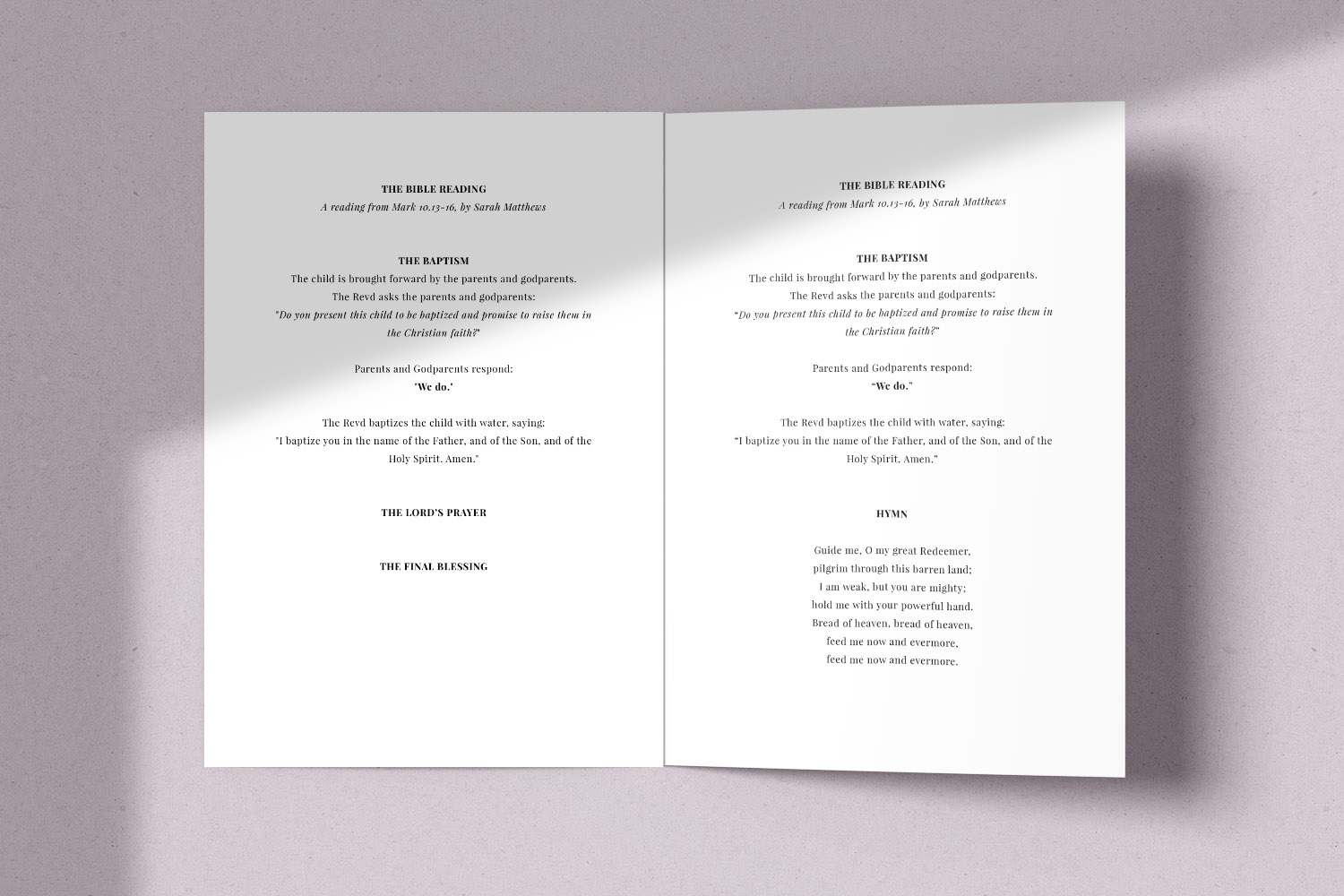
Matching Christening Stationery: Order of Service & Thank You Cards
Discover how to create a beautifully coordinated christening stationery suite by matching your invitation, order of service, and thank you cards. This guide offers practical tips for using colours, fonts, and motifs to achieve a polished, memorable celebration.
What to Include in a Christening Order of Service
Explore how to create a meaningful christening order of service with this UK-focused guide, featuring essential sections, layout tips, and personal touches to help you design an easy-to-follow programme for your special day.
Products related to christening order of service booklets:



Latest Blog Updates
Create a meaningful christening order of service booklet to commemorate your child’s special day. Find guidance on content, layouts, and design options for a seamless ceremony.