Photo funeral announcements: best practices for choosing and uploading images
A thoughtful photograph sets the tone for a dignified funeral announcement. This guide walks you through how to choose a flattering, appropriate image, prepare it for print, and place it neatly into one of our funeral announcement card designs. We’ll cover colour versus black-and-white, single portrait versus collage, file quality, cropping, and how paper choice—especially our photo-friendly 400gsm silk—affects the finished result. Everything here is gentle, practical, and tailored to Utterly Printable.
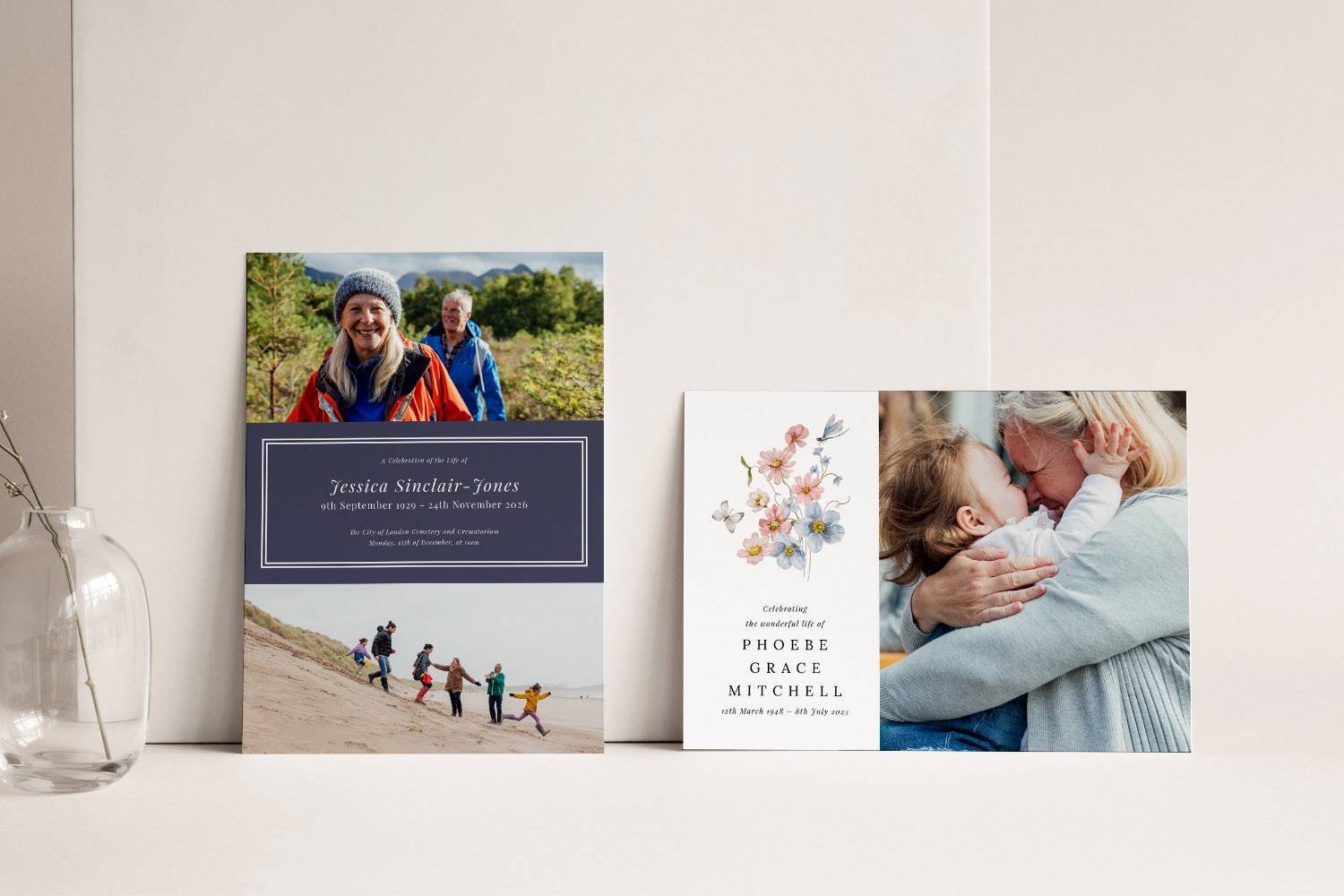
Elegant funeral announcements with custom photos and delicate floral details, perfect for sharing memories and celebrating a loved one’s life
How to choose a suitable photograph
When selecting a photo for a funeral announcement, aim for clarity, warmth and authenticity. A simple, well-lit portrait that shows the person as they were best known is usually the most meaningful choice.
What tends to work well
- Head-and-shoulders portrait with eyes in focus and a calm expression.
- Recent image if it reflects how most people remember them; alternatively, a cherished older photo if that feels right for the family.
- Plain or quietly textured background so text remains legible and the focus stays on the face.
- Neutral, natural colour or a gentle black-and-white conversion for a timeless look.
- Soft-toned edits (minor exposure and contrast adjustments) to lift detail without looking filtered.
What to avoid
- Group photos where heavy cropping would cut through faces or leave awkward gaps.
- Screenshots or social media downloads (WhatsApp, Facebook, etc.)—these are often compressed and look fuzzy in print.
- Heavy filters or extreme colour effects that can appear harsh on printed card stock.
- Busy backgrounds that compete with names and dates.
A quick decision framework
- Pick 2–3 favourite images.
- View them at 100% on a laptop or tablet—whichever remains crisp is your frontrunner.
- Consider tone: colour for warmth, black-and-white for simplicity, or a soft, desaturated palette for a gentle mood.
- Check how the photo’s shape (portrait, landscape, square) matches your chosen card layout.
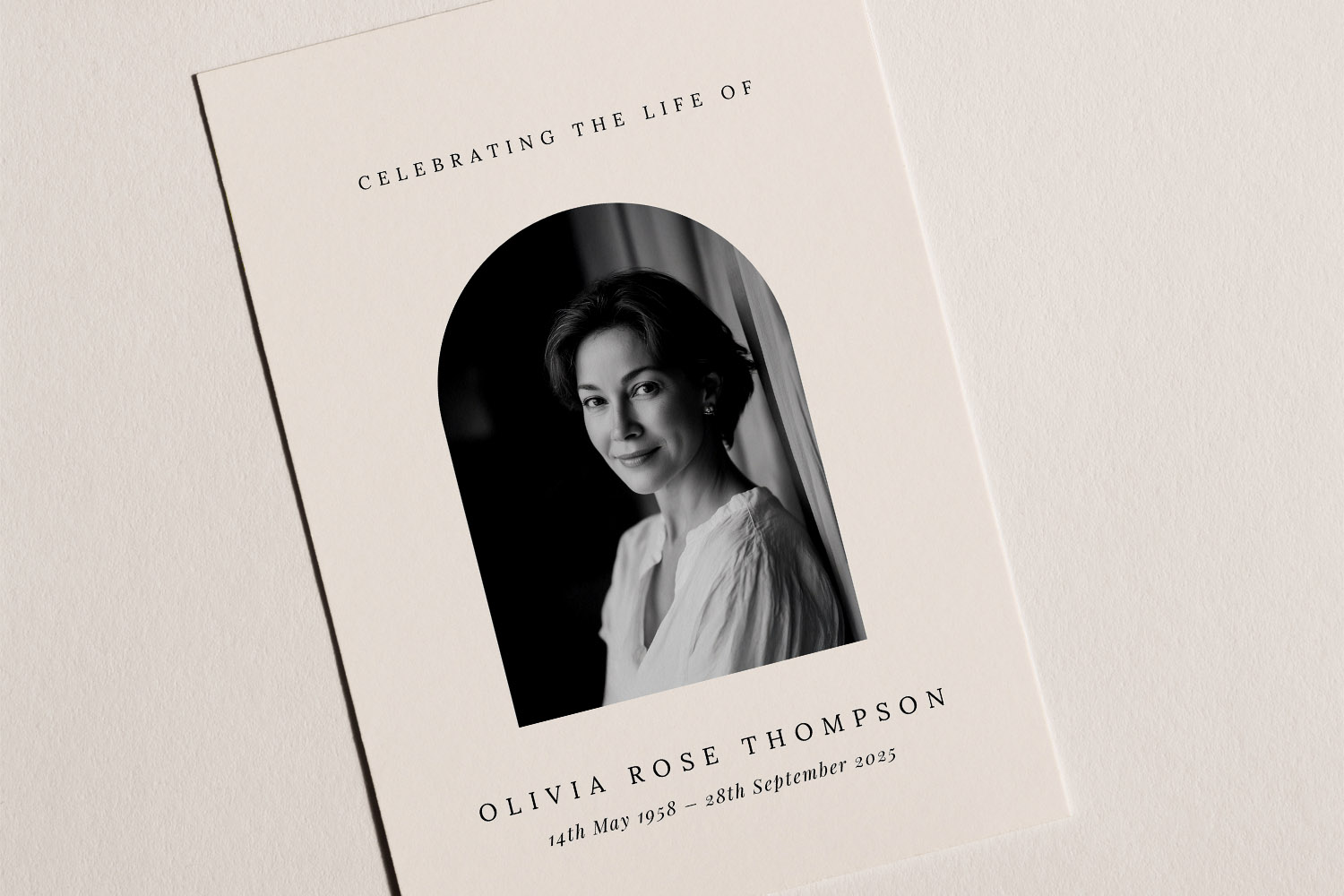
Elegant funeral announcement card featuring a monochrome portrait and classic typography, perfect for commemorating a loved one.
Prepare your image for sharp, dignified printing
Great print starts with a clean original file and careful framing.
File quality & format
- Use the original file from the camera or phone’s camera roll. Avoid images saved from messaging apps.
- Resolution: for small cards, aim for at least ~1500 px on the shortest edge (more is welcome). This generally gives tidy results at typical announcement sizes.
- File types: JPEG (.jpg) is ideal; PNG is fine for images with flat areas. If your phone saves HEIC, export to JPEG first for predictability.
- Colour profile: sRGB is a safe, widely supported choice.
Cropping & composition
- Keep eyes roughly one third from the top; ensure there’s comfortable headroom and full shoulders (no tight crops at the neck).
- Align the face to the centre or a gentle rule-of-thirds position so type can breathe.
- Leave a safety margin of 4mm near the edges; avoid placing features close to the trim.
Colour, black-and-white, or soft-toned?
- Colour adds warmth and familiarity—especially for outdoor portraits with natural light.
- Black-and-white is elegant, reduces distractions, and unifies older images.
- Soft-toned (muted colour or a subtle warm tint) creates a calm, contemporary feel.
If you prefer black-and-white or soft tones, apply a light edit on your device before uploading, keeping contrast gentle.
Paper choice matters
- Our photo-friendly 400gsm silk stock has a smooth surface and soft sheen that enhances detail and keeps colours even—excellent for photo-led announcements.
- Uncoated or subtly textured stocks (if chosen) can produce a softer, more tactile look, slightly reducing contrast—ideal for understated designs or black-and-white portraits.
Pick the stock that matches the mood you want: crisp and photo-rich, or softly textured and traditional.
Common pitfalls to watch for
- Low-resolution crops from group shots—faces can look soft once enlarged.
- Cutting too tightly around the hairline or chin—leaves the design feeling cramped.
- Clipped highlights (very bright spots) or heavy shadows that hide eye detail—dial them back before upload.
- Mismatched aspect ratio—forcing a landscape photo into a tall portrait frame can distort or over-zoom.
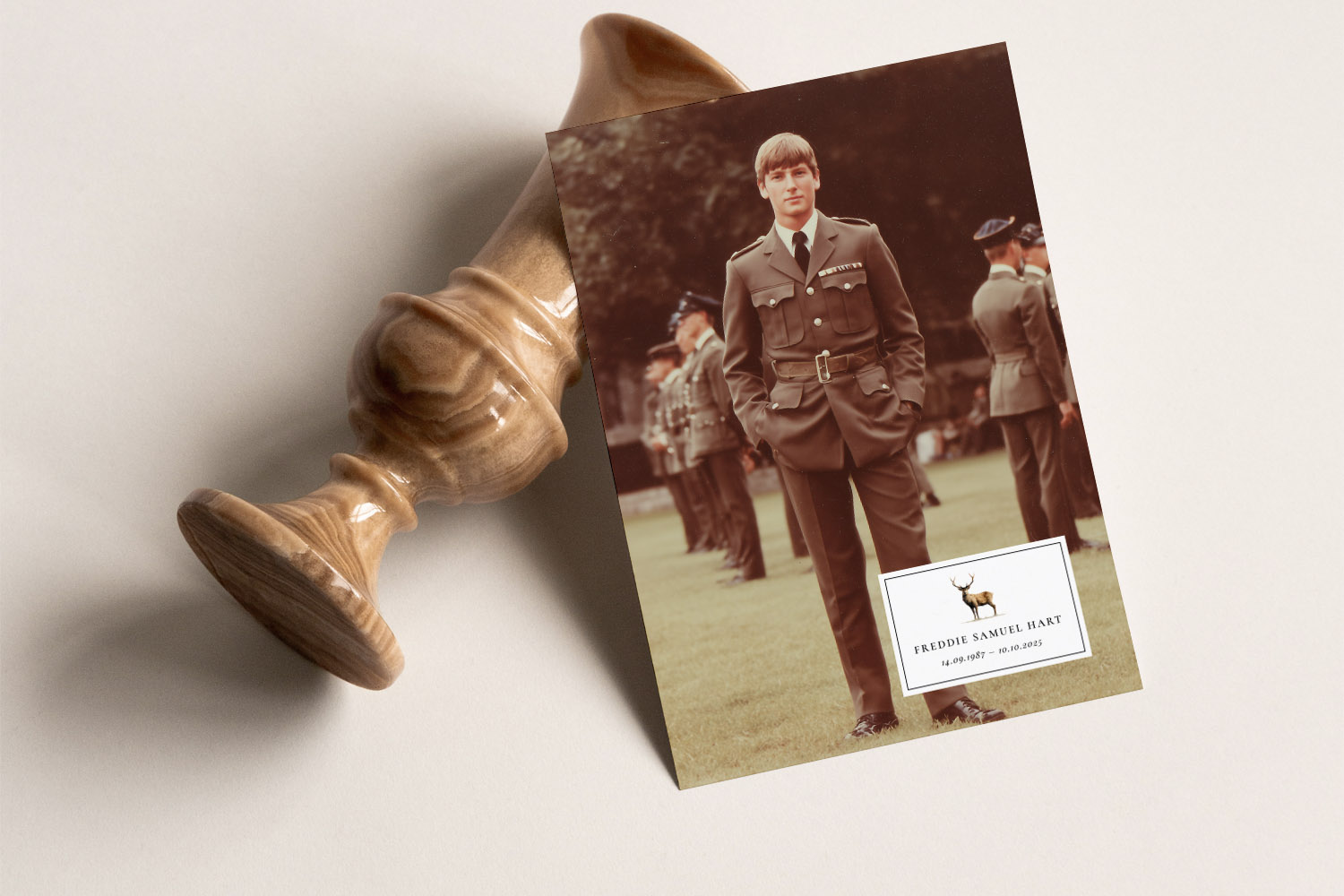
Elegant funeral announcement card with a military portrait, shown next to a wooden urn, perfect for honouring a loved one’s memory.
Using Utterly Printable’s design tool: upload, adjust, preview
Our online designer is built for calm, step-by-step personalisation—no design experience needed.
Step-by-step
- Choose a template from our collection of funeral announcement cards.
- Open the image frame, then upload your chosen photo.
- Pan and zoom to compose the portrait comfortably—keep eyes sharp and avoid tight crops.
- Check the preview for legibility: name, dates and any message should read clearly against the image.
- Save your design so family can review before you place the order.
Single portrait or multiple photos?
- For a small card, a single, well-scaled portrait is usually clearest.
- If you’d like to share more moments, pick a design made for two or three small images—ensure each photo remains large enough to print cleanly.
- For a fuller life story, consider using your announcement as a simple front cover and showcase multiple images inside the order of service using our photo collage order of service templates.
Coordinating the stationery
A cohesive look is calming for guests and reassuring for families. Pair your announcement with an order of service style that reflects the person’s character—perhaps the quiet refinement of our classic order of service templates, or a faith-led design from our religious order of service templates. If you’re sharing several favourite photos, the aforementioned photo collage order of service templates provide tasteful, structured layouts.
Practical ideas that print beautifully
- Portrait + soft background wash: a single image with muted tones, name and dates beneath.
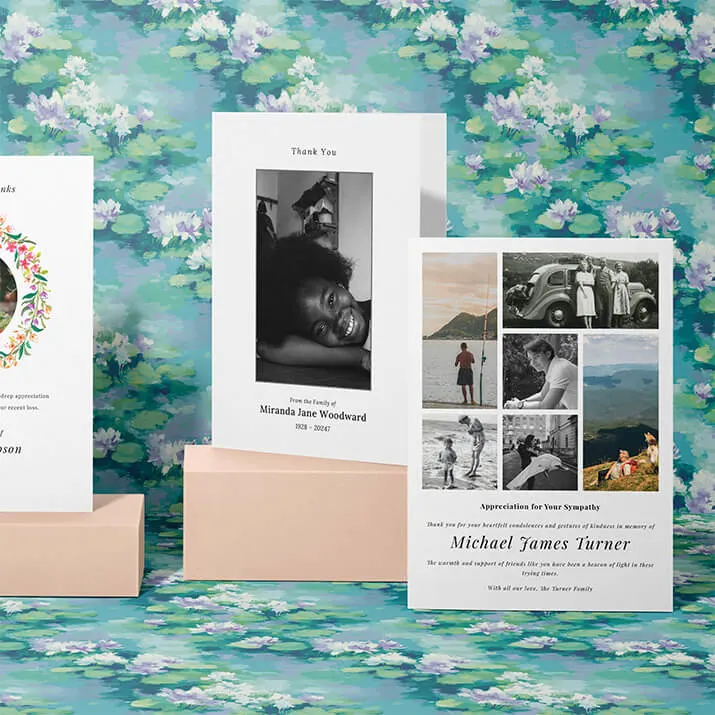
- Triptych panel: three small images from different life stages; keep each photo clear and similar in tone.
- Black-and-white with simple serif type: timeless, particularly on textured or uncoated cards.
- Colour portrait on silk stock: for maximum clarity and gentle sheen.
Final checks before you order
- Reopen the preview at full size and scan: eyes sharp, text legible, margins comfortable.
- Re-read names, dates and spellings.
- If you are torn between paper finishes, the 400gsm silk will usually provide the most consistent photographic clarity.

Frequently asked questions
Below are concise answers to the most common photo-related queries we receive for funeral announcements. If you’re unsure about anything, choose your template and begin—our design previews make it easy to see what works.
A clear head-and-shoulders portrait with simple background and gentle lighting. Aim for a calm expression and avoid heavy filters or busy scenes.
As a rule of thumb, aim for at least ~1500 px on the shortest side for small announcement formats. Bigger files are welcome; the designer will scale them appropriately.
Both are appropriate. Colour feels warm and familiar; black-and-white is calm and timeless. If the photo has mixed lighting or clashing colours, a soft monochrome conversion often prints more elegantly.
Yes—if you upload the original from your camera roll. Avoid images saved from messaging apps, which are often compressed.
Choose the sharpest file, crop to a comfortable head-and-shoulders, and keep generous margins. If quality suffers when you zoom, consider using the group photo smaller and selecting a different main portrait—or choose a template that supports multiple images.
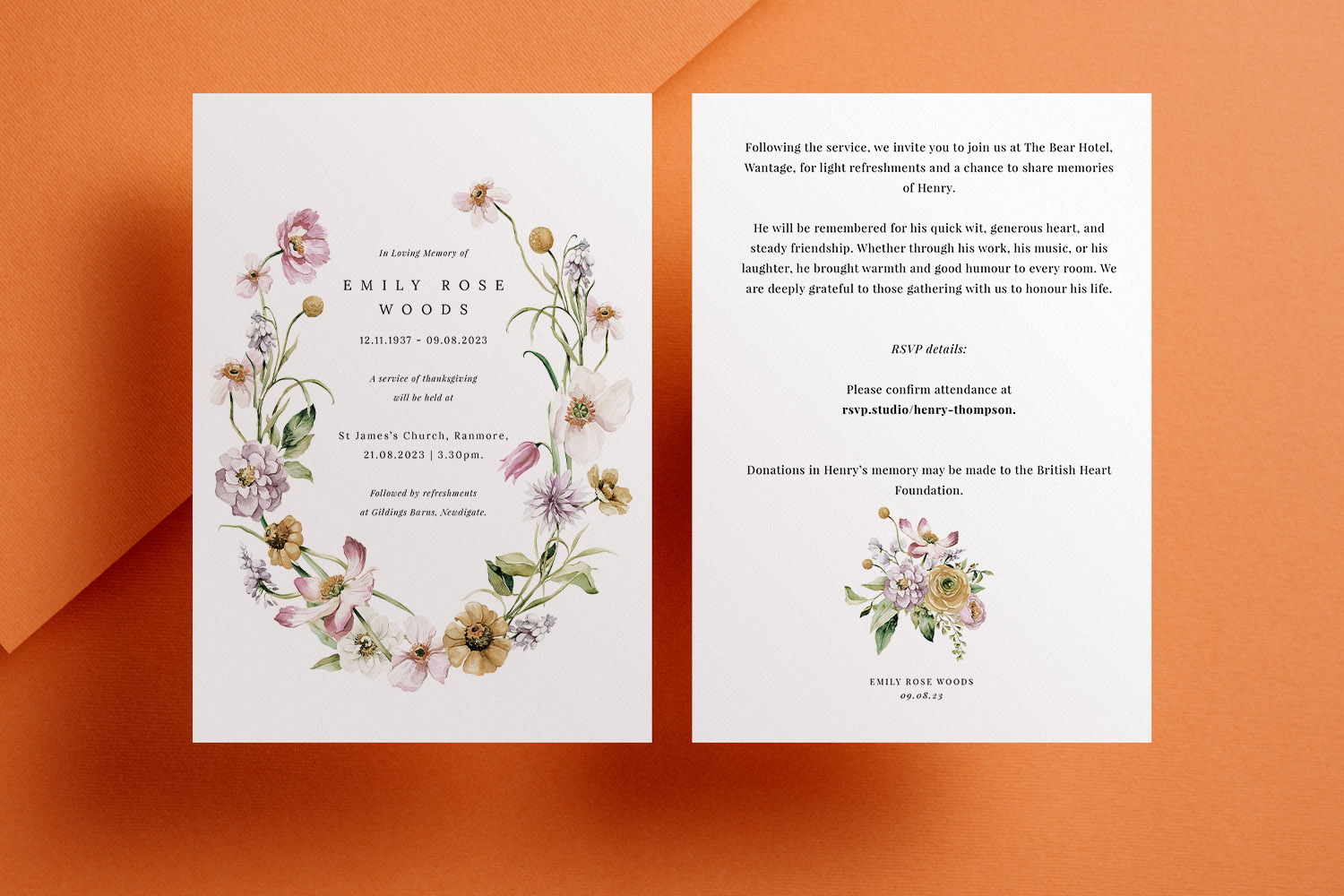
Funeral Announcement Cards vs Funeral Invitations: What’s the Difference?
Understanding the difference between funeral announcement cards and funeral invitations can help you choose the right option during a difficult time. This article explains their distinct purposes, when to use each, and how to personalise funeral stationery for your needs.
Funeral Announcement Wording Examples & UK Etiquette
Discover thoughtful funeral announcement wording examples and essential UK etiquette in this practical guide. Learn how to set the right tone, what details to include, and find adaptable templates to help you create respectful, clear funeral announcements with confidence.
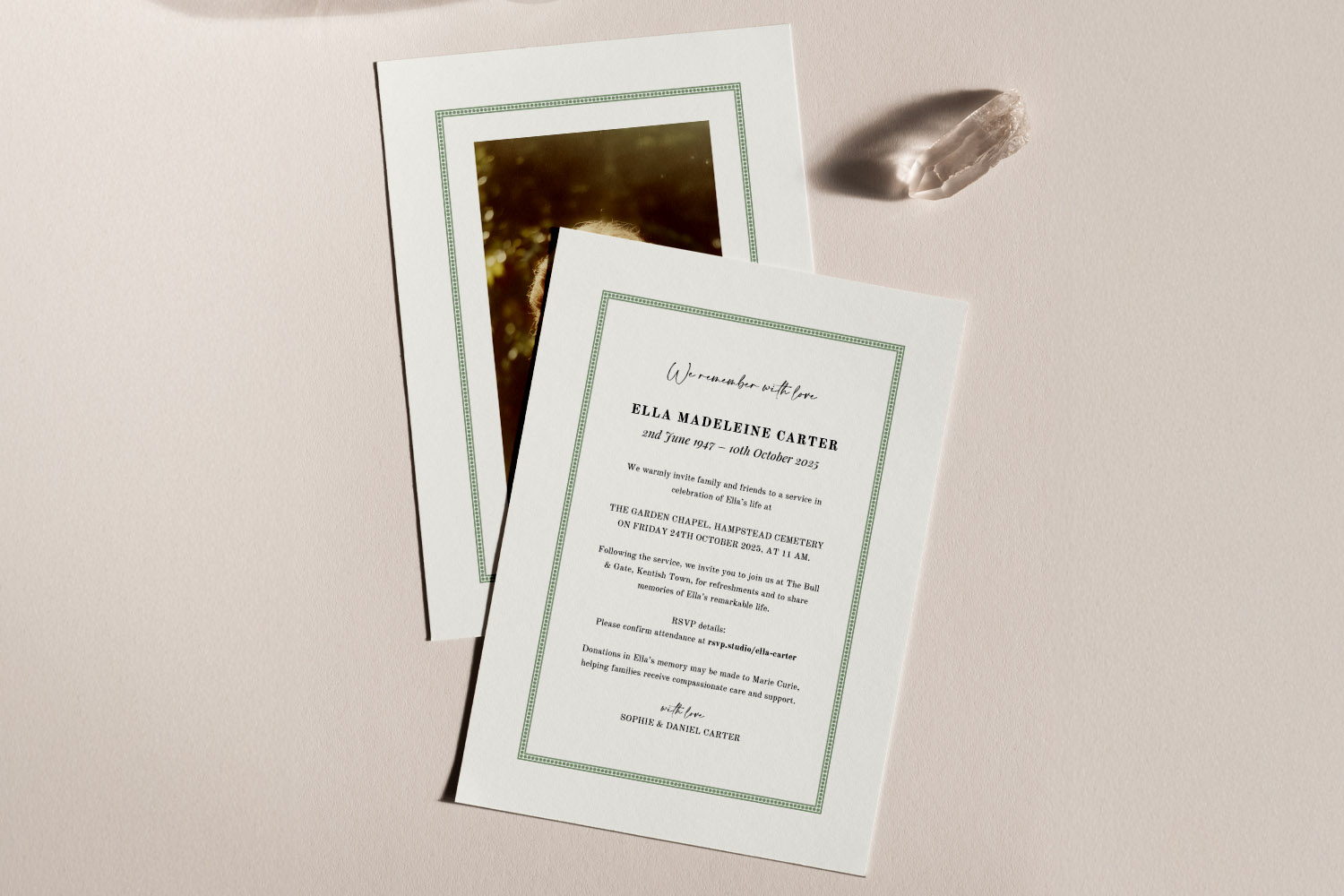
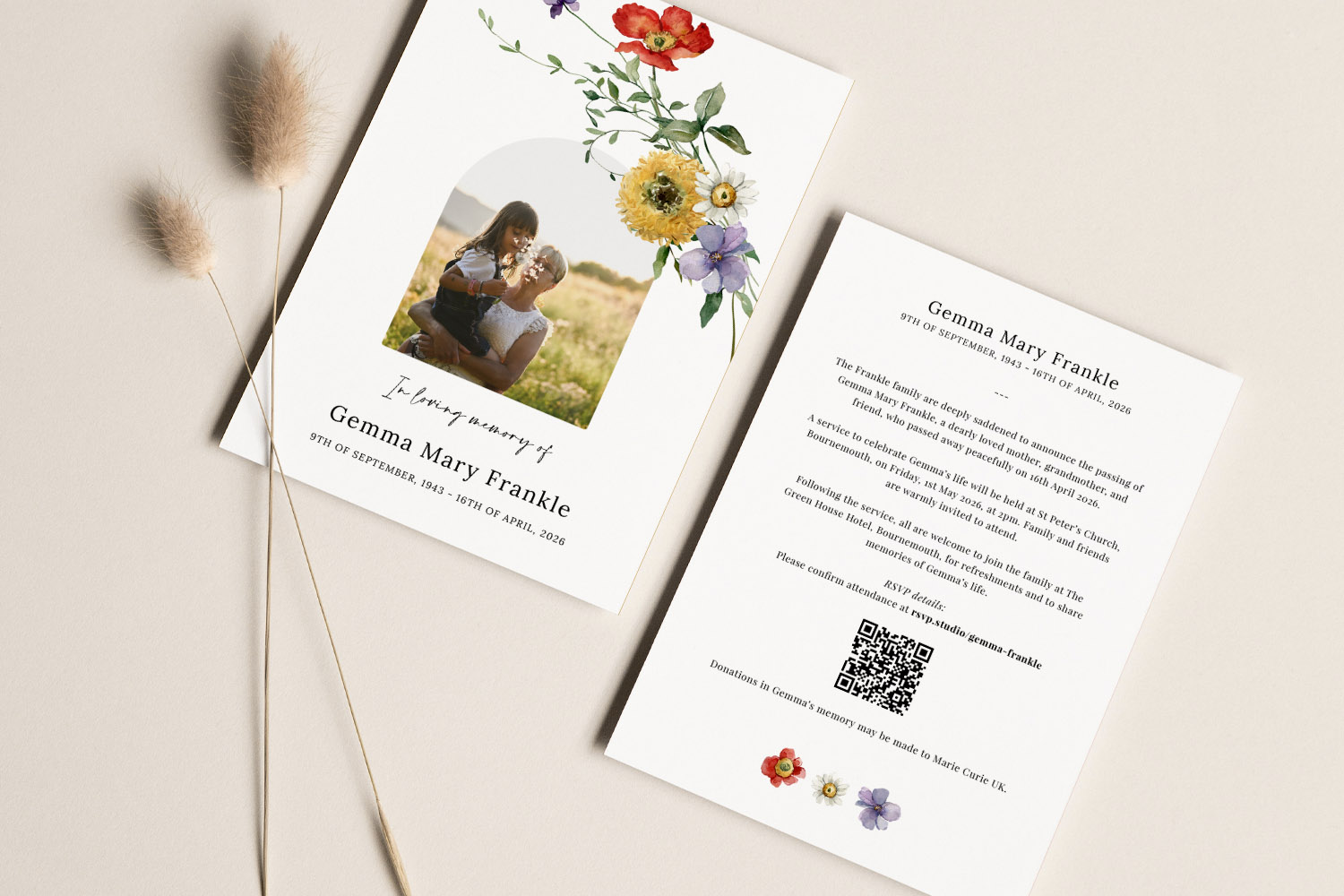
Using QR Codes and Digital RSVPs on Funeral Announcement Cards
Discover how using QR codes and digital RSVPs on funeral announcement cards can simplify guest replies, share livestream details, and manage practical arrangements with care. This guide offers gentle advice on design, placement, and making planning less stressful.
Products related to funeral announcements:

The Utterly Printable Blog
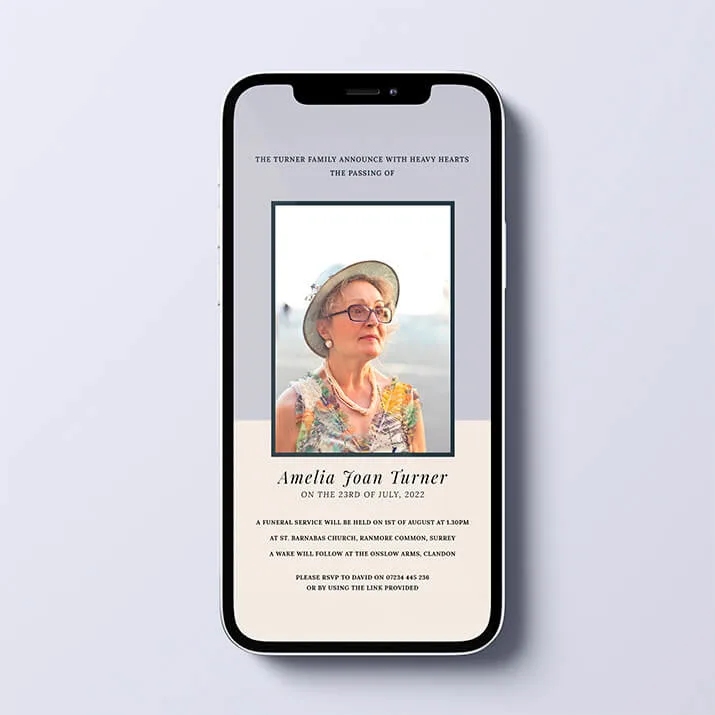
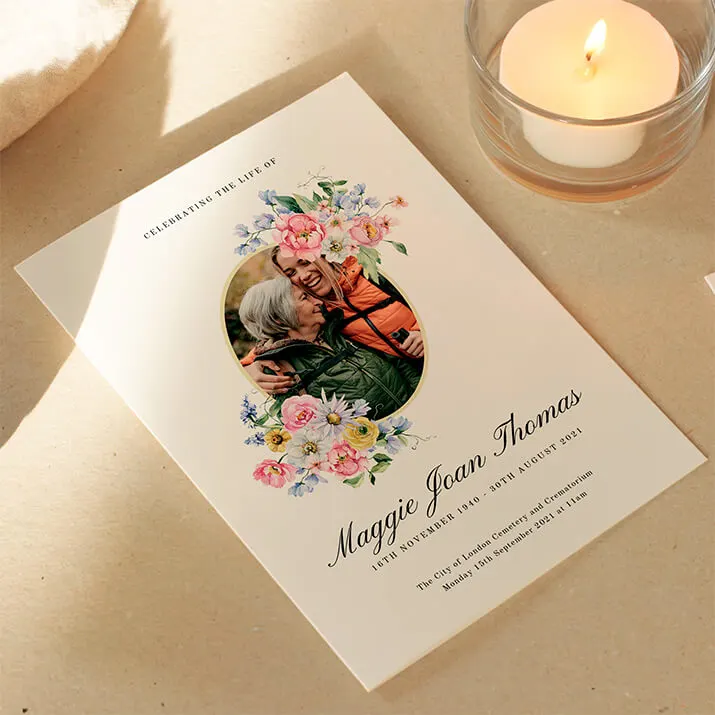
Funeral announcement cards provide a dignified way to inform loved ones of a loss. Visit the blog for advice on wording, design styles, and how to create a fitting tribute for the occasion.