No Results
Winter 2025 Canvas Highlights
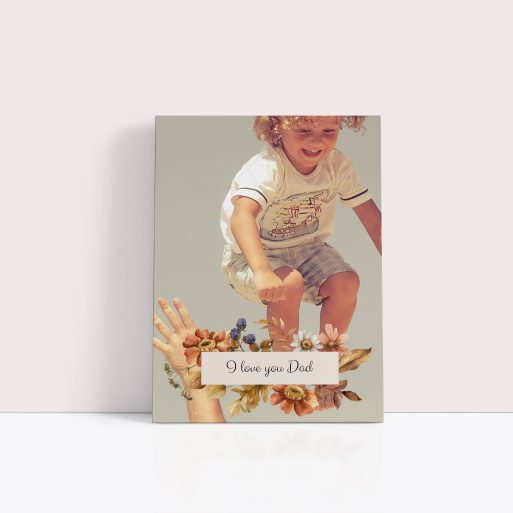
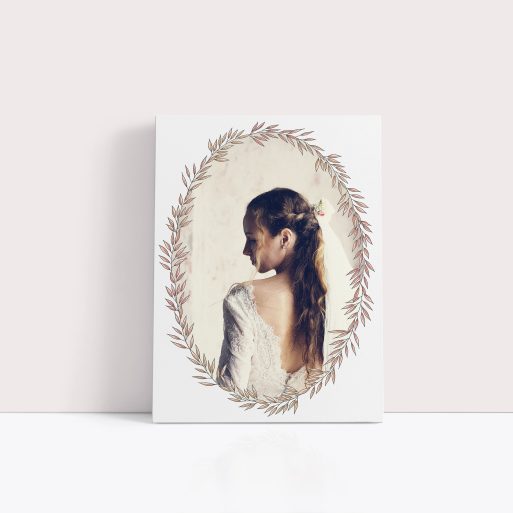
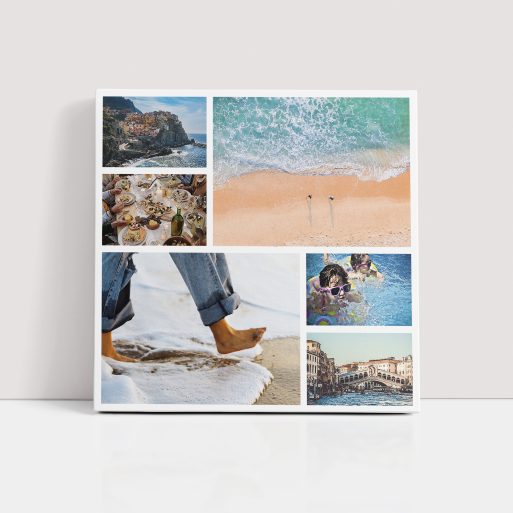
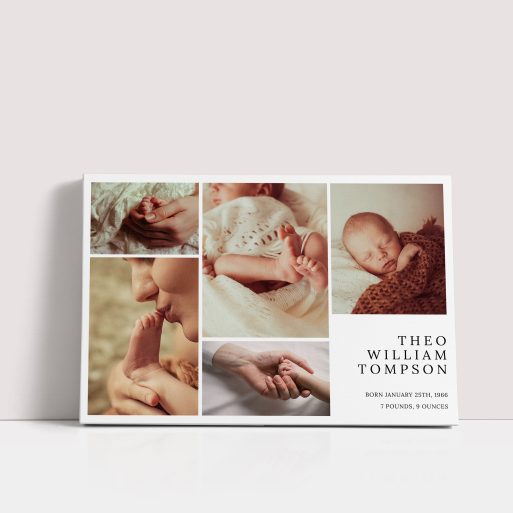
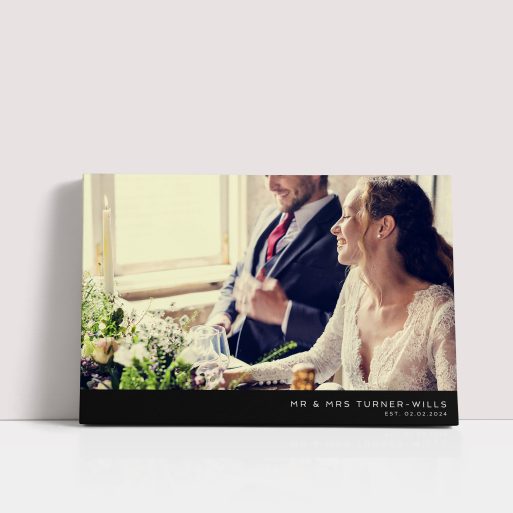
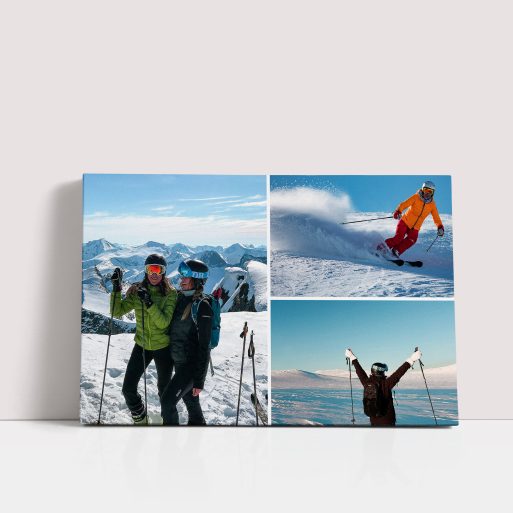
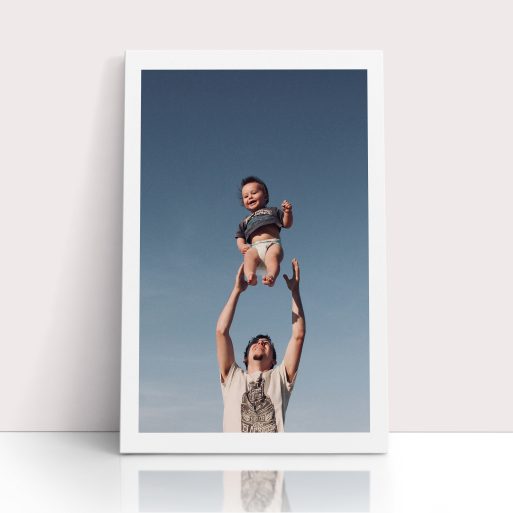
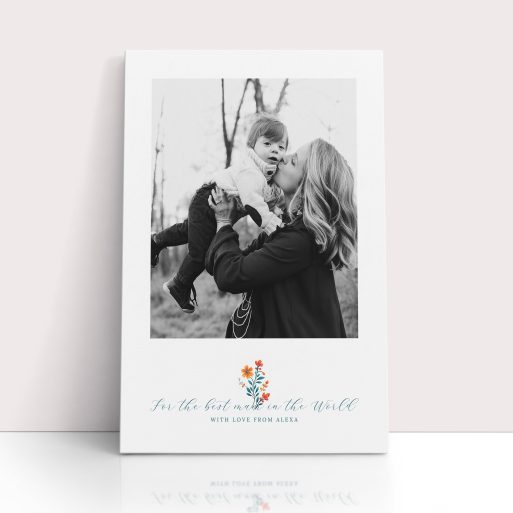
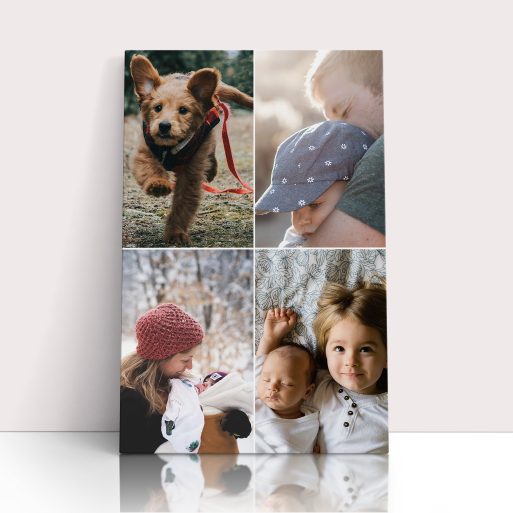
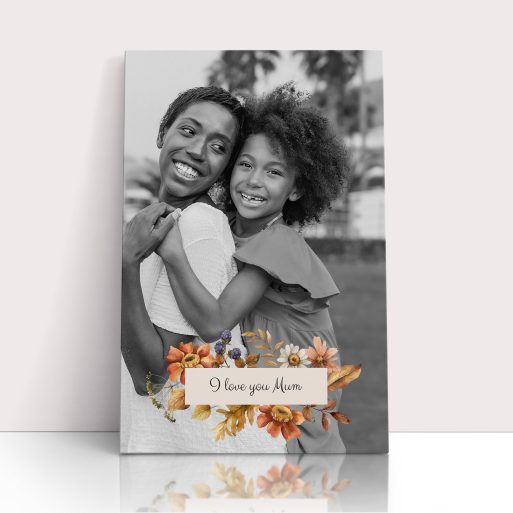
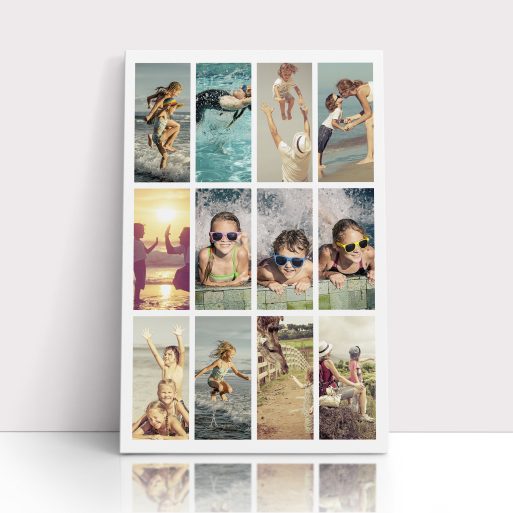
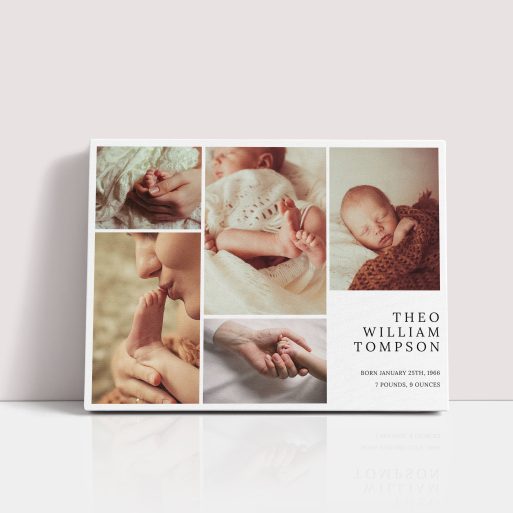
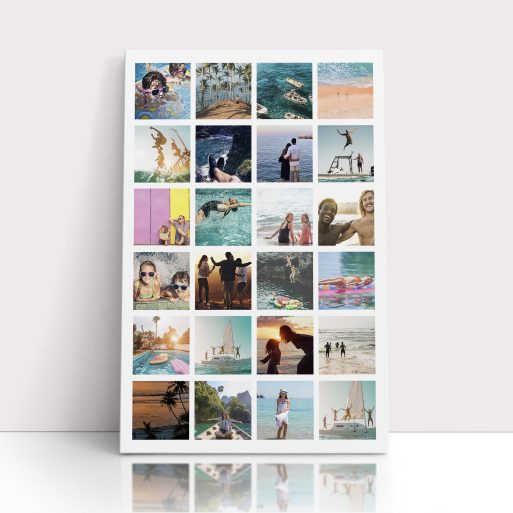
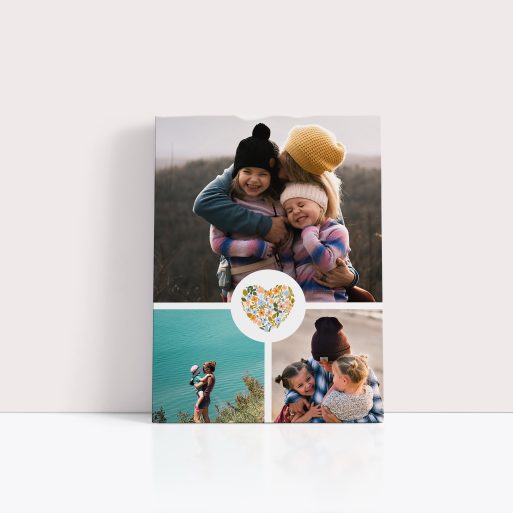
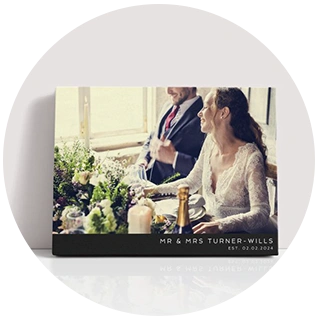
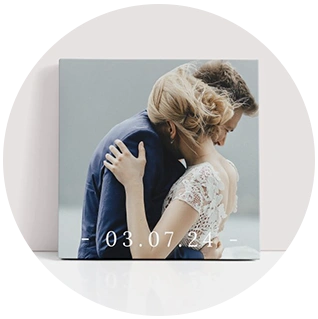
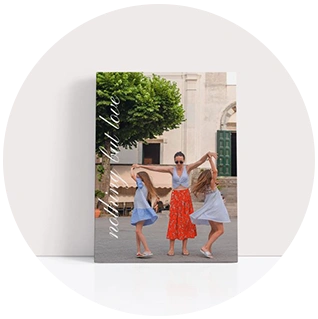
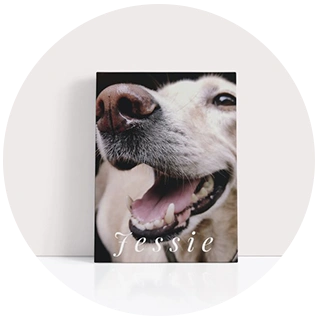
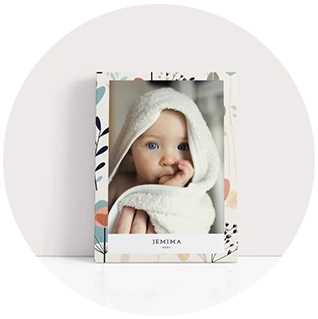
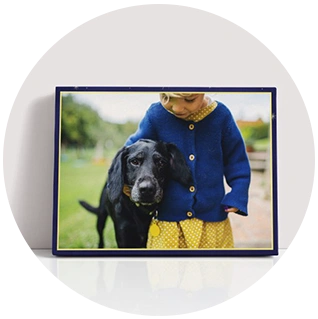
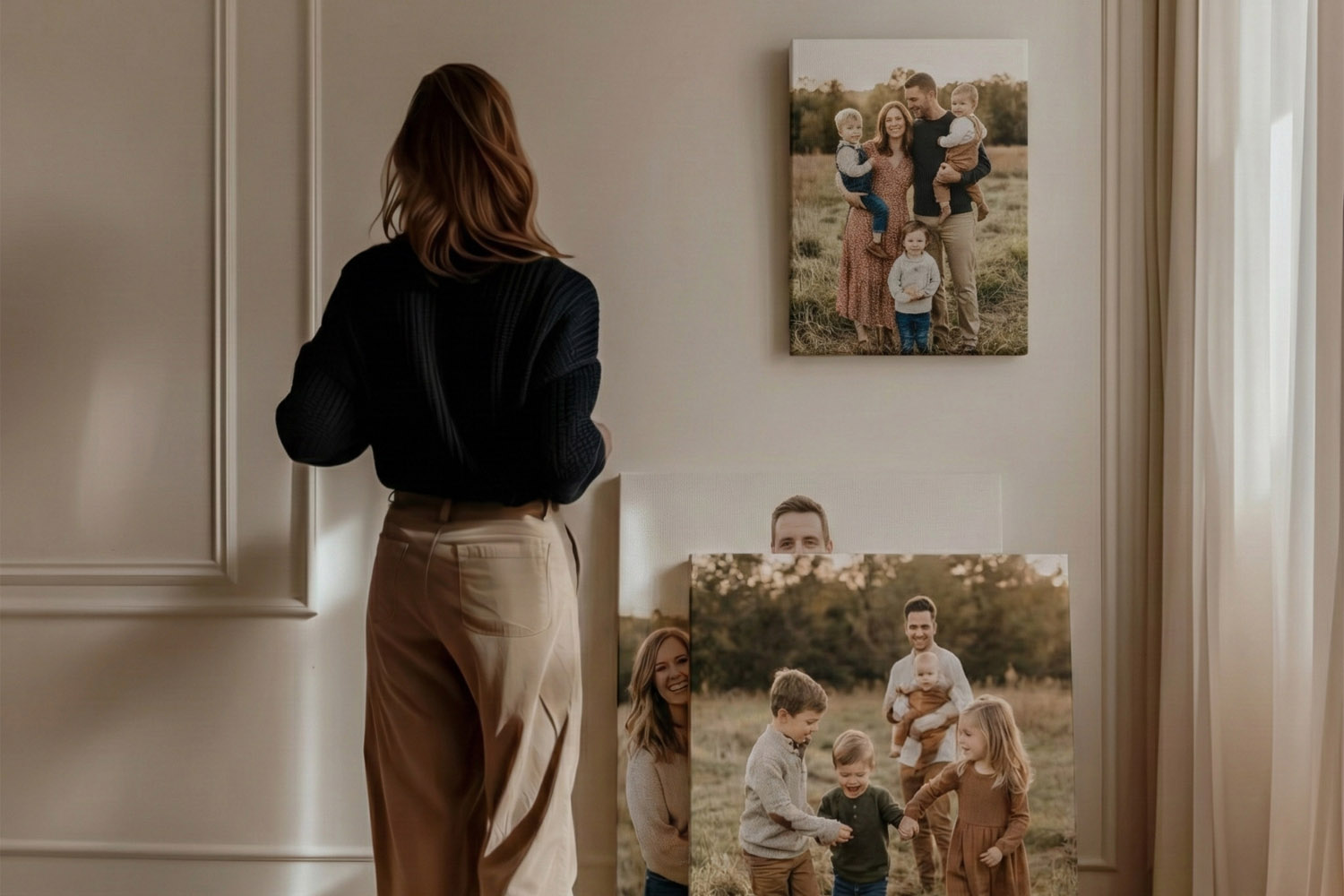
Celebrate your cherished memories with our top stretch canvas prints for winter 2025. Perfect for adding warmth to your home or giving as meaningful gifts, these canvases are designed to beautifully showcase your photos. Handpicked for their exceptional quality and timeless charm, they’re an elegant way to make your moments last.

help & support

FAQ: Canvas Prints
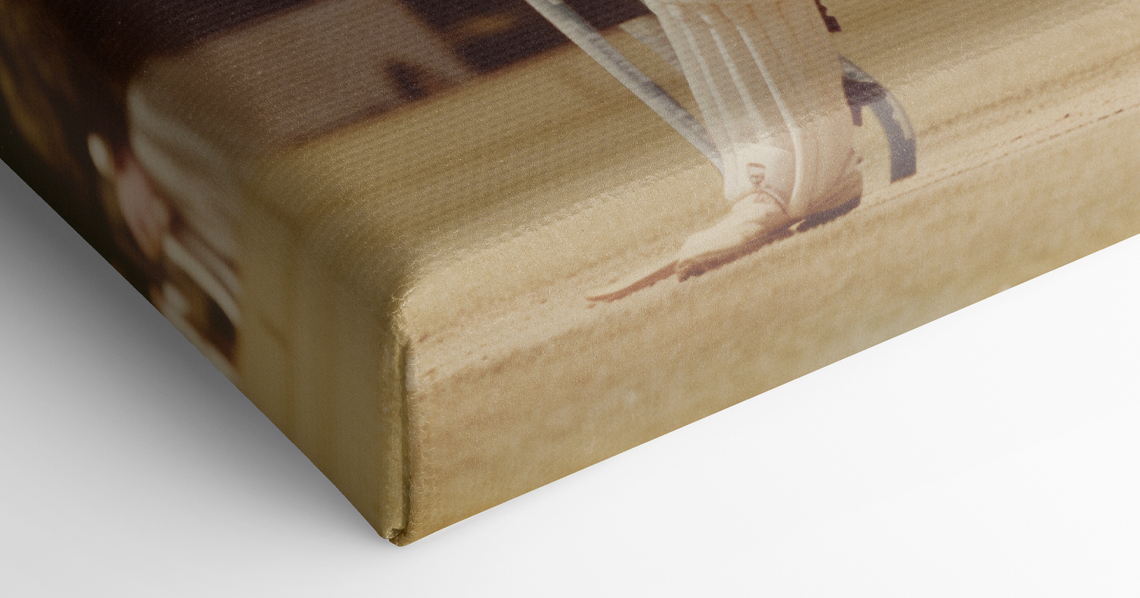
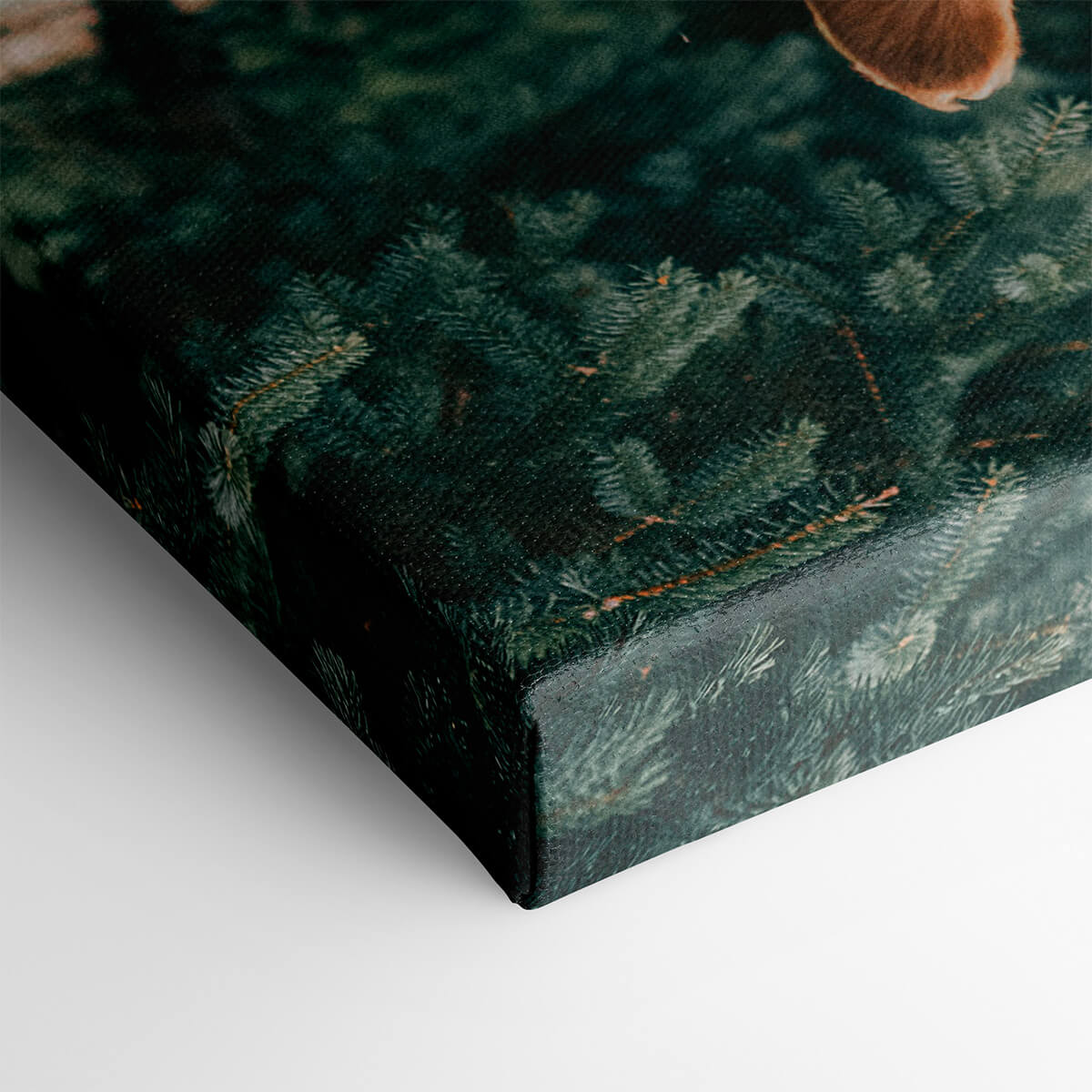
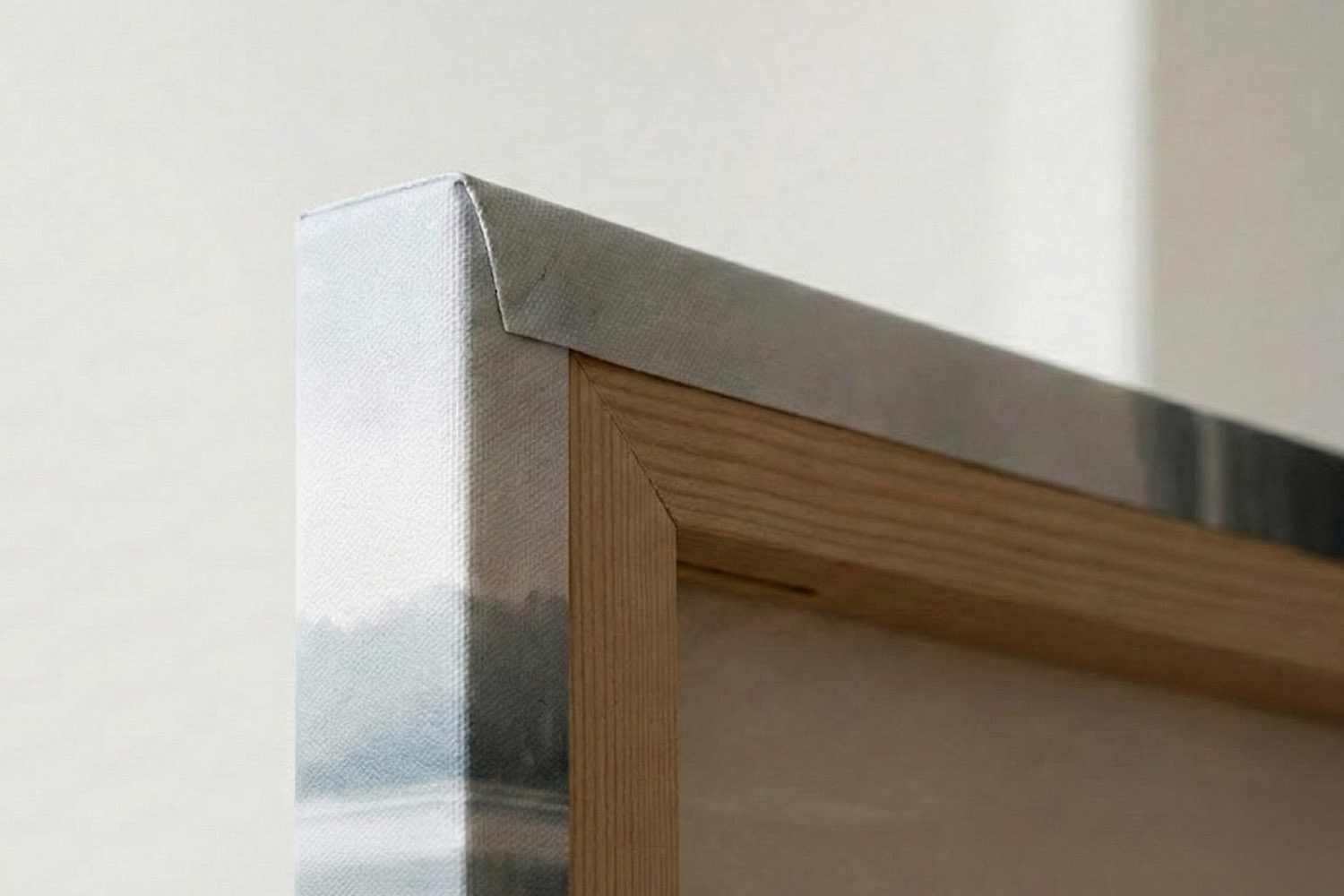
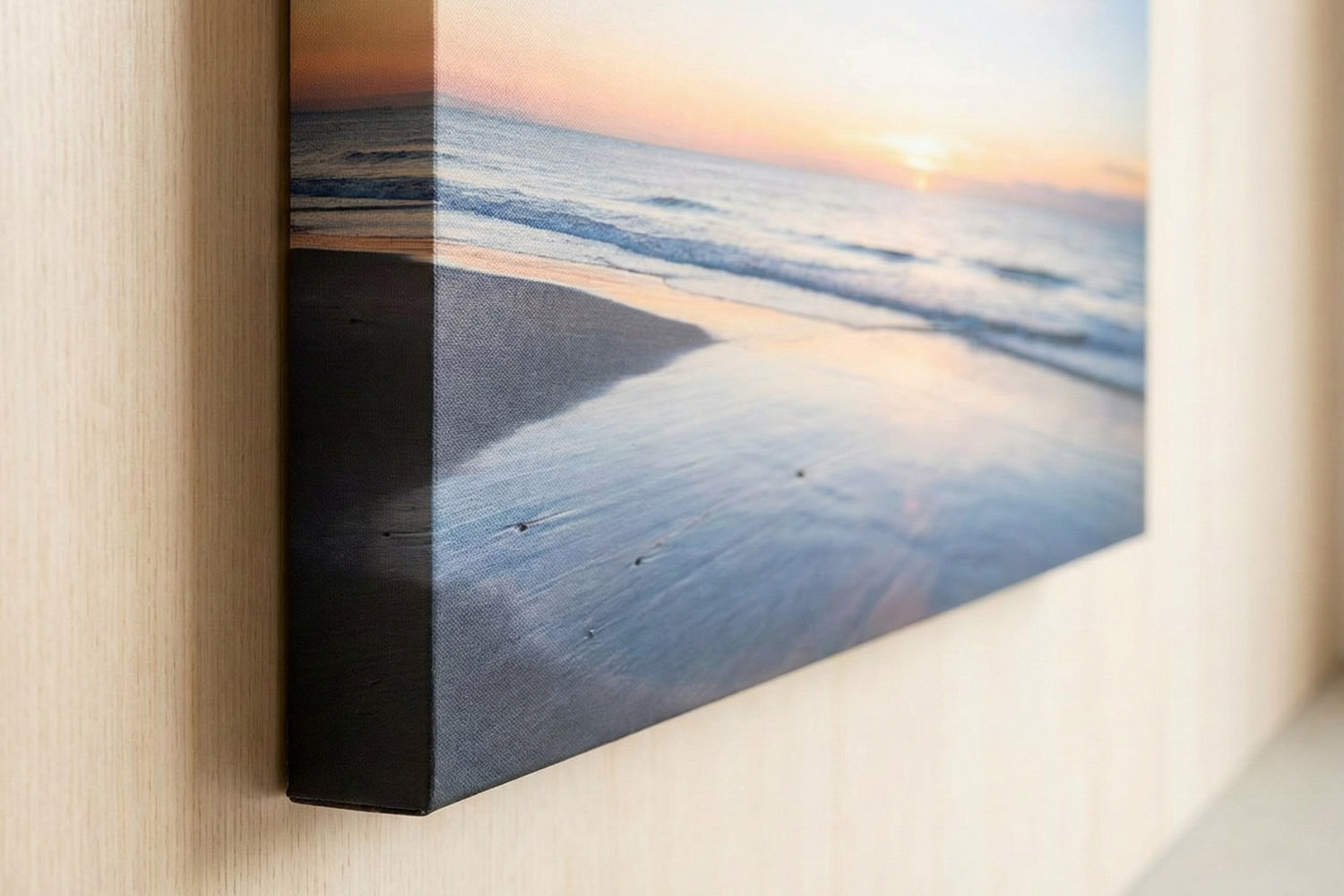
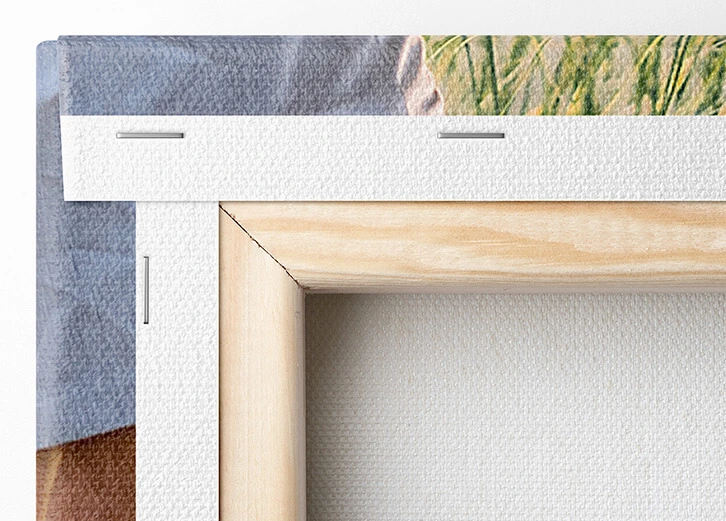
The thinner canvas option, measuring 1.8 cm in thickness, is perfect for a more refined, understated look. The thicker option, at 3.9 cm, provides a more substantial, eye-catching display and comes with a complimentary wall hanging kit for easy installation.
The thinner canvas option, measuring 1.8 cm in thickness, is perfect for a more refined, understated look. The thicker option, at 3.9 cm, provides a more substantial, eye-catching display and comes with a complimentary wall hanging kit for easy installation.
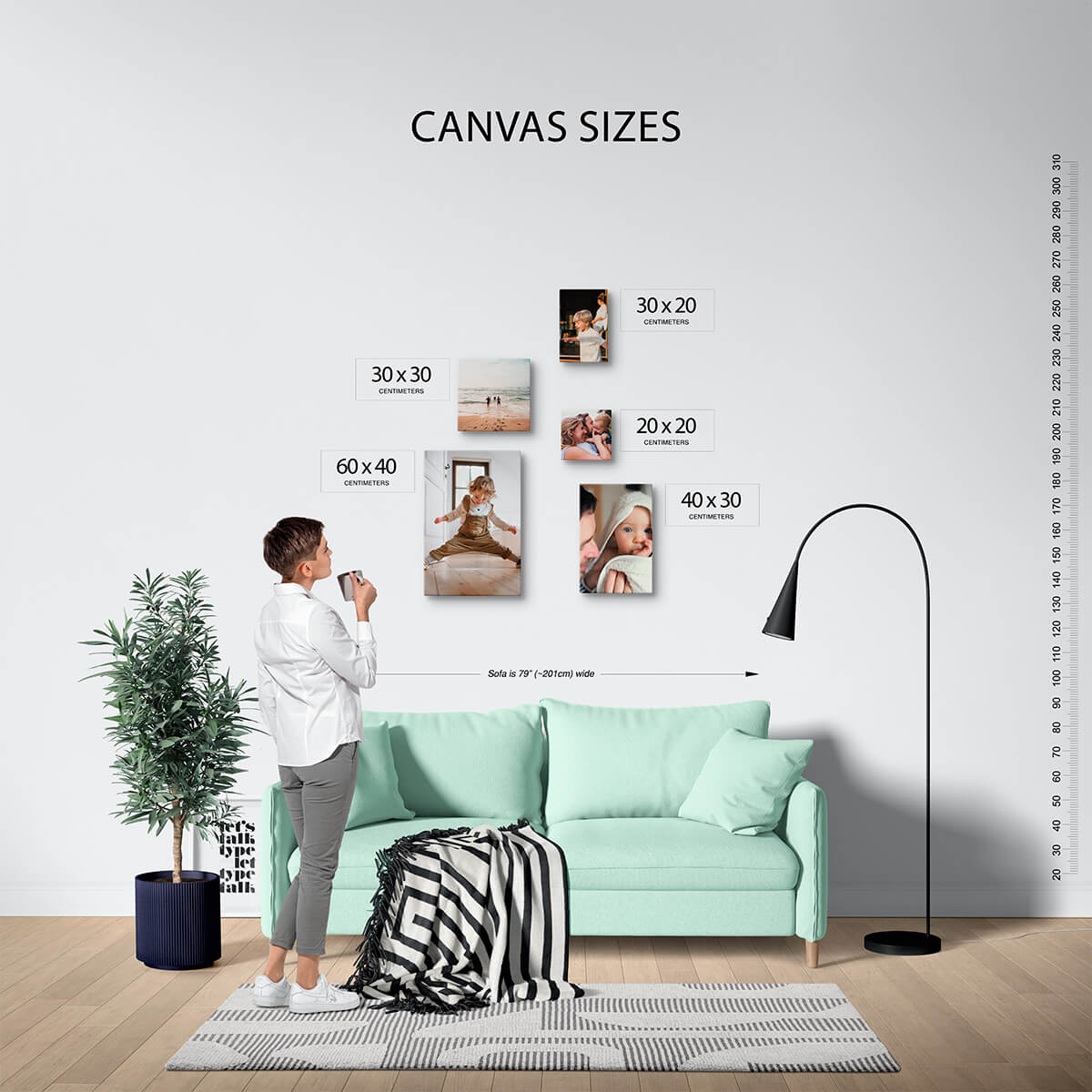
Selecting the right size and orientation for your canvas print depends on the space where it will be displayed and the nature of the image. Larger sizes work well for making a statement, while different orientations like square, rectangle, or panoramic cater to the specifics of your image, such as landscapes, portraits, or detailed shots.
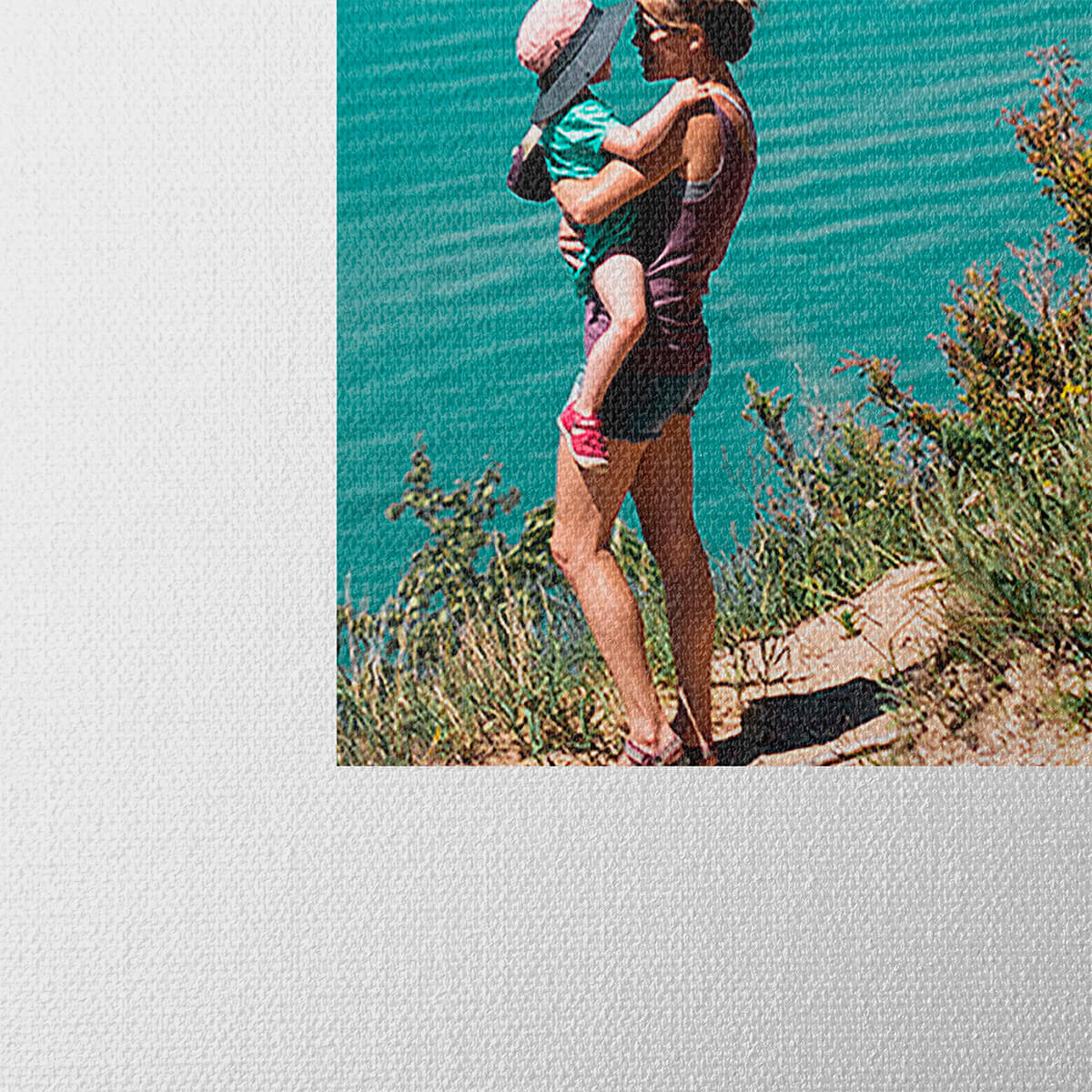
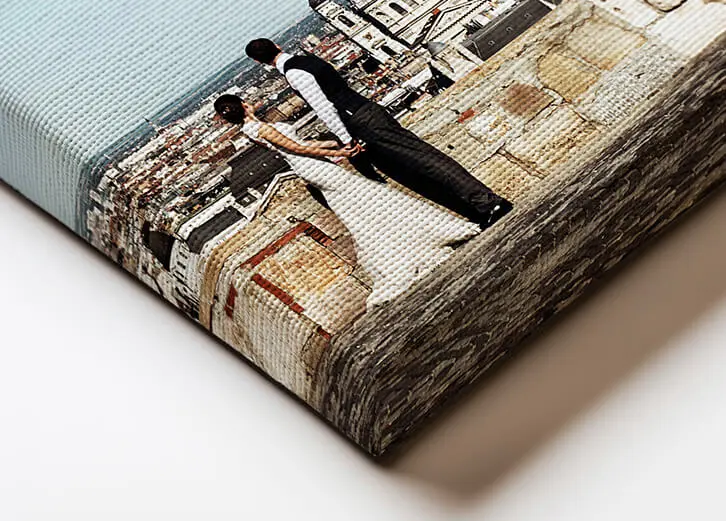
Some designs do allow the photo to extend to the front edge and then down the sides of the canvas, creating an immersive, edge-to-edge look. In the designer section, you’ll clearly see how your finished product will appear when printed.
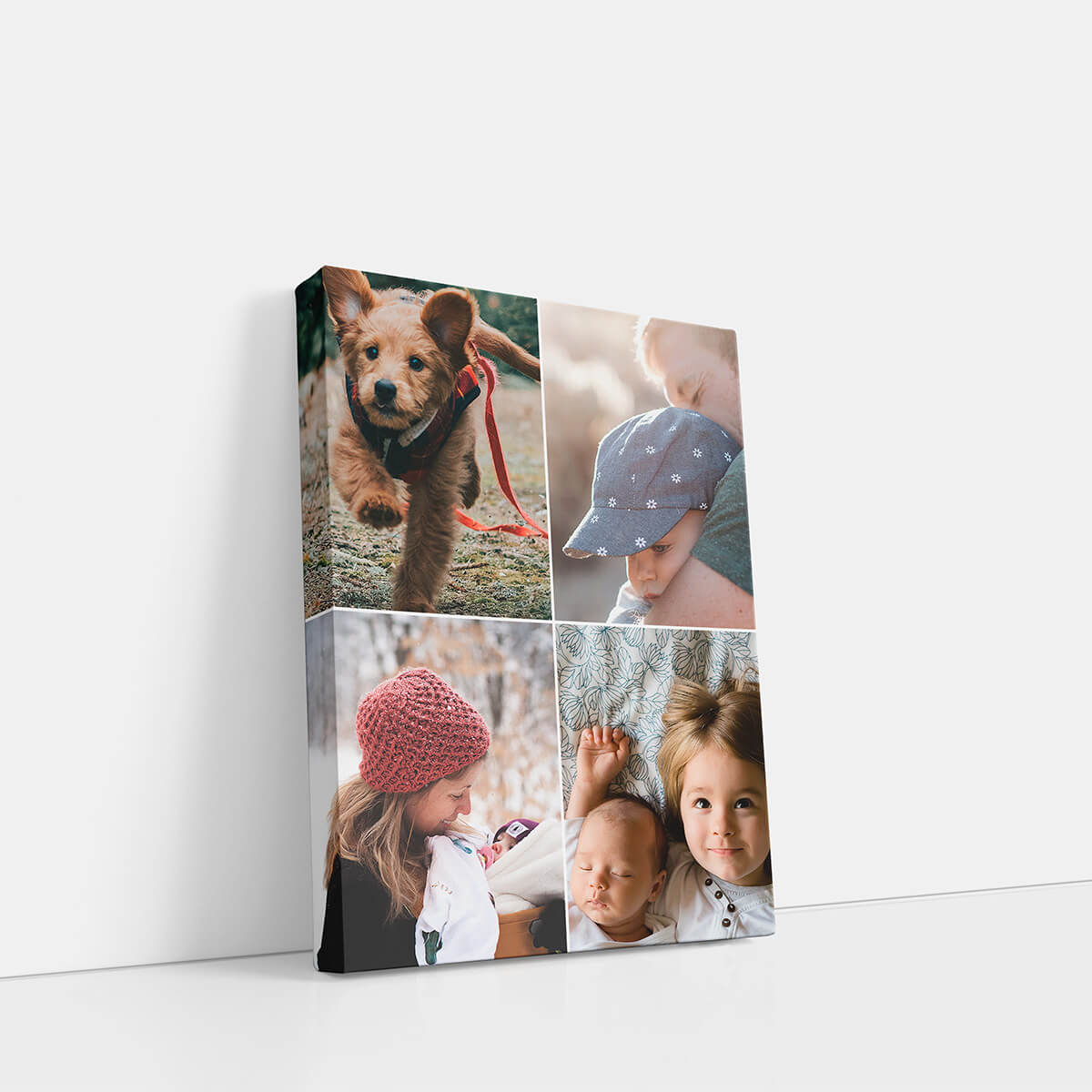
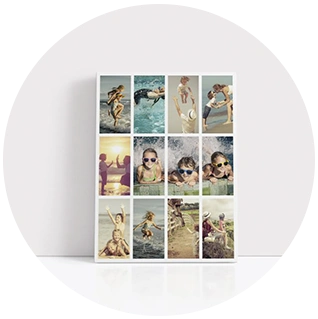
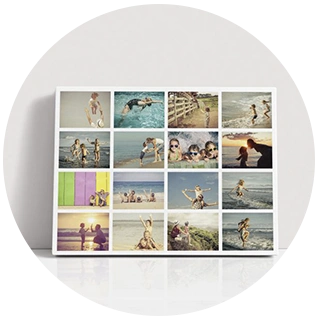
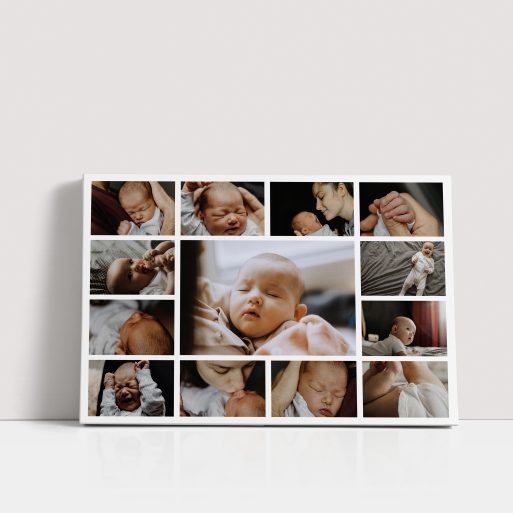
Absolutely! You can use any image for your canvas print, and many of our design templates even accommodate multiple photos or collages. Simply choose a template that best fits your photos and personal style.
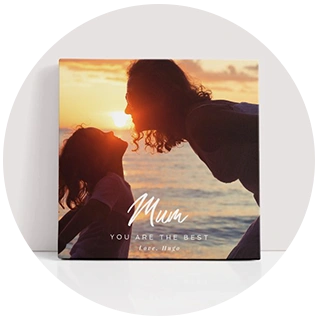
To create your personalised canvas print, find a design that catches your eye and click Customise. This opens the template in our designer area, where you can upload your photos and, if desired, add and play around with text to achieve the perfect look.
Premium Canvas Prints with Vibrant Detail
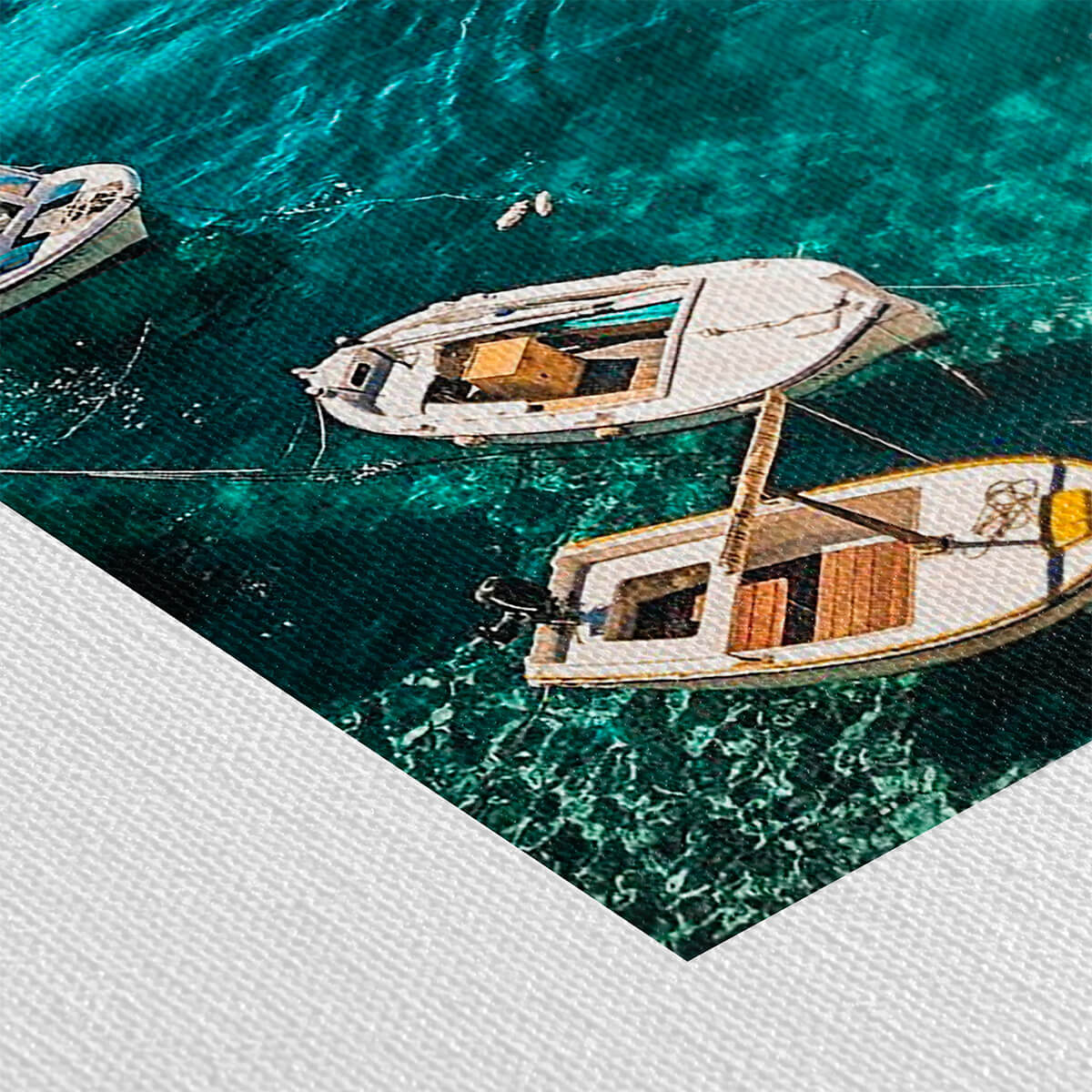
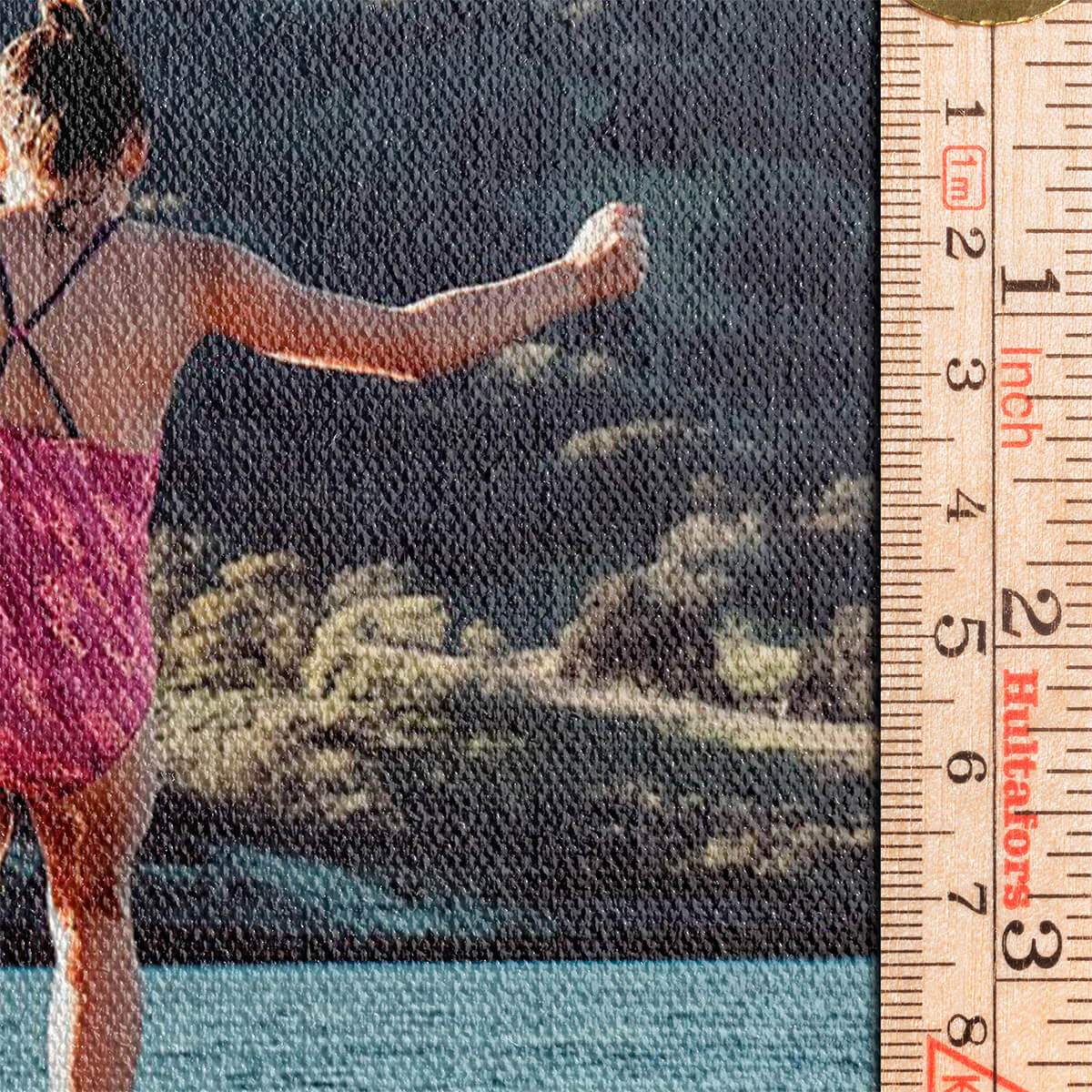
Transform your photos into stunning wall art with our stretch canvas photo prints. Printed on 260gsm coated acrylic canvas, each piece offers rich colours and a durable finish. Choose from multiple sizes and depths, all expertly crafted to bring your memories to life with unparalleled quality.
Stretched Canvas, Made in the UK
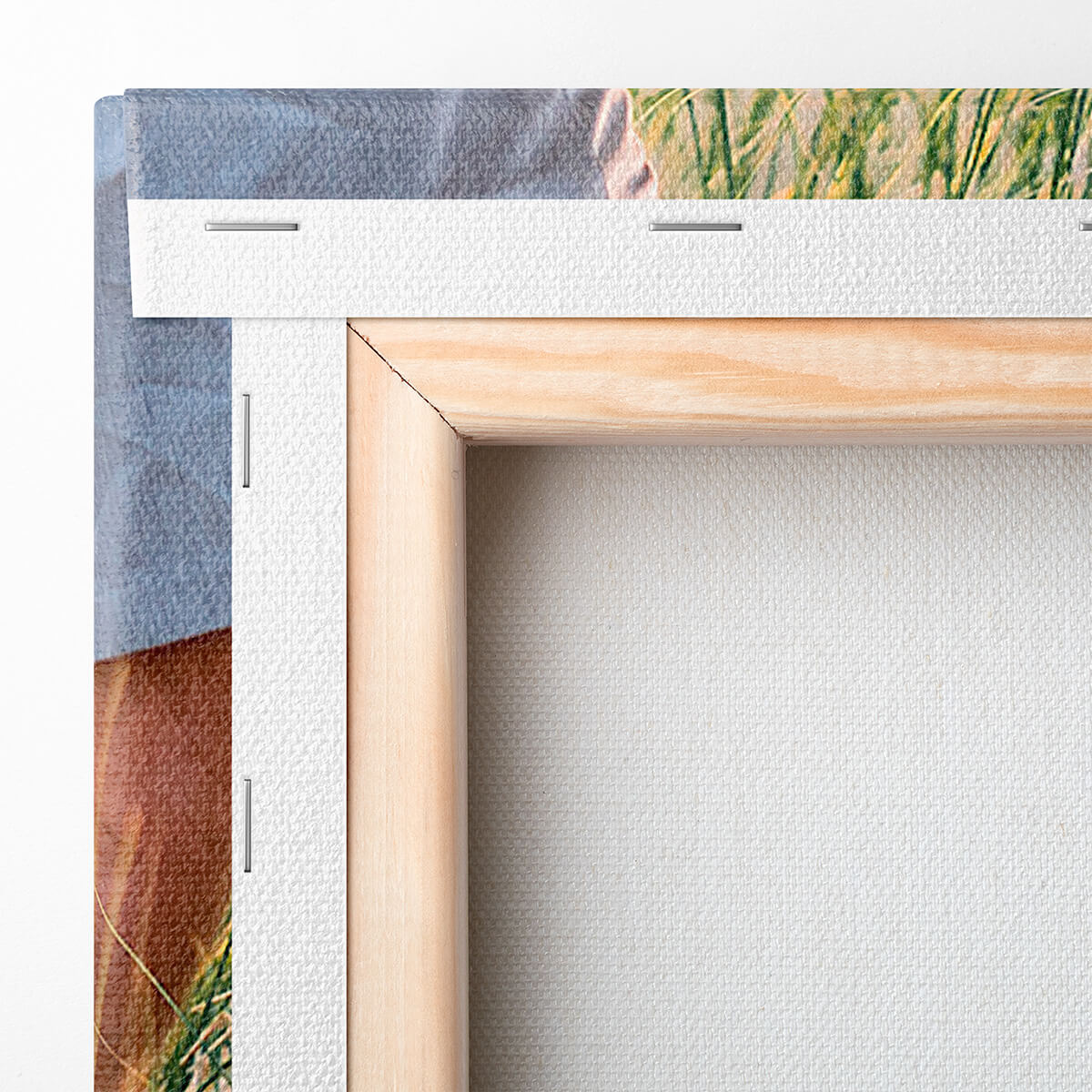
Our canvas prints are all stretched over robust wooden frames, ensuring a professional finish and long-lasting display. Produced in the UK, they showcase your photos with exceptional clarity and depth, making them perfect for gifts or home décor. Personalise yours online today.

Latest Blog Updates
Stretch canvas photo prints bring your favourite memories to life. Explore the blog for advice on image selection, canvas care, and styling these striking photo pieces in your home.