Using QR Codes and Digital RSVPs on Funeral Announcement Cards
Adding a small QR code to a funeral announcement is a simple way to collect replies quickly, share livestream details, and gently guide guests to the information they need—without changing the tone of your stationery. On Utterly Printable, you can personalise one of our funeral announcement cards and include a QR code or short web link to your RSVP page so numbers, dietary notes and donations can be managed with less stress. This guide explains what to link to, where to place a code on your card, and how digital RSVPs help with practical planning for the day.

A QR code is added to a funeral announcement so recipients can scan for online details.
What a QR code on a funeral announcement can link to
A QR code is simply a signpost to a web page. For funerals and celebrations of life, the most helpful links tend to be:
- A digital RSVP page (RSVP.studio): Invite guests to confirm attendance, add the number in their party, leave a short message, and—if helpful—note dietary requirements for the reception. A short web link printed beneath the code is ideal for anyone who prefers to type rather than scan.
- Donation information: If you’re inviting charitable donations in memory, link directly to the chosen charity or donation hub so guests can contribute securely and leave messages of remembrance.
- Livestream details: For friends and relatives who cannot travel, your link can point to a page with the stream URL, start time and any joining instructions.
- Practical updates: If plans change (timings, parking, reception location), your linked page can be updated once, and the QR code still points to the latest details—no reprinting required.
Tip for wording on the card: e card: A calm, helpful line such as “Kindly RSVP and find livestream details by scanning the code or visiting the link” keeps things clear and respectful.
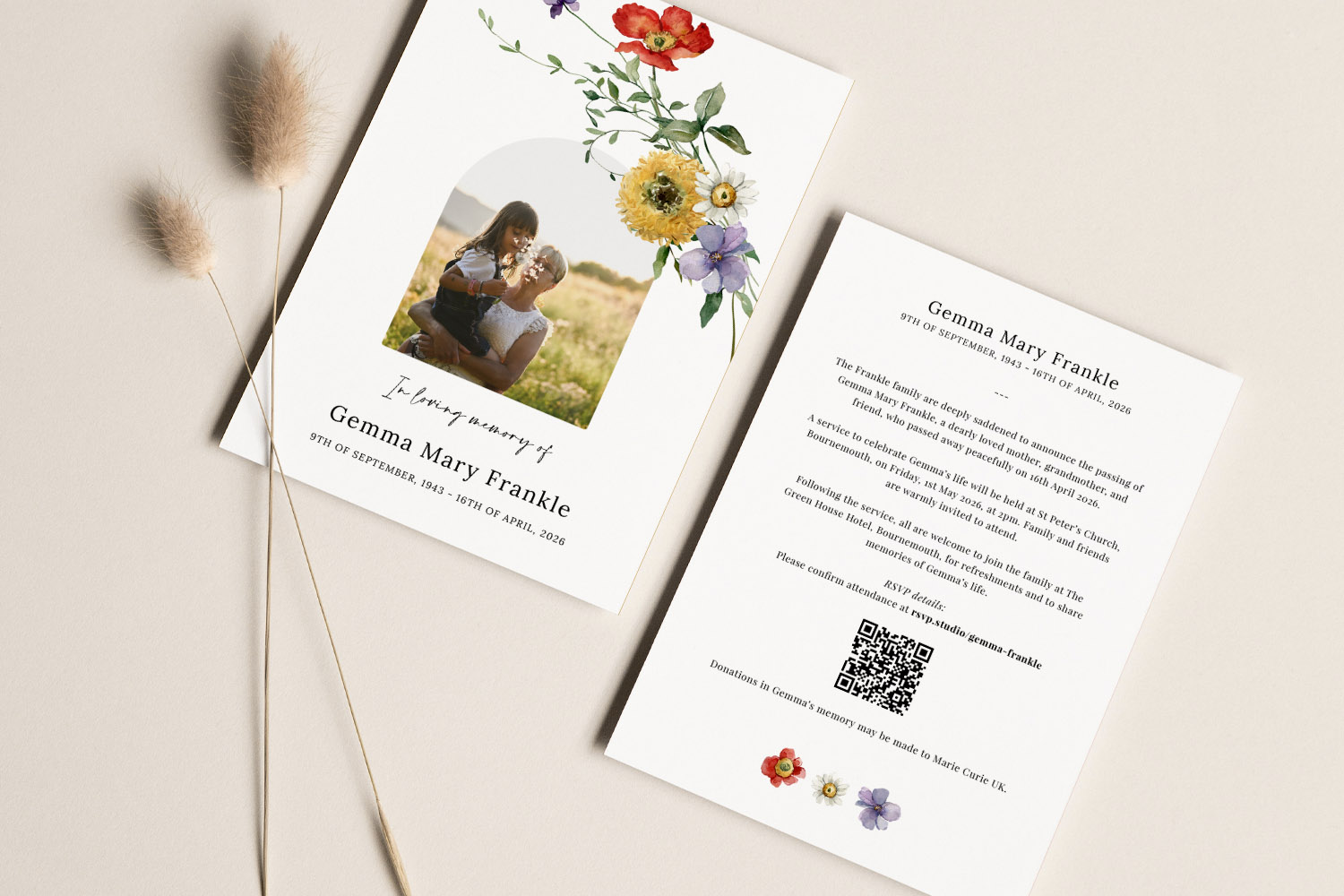
Elegant funeral announcements featuring wildflower accents, a personal photo, and a QR code for easy digital RSVP and event details.
Where to place the QR code within your card design
A well-placed, discreet QR code won’t overwhelm a traditional layout. Consider the following placements and design tips:
- Reverse side for a classic look: Placing the code on the back keeps the front fully traditional—especially suitable for photo-led or typographic designs. Position it near your RSVP sentence or reception details so it feels part of the information, not an afterthought.
- Front corner for simple layouts: On very minimal designs, a small code in a lower corner can work well. Keep ample breathing room so the main text—name, dates and service details—remains the focus.
- Keep it modest but scannable: Avoid making the code too small. Leave a clear margin around it, and print a high-contrast code (dark on light). Always test a printed proof with more than one phone.
- Use a short link underneath: Including a short, readable URL directly under the code helps guests who are less confident with scanning or who use older phones.
- Maintain the card’s tone: If you’ve chosen a traditional or elegant layout, a simple black-and-white QR code is usually best. For contemporary designs, a single-colour code that matches a heading can work—just prioritise contrast and legibility.
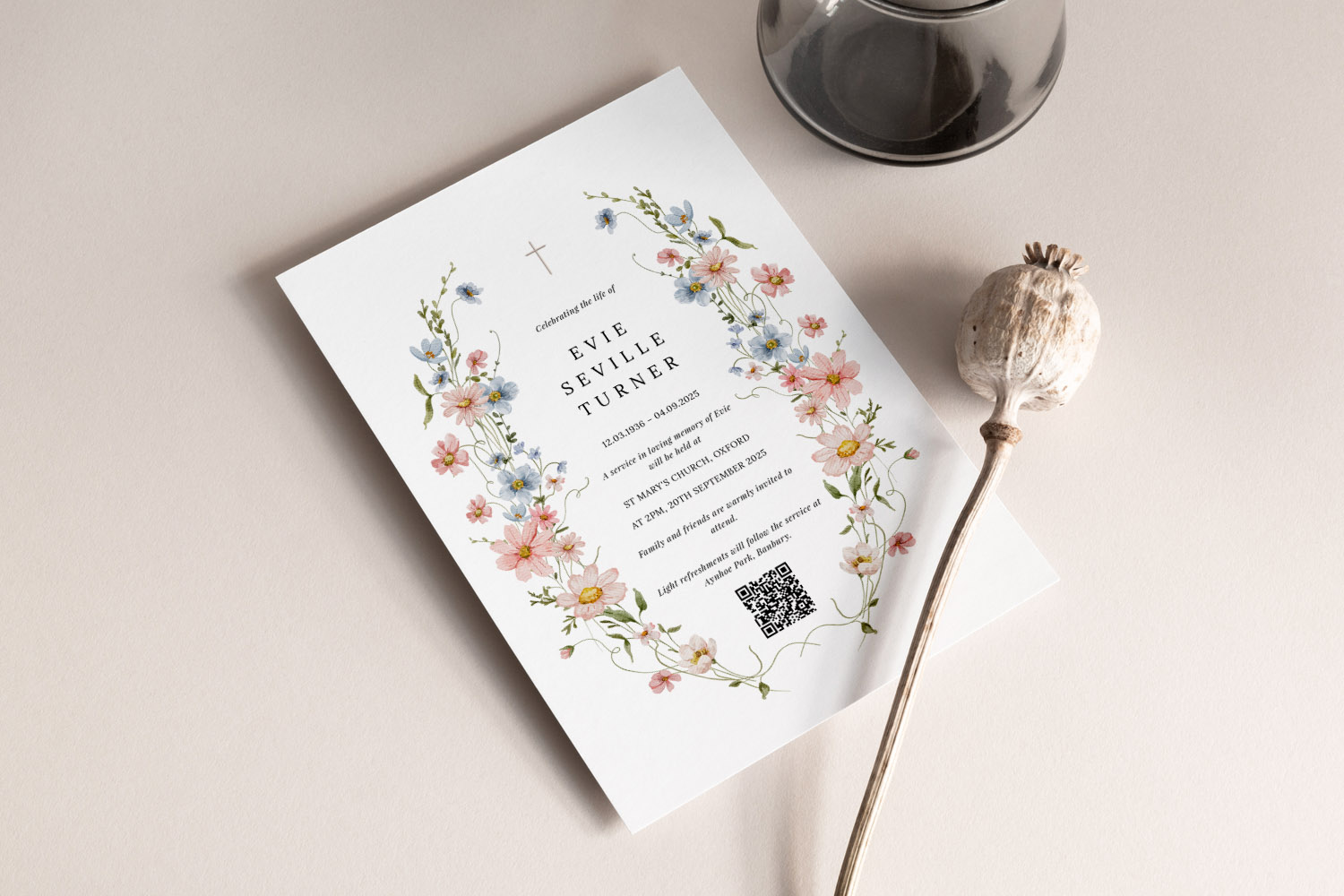
Elegant funeral announcement card featuring a delicate floral design and QR code for digital RSVPs, ideal for modern memorial services.
How digital RSVPs help with planning, catering and capacity
Digital RSVPs bring practical benefits when plans come together quickly or when you expect a high turnout:
- Quicker head-counts: Online replies arrive in real time, helping you confirm venue capacity, order seating and plan the reception with less guesswork.
- Dietary and accessibility notes: A short set of optional fields—dietary needs, accessibility, travel notes—reduces last-minute phone calls and ensures everyone is looked after on the day.
- Central place for updates: Update one page for all guests if timings or locations adjust. The QR code and short link already printed on the card still get everyone to the latest information.
- Works beautifully with printed keepsakes: A digital RSVP does not replace a tangible card—it simply supports it. Many families value the card as a keepsake while using the QR code for logistics.
- Seamless stationery planning: If you’d like the service booklet to match your announcement, browse our co-ordinated funeral order of service templates. For a time-honoured aesthetic, you might prefer our traditional order of service templates; if you favour a cleaner, timeless approach, our classic order of service templates are a thoughtful fit.
Reassurance for less tech-confident guests: Not everyone will want to scan a code. That’s fine. Keep a telephone or email contact alongside the QR code and short link. Digital RSVPs are there to make things easier, not to set a barrier.
How Utterly Printable supports you: Our online designer lets you personalise your chosen announcement in minutes—adding names, dates, service details, a short message of remembrance and, if you wish, a QR code and short link. You can download a print-ready PDF for emailing or local printing, or choose professionally printed cards on premium, FSC-certified stock for a dignified finish. If timings are tight, fast UK printing and delivery options are available so you can focus on the important things. To begin, explore our curated collection of funeral announcement cards.

FAQs: QR codes and digital funeral RSVPs
These concise answers cover the questions we hear most often from families considering a QR code on their funeral announcement or “QR code funeral invite”.
Yes. When kept small and placed thoughtfully—often on the reverse—they simply provide a helpful route to RSVP and essential information. The printed card remains the focus and keepsake.
Most smartphones scan QR codes using the built-in camera. For anyone who prefers not to scan, include a short web link printed directly underneath the code.
It’s an online form that lets guests confirm attendance and, if you choose, share useful notes like numbers in the party or dietary needs. Linking via a QR code on your card is the simplest way to guide people there.
Donation information in memory of your loved one and livestream details are the most common additions. Both are practical and appreciated by people who cannot travel.
Either on the reverse near your RSVP sentence, or in a lower corner on the front for very minimal designs. Keep a clear margin around it and test a printed proof for easy scanning.
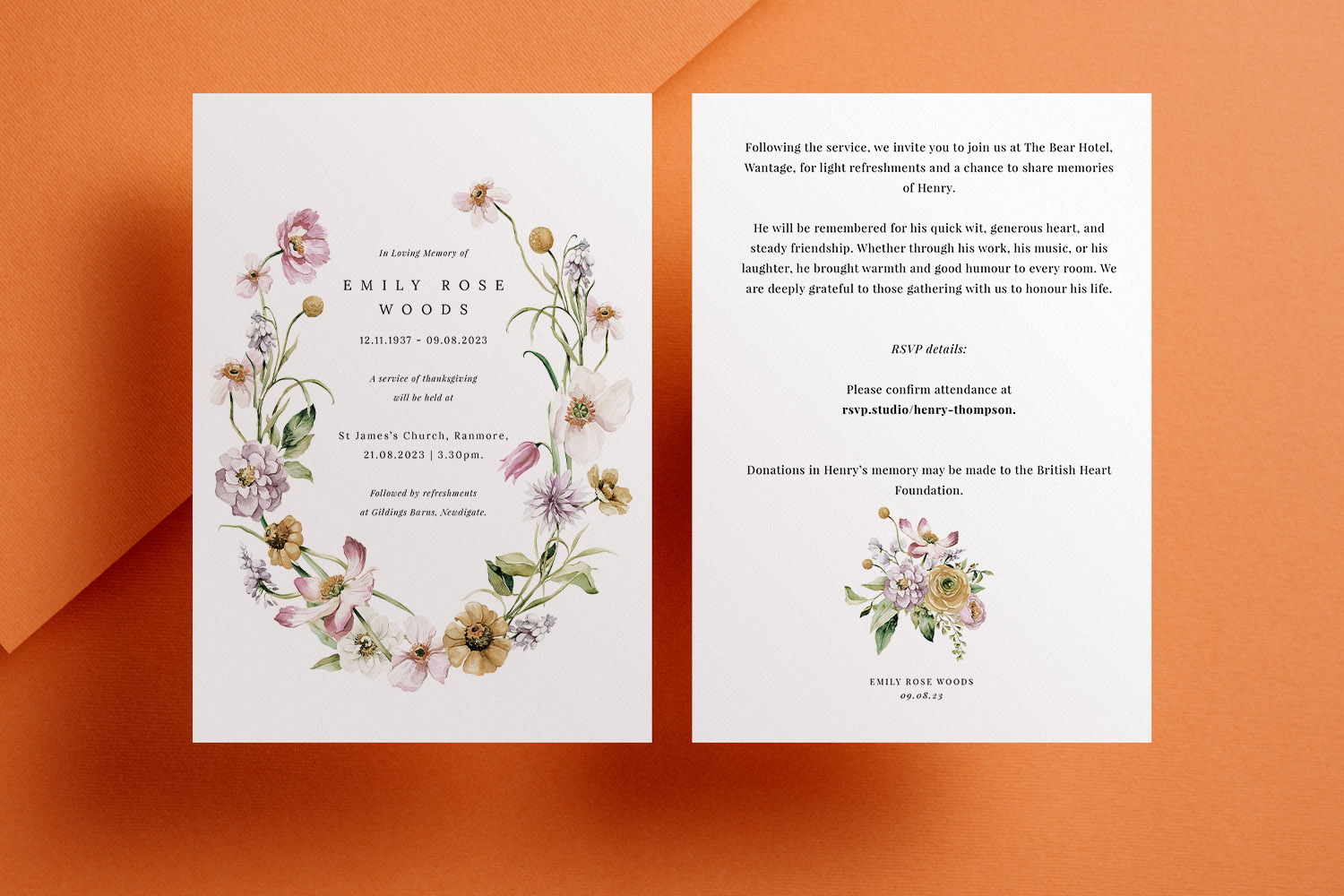
Funeral Announcement Cards vs Funeral Invitations: What’s the Difference?
Understanding the difference between funeral announcement cards and funeral invitations can help you choose the right option during a difficult time. This article explains their distinct purposes, when to use each, and how to personalise funeral stationery for your needs.
Funeral Announcement Wording Examples & UK Etiquette
Discover thoughtful funeral announcement wording examples and essential UK etiquette in this practical guide. Learn how to set the right tone, what details to include, and find adaptable templates to help you create respectful, clear funeral announcements with confidence.


Photo funeral announcements: best practices for choosing and uploading images
Discover how to select and prepare the perfect photo for a funeral announcement with our gentle guide. Learn best practices for choosing, editing, and uploading images, plus tips on card design and paper stock to create a dignified tribute.
Products related to funeral announcements:


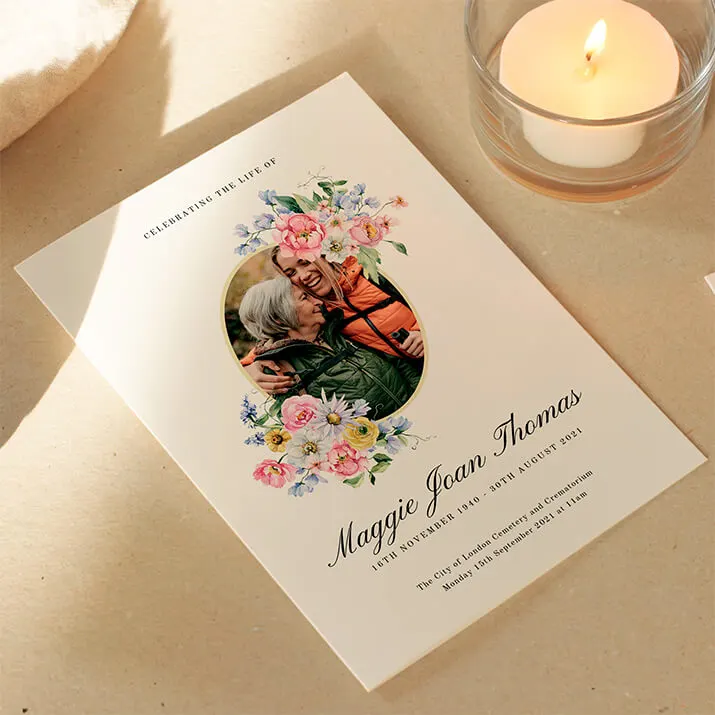

The Utterly Printable Blog
Funeral announcement cards provide a dignified way to inform loved ones of a loss. Visit the blog for advice on wording, design styles, and how to create a fitting tribute for the occasion.