How to Create a Personalised RSVP.studio Link (Step-by-Step Guide)
Introduce a smart, stress-free way to gather RSVPs—without spreadsheets, apps, or guesswork.
If you’re planning a wedding, funeral, christening, birthday or corporate function and want a clean, modern way to collect replies, a personalised link with RSVP.studio is a straightforward solution. This guide walks you through every stage—from purchase to publishing and sharing—so you know exactly what will happen, what you can personalise, and how to manage responses with confidence. For a deeper look at the service itself, you can also visit the RSVP.studio online RSVP website.

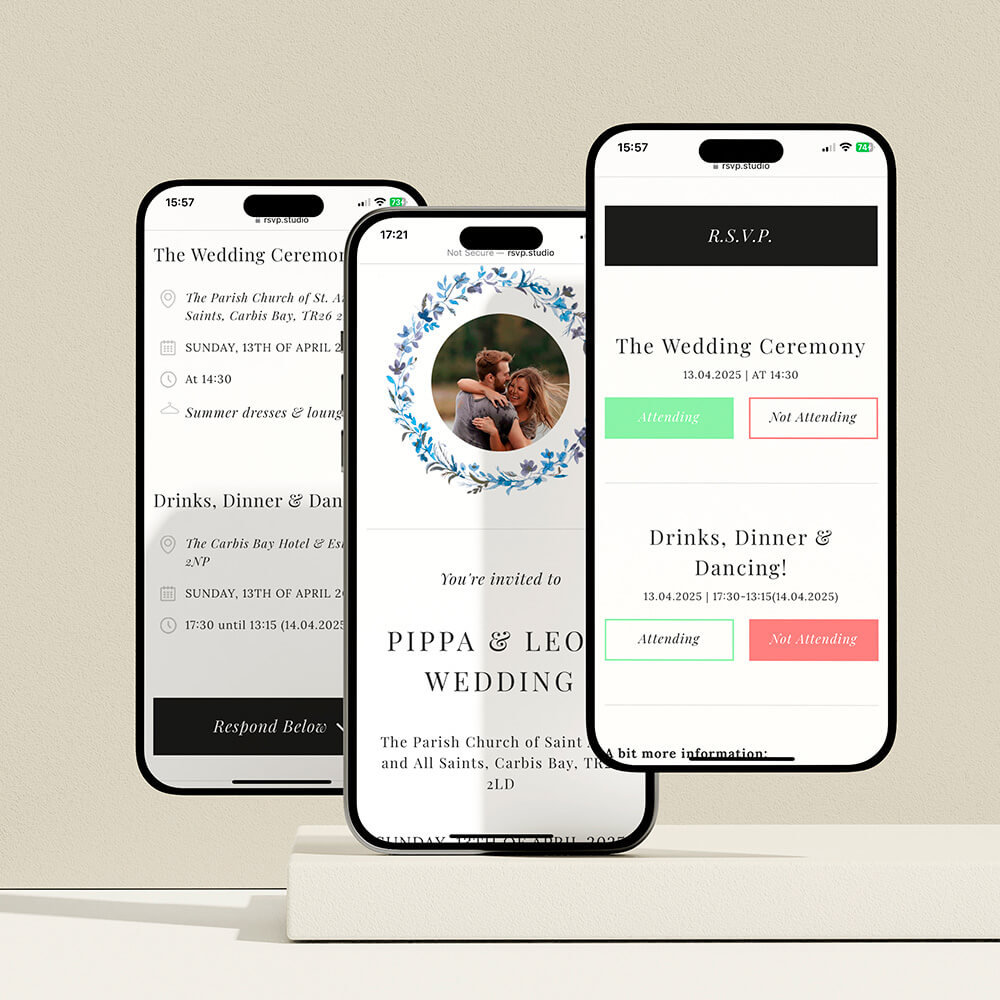
The user creates a shareable digital RSVP link for an event using the RSVP Studio interface, showing how guests can respond online.
1) What you’ll set up (and what you’ll need)
RSVP.studio lets you create a clean, branded RSVP page at a custom web address starting “www.RSVP.studio/…” for a fixed price of £12.50. There are no per-guest fees and no limit to the number of replies you can collect. It works on any smartphone, tablet, or computer, and guests can respond from email, text, WhatsApp, or social media—no app required.
You can personalise:
- Your bespoke URL (e.g., www.RSVP.studio/sam-and-raj-2026) — note: this cannot be changed after purchase.
- Photos — upload as many as you like to create a welcoming first impression.
- Frames & colour themes — choose elegant photo frames (including delicate watercolours), minimalist borders, or bold banner styles to match your event.
- Event information — event title, host names, dates, times, venue, dress code and map link.
- Sub-events — add separate sections for things like rehearsal dinners, ceremonies, and receptions, each with its own date, time and venue.
- Questions — build multiple-choice questions for menu selections, transport needs, accommodation, or song requests.
- Plus-one field — let guests add a named plus-one so numbers stay accurate.
- Message box — a free-text field for special notes (e.g., dietary details).
- Privacy — toggle password protection on or off at any time.
- Controls — pause or resume the RSVP at the flick of a switch.
Helpful to have ready before you begin:
- Your desired custom URL (and one or two backups in case your first choice is taken)
- Event details (dates, times, venue address, dress code)
- Any sub-events you plan to invite different groups to
- Menu options or other multiple-choice questions
- One or two strong photos you’d like to feature
The user edits a custom RSVP link and checks its availability before confirming it.
2) Build your RSVP.studio link in minutes (from purchase to publish)
Below is the typical flow. The process is deliberately simple—most hosts set everything up in minutes:
- Purchase RSVP.studio
- Go to the RSVP.studio product page and complete checkout.
- Your digital project appears instantly in your Utterly Printable account.
Screenshot-style note: “Your Orders RSVP.studio ‘Create my RSVP’ button.”
- Choose your personalised URL
- Enter your preferred ending (e.g., /sophie-and-liam) and confirm.
- Important: once set and paid for, the URL cannot be changed.
Screenshot-style note: “URL field with green tick: ‘Available’.”
- Add your photos & pick a theme
- Upload one or more photos.
- Select a frame style and colour theme that suits your event.
Screenshot-style note: “Theme picker ‘Floral watercolour’ • ‘Minimal border’ • ‘Bold banner’.”
- Enter event details
- Add event title, host names, main date and times, venue address (with map link), dress code and RSVP deadline.
- If relevant, add sub-events (each with its own date/time/location).
Screenshot-style note: “Sub-events ‘Add sub-event’ ‘Ceremony’ + ‘Reception’.”
- Create your questions
- Use multiple-choice fields to collect menu choices or transport needs.
- Add a plus-one field so guests can bring a named guest.
- Keep questions concise and actionable.
Screenshot-style note: “Questions ‘Add multiple choice’ ‘Menu’ [Chicken] [Fish] [Vegan].”
- Privacy, controls & finishing touches
- Toggle password protection if you want to restrict access.
- Use the Pause switch if you need to stop replies temporarily (e.g., after your catering deadline).
- Add a short welcome message and any final notes (e.g., parking).
Screenshot-style note: “Settings Password [On/Off] • Accepting responses [On/Off].”
- Preview and publish
- Check the page on mobile and desktop in the preview.
- Click Publish. Your link is live immediately.
Screenshot-style note: “Preview Mobile tab ‘Looks great on phones.’”
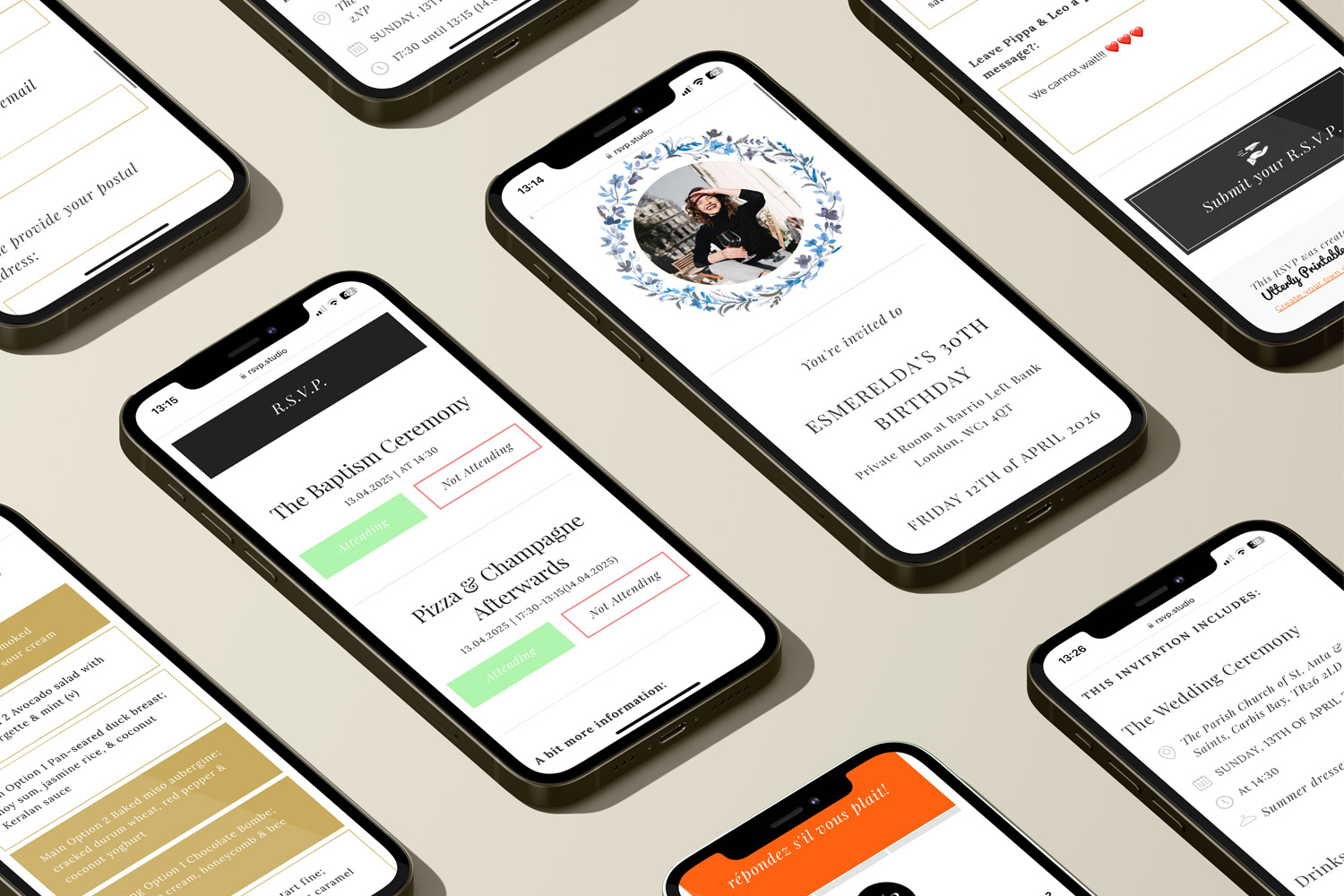
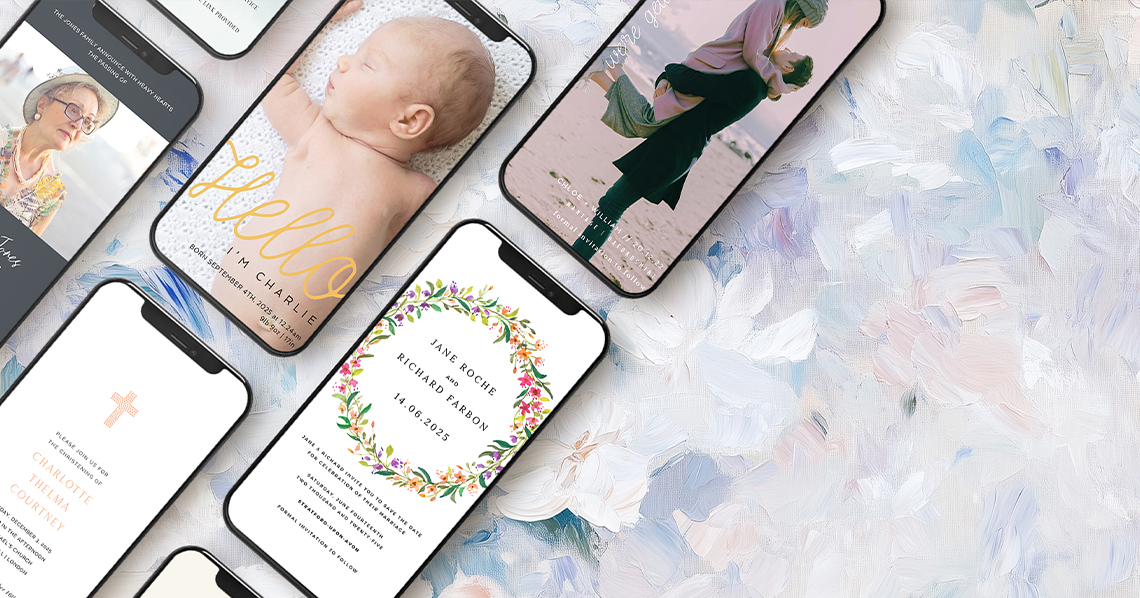
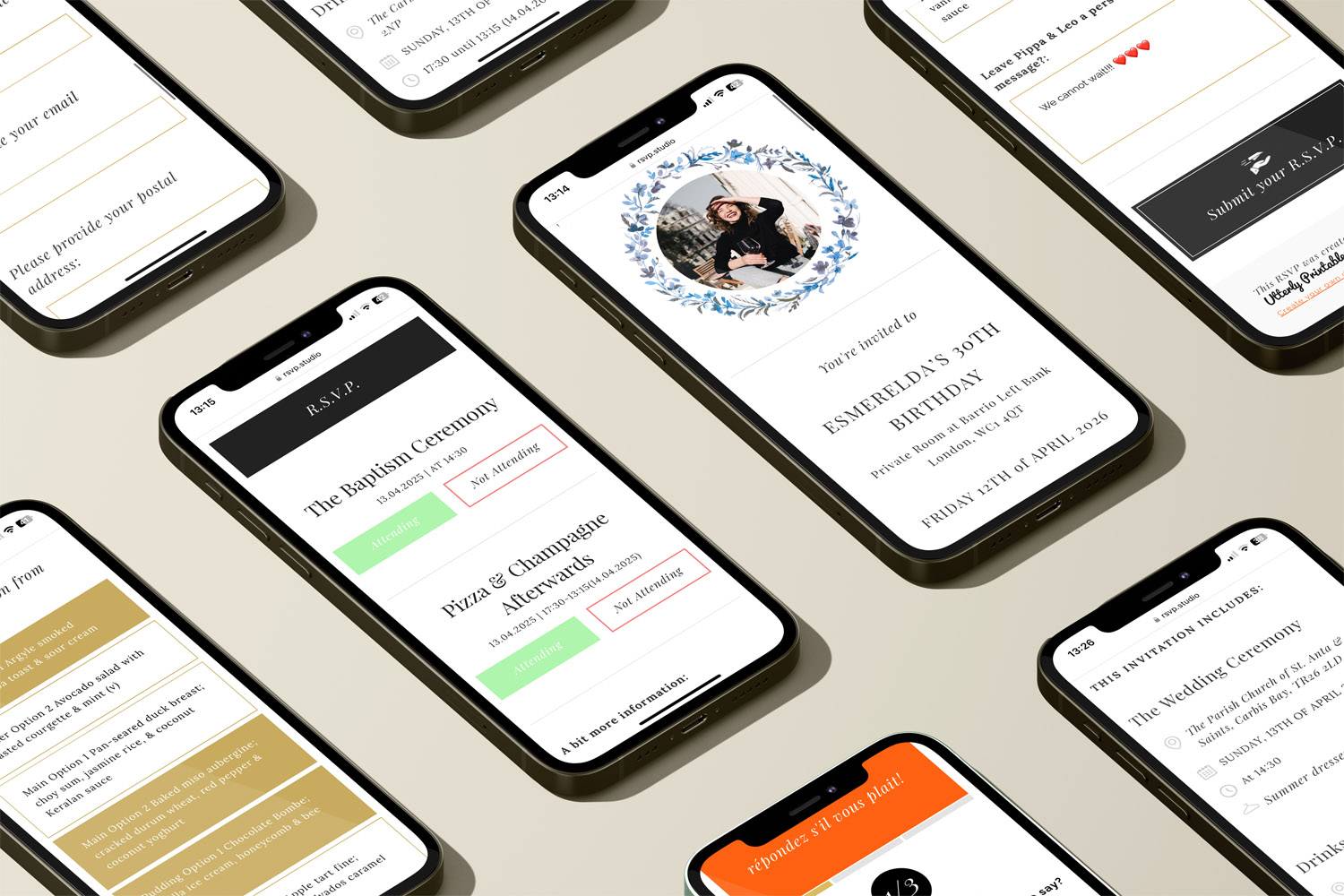
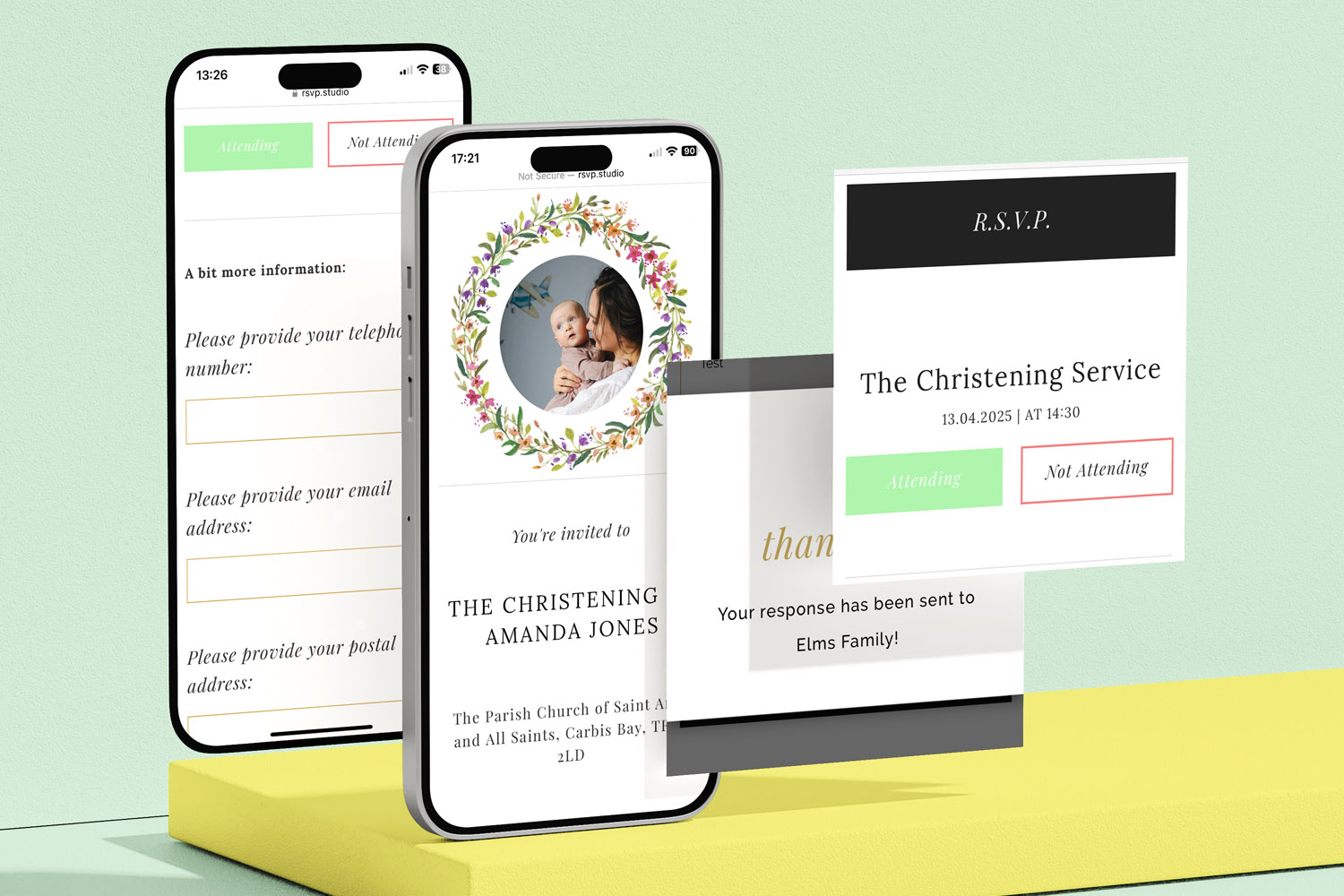
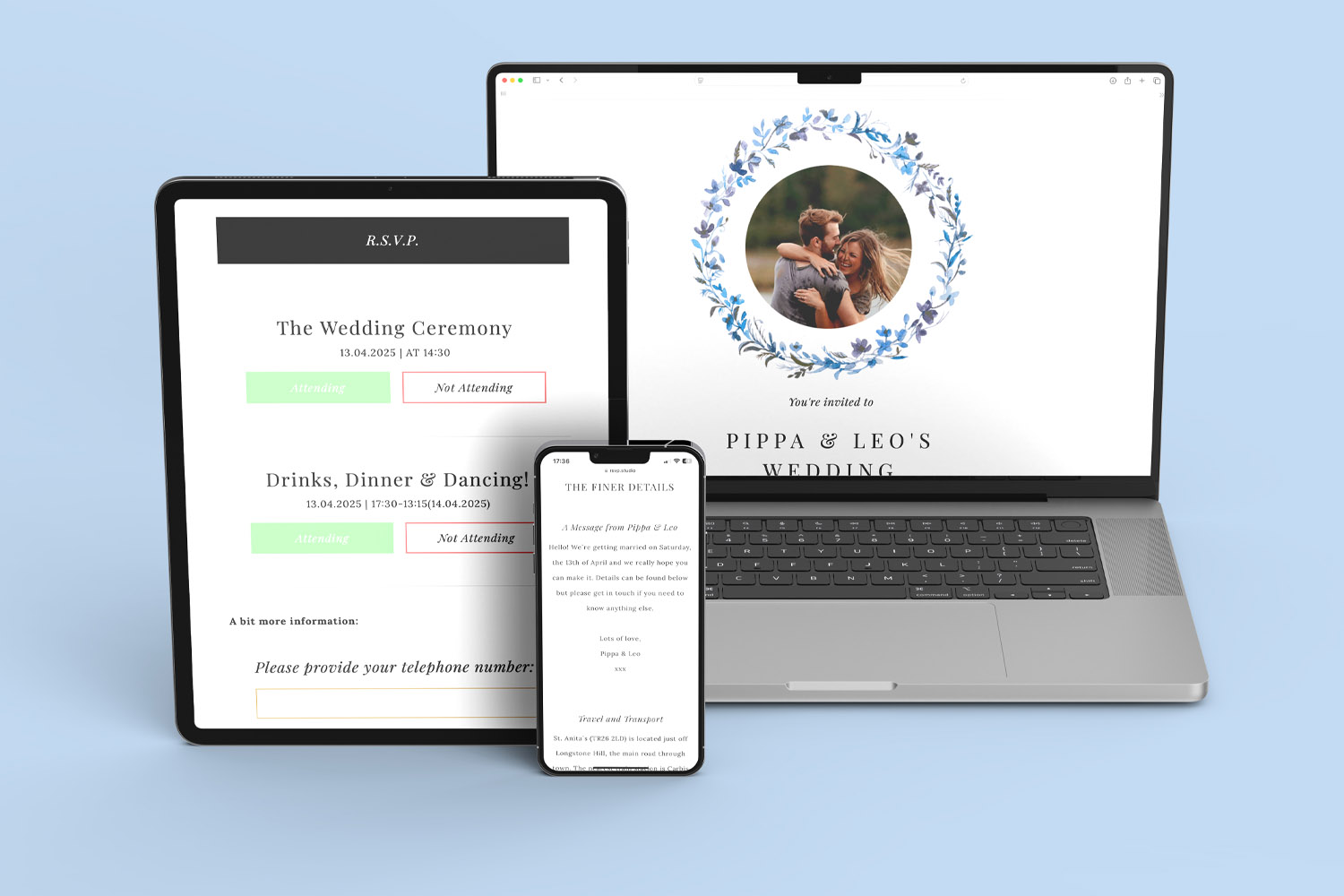
RSVP.studio digital invitations shown on smartphones, highlighting customisable event details and easy RSVP features for any occasion
3) Share, track and update—without hassle
Once live, you can put your RSVP link wherever your guests are:
- Messaging apps & email: paste the URL into WhatsApp, Messenger or email.
- Printed invites: add the short link, or generate a QR code from your Utterly Printable account so guests can scan straight to the form.
- Social posts & event pages: share with private groups or DM lists.
All replies flow into your Utterly Printable account where you can see who’s coming, who’s added a plus-one, and what menu choices or transport needs you’re handling. At any time, download a spreadsheet (.csv) for quick counts and supplier handoffs.
Need to tweak details after publishing? No problem. You can edit content, switch themes, add questions or sub-events, and toggle password protection from your account. For sensitive timelines, use the Pause control to stop replies temporarily and Resume when you’re ready.
Practical tips:
- Keep your questions short. For menus, use clear options (“Chicken”, “Fish”, “Vegan”).
- If different guests are invited to different parts of the day, sub-events keep everything tidy and guests only see what applies to them.
- Use the message box for special notes like allergies or accessibility needs.
- Add an engagement or family photo to personalise the page; those same images can later become keepsakes via our photo gifts range or a favourite shot printed as framed photo canvases.
Good to know:
- One fixed, affordable fee of £12.50 covers unlimited sends and responses.
- The service works worldwide (guests just need internet access).
- Responses are stored for at least one year and can be retained longer on request.
- We focus on RSVPs—no mass-mailing, guest messaging, gift registry or seating-plan tools inside the platform.
- We record completed responses, not link opens.

Quick answers to common questions
Below you’ll find concise guidance to reduce any uncertainty before you start.
A personalised RSVP page at your own URL (starting “www.RSVP.studio/…”), unlimited guest responses, photo uploads, frame and colour themes, multiple-choice questions, plus-one field, sub-events, password protection, pause/resume controls, a real-time response dashboard and CSV download—all for £12.50.
Yes. You can update text, photos, questions, themes and sub-events from your Utterly Printable account. Edits are live as soon as you save.
No. Once purchased, the custom URL cannot be changed. Choose carefully before you confirm it.
Absolutely. Guests can open your link on any device and respond via WhatsApp, SMS, email or social platforms—no app to install.
Yes. Add a multiple-choice menu question and enable the plus-one field so guests can add a named companion. Both appear in your download.
Final reassurance
RSVP.studio is deliberately simple: one link, unlimited replies, instant setup, and a dashboard that keeps you on top of numbers, dietary needs and timings. Build it in minutes, share it anywhere, and get back to the part that matters—planning a memorable day. If you’re ready to begin, head to the online RSVP website and create your personalised link.
Managing plus-one invitations with a digital RSVP
Discover how to manage plus-one invitations seamlessly with a digital RSVP using RSVP.studio. This guide covers practical tools, clear wording, and essential etiquette to help you keep your guest list accurate, organized, and stress-free for your celebration.
Sharing your RSVP.studio link: WhatsApp, SMS, email and printed invitations explained
Learn how to share your RSVP.studio link for event invitations via WhatsApp, SMS, email, and printed cards. This guide explains best practices, guest experience on devices, QR codes, and proper etiquette for sending or resending your RSVP link.
Using Sub-Events in RSVP.studio for Multi-Day or Multi-Part Celebrations
Discover how using sub-events in RSVP.studio streamlines planning for multi-day or multi-part celebrations, allowing you to manage separate RSVP replies, track attendance for each event segment, and keep all guest information organised in one convenient place.
What to Include on Your RSVP.studio Event Page
Learn what to include on your RSVP.studio event page for smooth planning and clear communication. This guide highlights key details, optional extras, and tips to help you gather accurate RSVPs and ensure a welcoming, mobile-friendly guest experience.

From Our Blog
Online RSVP websites provide a streamlined solution for event planning. Visit the blog for insights into setting up RSVP pages for weddings, birthdays, and other celebrations.