Adding QR codes to wedding thank you cards: share photo galleries & videos
Sending printed thank yous feels wonderful—handwritten, tangible and sincere. Add a discreet QR code and your gratitude can also open photo albums, highlight reels and honeymoon updates with a quick scan. This guide walks you through what to link, where to place the code, and exactly how to add one to your design in Utterly Printable’s editor, so your guests can relive the best bits in seconds.

Shows how to generate and place a QR code inside the online design editor for easy guest access.
Why add a QR code to a wedding thank you card?
A tiny square on the card can do a lot of heavy lifting for you:
- Share your wedding gallery: link to online albums on your photographer’s platform, Google Photos, iCloud or Dropbox.
- Send guests to your highlight video: unlisted YouTube or Vimeo links work brilliantly for this.
- Create a single hub: point to a private page that holds the gallery, video, speeches and supplier credits.
- Continue the story: share a mini honeymoon gallery or a post-wedding update.
- Collect messages digitally: if you’re using RSVP.studio for notes or well-wishes, a QR on the card is a tidy way to bring guests there.
A QR code enhances the printed card without replacing it. Guests still receive a keepsake to pin on the fridge or pop in an album, while the scan takes them beyond the limits of paper to a richer, living record of your day.
The user adjusts the size of a QR code on a design canvas to fit the layout.
How to add a QR code in the Utterly Printable editor
You can add a code to any of our wedding thank you card templates—folded or flat, photo-forward or minimal. Here’s the straightforward process:
- Choose your template
Pick a design that suits your style. If you’re showcasing photos on the card as well, explore our photo collage thank you card designs for multi-image layouts. - Open the online editor
Personalise your wording, fonts and colours. Upload any images you’d like on the front, inside or back. - Add the QR code
Use the QR tool in the editor to create a code directly on the card. Paste the URL you want guests to visit (gallery, video or hub page). The code is generated instantly, ready to drag, resize and position anywhere on your design. - Write a short cue
Add a tiny caption near the code such as “Scan to see our photos” or “Scan for the highlight film”. It helps guests understand what they’ll get. - Test it
Zoom in to 100% and scan the on-screen proof with your phone. Try iOS and Android if possible. If you’re linking to an album or video, make sure sharing settings are on (e.g., “unlisted” on YouTube/Vimeo; “anyone with the link” for cloud albums). - Order a printed sample (optional)
If you want to check scan reliability on your chosen stock, order a printed sample to test at home before the full run. - Print or download
You can have your cards professionally printed in the UK or download a high-resolution PDF for DIY printing or emailing.
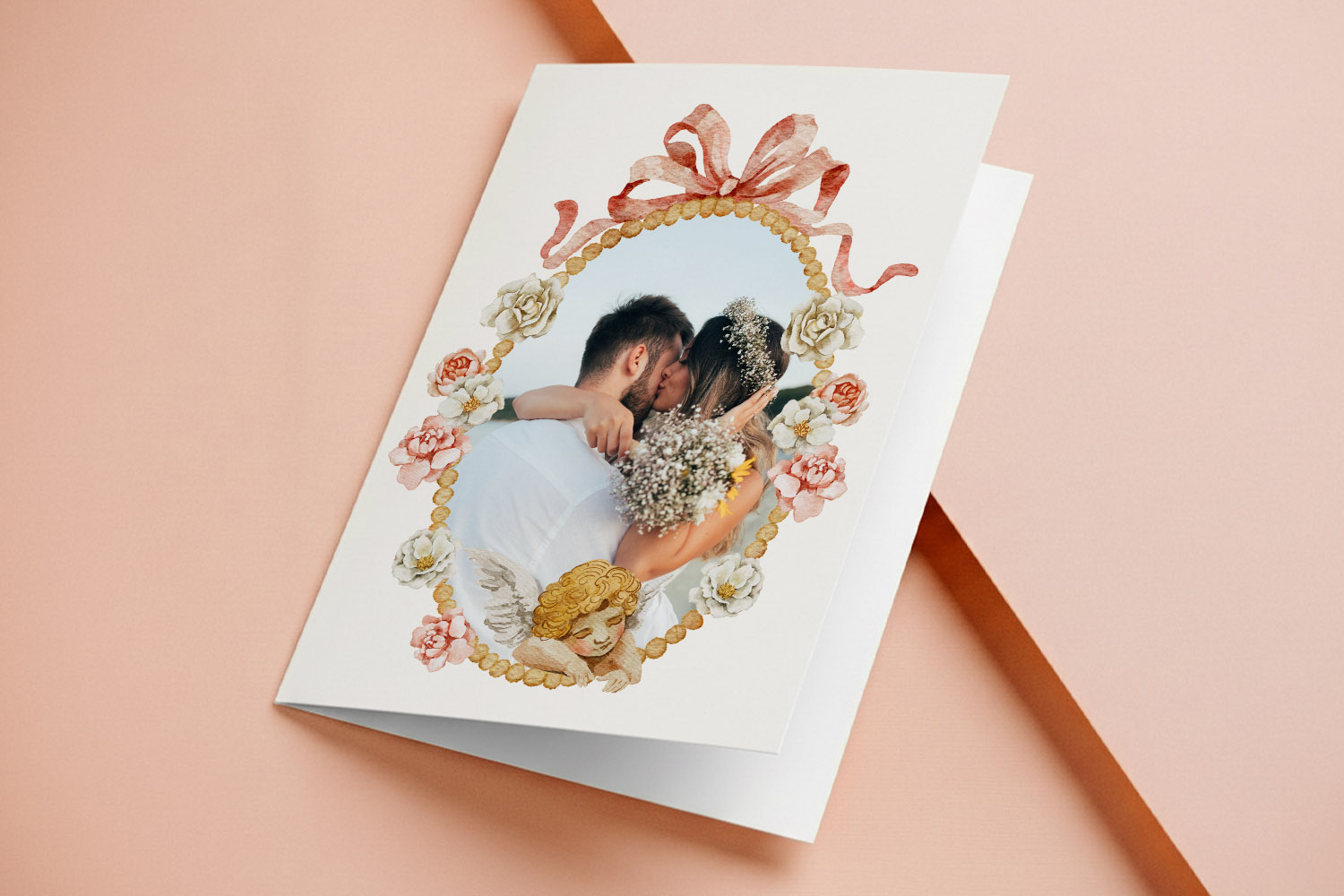
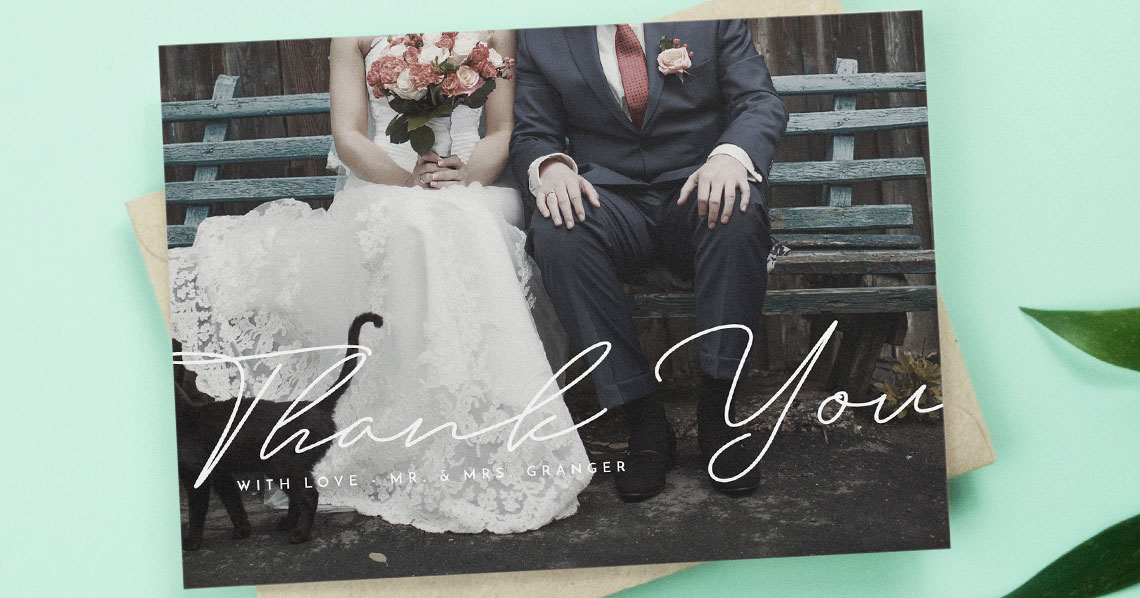
Elegant wedding thank you card with a romantic couple photo, floral frame, and angel detail, perfect for expressing heartfelt gratitude.
QR placement, size & design tips
A clean, thoughtful placement helps the code feel intentional and unobtrusive:
- Front vs inside vs back
For most couples, the back of a flat card or the inside right of a folded card is the sweet spot: discreet yet easy to find. If your design is very minimal, the bottom-back is great; if it’s a photo-led front, keep the QR away from faces or busy textures. - Keep clear space
Leave a small “quiet zone” of blank space around the code so phone cameras can lock on quickly. - Contrast is key
Dark code on a light area is the most reliable. Avoid placing it over textured photos or low-contrast backgrounds. - Make it comfortably scannable
As a rule of thumb, aim for a printed code of at least 20–25 mm wide on A6/A5 cards. If the link opens a long page or you know guests will scan from arm’s length, go a little larger. - Add a human cue
A gentle line like “Scan for our gallery” removes any doubt about what the code does. - Provide a fallback
Consider adding a shortened URL (e.g., yournames.co.uk/photos) in tiny type below the QR for guests who can’t or prefer not to scan.
Card formats, stocks & print quality at a glance
Utterly Printable offers both folded and flat postcard formats in A6, A5, square 148 × 148 mm and 5″ × 7″. All options are printed on FSC-certified card stocks, with premium Canon iX presses for crisp, high-contrast codes and vivid photos. Folded cards are professionally scored to prevent cracking, and you can choose from smooth or lightly textured finishes that are easy to write on. Download-only PDFs are also available if you’d prefer to print yourself or send digitally. Fast UK turnaround (with an express option) and printed samples make testing your QR easy before a full order.
Choosing a design style that works with a QR
You’ll find plenty of templates where a QR sits naturally without stealing focus:
- For timeless typography and understated layouts, browse our classic thank you card designs.
- If your day leaned minimal or sleek, try modern wedding thank you cards.
- Botanical flourishes? Explore floral wedding thank you cards where a QR can tuck neatly on the reverse.
- For warm textures and natural palettes, rustic thank you cards pair beautifully with a small code on the back.
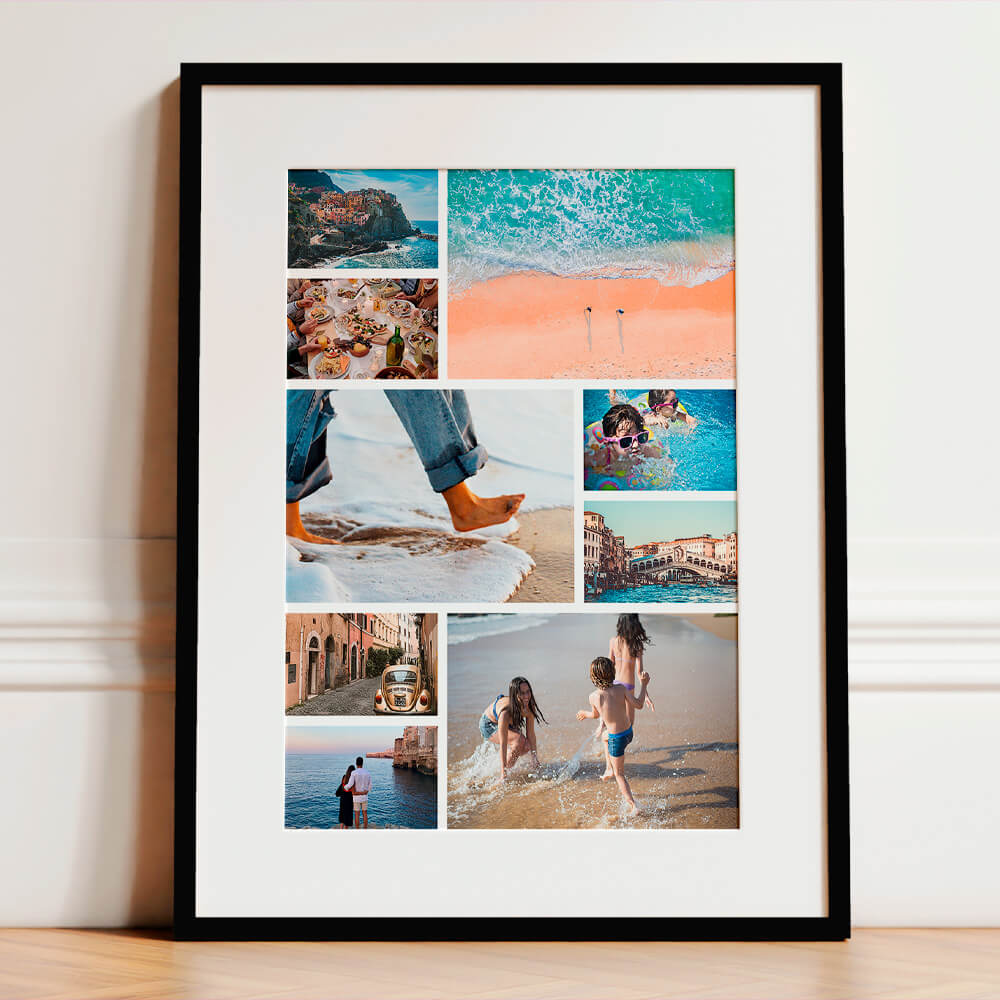
- Want to showcase more images on-card and online? Our photo collage range is tailor-made for it.
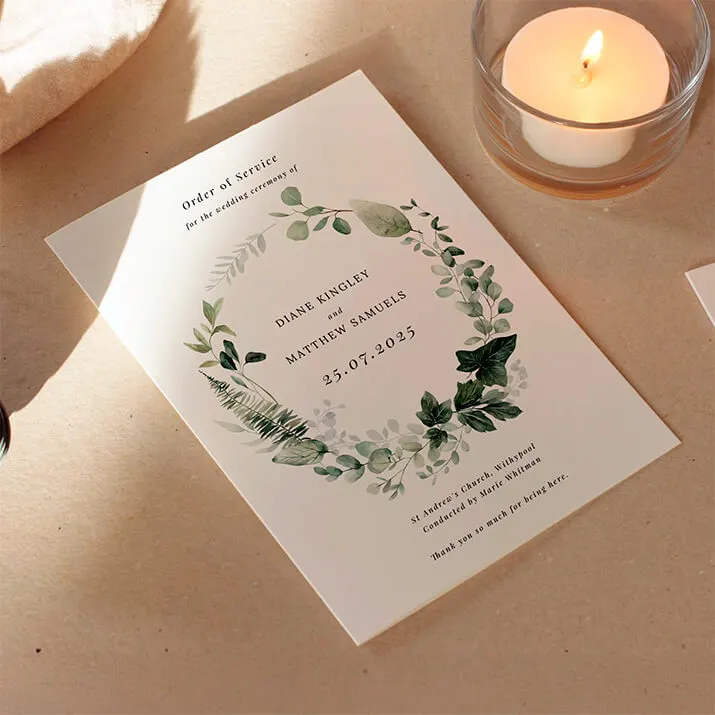
If you’re building a co-ordinated suite, you can keep the look consistent across the day: from classic order of service templates in the ceremony to personalised wedding table plans at the reception—and then your QR-equipped thank yous afterwards.

FAQs
Below are the most common questions couples ask when adding QR codes to thank you cards—covering links, placement, print considerations and practical etiquette.
Popular choices include your main wedding photo gallery, a 2–4 minute highlight film, a private web page with both, or a small honeymoon album. Keep the destination simple and uncluttered so guests get the “wow” moments fast.
Discreet yet visible is ideal: bottom-back of a flat card, or bottom-right on the inside of a folded card. If you’ve got a busy front (large photo or pattern), avoid placing the code there.
Aim for 20–25 mm square on A6/A5 formats, a touch larger on A5 if you prefer. Maintain clear space around the code and strong contrast against the background.
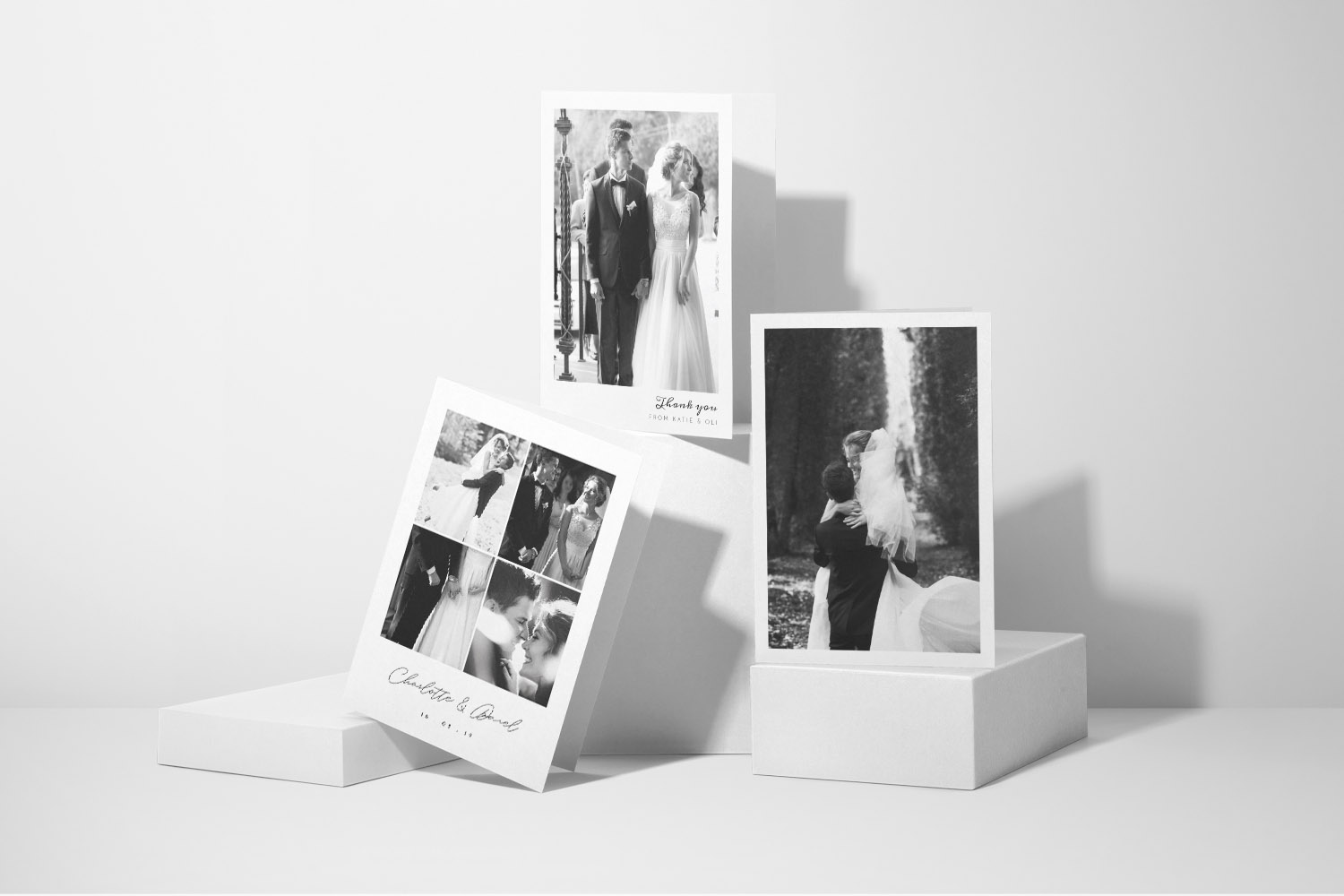
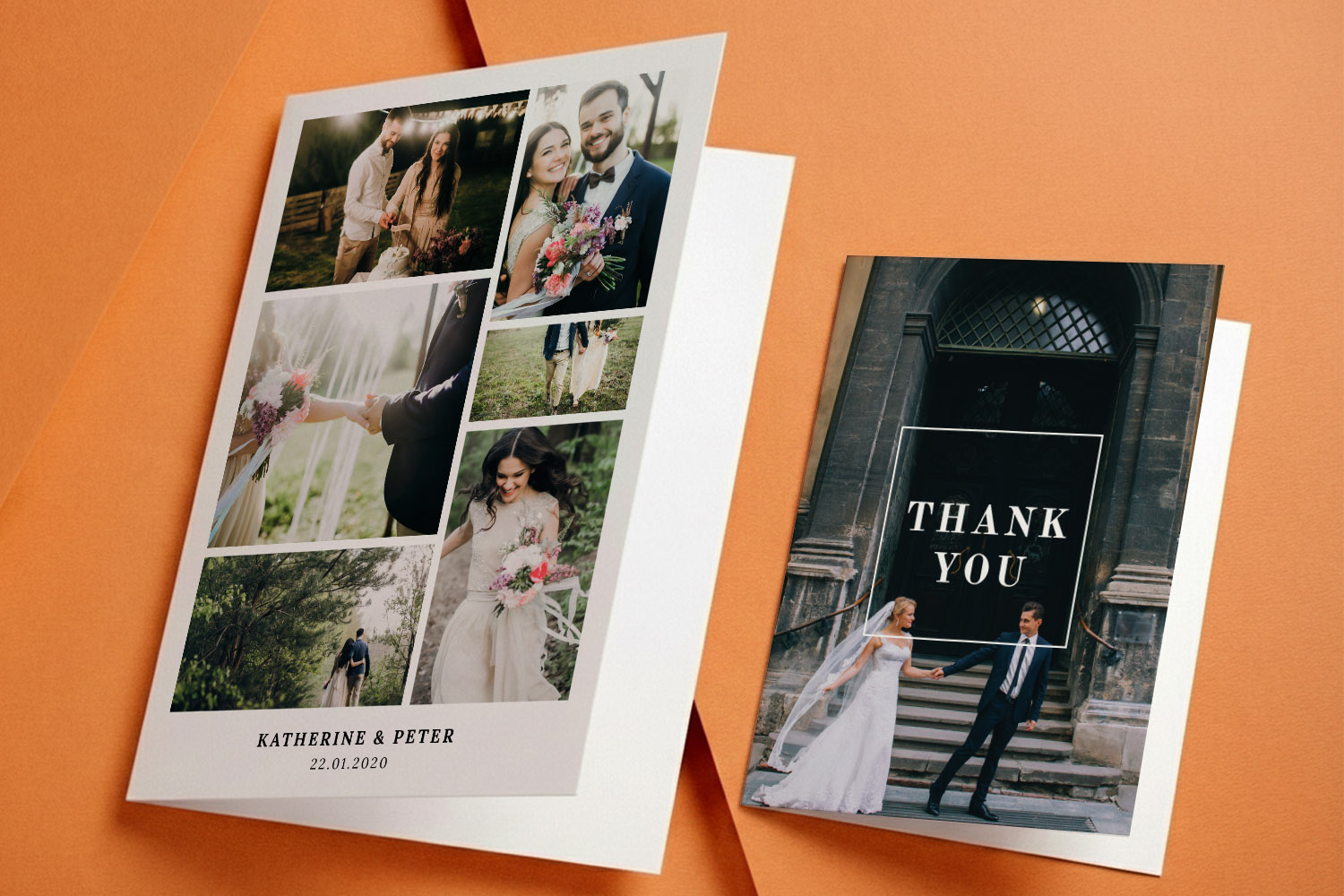
Absolutely. Many designs support multiple images. Start with our photo collage thank you cards if you’d like a grid of favourite shots alongside a QR to the full gallery.
Yes—provided the code is printed cleanly, contrasted well and not made too small. Utterly Printable’s stocks and Canon iX printing deliver sharp, scannable results; a sample is a good way to confirm the size and placement you’ve chosen.
Helpful links while you design:
Browse our full range of personalised wedding thank you card templates, explore classic, modern, floral, rustic and photo collage styles, or build a co-ordinated set with our order of service templates and wedding table plans.
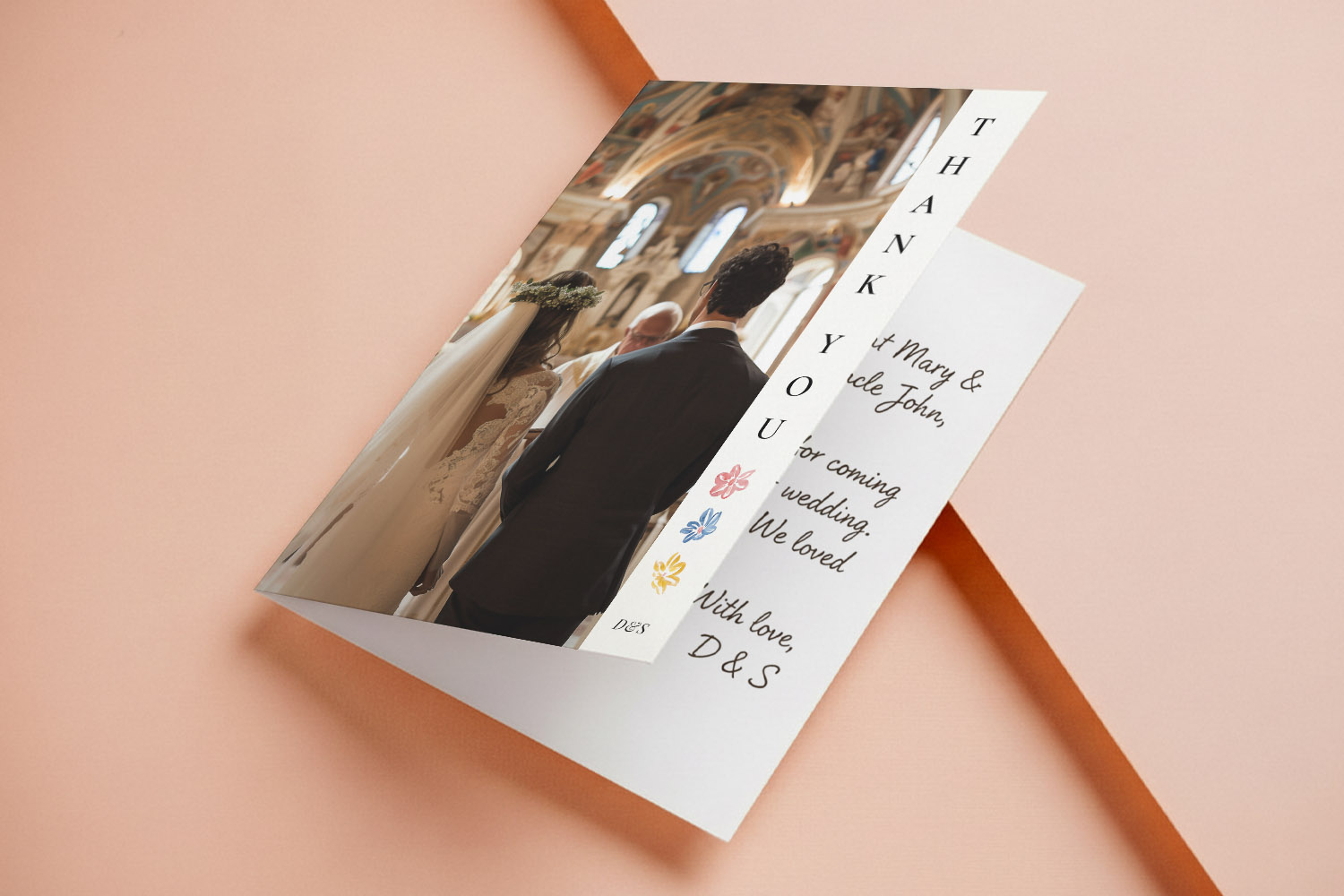
Best Paper for Wedding Thank You Cards: Matte vs Silk, Textured vs Smooth
Choosing the best paper for wedding thank you cards can make your messages feel truly special. This guide compares matte, silk, textured, and super thick card stocks, helping you find the perfect finish for your photos, handwriting, and design style.
Choosing Photos for Your Wedding Thank You Cards
Selecting the right photos for wedding thank you cards creates a meaningful keepsake. This guide offers tips on choosing hero portraits, collages, candid shots, and group photos, plus practical advice for print-ready images and card design.
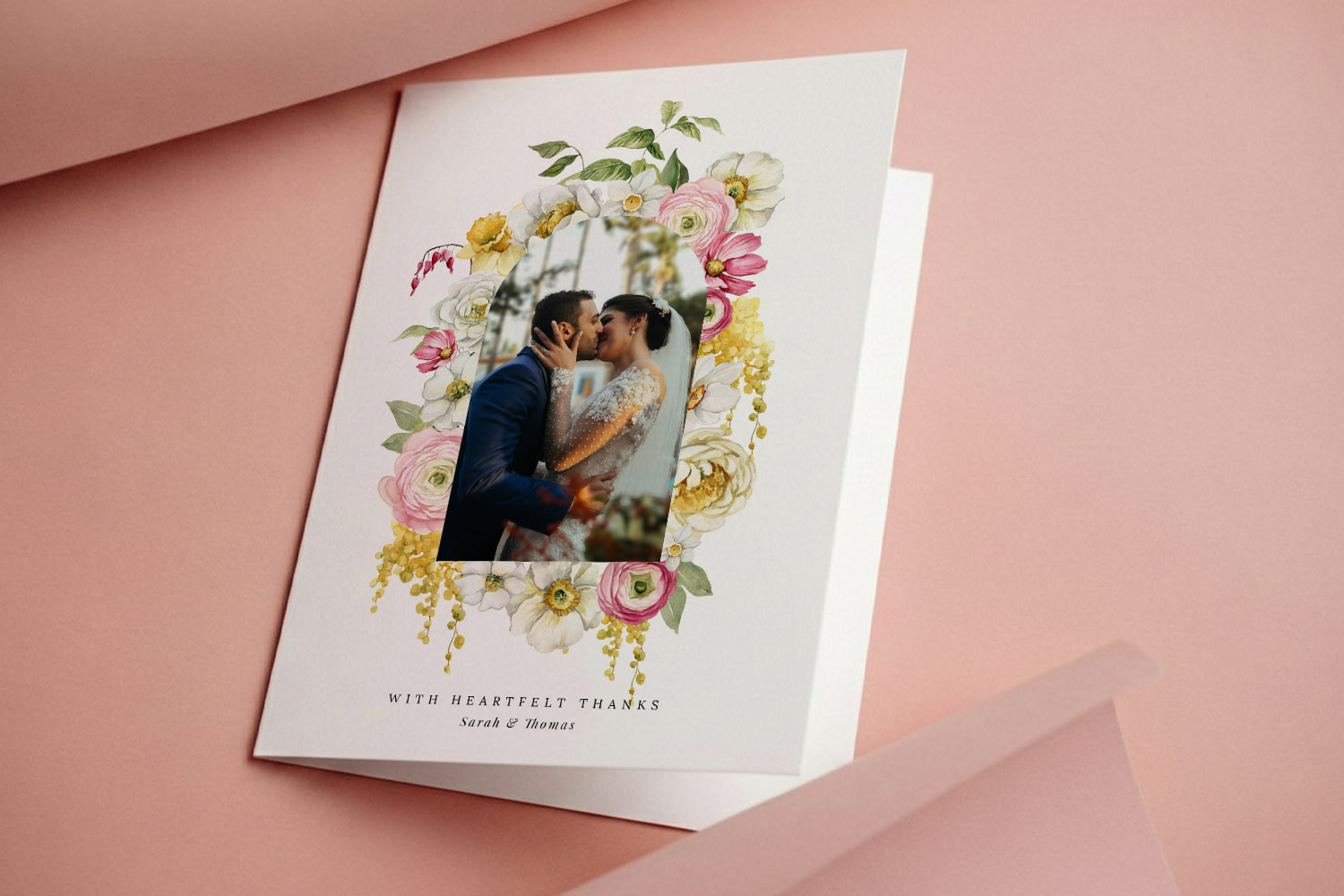
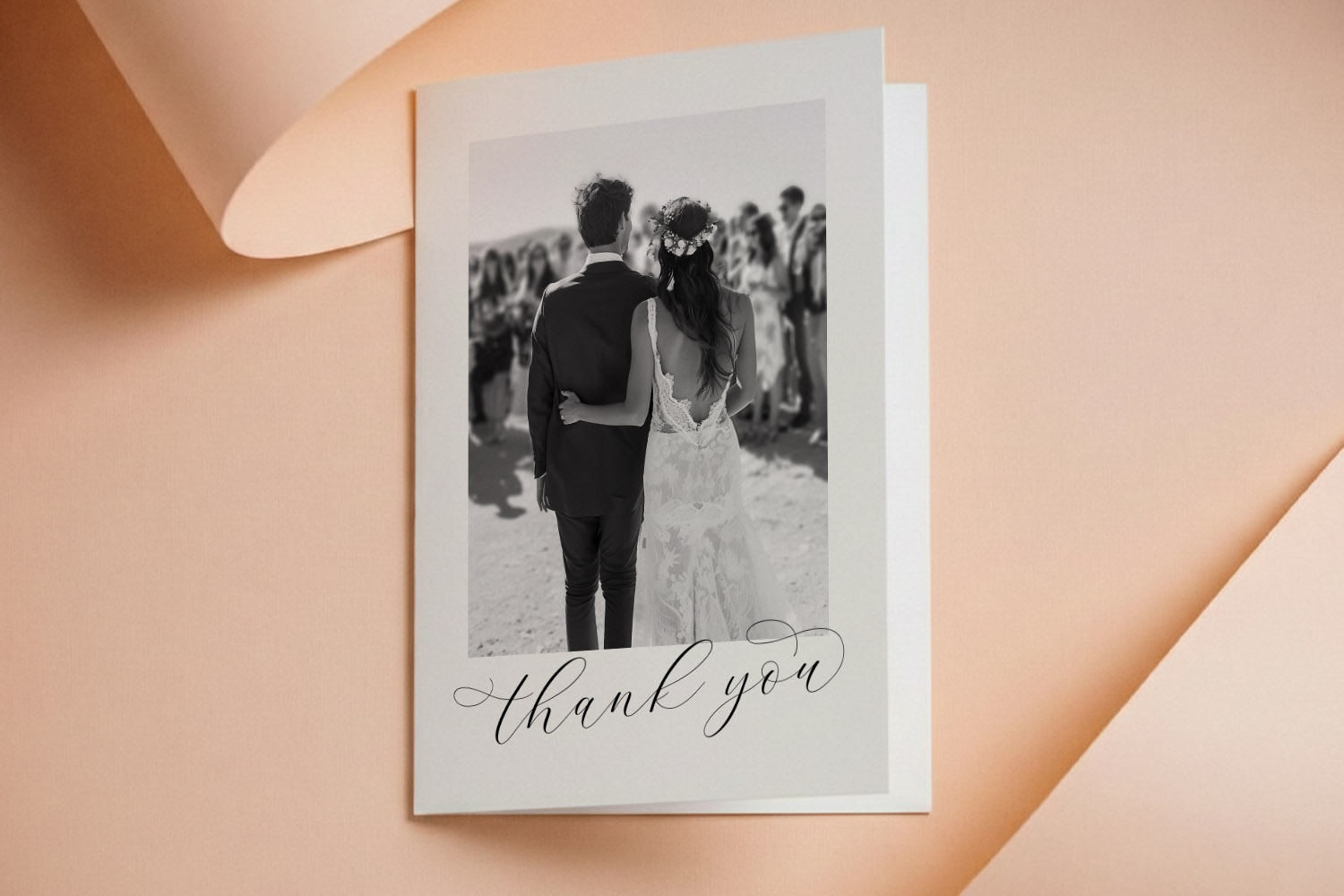
How to personalise wedding thank you cards online (step-by-step guide)
Discover how to personalise wedding thank you cards online with this step-by-step guide, covering everything from choosing templates and uploading photos to customising fonts, adding QR codes, and ordering professionally printed or downloadable cards for your special day.
Wedding thank you card etiquette (UK): who to send, what to write & how to get it right
Discover the essentials of UK wedding thank you card etiquette, including who to send cards to, what to write for every situation, and how to choose designs that reflect your style, ensuring your gratitude is heartfelt and beautifully expressed.
Wedding thank you card sizes explained: A6, A5, square & postcard formats
Discover the best wedding thank you card sizes with this easy guide to A6, A5, square, postcard, and 5 √ó 7 formats. Learn which options suit your photos, messages, and postage needs, plus tips for layouts and paper choices.
What to Write in a Wedding Thank You Card (with Ready-to-copy Examples)
Discover what to write in a wedding thank you card with this friendly guide, featuring ready-to-copy examples, wording tips for every situation, advice on card sizes, and design ideas to help your gratitude feel personal, polished, and heartfelt.
When to Send Wedding Thank You Cards (UK Guide)
Discover the best time to send wedding thank you cards in the UK with this guide, covering modern etiquette, recommended timelines for different gifts, and helpful organisation tips to ensure expressing your gratitude is simple and stress-free.
Products related to wedding thank you cards:

Inspiration Hub
Wedding thank you cards let you show your appreciation with style. Discover blog posts on choosing the perfect design, writing heartfelt messages, and incorporating photos from your special day.