What to ask on your wedding RSVP form
Your RSVP form is there to make planning easier, not harder. The trick is asking only what you truly need—clearly, politely, and in a way that’s quick for guests to complete on their phones. Below, you’ll find practical guidance, sample wording, and a simple structure for a stress-free wedding RSVP form. Everything here works beautifully with Utterly Printable’s digital RSVP website for weddings (RSVP.studio), which lets you gather replies, meal choices, plus-one details and bespoke information in one secure place.
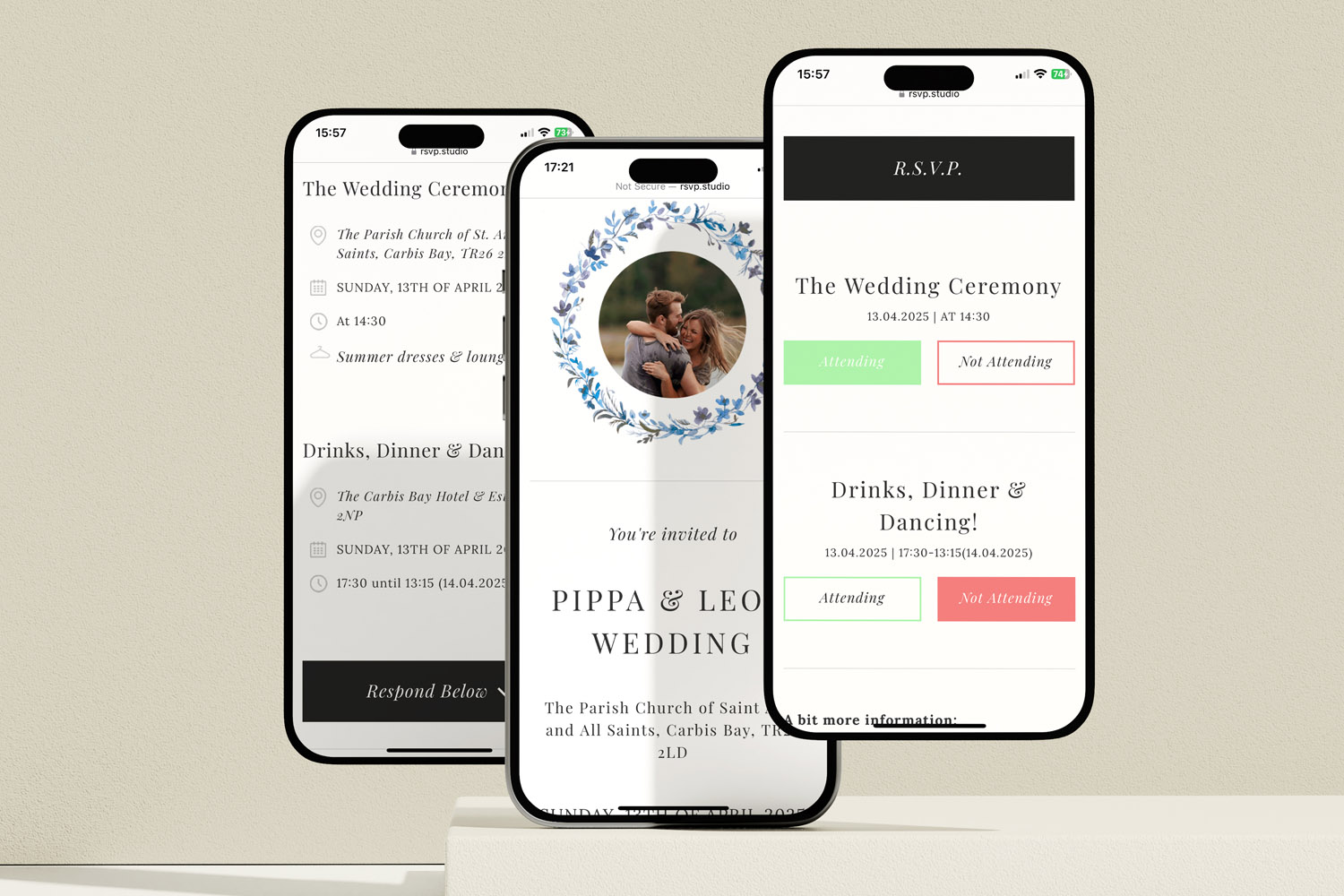
RSVP.studio weddings digital RSVP forms shown on smartphones, featuring elegant designs perfect for modern wedding invitations and guest responses
1) Decide what you actually need to know (and why)
A helpful RSVP form starts with your planning goals. List the decisions you must make, then map each decision to one simple question. Common goals include:
- Head-count accuracy: Who’s coming to the ceremony, reception or any sub-events?
- Catering clarity: Which menu options are chosen? What dietary requirements must your caterer accommodate?
- Guest management: Are plus-ones invited? Are children attending?
- Logistics: Do guests need transport? Are there accessibility needs? Do they understand the dress code?
- Polite extras: Would you like a song request or a short message?
RSVP.studio supports this approach with multiple-choice and free-text questions, a sub-event selector (ideal for rehearsals or next-day brunches), plus-one and child-attendance controls, and an optional password for privacy. Replies appear instantly in your account and export neatly to a spreadsheet for venues and caterers—so ask only what will be used.
Tip for printed stationery: it’s easy to include your RSVP link or QR code on your invitations. If you’re still choosing a design, browse our wedding invitation templates, including elegant classic wedding invitation templates and romantic floral wedding invitation templates to match your RSVP page’s look and feel.
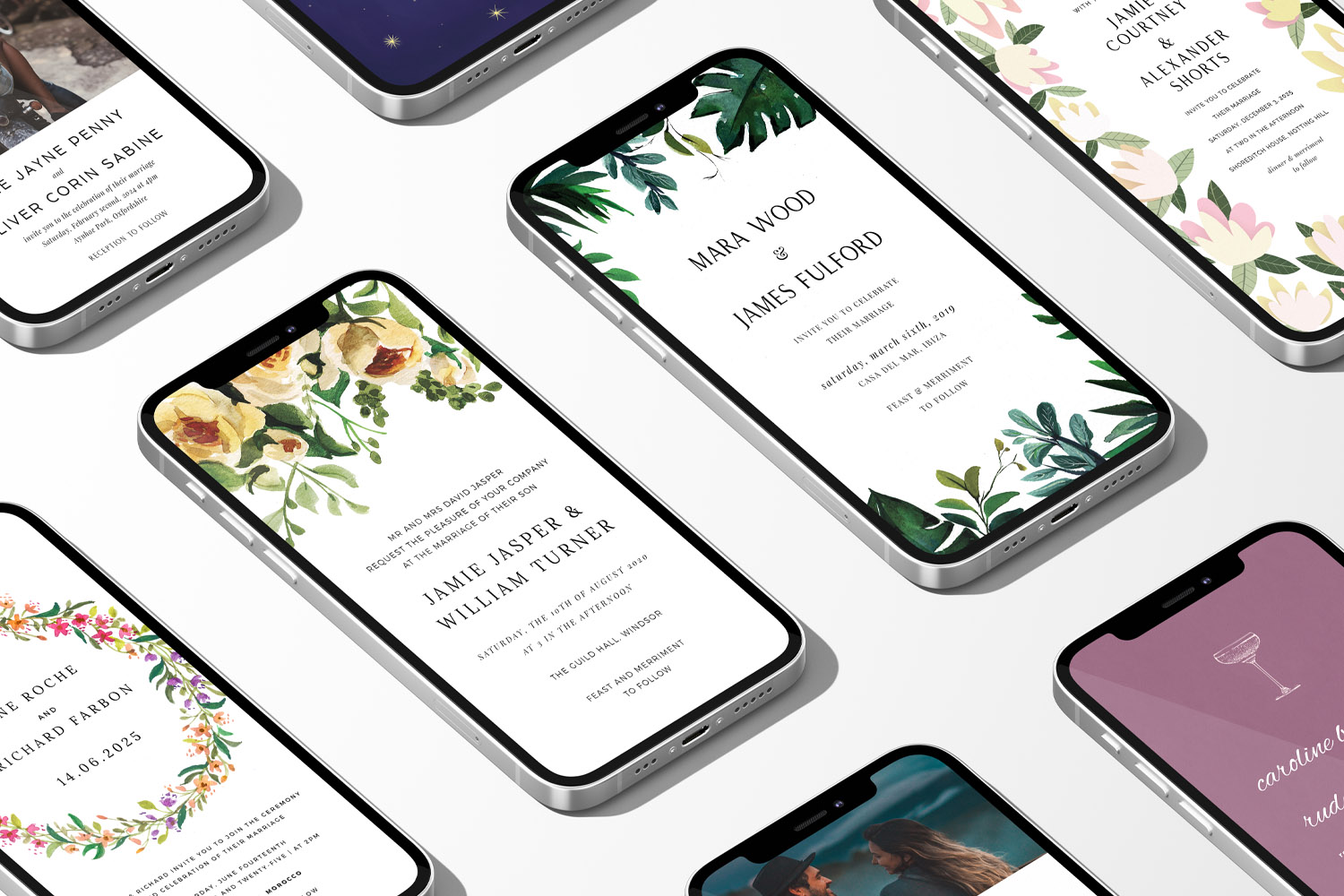
RSVP.studio weddings digital invitations shown on phones, featuring elegant floral and contemporary styles for modern wedding celebrations
2) Essential wedding RSVP questions (with sample wording)
Use this as a pick-and-mix. Keep your final form to the essentials—guests are more likely to respond promptly when a form takes under two minutes.
- Primary attendance
Question: “Will you be joining us?”
Answer format: Multiple choice (Yes / No / I’m not sure yet).
Why: Gives a clear head-count. If uncertainty is common, add a note about your RSVP deadline; you can always pause your form at the deadline in RSVP.studio. - Guest names
Question: “Please confirm your full name(s) as you’d like them to appear on the seating plan.”
Answer format: Short text (for each attending guest).
Why: Ensures accurate place cards and seating lists. - Plus-one handling
Question (if a plus-one is invited): “Are you bringing a guest? If yes, please share their full name.”
Answer format: Multiple choice (Yes/No) + short text (name).
Why: Prevents awkward follow-ups and surprise extras. RSVP.studio’s plus-one toggle ensures only invited guests can add a companion. - Children
Question: “Will you be bringing children?” (Include age guidance if relevant.)
Answer format: Multiple choice (Yes/No) + optional number field.
Why: Helps with catering and space planning. Child-attendance settings help you stay in control. - Sub-events
Question: “Which parts of the weekend will you attend? (Please tick all that apply.)”
Answer format: Checkboxes for Ceremony / Reception / Rehearsal Dinner / Next-Day Brunch (edit to suit).
Why: Multi-day weddings need granular head-counts. RSVP.studio’s sub-event feature handles this neatly. - Menu choices
Question: “Please choose a main course.”
Answer format: Multiple choice with clear dish names (e.g., Herb-roasted chicken / Fillet of sea bass / Mushroom risotto (V) / Vegan option).
Why: Multiple choice is caterer-friendly and speeds up completion. - Dietary requirements
Question: “Do you have any dietary requirements or allergies we should know about?”
Answer format: Short free-text (e.g., nut allergy, gluten-free).
Why: Keeps guests safe and comfortable. Avoid medical detail—just what the kitchen needs. - Transport & access
Question (optional): “Would you like a seat on the shuttle?” and/or “Do you have any accessibility needs?”
Answer format: Multiple choice (Yes/No) + short free-text for specifics.
Why: Helps organise coaches, parking and venue support. - Dress code acknowledgement
Question (optional): “Our dress code is [e.g., Cocktail]. Is that clear?”
Answer format: Multiple choice (Yes/No—please ask a question if not).
Why: A quick prompt reduces last-minute queries. - Gift list link & housekeeping
Rather than asking for gifts on the form, include a simple note and link near the top or bottom of your RSVP page (RSVP.studio supports gift-list links). That keeps questions focused and the tone warm. - Song request or message
Question (optional): “Tell us a song that will get you on the dance floor” or “Leave us a note.”
Answer format: Short free-text.
Why: A personal touch that won’t slow the form.
Accessibility tip: Keep sentences short and avoid jargon. Guests complete forms on phones—RSVP.studio is mobile-optimised—so stick to plain language and multiple-choice wherever possible.
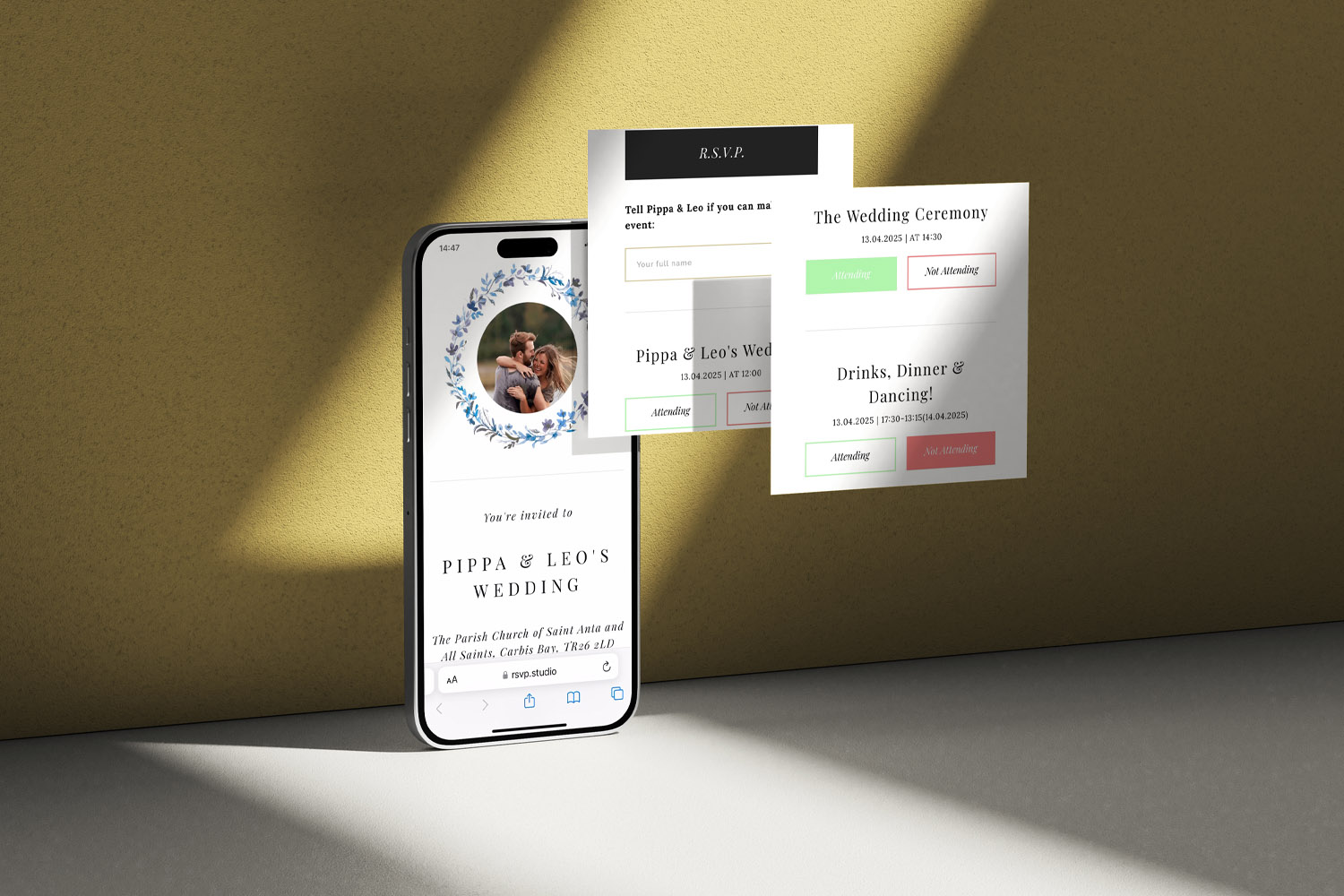
RSVP.studio weddings digital RSVP form features a modern floral invitation and easy event attendance buttons, perfect for couples planning online.
3) Wording, structure and etiquette: pro tips
Put the essentials first. Attendance, sub-events, names and menu choices should be at the top. Extras (song requests, messages) come at the end.
Use a friendly, direct tone.
- Good: “Please choose your main course.”
- Less helpful: “If you have a minute, it’d be amazing if you could consider which option might work for you…”
Keep required fields to the minimum. Mandating every answer slows people down. Make only the key items compulsory (attendance, names, menu) and keep dietary needs optional: not everyone has them.
Manage plus-ones politely. If a guest isn’t offered a plus-one, don’t mention it in their form. Where a plus-one is welcome, ask for the name only after they’ve ticked “Yes”. RSVP.studio’s plus-one controls prevent uninvited additions.
Be precise with timing. If you have a firm deadline, state it clearly at the top of the page. You can pause the form in RSVP.studio when the deadline passes, keeping your numbers stable for the caterer.
Avoid sensitive topics. Don’t ask about travel costs, room sharing or anything financial on the form—keep it to attendance and logistics. (RSVP.studio doesn’t handle payments, so money questions can cause confusion.)
Collect once, use many times. Export your replies as a CSV from RSVP.studio and share copies with your caterer, venue and planner. The spreadsheet format works with Excel, Google Sheets and Numbers for easy filtering.
Protect privacy. A short note such as “Your details are used only for our wedding planning” reassures guests. If you’re sharing venue addresses or private timings, add a password to your RSVP page for extra peace of mind.
Make your link easy to use. Share by WhatsApp, text and email, and print the URL or a QR code on your invitations. If you’re still choosing stationery, explore our range of wedding invitation templates—from classic wedding invitation templates to floral wedding invitation templates—so your print and digital elements feel cohesive.

Wedding RSVP form FAQs
A quick guide to common questions
Aim for 8–12 items. That’s enough for head-count, meals and logistics without overwhelming guests. Fewer, clearer questions lead to faster replies.
Use multiple choice for menu options (clear dish names), and a short free-text field for dietary requirements. RSVP.studio’s multiple-choice builder keeps your caterer’s spreadsheet tidy.
Only show the plus-one question to guests who are invited to bring someone, and ask for the name if they say “Yes”. RSVP.studio’s plus-one toggle and child-attendance controls prevent surprise extra guests.
Yes. Use the sub-events selector so guests can tick each event they’ll attend. You’ll get separate head-counts for every part of the celebration.
Yes. Share your RSVP.studio link by WhatsApp, text, email or on printed invitations. Guests tap the link and respond in seconds on any device.
P.S. If you’re ready to build your form, start with our digital RSVP website for weddings. It’s mobile-friendly, supports bespoke questions, sub-events and plus-one controls, and exports everything to a neat spreadsheet for your caterer.
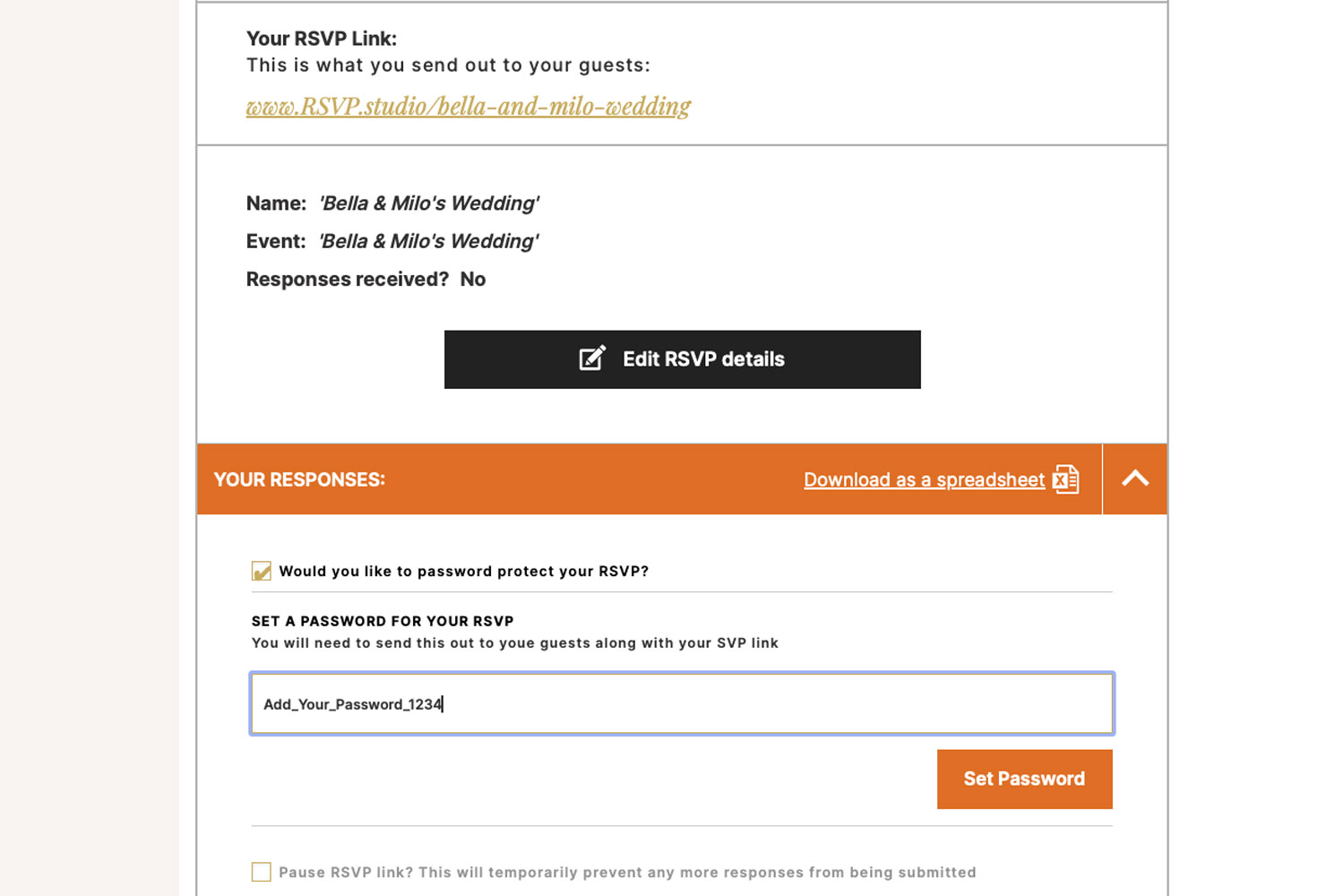
Password-Protecting Your Wedding RSVP Page
Learn how password-protecting your wedding RSVP page with RSVP.studio keeps your guest list private, blocks uninvited responses, and streamlines planning. Find out when to use this feature and how to easily share your secure RSVP link.
QR codes for wedding RSVPs: how to use them properly
Discover how to use QR codes for wedding RSVPs to streamline your guest responses, manage menu choices, and keep your head-count organized. This guide covers best practices for QR code sizing, placement, accessibility, and setup with RSVP.studio.

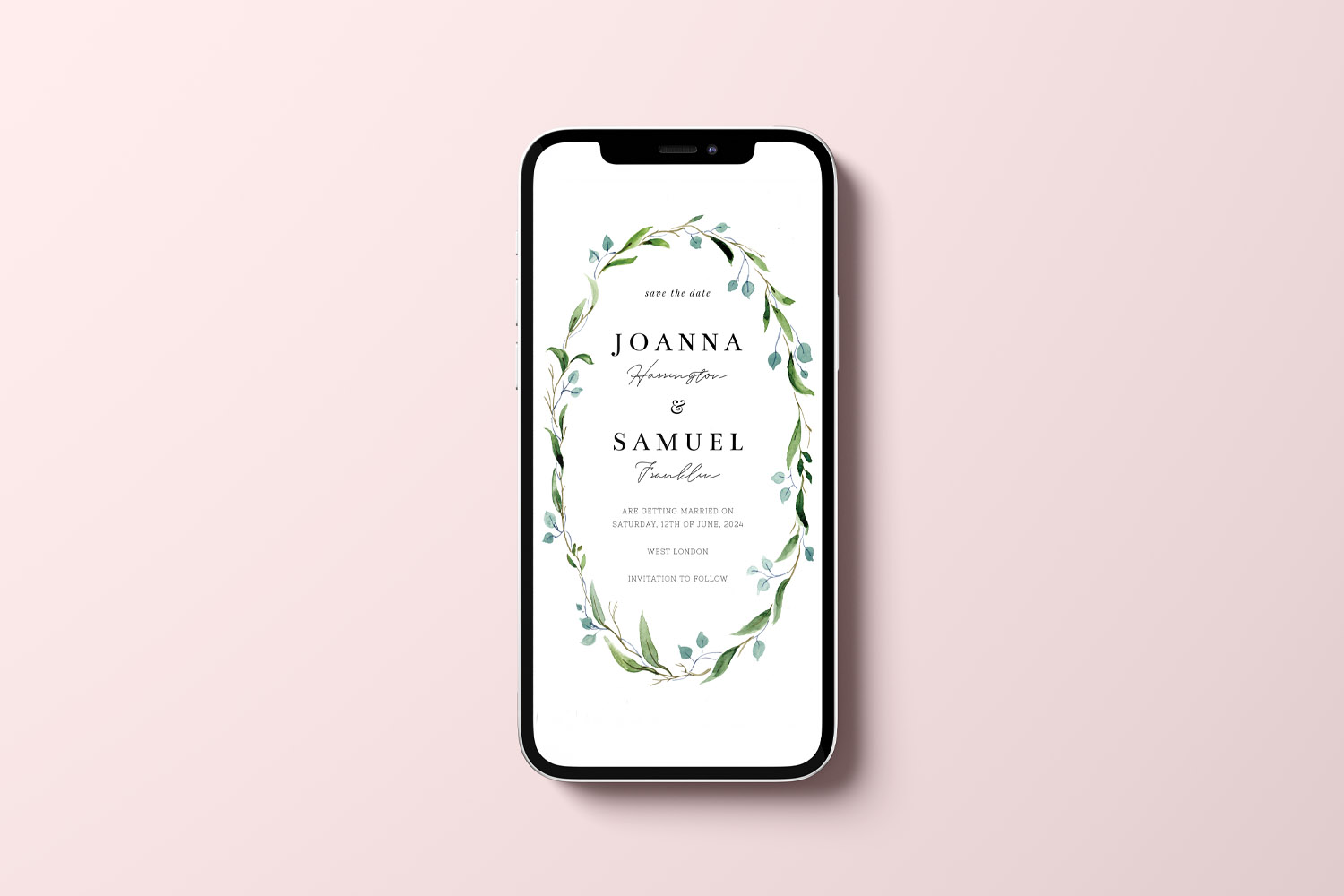
Wedding RSVP etiquette in the digital age
Discover how to navigate wedding RSVP etiquette in the digital age, blending traditional invitations with modern online responses. Learn practical tips for sharing web links or QR codes, managing guest details, and keeping your wedding planning elegant and stress-free.

Discover More with Us
Digital RSVP websites for weddings simplify managing guest responses. Discover blog posts on customising RSVP pages, tracking dietary preferences, and creating a cohesive event experience.