What to include on a funeral RSVP page
When you are arranging a funeral, clarity and kindness matter. A well-structured online RSVP page makes it easy for people to find the details they need and to let you know if they can attend. This guide explains what to include on a funeral RSVP page, with practical suggestions shaped around how RSVP.studio (Funeral) works in practice. The aim is simple: give organisers confidence that the right information is shared, collected and kept up to date, even when time is short.
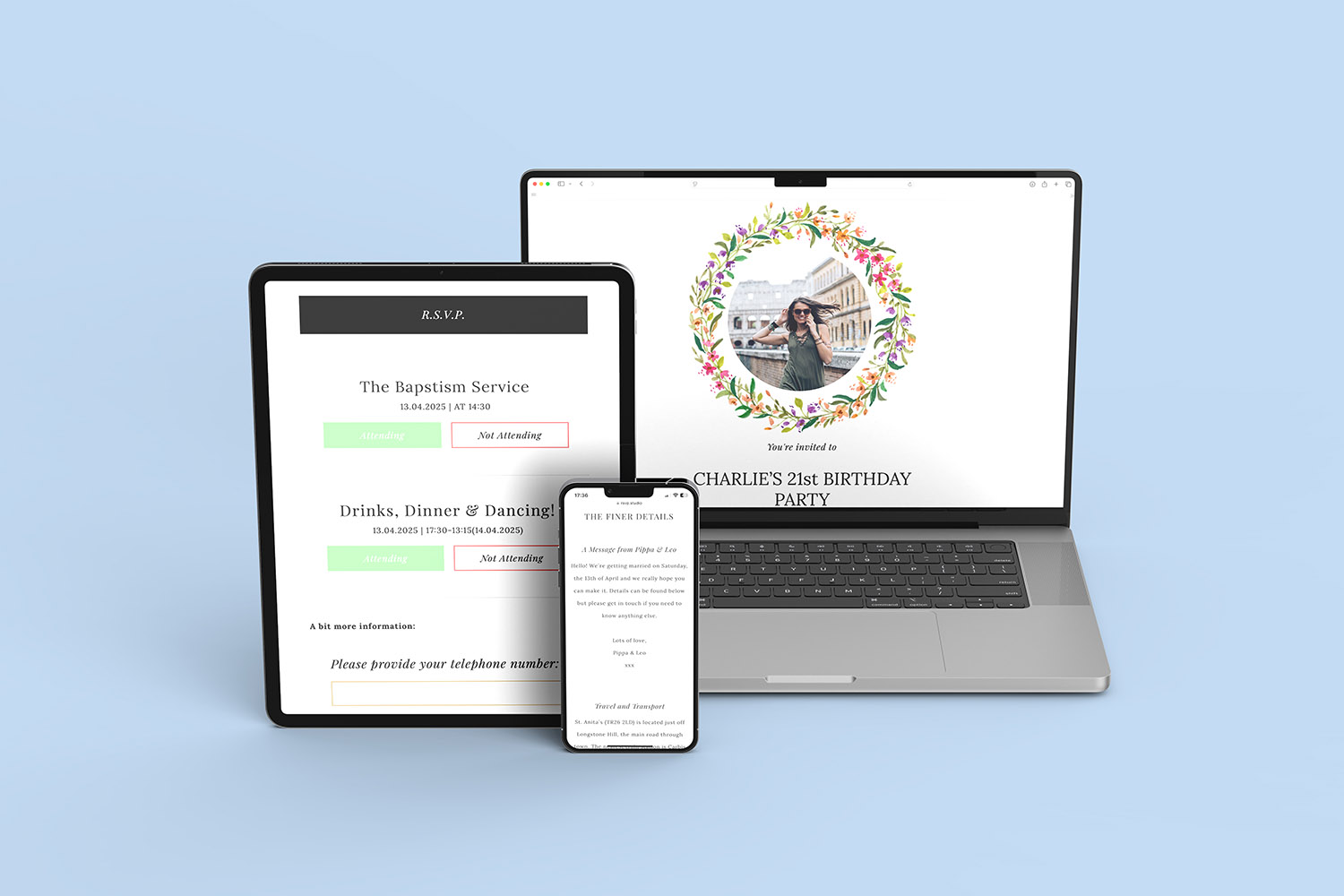
RSVP.studio funerals platform shown on multiple devices, making it easy to manage funeral invitations and responses online.
1) The essentials every funeral RSVP page should show
Start with the critical information a mourner expects to see at a glance. These items belong right at the top of the page so guests can scan and respond quickly.
Key fields to include:
- Whose funeral it is
Use a clear event title (e.g., “The funeral of Mary Edwards”) and, if you wish, a short line about the person being remembered. - Date and exact timings
Include the service start time and the expected finish time. If there are several parts to the day (service, committal/burial, cremation, wake), list each with its own time. - Venue name and full address
Add clear labels (e.g., “Funeral service”, “Committal”, “Wake”). If using a digital tool, provide a map link so people can open directions on their phone. - Travel, parking and accessibility
A line or two about parking, step-free access, hearing loop availability, seating, or where to find staff assistance is hugely helpful. - Dress code guidance
If there is a preference (e.g., “No black”, “A touch of blue”, “Business casual”), state it plainly. - RSVP buttons with sub-events
For multi-part days, let guests respond to each segment separately (e.g., “Attending the service: Yes/No”, “Attending the wake: Yes/No”). This keeps head-counts accurate. - A message box
Offer a simple space for notes, such as dietary needs, accessibility requests, memories, or offers of lifts. - Contact line (optional)
If you are comfortable, include a single point of contact for queries (an email or phone number). - RSVP deadline
If you need numbers by a certain date (often for catering), state it near the response buttons.
In RSVP.studio (Funeral), these elements are added as fields you can edit at any time from your account. Separate RSVP options for sub-events help you manage a service, committal and wake without confusing guests.
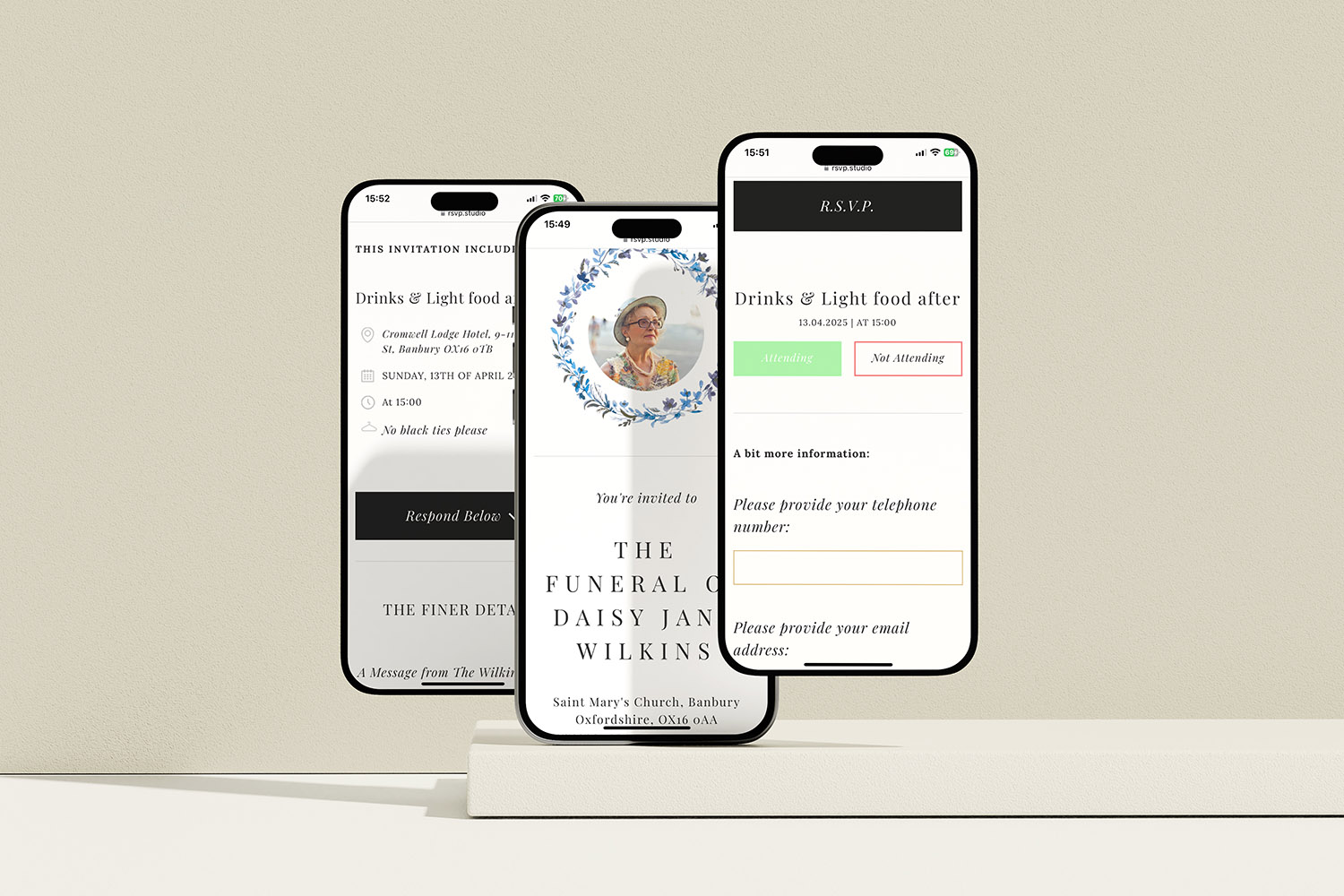
RSVP.studio funerals digital RSVP pages make it easy to invite guests and collect responses for a memorial service or funeral gathering.
2) Helpful options that keep planning smooth
Once the essentials are in place, consider optional elements that reduce follow-up and make coordination easier—especially important if you’re organising under time pressure.
Catering and hospitality questions
Multiple-choice questions let you get exactly what you need for head-counts:
- “Will you join us for refreshments after the service?”
- “Any dietary requirements?” (with an “Other” text field for specifics)
- “Do you require step-free seating?”
Plus-one rules
If space is limited, set a simple rule: allow or disallow guests to add a companion, or limit the number per household. Clear guidance avoids awkward messages later.
Donation preferences
Many families prefer donations to a chosen charity in place of flowers. Include:
- The charity name(s)
- A short note on why it’s meaningful
- A link to donate online (or instructions for on-the-day giving)
Directions and way-finding
Add quick links to Google/Apple Maps for each venue. A single sentence on the best entrance or chapel name saves confusion.
Privacy and access
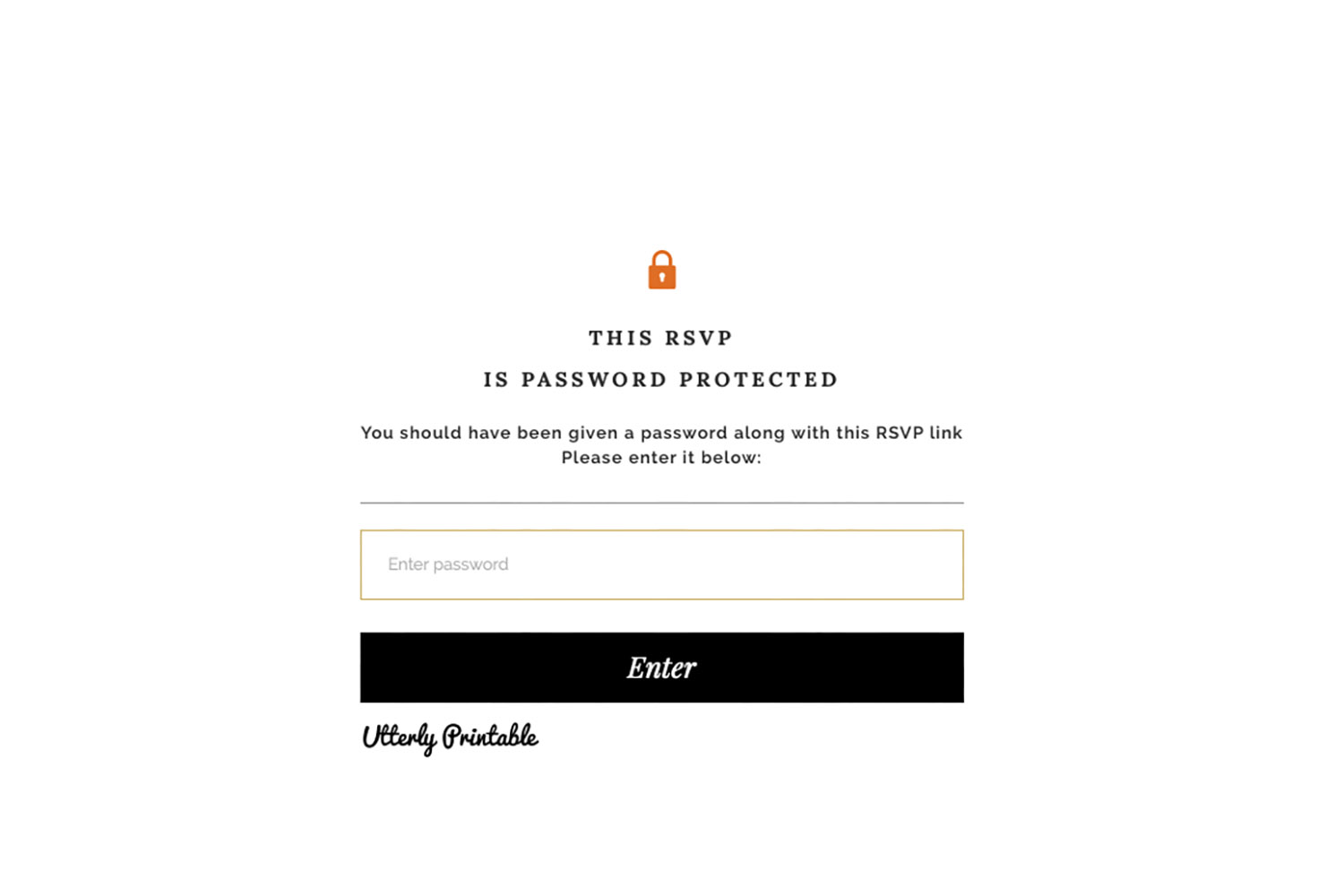
If the funeral is private or details are sensitive, use password protection and share the link only with intended invitees. You can also pause the page temporarily if plans change.
Photo and tone
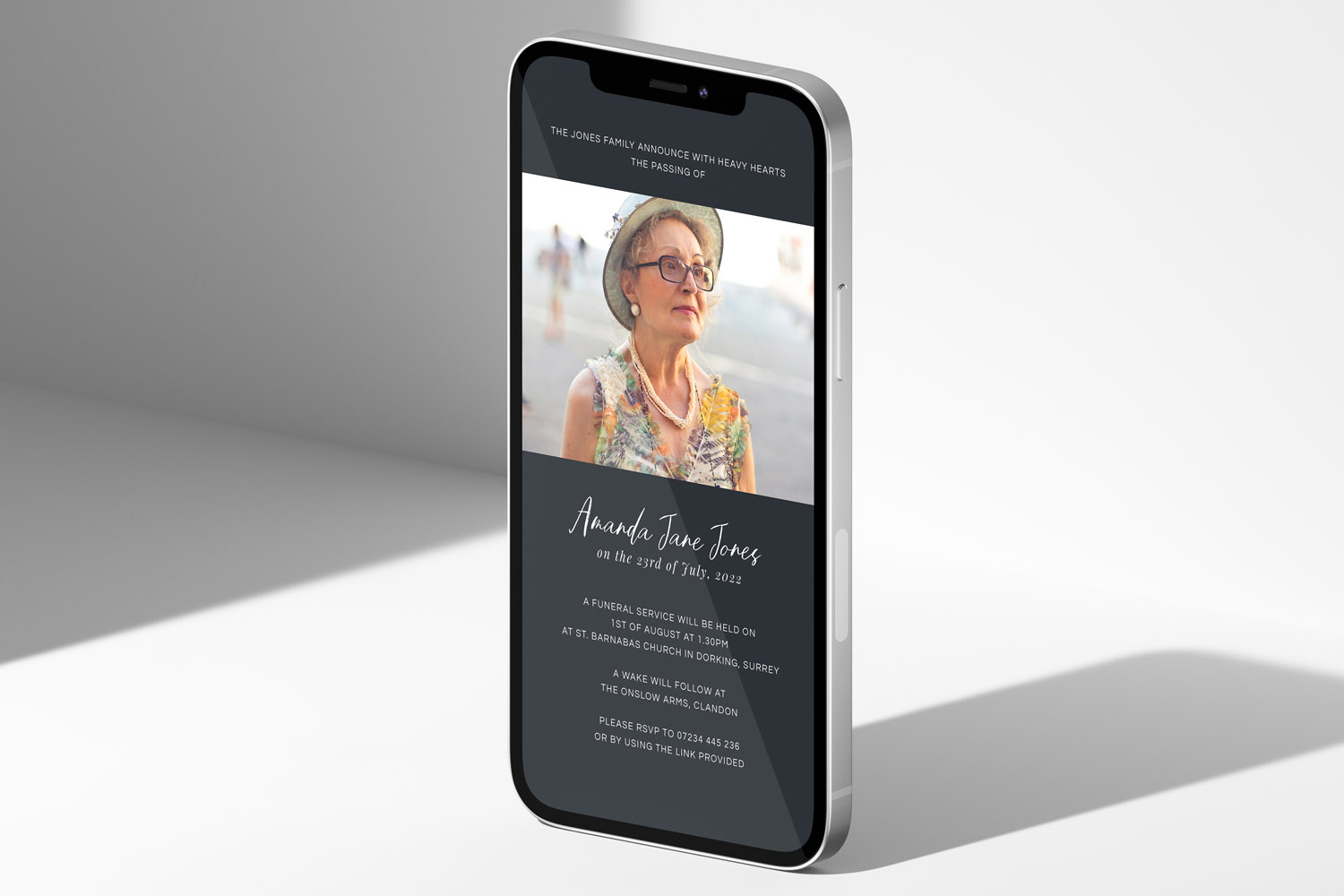
A single, dignified photograph can help guests feel they’re in the right place online. Keep copy calm and straightforward—avoid formalities that might make responding feel difficult.
Shareability
Online links are easy to pass on by email, text or WhatsApp. If you are also sending printed notifications, you can include the RSVP link or a QR code (see our range of funeral announcement cards). For quick digital notices, you may prefer funeral announcements for WhatsApp.

A QR code is added to a funeral announcement so recipients can scan for online details.
3) Making the most of replies (and staying in control)
A thoughtful RSVP page doesn’t just collect “yes” or “no”—it gives you the information to run the day smoothly and adapt if plans shift.
Collecting and organising responses
In RSVP.studio (Funeral), every submission is stored in your Utterly Printable account. You can update event details in real time, and export replies to a spreadsheet if you need to share numbers with a venue, caterer or celebrant. Capturing responses for each sub-event (service, committal, wake) avoids guesswork.
Keeping details current
Plans sometimes change. Edit times, venues, or guidance from your account and the page updates instantly. If you need to halt responses for any reason, you can pause and reopen the form.
Respecting privacy
For small or invitation-only funerals, set a password and share it with invited guests. This keeps the page private without making access difficult.
Clear language helps guests help you
Short sentences and unambiguous choices reduce follow-up. Replace jargon with everyday phrasing (e.g., “After the service, refreshments will be served in the hall next door” rather than “Wake to follow onsite”).
Checklist recap
Before sharing your link, run a final check:
- Names and spellings are correct
- Timings and venue addresses are complete
- Map links open the right place
- Accessibility and parking notes are included
- Sub-events and plus-one rules are set properly
- Catering and donation sections are clear
- The RSVP deadline is visible
- The message box is enabled for special requests

A quick FAQ for funeral RSVP pages
Short, practical answers to the questions we hear most often from families and celebrants.
If you are organising refreshments or a private gathering afterwards, yes. Separate buttons for “Service” and “Wake” keep numbers accurate and spare guests from awkward emails.
Mention parking arrangements, step-free access, seating availability, toilets, hearing support, and who to approach for assistance. A single line in each section is enough.
Add a multiple-choice question with an “Other (please specify)” field. That captures most needs and gives caterers usable data in one place.
Yes. If you prefer to limit access, set a password and share it with invitees. You can also pause responses temporarily while plans are finalised.
Plain guidance is best: “No black”, “Wear what you feel comfortable in”, or “A touch of green to honour Pat”. Put it directly under the service details.
Final note
If you’re ready to set up your page, you can build and share a link in minutes with RSVP.studio (Funeral). And if you are notifying people by post or by phone first, you can pair your link with our printed funeral announcement cards or send a quick notice using our funeral announcements for WhatsApp.
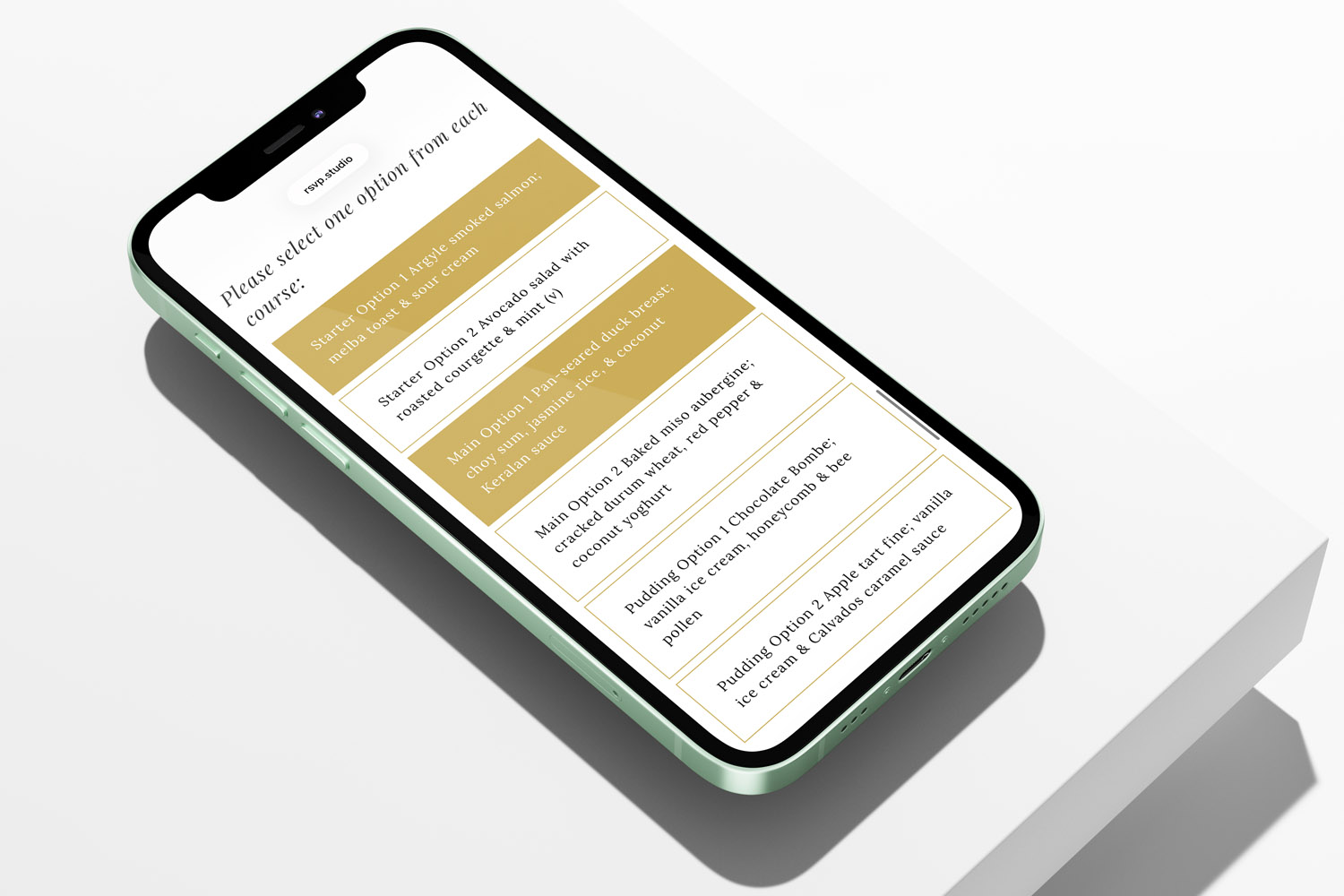
Managing Catering Numbers with a Digital Funeral RSVP
Managing catering numbers for a funeral can feel overwhelming, but using a digital funeral RSVP streamlines the process. Learn how RSVP.studio helps you collect accurate attendee counts, dietary needs, and share clear summaries with your caterer, easing your planning.
Multi-event funerals: collecting RSVPs for the service, committal and wake
Planning a multi-event funeral can feel overwhelming, but collecting RSVPs for the service, committal, and wake is made simple with RSVP.studio. Learn how to organise attendance, manage details, and keep everyone informed with ease and respect.

Privacy & security for online funeral RSVPs: a practical guide
Learn how RSVP.studio helps you protect privacy and security when managing online funeral RSVPs. This guide covers password protection, data handling, and guest visibility, ensuring sensitive funeral details are shared safely and you remain in control.
Sharing a Funeral RSVP Link on WhatsApp, Email and Social Media
Learn how to share a funeral RSVP link thoughtfully across WhatsApp, email, SMS, and social media. This guide covers step-by-step instructions, privacy tips, and helpful wording, making it easier to invite guests and manage responses with care.

Ideas & Inspiration
Online digital funeral RSVP tools make organising memorial events easier. Explore the blog for tips on customising RSVP pages, managing responses, and ensuring seamless guest communication.