Privacy & security for online funeral RSVPs: a practical guide
When you’re arranging a funeral, discretion matters. Families often need to share key details quickly with a wide circle—sometimes across countries—while keeping sensitive information private. This guide explains how to use RSVP.studio’s funeral RSVP link in a safe, considered way: what guests can see, how visibility is controlled, where responses are stored, and the simple tools—passwords and page pausing—that help you stay in control. It supports our core product page for the service here: RSVP.studio funeral RSVP.
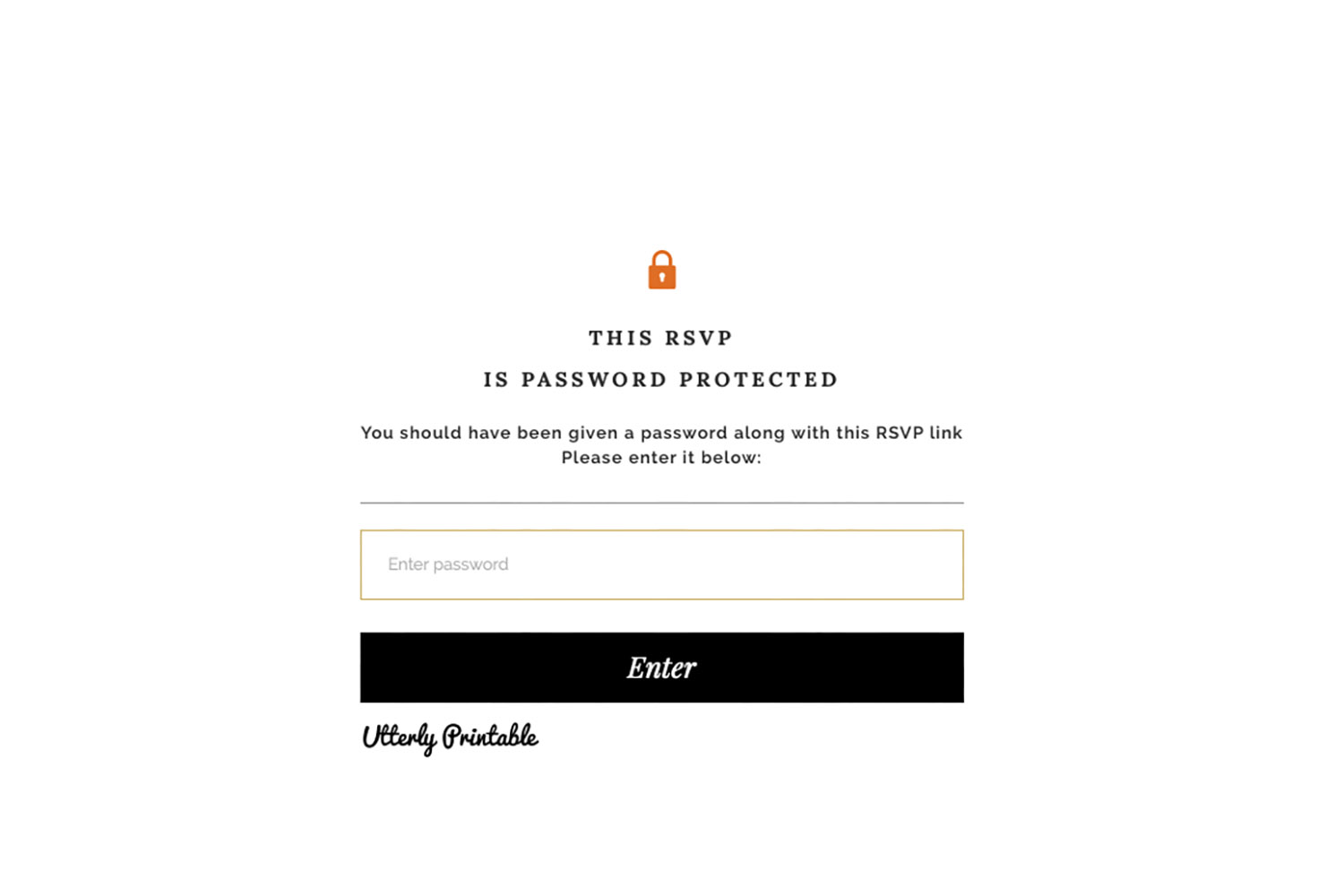
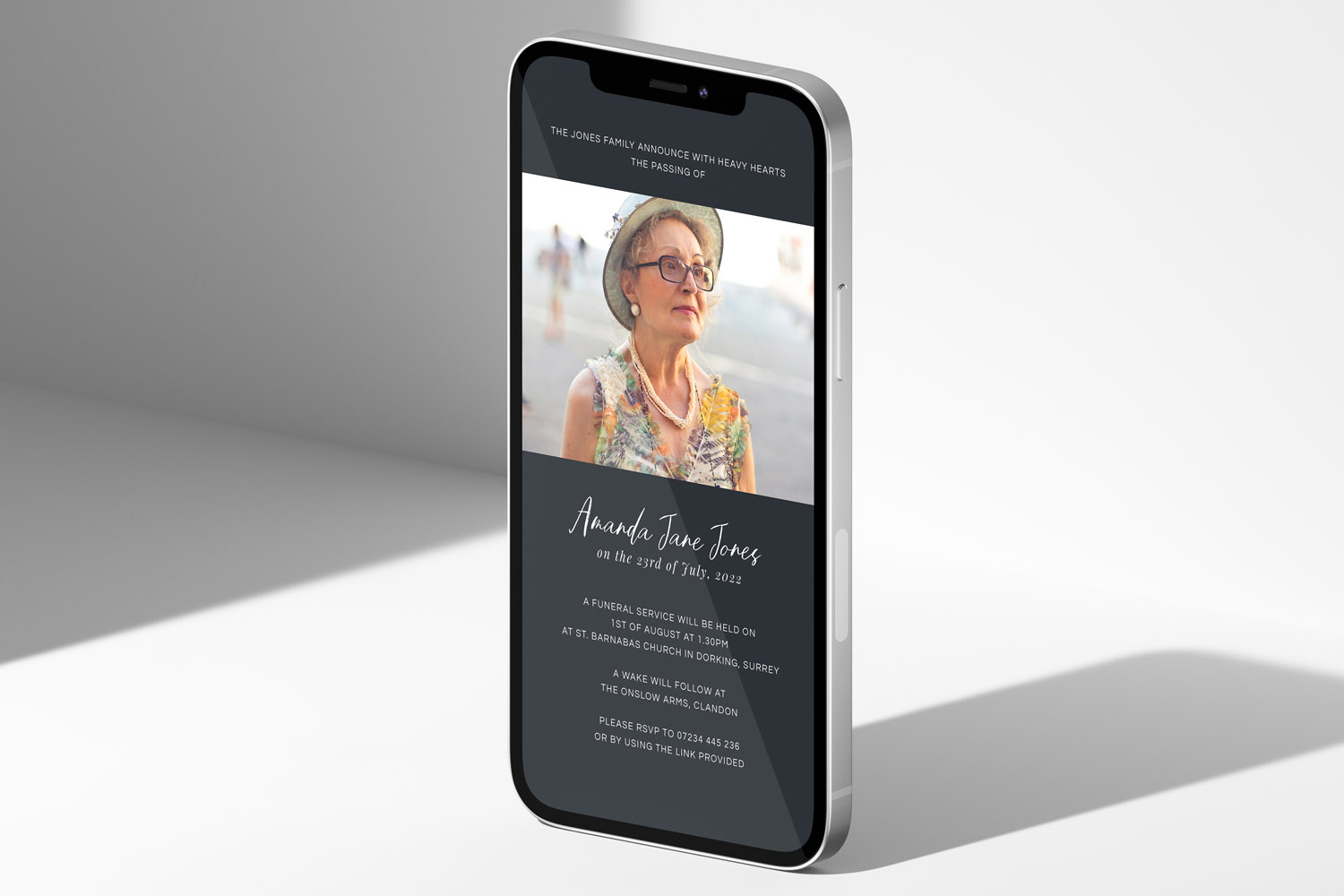
RSVP.studio funerals platform showing a password protected RSVP form, offering privacy and security for sensitive online funeral invitations
1) Why privacy matters—and how RSVP.studio keeps things discreet
Funerals are often planned at pace. Sharing one secure link is far safer and simpler than circulating times, addresses and personal messages across multiple chats and emails. RSVP.studio (Funeral) is designed for exactly this situation. For a one-off £12.50, you generate a short web address beginning with and share it via email, text or WhatsApp. The page works on any phone or computer, accepts unlimited replies, and can be edited in real time if plans change.
From a privacy standpoint, three features make the difference:
- Password protection: Add a password at any point. Only those you share it with can view the page and reply.
- Page pause: Temporarily switch off responses. This is helpful once numbers are confirmed or if circumstances change.
- Controlled publishing: You choose exactly which details appear on the page (service time, venue/map link, wake, dress code, donation information) and which questions are asked in the form.
Behind the scenes, replies are kept in your Utterly Printable account, ready to download as a spreadsheet for caterers or the funeral director. No guest list upload is required, and there are no hidden per-recipient charges.
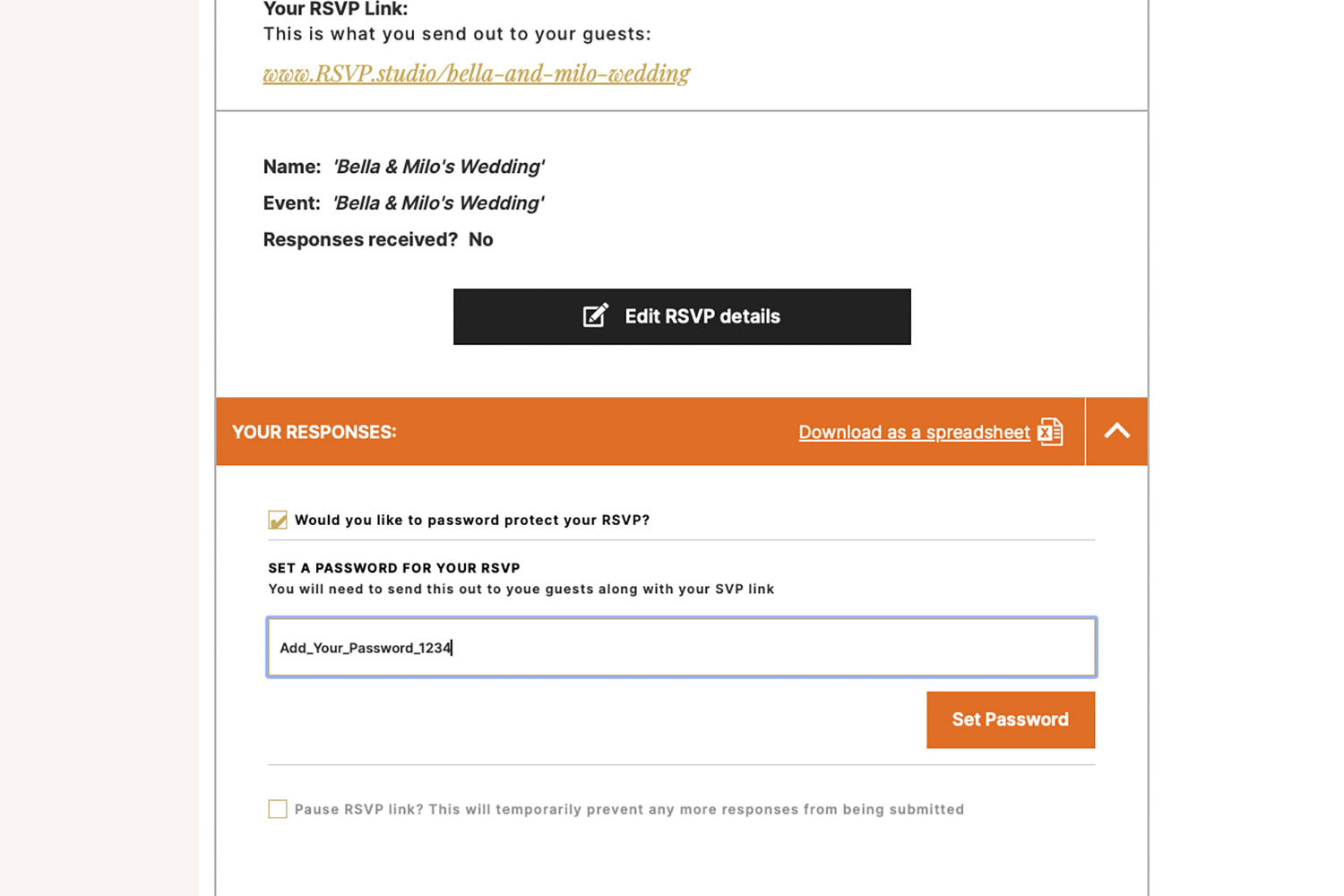
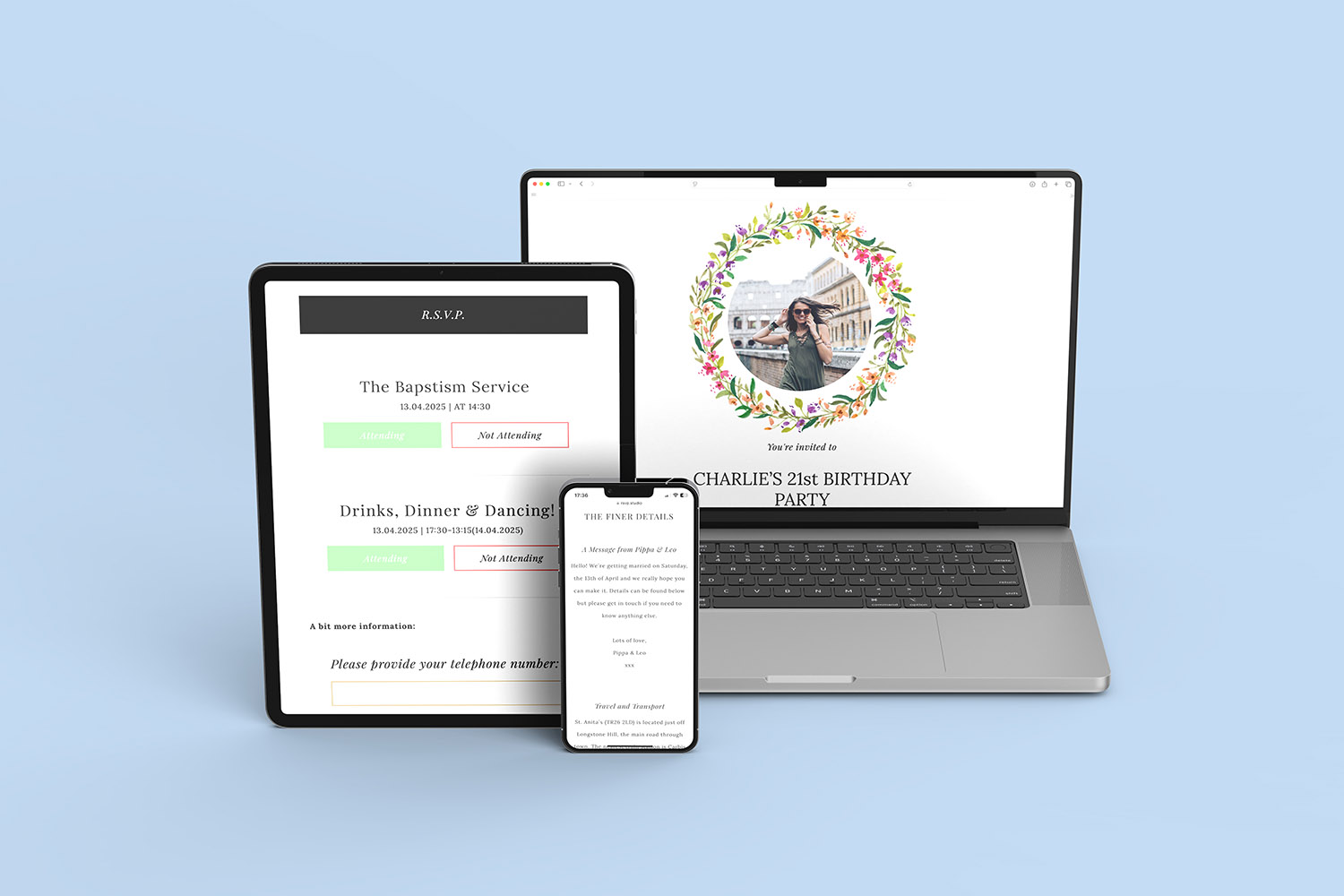
RSVP.studio funerals platform offers secure online RSVP forms with password protection and easy response tracking for your event
2) What guests see vs. what you control
What guests can see:
Visitors who open your link (and enter the password, if you’ve set one) will only see the content you publish: the name of the person being remembered, service date and time, venues, directions/map links, wake details, dress code guidance, and any notes you choose to add. They can respond privately via the form and, if you include them, leave a short message to the organiser or indicate dietary needs/transport requirements using multiple-choice questions.
What guests don’t see:
There is no public attendee list, no marketing banner, and no advertising. RSVP.studio does not track whether someone has “opened” the page; only submitted replies appear in your organiser view. It also does not send marketing emails or reminders to your guests. Communication remains in your hands—share the link with the right people, and keep it within the family’s circle.
How you stay in control:
- Switch a password on/off in seconds if you need to tighten access.
- Pause the page to stop new submissions while you confirm arrangements.
- Edit times, venues and details at any time; your page updates instantly.
If you’re also providing printed materials, you can place the link (or a QR code) on the order of service so everyone has the same information. To keep designs in step with your page, browse our classic order of service templates, clean and contemporary modern designs, thoughtful religious order of service styles, quietly elegant simple layouts and gentle floral order of service templates.
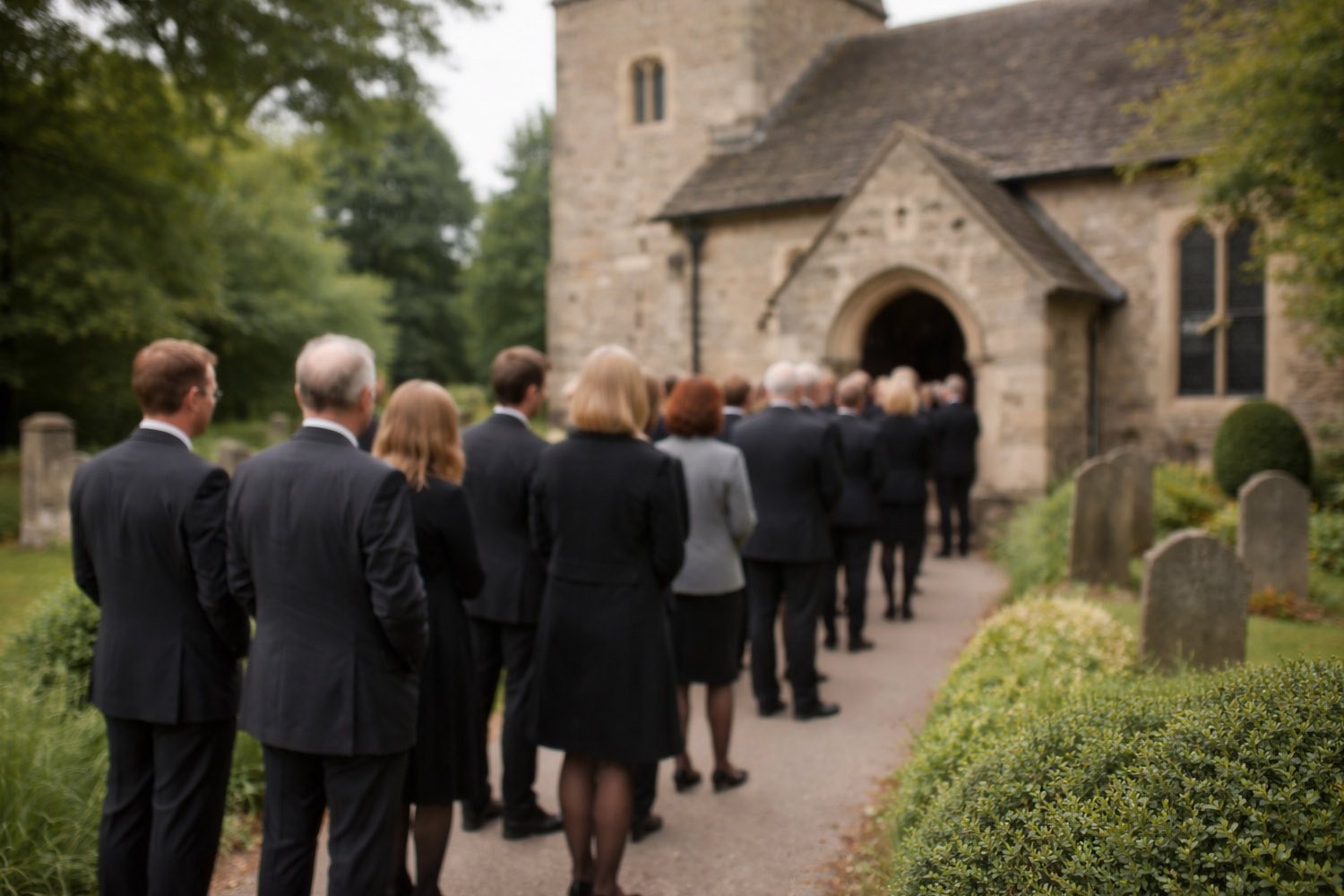
Attendees in formal wear gather outside a stone church, illustrating the respectful atmosphere of RSVP.studio funerals.
3) Data handling, access and retention—plainly explained
Where responses live
All replies are stored in your Utterly Printable account. You can read them online and export everything to a spreadsheet for head-counts, seating and catering. If you’re working with a funeral director or celebrant, simply share the exported file rather than giving out your login.
Who can access responses
Access is linked to your account. Only someone with your account credentials can view or change settings, read submissions, or download the spreadsheet. If multiple family members are helping, agree who will hold the login to avoid confusion.
How long information remains available
Data is retained for at least 12 months, and can be kept longer on request when you wish to preserve details such as attendance or messages for family records. If you’d like to tidy up, you can pause the page, remove optional content, or export and then delete the link once arrangements are complete.
What the form can ask—safely
You decide which fields are included: attendee names, plus-one rules, email and/or phone, dietary needs, transport/lift-share offers, and any multiple-choice questions needed for catering. There’s also space for a short message to the organiser if you choose to enable it. Keeping questions focused helps you collect only what is necessary.
What RSVP.studio does not do
- No email or text messages are sent on your behalf—you control who receives the link.
- No tracking of page “opens”; only submitted replies appear in your account.
- No public listings of your event.
- No livestream hosting or webcast management (you’re welcome to add a link to your chosen streaming platform if you’re arranging one).
- No printed RSVP cards—it’s a digital-only tool designed to reduce admin at a sensitive time.
Practical privacy checklist
- Create your page via RSVP.studio funeral RSVP and set a short, memorable custom URL.
- Add only the details you want seen; keep personal contact numbers in the organiser field rather than the page text.
- Switch on password protection and share both link and password in the same message to trusted recipients.
- Add an RSVP deadline and the questions you need for catering or transport.
- When numbers are confirmed, pause the page to stop further submissions.
- Export a spreadsheet for your venue or caterer and store it safely.
- After the service, you can remove optional content or close the page entirely.
Once the funeral has taken place, many families choose to send notes of thanks. You’ll find thoughtful designs in our funeral thank you card templates.

Frequently asked questions: privacy & security
Some simple questions and answers to get you on the right track.
Very. It’s a short, memorable address that you share directly. For added protection, you can set a password at any time so only those with the code can view or reply.
Yes. Use the page pause toggle to stop new submissions. You can reopen replies later if plans change.
No. Guests only see the information you publish on the page. Replies are sent privately to your organiser view within your account.
No. RSVP.studio doesn’t send messages on your behalf and doesn’t manage mailing lists. Communication with guests stays under your control.
Only what you choose to ask for: names, contact details (if enabled), plus-one preferences and your chosen multiple-choice questions (e.g., dietary needs). Keep questions focused on the logistics you genuinely need.
Helpful links gathered in this guide
Core service: RSVP.studio funeral RSVP
Order of service styles: classic, modern, religious, simple, floral
follow-up stationery: funeral thank you cards
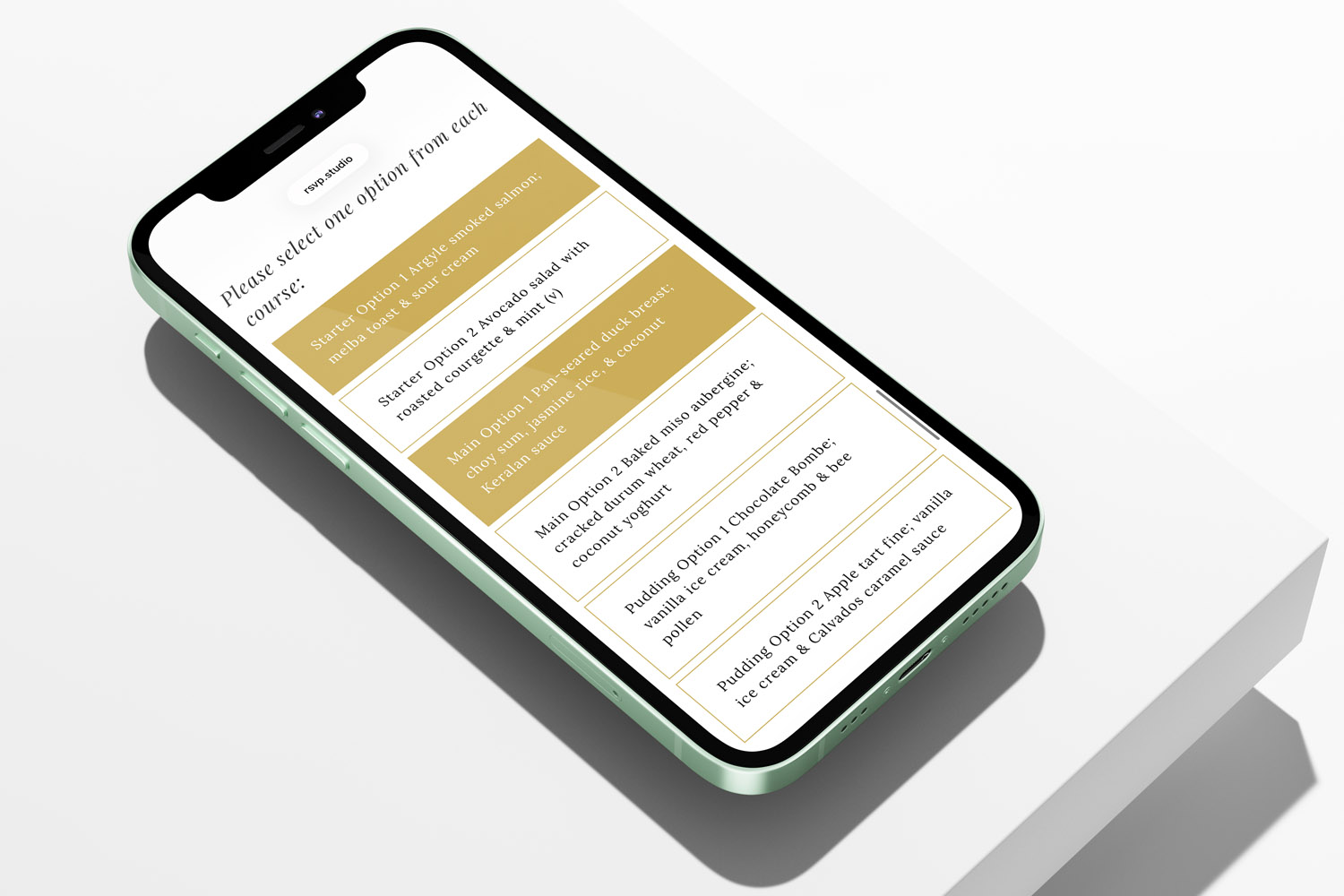
Managing Catering Numbers with a Digital Funeral RSVP
Managing catering numbers for a funeral can feel overwhelming, but using a digital funeral RSVP streamlines the process. Learn how RSVP.studio helps you collect accurate attendee counts, dietary needs, and share clear summaries with your caterer, easing your planning.
Multi-event funerals: collecting RSVPs for the service, committal and wake
Planning a multi-event funeral can feel overwhelming, but collecting RSVPs for the service, committal, and wake is made simple with RSVP.studio. Learn how to organise attendance, manage details, and keep everyone informed with ease and respect.

Sharing a Funeral RSVP Link on WhatsApp, Email and Social Media
Learn how to share a funeral RSVP link thoughtfully across WhatsApp, email, SMS, and social media. This guide covers step-by-step instructions, privacy tips, and helpful wording, making it easier to invite guests and manage responses with care.
What to include on a funeral RSVP page
Creating a thoughtful funeral RSVP page helps guests find essential details and respond with ease. This article guides you through what to include on a funeral RSVP page, ensuring clear communication, accessibility, and sensitivity for a smooth planning experience.

Ideas & Inspiration
Online digital funeral RSVP tools make organising memorial events easier. Explore the blog for tips on customising RSVP pages, managing responses, and ensuring seamless guest communication.