Collecting Menu Choices Through Your Digital Wedding RSVP
Asking guests what they’d like for dinner can feel like a small project in itself. Paper reply cards go missing, spreadsheets grow messy, and counting dietary requirements becomes a chore. A digital RSVP solves this neatly. With RSVP.studio, you can collect menu choices, plus-one details and any special notes in a structured way that’s easy for caterers to use and quick for guests to complete—on any device, anywhere in the world. Setup takes minutes and exports are ready for kitchens and venues without manual copying.

The screen shows a user clicking through settings to create and organise a website navigation menu for easier site browsing.
Why collect menu choices digitally (not in a spreadsheet)
A digital questionnaire gathers accurate information at the moment your guests reply. That removes the need for back-and-forth emails or deciphering handwriting. In RSVP.studio, you can:
- Create multiple-choice questions for starters, mains and desserts, so every response is standardised and simple to total up.
- Add bespoke free-text prompts for allergies, intolerances, or “other” requests, ensuring no detail is missed.
- Track attendance to sub-events—such as rehearsal dinners or next-day brunches—alongside menu choices, so catering numbers stay consistent across your whole celebration.
- Control plus-one invitations and child attendance, preventing unexpected extra meals.
- Download a clean CSV of responses at any time. It opens directly in Excel, Google Sheets or Numbers, ready for sorting, filtering and sharing with your venue and caterer.
- Keep everything in one secure place, with an optional password lock and a pause switch for when your RSVP deadline passes.
If you’re new to the platform, you can set up your link in minutes with our digital RSVP website for weddings. It’s mobile-optimised, works worldwide and doesn’t require guest email addresses or app downloads.
A cursor moves across the page and clicks to select an on-screen option, showing how users make a choice during interaction.
How to set up appetiser, main and dessert choices in RSVP.studio
RSVP.studio’s question builder makes course-by-course menu selection straightforward:
- Create your courses as multiple-choice questions
Add one field for “Starter”, one for “Main” and one for “Dessert”. Enter each dish as a selectable option. Multiple-choice fields keep responses consistent and eliminate typos. - Add dietary and special-request prompts
Follow with a short free-text question titled “Dietary requirements or allergies”. This gives guests a place to note gluten-free requests, nut allergies, halal or vegan preferences. - Offer a fallback option
Include an “I’m happy for the chef’s choice” or “No starter” option if applicable. That makes totals cleaner for your caterer and avoids email follow-ups. - Manage plus-ones and children
Use the built-in plus-one toggle so named guests can select their own meals. If you’re catering for children, add a “Child’s meal” option under each relevant course. This keeps adult and child counts distinct in your export. - Track sub-event attendance
If you’re hosting more than one gathering, add the relevant sub-events—ceremony, reception, rehearsal dinner, next-day brunch—and collect attendance and menu choices in one pass. - Style and privacy
Add a header photo and choose from elegant frames to match your stationery. Switch on password protection if you’re sharing sensitive details such as venue addresses or timings. - Share your link anywhere
Your custom web address can be added to printed invitations, or shared by WhatsApp, text, email or social media. Guests respond instantly from their phones.
Tip: Keep dish names short (“Chicken, wild mushroom sauce”) and use the free-text dietary box for longer notes. You can edit questions at any time; changes appear instantly on the live link, so you’re never stuck with an out-of-date menu.
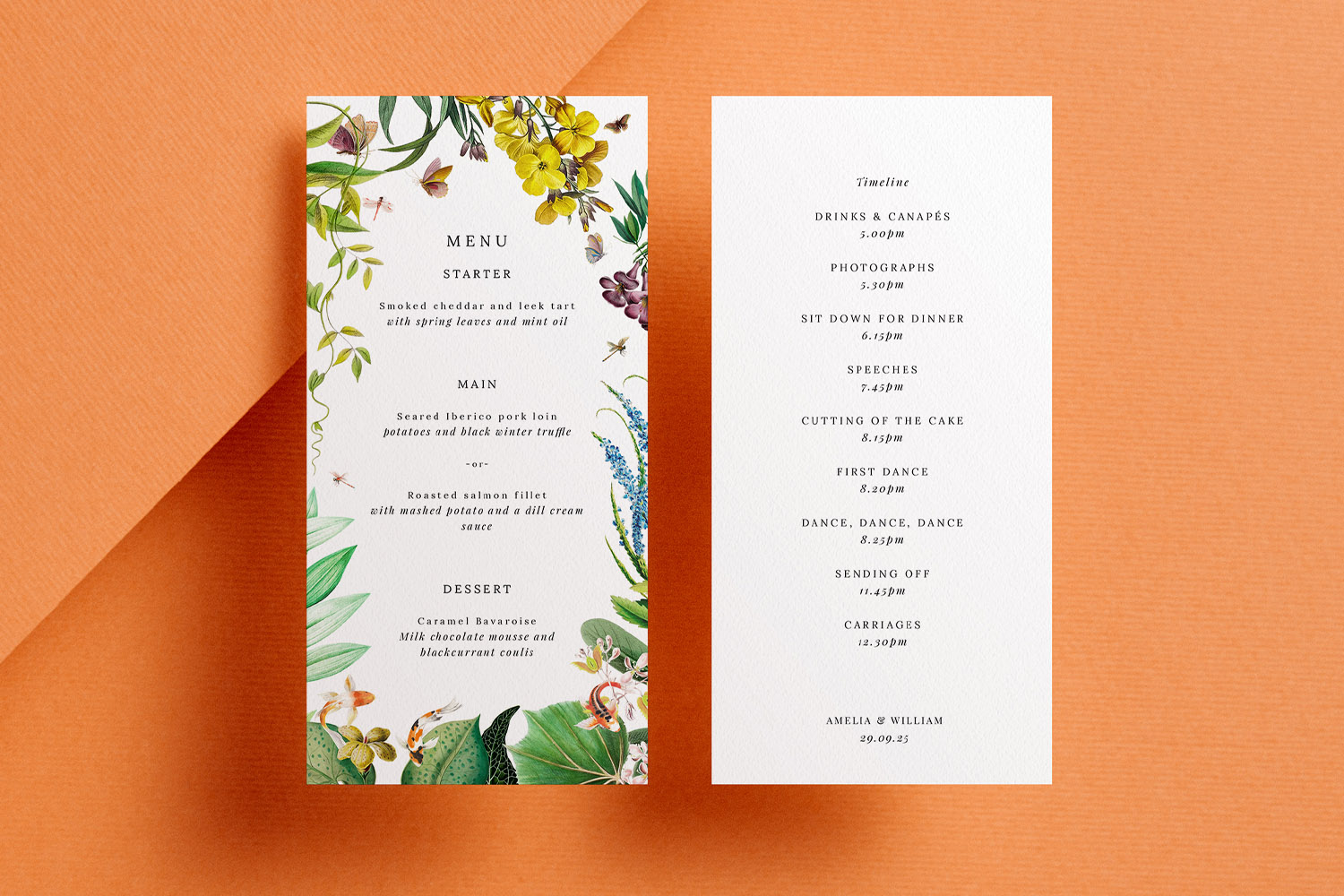
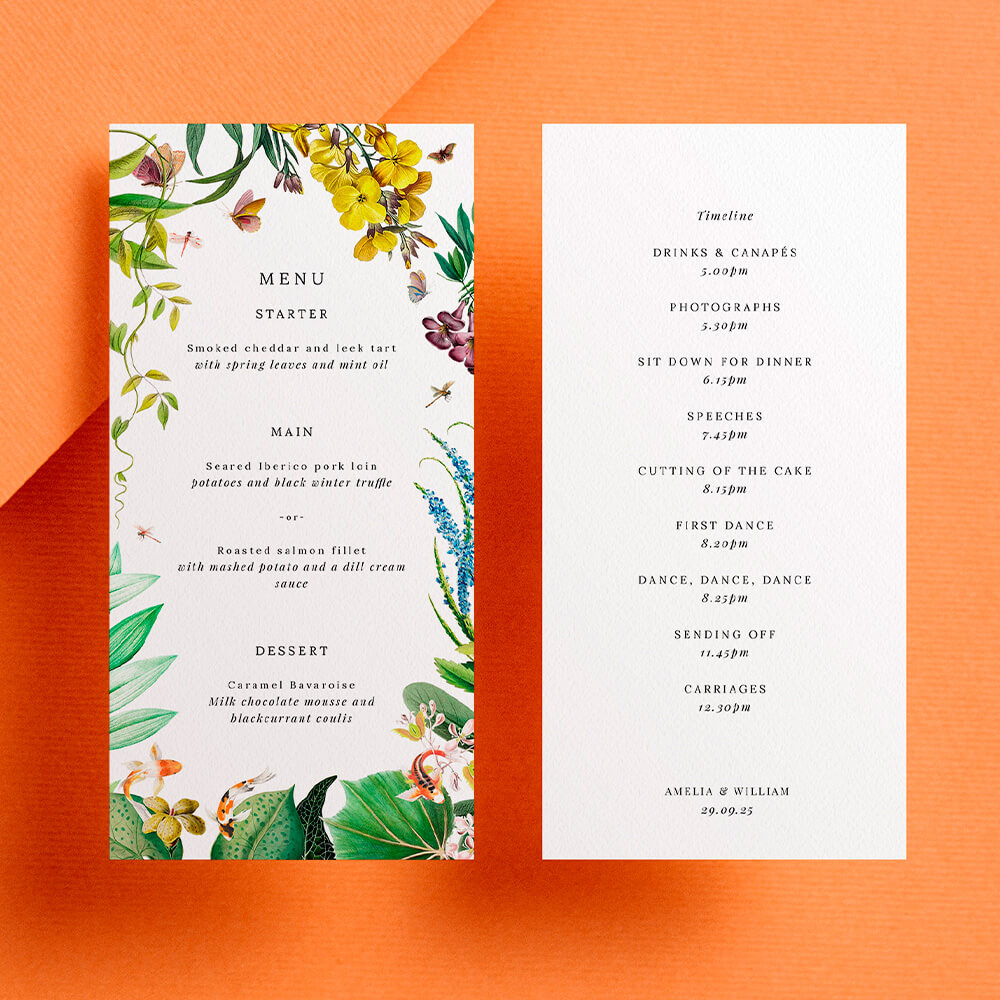
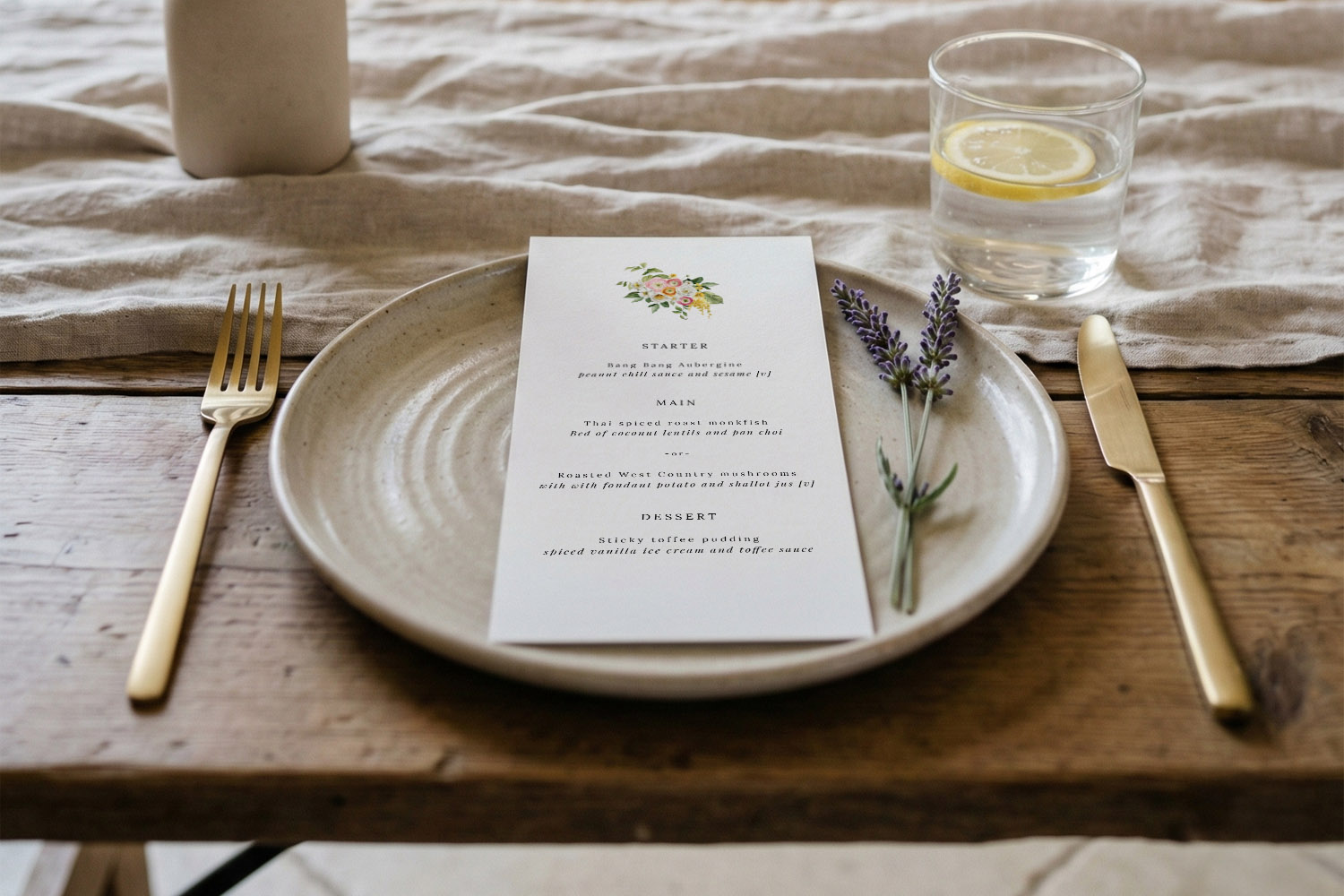
Elegant RSVP.studio weddings menu and timeline cards with botanical accents, perfect for adding a stylish touch to your wedding stationery suite
Making life easier for caterers and venues
Well-structured data reduces mistakes on the day. RSVP.studio stores each guest’s attendance and menu choices in a tidy table that you can download as a CSV whenever you like. A typical export will include:
- Guest name(s)
- RSVP status
- Sub-event attendance (per event)
- Starter / Main / Dessert selections
- Dietary requirements and notes
- Plus-one and child attendance indicators
- Any bespoke answers you’ve asked for
From there, you (or your planner) can filter by dish to produce totals, separate adult/child counts, and hand a copy straight to your caterer. Because the export is spreadsheet-ready, there’s no retyping and no risk of breaking formulas.
If you’re sending printed invitations, it’s simple to include your RSVP link or a QR code so guests can reply in seconds. Explore our range of wedding invitation templates to find a design that matches your digital RSVP. Planning a milestone party as well? Our elegant 25th wedding anniversary invitations can carry the same QR code approach for effortless replies.
Practical tips for clean catering data
- Lock your wording early. Finalise dish names before sharing your link; this prevents near-duplicate options (e.g., “Beef roast” vs “Roast beef”).
- Use one dietary question. A single free-text prompt keeps all special notes in one column, which is easier to scan for your caterer.
- Set a pause date. Use the pause switch after your RSVP deadline so late responses don’t creep in without your knowledge.
- Export regularly. Send the latest CSV to your venue and caterer after each planning milestone; you’ll always be working from the same numbers.

Menu Choice & Digital RSVP FAQs
Below are common questions couples ask when moving menu selection online. Everything here is designed to help you gather accurate replies with minimal fuss.
Through simple multiple-choice fields—one for each course. The page is mobile-friendly, so guests tap their choices and submit in seconds.
Yes. Add a short free-text question labelled “Dietary requirements or allergies” so guests can specify exactly what they need.
You can enable a plus-one and child-attendance toggle. Each named attendee can provide their own meal choice, preventing guesswork and surprise extra meals.
Yes. Use the sub-event feature to collect attendance for each event separately, alongside meal selections if needed.
No. Share your custom URL by WhatsApp, text, email or on your printed invitations. Guests don’t need an app or account.
Helpful next step
Ready to build your form? Create your link now with our digital RSVP website for weddings, then add it to any of our matching wedding invitation templates or even your 25th wedding anniversary invitations for a beautifully joined-up guest experience.
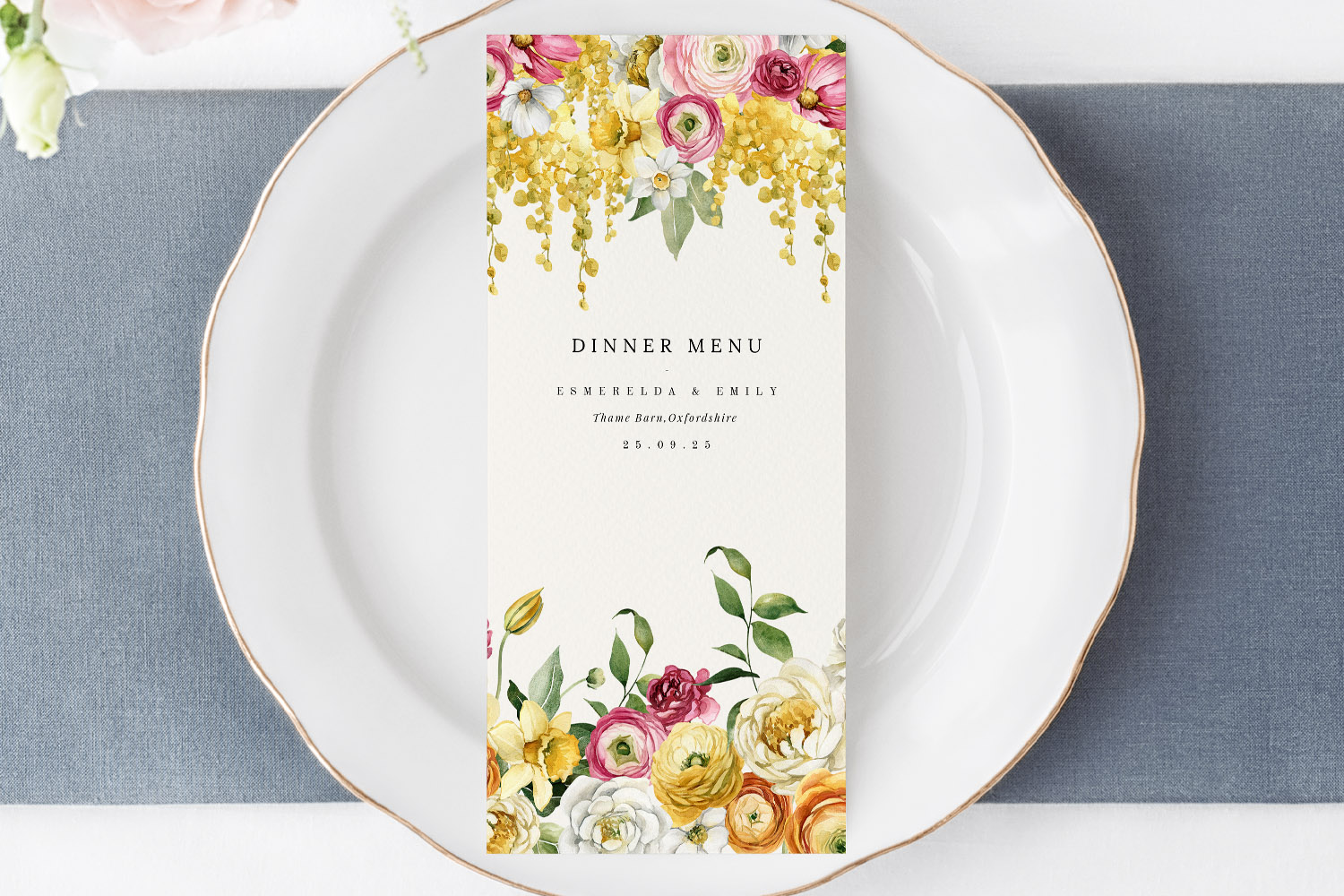
Dietary icons & allergen labelling for wedding menus (UK guide)
Discover practical tips for using dietary icons and allergen labelling on UK wedding menus. This guide explains how to create clear, stylish menu cards with symbols, legends, and QR codes, helping guests easily navigate dietary requirements.
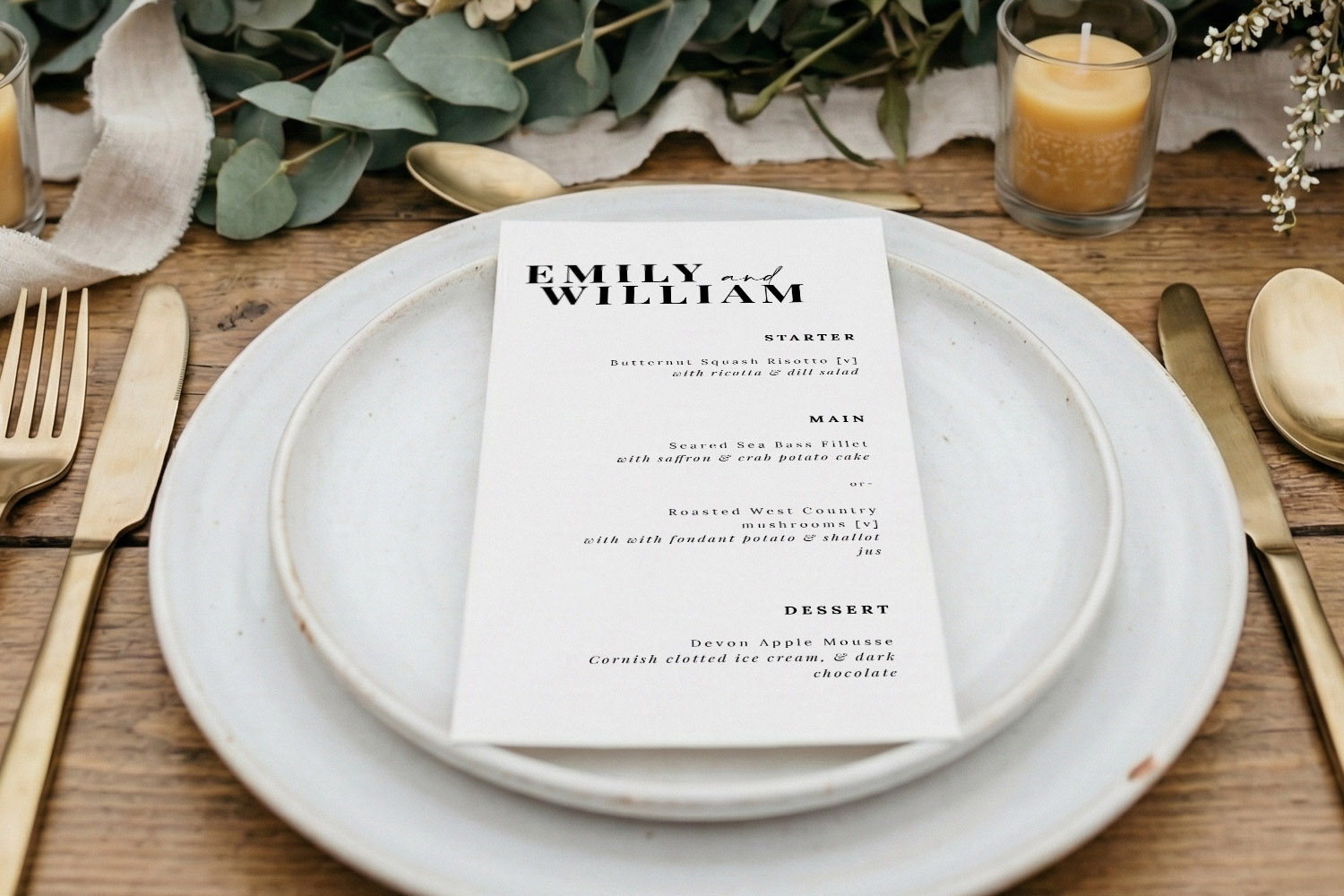
How to lay out a wedding menu for clarity and style
Learn how to design a clear and stylish wedding menu with practical tips on structure, typography, spacing, and design. This guide ensures your menu looks polished and perfectly complements your celebration’s overall stationery suite.
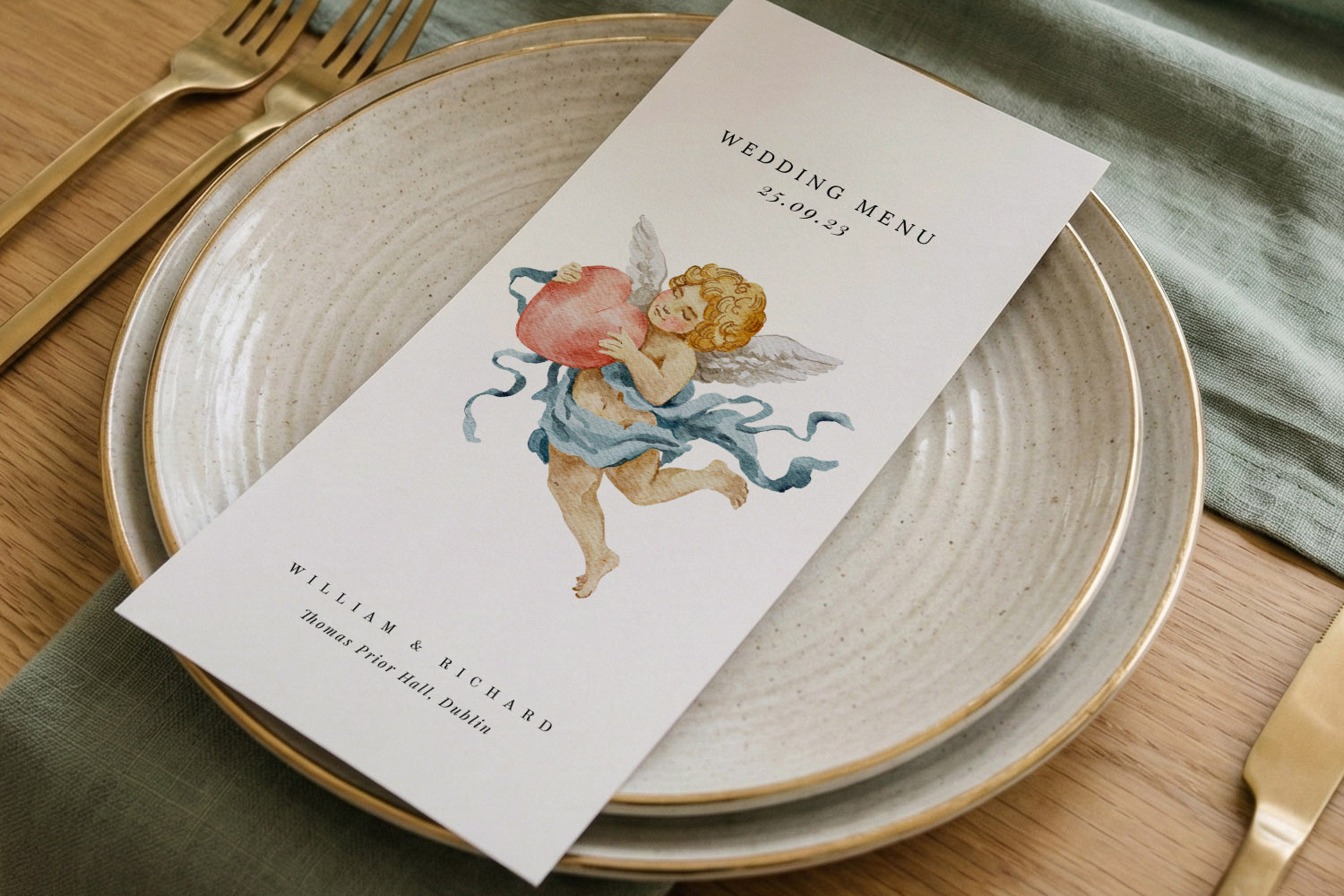
Wedding Menu Size Guide: DL vs A5 vs 5×7 vs Square
Explore the differences between DL, A5, 5√ó7, and square wedding menu sizes in this helpful guide. Learn which menu card format best suits your table layout, menu length, and design style for a beautifully coordinated wedding reception.
What to Include on a Wedding Menu Card: A Practical UK Guide
Learn how to design the perfect wedding menu card with this UK guide, featuring essential details to include, formatting tips for clarity and style, and advice on accommodating dietary needs while maintaining an elegant, inviting wedding table.
Products related to wedding menu cards:

Read & Be Inspired
Wedding menu templates let you showcase your carefully curated meal. Discover tips on designing beautiful menus, incorporating themes, and making them a standout part of your reception décor.