Wedding RSVP etiquette in the digital age
Planning a stylish wedding no longer means relying on paper reply cards. Done well, a digital RSVP is every bit as polite as a stamped envelope—simply quicker for guests and far more practical for you. This guide sets out modern wedding RSVP etiquette, shows how to combine a printed invitation with a neat web link or QR code, and explains how RSVP.studio keeps everything elegant while adding time-saving convenience.
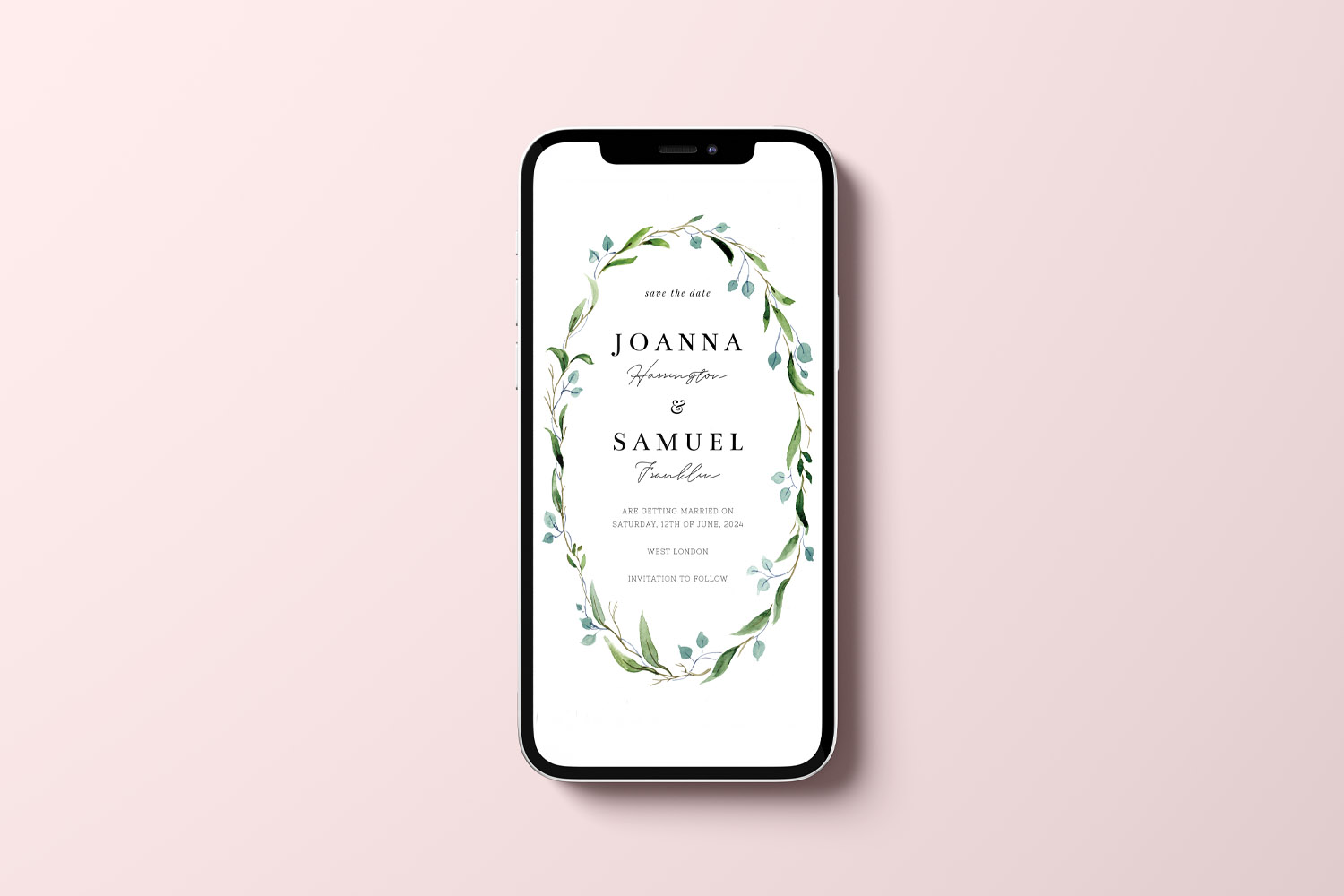
RSVP.studio weddings digital invitation features a delicate botanical wreath, perfect for modern couples planning their special day
Are digital RSVPs acceptable for a formal wedding?
Absolutely. Good etiquette is about clarity, consideration and timeliness. A digital RSVP can be perfectly formal when you present it cleanly and give your guests easy, dignified ways to respond.
- Keep your stationery centre-stage. Your invitation remains the star; the RSVP instructions simply provide a clear route to reply. That’s true whether you prefer refined classic wedding invitation templates or romantic floral wedding invitation templates.
- Offer a tidy web address. With RSVP.studio, you choose a personalised URL such as rsvp.studio/lila-and-sam. It’s short, elegant and memorable—ideal for print.
- Add a discreet QR code. A small QR placed thoughtfully (often on a details card or the reverse of an invite) is polite and modern. Guests can still type the URL if they prefer.
- Respect privacy. If you’re sharing sensitive details (transport, accommodation, dress code), RSVP.studio offers an optional password. Include it on the card if used (e.g., “Password: Willow”).
Sample wording for an invitation or details card
Kindly reply online by Friday 14 June:
rsvp.studio/lilaandsam
(or scan the QR code)
The key is a calm, concise instruction and a clear deadline. That’s as formal as it needs to be.
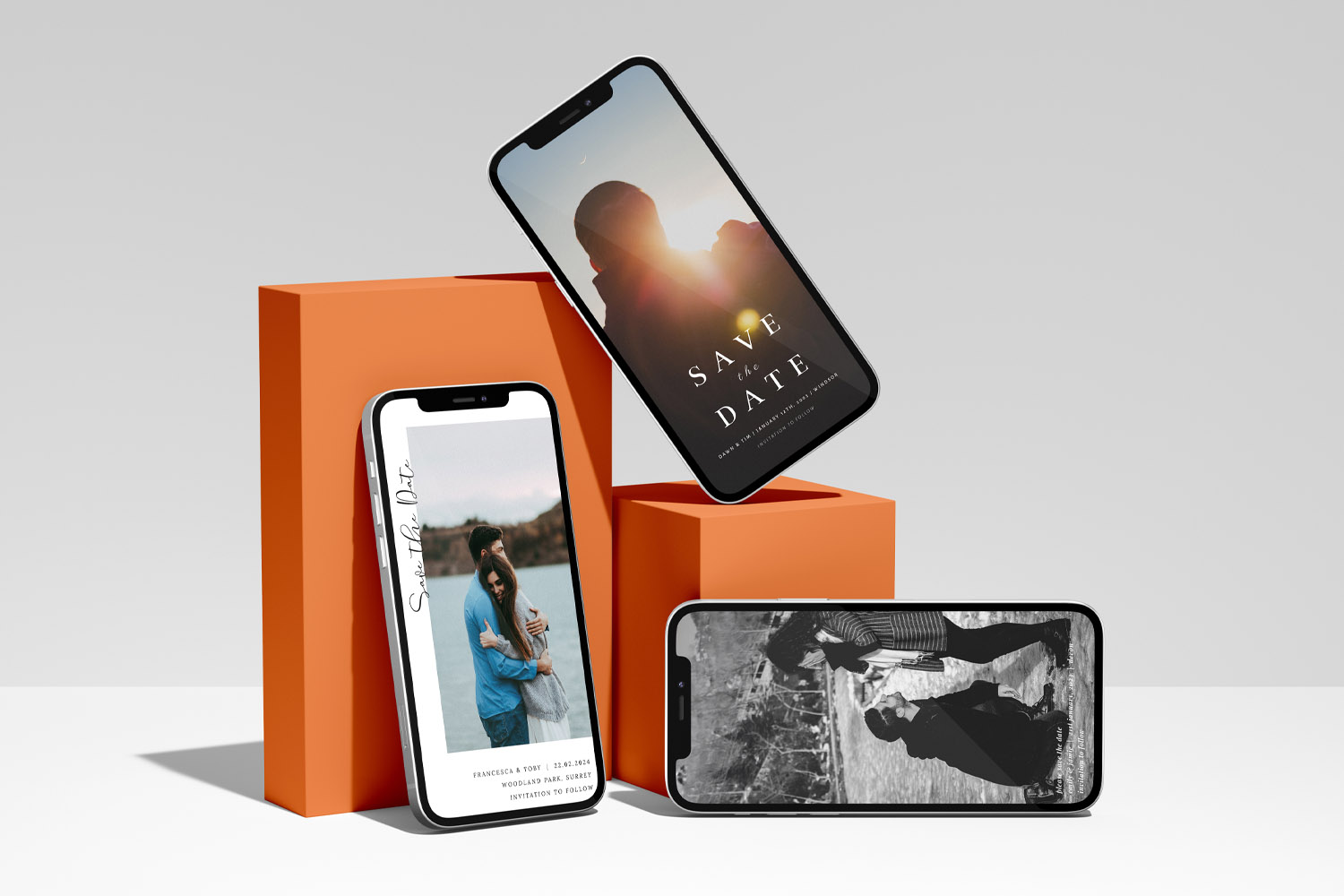
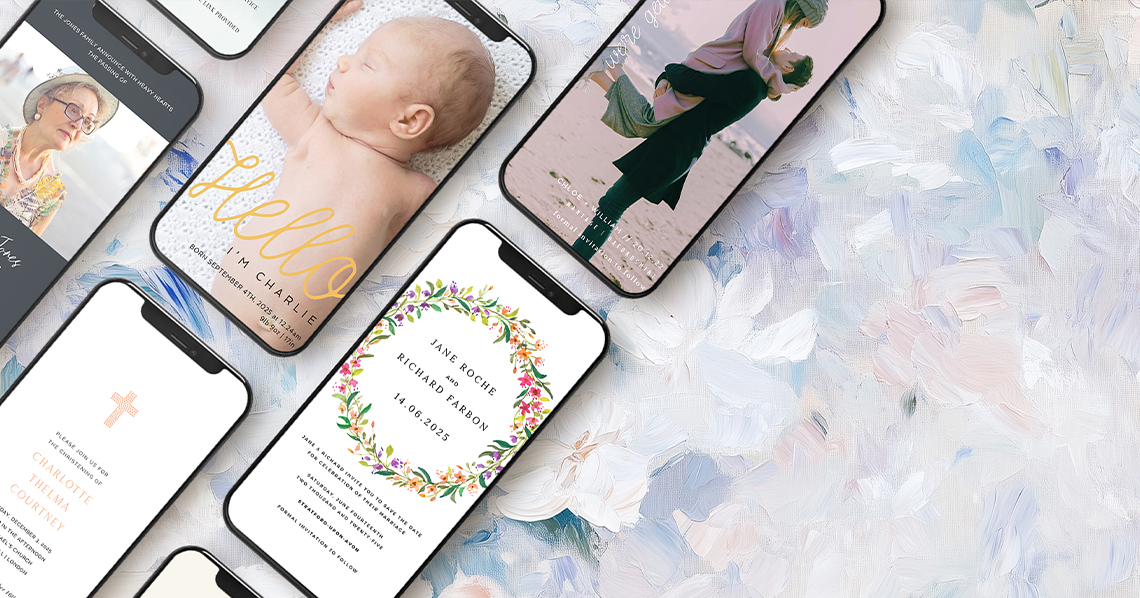
RSVP.studio weddings digital invitations shown on smartphones, perfect for couples seeking stylish and contemporary save the dates
How to present a link or QR code neatly on your stationery
Your reply instructions should feel designed, not tacked on. A few layout tips keep things refined:
- Choose the right home.
Place the RSVP line on a dedicated information card if you have one; otherwise, set it at the bottom of the main invitation in smaller type. The goal is readable but unobtrusive. - Typesetting that works.
- Use mixed case (not ALL CAPS) for long URLs.
- Break long slugs at natural hyphens to avoid awkward wrapping.
- Keep the line to two short rows at most:
Please reply by 14 June at rsvp.studio/lila-and-sam - QR code placement.
A 15–20mm square is typically enough for reliable scanning. Align it with your layout grid—bottom corner or centred beneath the RSVP line both work. If you’re sending a postcard-style invite, the reverse side is a smart option. - Accessibility for everyone.
Not all guests scan codes. Always show the printed URL in full so replies are possible on any device, including a laptop or tablet. - Match the look.
RSVP.studio lets you add a header photo and choose from tasteful frames—floral watercolours, minimalist borders or classic typographic trims—so your online page echoes the style of your printed suite. - Future-proof the slug.
You set your custom URL when you create your link; choose it carefully, as it can’t be changed later. Short, clear and couple-led (“ella-and-nora”) is ideal.
If you’re designing with Utterly Printable, adding the URL and QR code is simple: you can place them within your design so they feel native to your aesthetic, whether you’ve opted for timeless typography or painterly botanicals. Pairing a digital reply with a refined print such as the above classic or floral style keeps the whole experience cohesive.
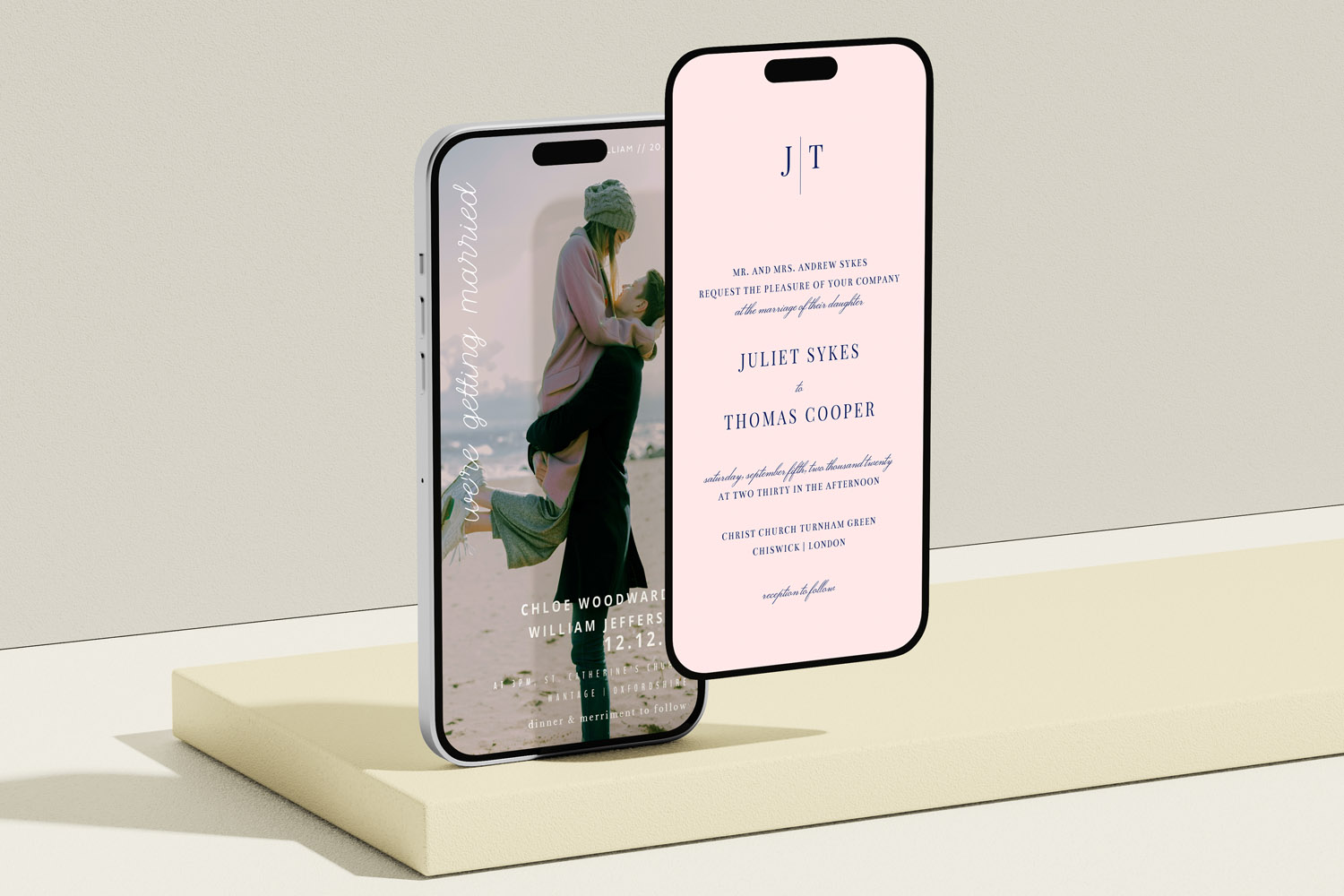
RSVP.studio weddings digital invitations shown on mobile screens, perfect for couples seeking a stylish and convenient way to invite guests
Deadlines, plus-ones and menu choices: modern manners
Digital tools make collecting replies easy; etiquette still sets the tone. Here’s how to manage the practicalities gracefully:
Setting a polite RSVP deadline
- Give guests enough notice. Most couples ask for replies 4–6 weeks before the day; for destination weddings or peak dates, you may prefer 8–10 weeks. The purpose is to finalise catering numbers, seating and transport calmly—not to rush guests.
- Say it clearly in writing. Print the date on your details card and repeat it at the top of your RSVP page.
- Close the loop kindly. With RSVP.studio, you can pause the link after your deadline if needed, or keep it open and message late responders the URL again. (RSVP.studio doesn’t send automatic reminders; a personal nudge is often more effective.)
Handling plus-ones and children
- Be explicit on the invitation. Address envelopes and lines to the people invited by name.
- Use thoughtful questions. RSVP.studio includes plus-one and child-attendance controls so your form asks only what’s appropriate, avoiding accidental extra guests.
- Keep it kind. If space is limited, omit plus-one fields and add a short note on your details card: “We’d love to celebrate with you; due to venue size we’re unable to extend invitations further.”
Gathering menu choices and dietary needs
- Make it simple and precise. The multiple-choice question builder lets you list each course or note a single selection per guest.
- Capture essentials early. Add a dedicated “dietary requirements” field; the spreadsheet export gives your caterer exactly what they need.
- Avoid over-collecting. Only ask questions you’ll genuinely use—your guests will thank you for a quick, clear form.
Multi-day celebrations and sub-events
For rehearsal dinners, ceremonies and next-day brunches, RSVP.studio’s sub-event selector lets guests confirm attendance for each element separately. You’ll see totals for each event at a glance, which is invaluable for transport plans or venue minimums.
Sharing the link
No email list is required and nobody needs to download an app. Share your RSVP link by WhatsApp, text, email or social media as well as in print—replies land instantly in your Utterly Printable account and can be exported to a spreadsheet at any time. The link works worldwide on mobile, tablet and desktop, so remote guests can respond as easily as local ones.
Sustainability with standards
Digital RSVPs remove reply cards, envelopes and postage. If you’re also printing invitations, Utterly Printable uses FSC-certified papers and ISO14001-accredited production, with optional carbon-offsetting at checkout—an elegant approach with a lighter footprint.
A quick etiquette checklist
- Put the RSVP web address (and password if used) on your details card or at the foot of the invite.
- Set a clear reply-by date and keep it friendly.
- Ask only the questions you need (attendance, plus-one/children, menu, dietary).
- Share the same link across all channels; guests will recognise it.
- Export your replies to share with your caterer or planner.
- After the deadline, pause the link or keep it open for late replies—your choice.

Wedding RSVP etiquette: FAQs
A handful of common questions come up when couples combine traditional stationery with a digital response. Here are straightforward answers.
Yes. Elegance comes from tone and presentation. A clean URL, a discreet QR code and a password if desired keep things formal. Your online RSVP can echo your stationery style so the experience feels cohesive from card to screen.
Ideally on a details or information card; otherwise, set a single, short line at the bottom of the invitation. Keep the font size smaller than your main text and leave comfortable spacing.
Aim for 4–6 weeks before the day (earlier if you need firm numbers for a caterer or venue). Print the date and repeat it online so nobody misses it. You can pause your RSVP link after the deadline if you want to draw a line gently.
Include the full web address on the card so they can reply on a laptop or tablet. If you like, add a small note with an alternative (e.g., “Or phone Alex on…”) for those who prefer to respond verbally.
Invite by name on the envelope and on the details card. In your RSVP form, enable the plus-one field only where appropriate and ask for the guest’s name so your seating plan stays tidy.
Where RSVP.studio fits
If you want digital convenience without losing the charm of print, RSVP.studio is built for weddings: a personalised, mobile-ready web address; optional password; plus-one and child-attendance controls; sub-event management; menu and dietary questions; instant spreadsheet export; and unlimited guest responses with instant activation. It works seamlessly alongside your printed stationery—URL on the card, QR for ease—so your guests can reply quickly and you can plan with confidence.
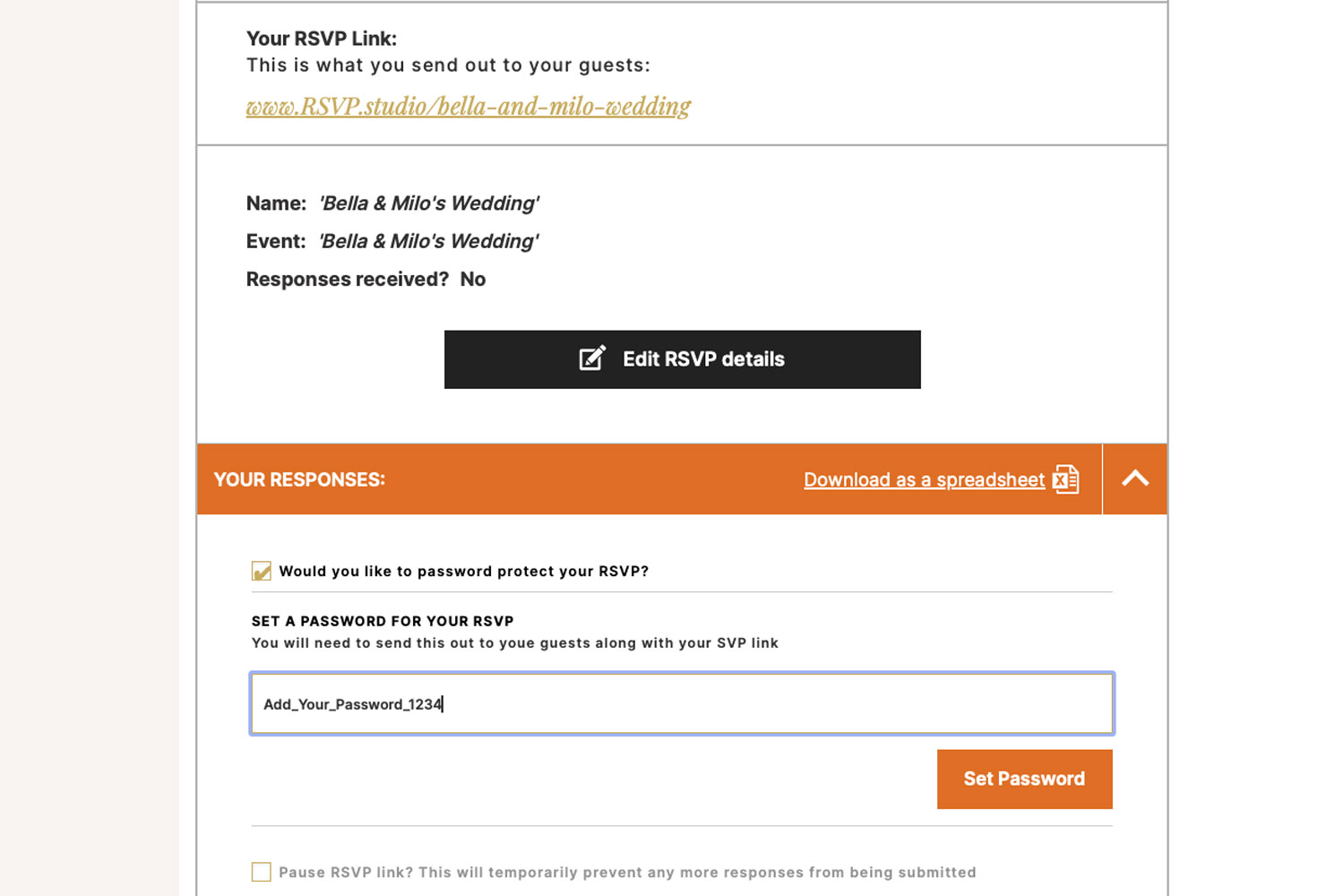
Password-Protecting Your Wedding RSVP Page
Learn how password-protecting your wedding RSVP page with RSVP.studio keeps your guest list private, blocks uninvited responses, and streamlines planning. Find out when to use this feature and how to easily share your secure RSVP link.
QR codes for wedding RSVPs: how to use them properly
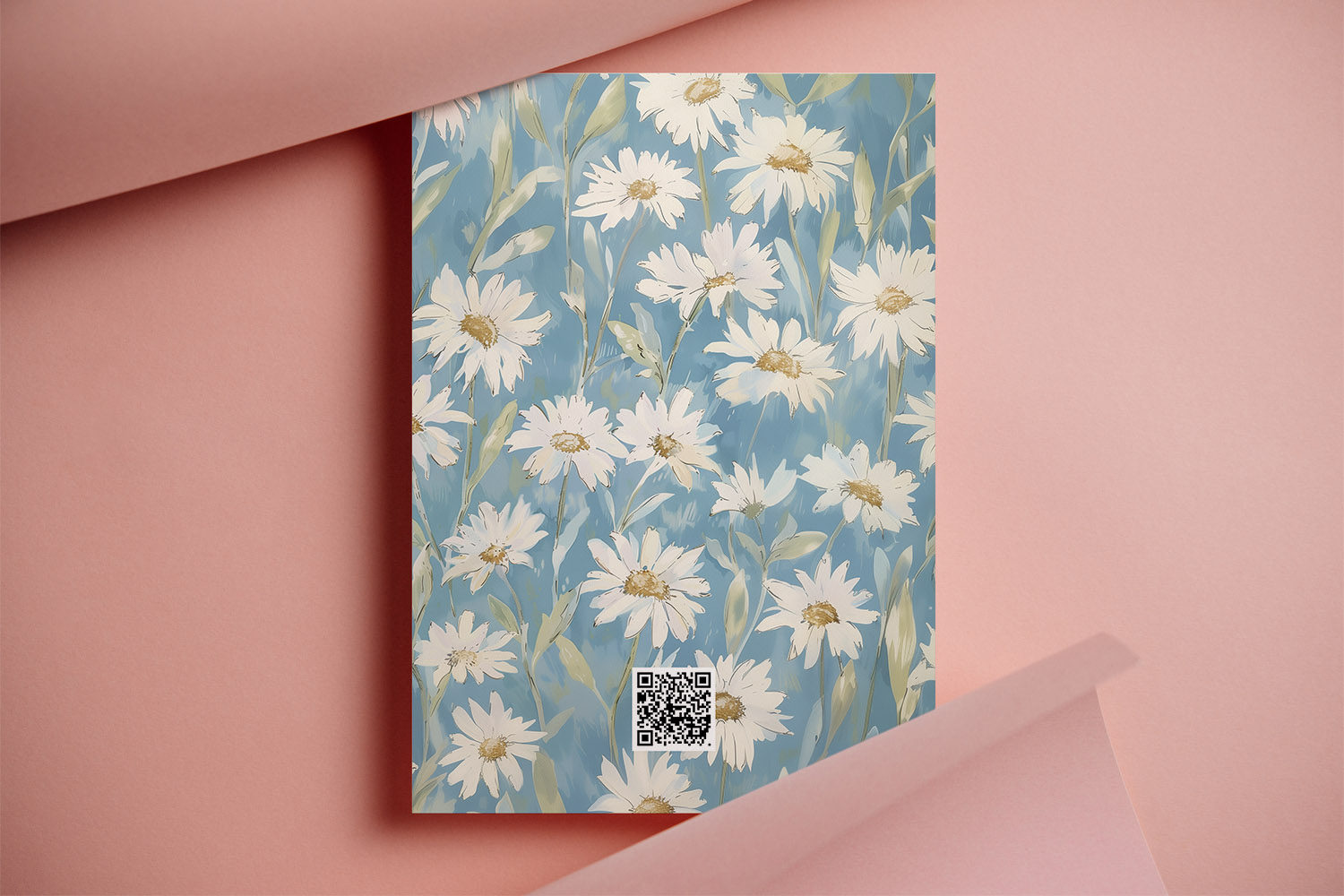
Discover how to use QR codes for wedding RSVPs to streamline your guest responses, manage menu choices, and keep your head-count organized. This guide covers best practices for QR code sizing, placement, accessibility, and setup with RSVP.studio.
What to ask on your wedding RSVP form
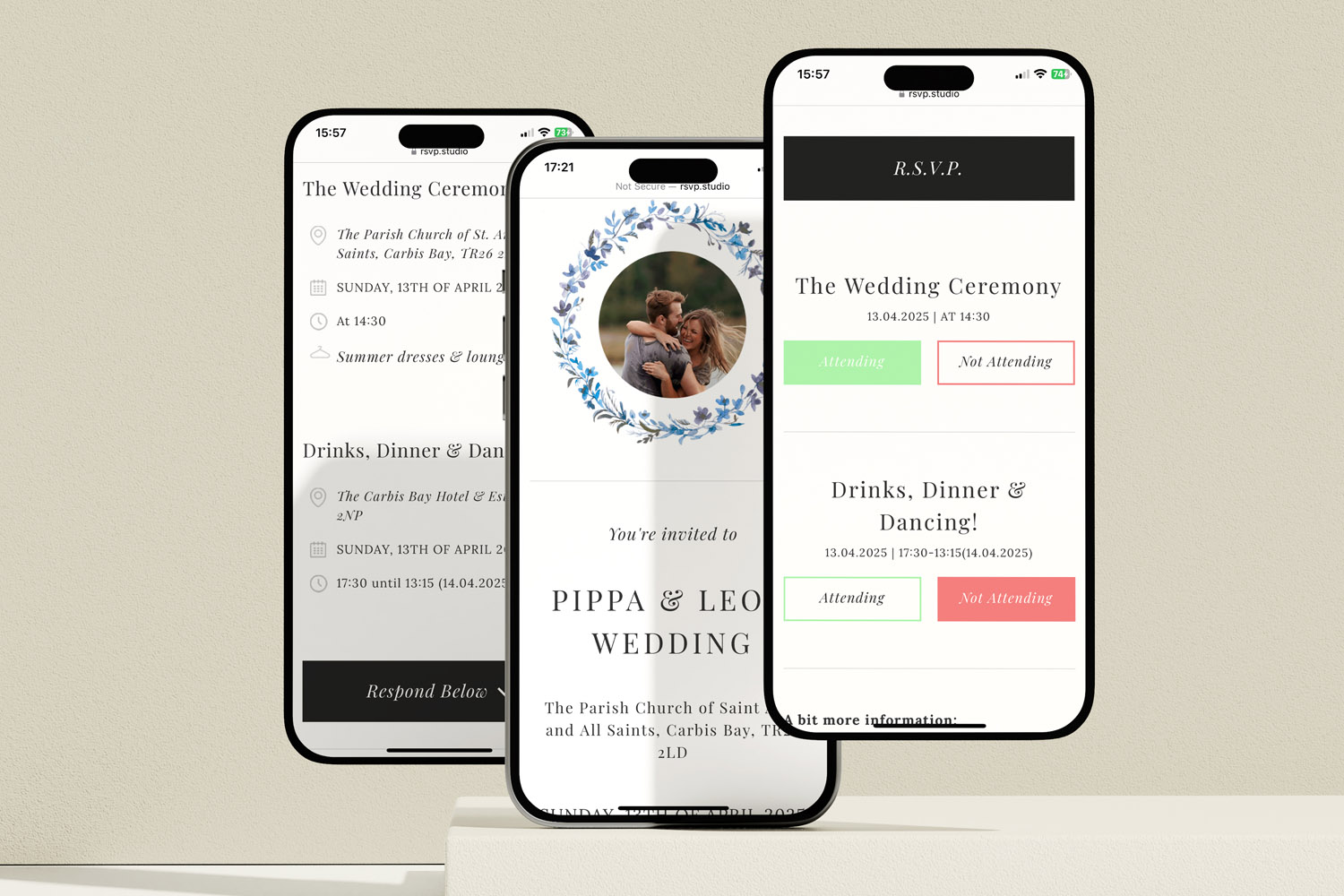
Discover how to create a clear, guest-friendly wedding RSVP form that collects only the essential details for your big day. This guide covers must-ask questions, sample wording, and etiquette tips to streamline your wedding RSVP process.

Discover More with Us
Digital RSVP websites for weddings simplify managing guest responses. Discover blog posts on customising RSVP pages, tracking dietary preferences, and creating a cohesive event experience.