Multi-event funerals: collecting RSVPs for the service, committal and wake
When a funeral spans several moments—a church or chapel service, a committal at the graveside or crematorium, and a celebration of life or wake—the logistics multiply quickly. Who is coming to which part? Do you need head-counts for seating and catering? How do you share last-minute changes with everyone, without creating confusion? This guide explains a simple, respectful way to gather clear replies for each part of the day using RSVP.studio for funerals, so families and funeral directors can stay organised with minimal stress.

The screen shows a user adding and configuring sub-events so guests can respond to different parts of an event.
1) Why multi-part RSVPs matter (and how a single link solves it)
Coordinating attendance for a multi-event funeral isn’t just about numbers. It ensures:
- Quiet accuracy at the service: seating, order of service distribution and accessibility needs.
- Dignified timing at the committal: enough space at the crematorium chapel or graveside.
- Prepared hospitality at the wake: reliable catering counts and dietary requirements.
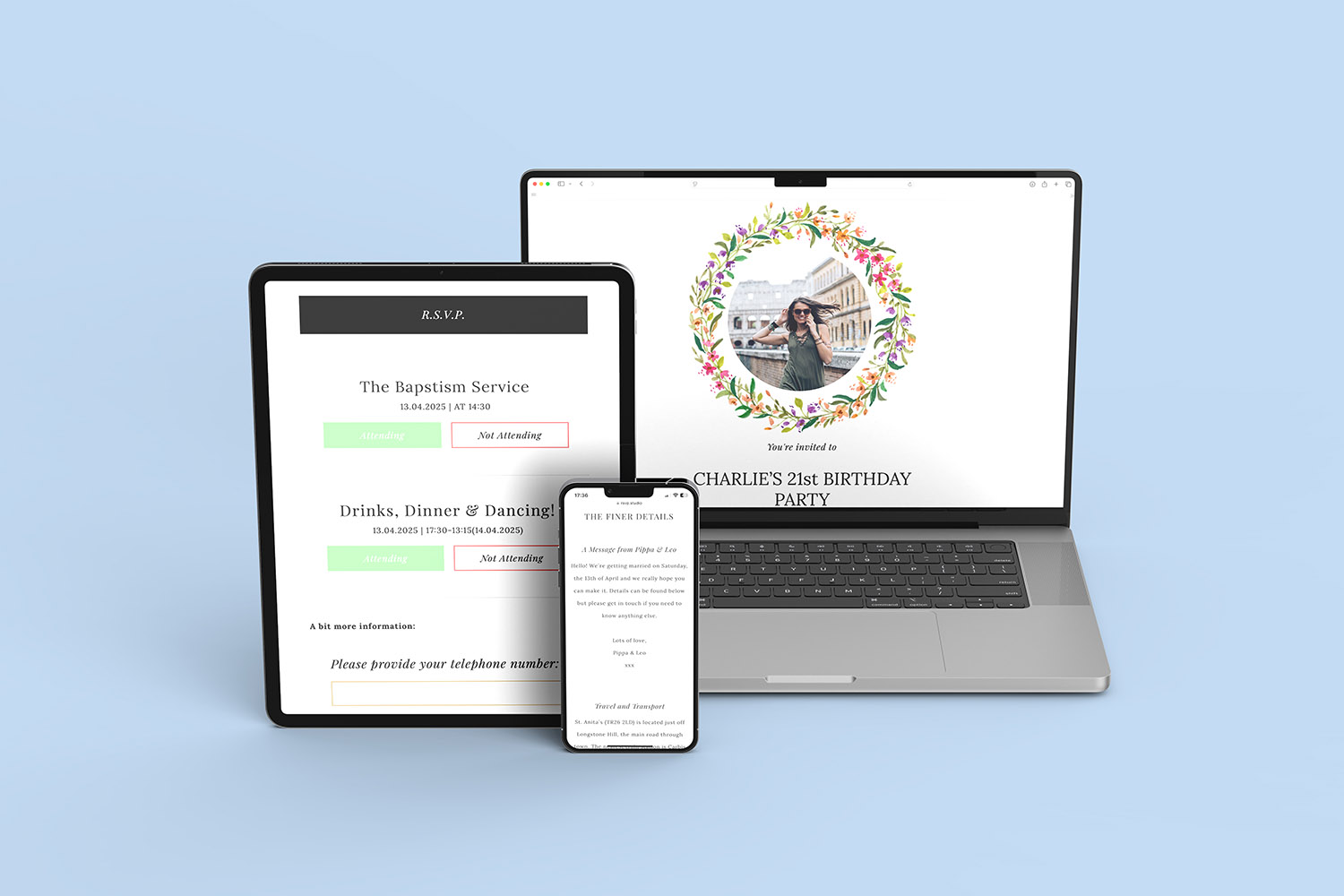
With RSVP.studio (Funeral), you share one web link (for example, RSVP.studio/john-wilkins-funeral) by email, text or WhatsApp. Mourners open it on any device to see the day’s details and reply in seconds. Crucially, you can add sub-events—Service, Committal, Wake—each with its own RSVP button, attendance rules, and questions. Replies appear together in your Utterly Printable account and can be downloaded as a spreadsheet for printing or sharing with caterers and the funeral home. There’s no guest-list upload required.

RSVP.studio funerals capture a moment of support and compassion, with two people holding hands during a memorial gathering.
2) Setting up sub-events, questions and plus-one rules
Below is a calm, step-by-step outline to create a clear plan for the day.
A. Add the main details once
Create the page title, date and time, venue name and address, map links, summary of the order of service, dress code (if any), donation information, and an RSVP deadline. Upload one or more photos to personalise the page—there are tasteful watercolour floral and simple monochrome frames for a dignified, understated look.
B. Create sub-events for each part of the day
Add Service, Committal and Wake (or any combination that reflects your plans). For each sub-event you can set:
- Start time and venue (with address/map links).
- Attendance options (coming/not coming/unsure).
- Plus-one rules per segment—allow a guest for the wake but keep the service limited, or set an attendee cap where the venue is small.
- Segment-specific questions, such as:
- Dietary needs or meal choices (for the wake).
- Transport or lift-share offers.
- Seating considerations or accessibility notes for the service.
These per-segment controls are ideal for families splitting the day across different locations or capacities. Because each stage has its own RSVP button, you’ll see who is attending what at a glance.
C. Ask only what you need
Alongside multiple-choice options, add open-text questions for messages to the family, special requests, or travel notes. Keep the form simple; the goal is to gather essentials without burdening mourners.
D. Share the link however you wish
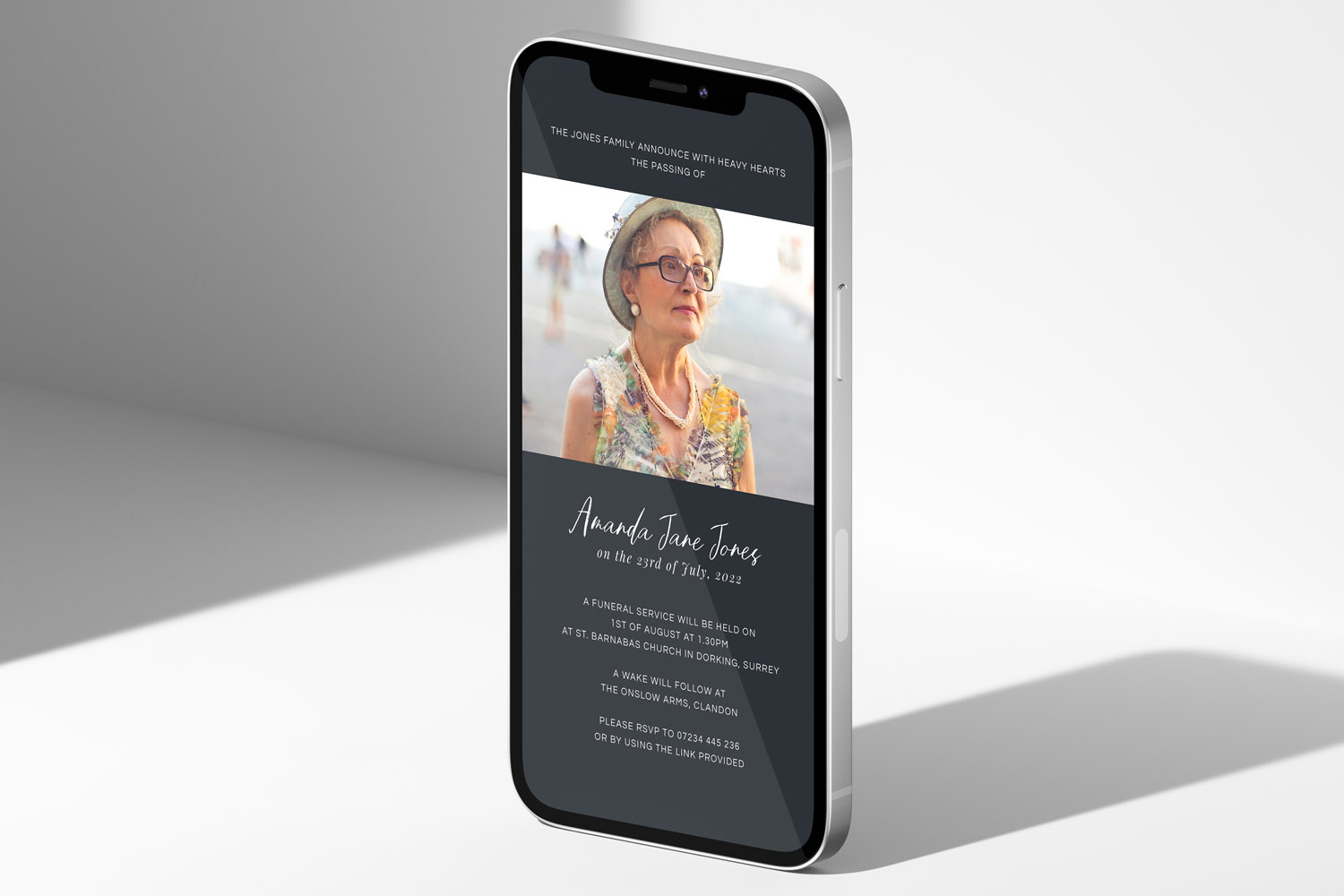
Your page is ready instantly after checkout (one fixed fee of £12.50 for unlimited replies). Share the short URL in a message, print it as a QR code on the order of service, or include it on a printed announcement. If you’re posting printed notices, you may find our funeral-announcement cards helpful.

A respectful RSVP.studio funerals reception with guests in black attire sharing drinks and conversation beside a buffet table
3) Managing changes, privacy and on-the-day lists
Funeral plans sometimes move. The platform is designed to adapt.
- Real-time edits: Update times, venues or notes at any point; the live page changes immediately for everyone.
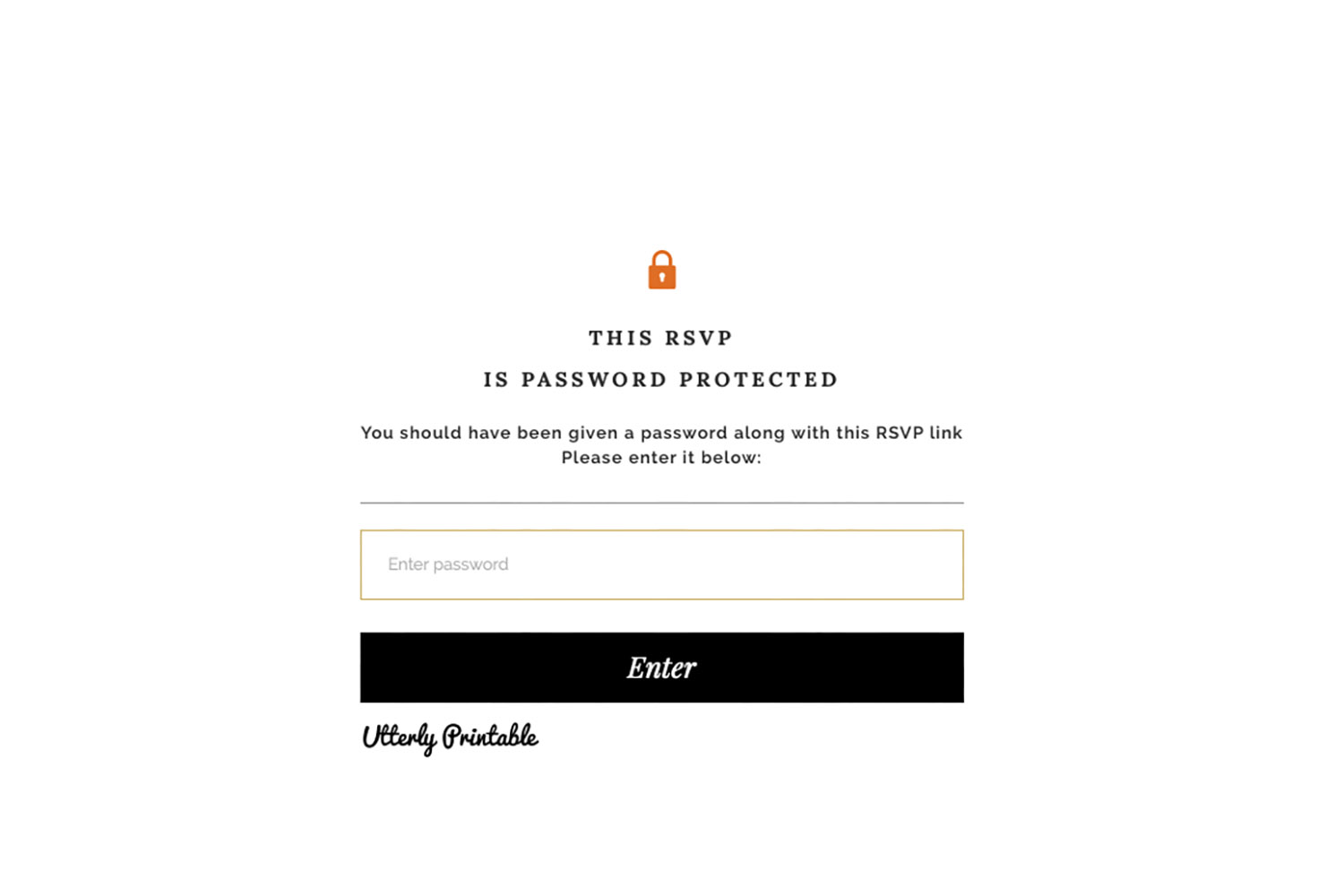
- Password protection: Switch on a password if you want the page to remain private.
- Pause or reopen RSVPs: Temporarily stop new replies while finalising numbers; reopen later if needed.
- Unlimited RSVPs: There’s no cap on the number of people who can respond.
- Works worldwide: Anyone with internet access can view and reply.
- Downloadable spreadsheet: Export responses to share with caterers, venue managers or clergy.
Finally, after the day, many families like to acknowledge kindness shown. Browse our considerate range of funeral thank-you card templates when you feel ready.

Frequently asked questions
Below you’ll find short, practical answers to the most common questions families and funeral directors ask when coordinating service, committal and wake RSVPs on one page.
Yes. Create separate sub-events for the Service and Wake, then set attendance rules and plus-one permissions per sub-event. This lets you keep the service intimate while welcoming more guests later.
Add a multiple-choice or free-text question within the Wake sub-event (for example: “Any dietary requirements?”). Only those selecting “Attending” for the wake will see—and answer—that question.
You can edit the page in real time from your Utterly Printable account: update times, addresses or notes. The live page updates immediately, so people checking the link see the latest information straight away.
Yes. Use the password protection toggle so only people with the password can view details and reply. You can also pause the page temporarily if you need to stop new responses.
Absolutely. The short URL and a QR code work well on printed materials such as orders of service or announcements. If you need printed notices, explore our funeral announcement cards.
Before you start
If you’d like to set this up now, open RSVP.studio for funerals. Draft your service, committal and wake as separate sub-events, add the questions you need, and share one clear link with family and friends.
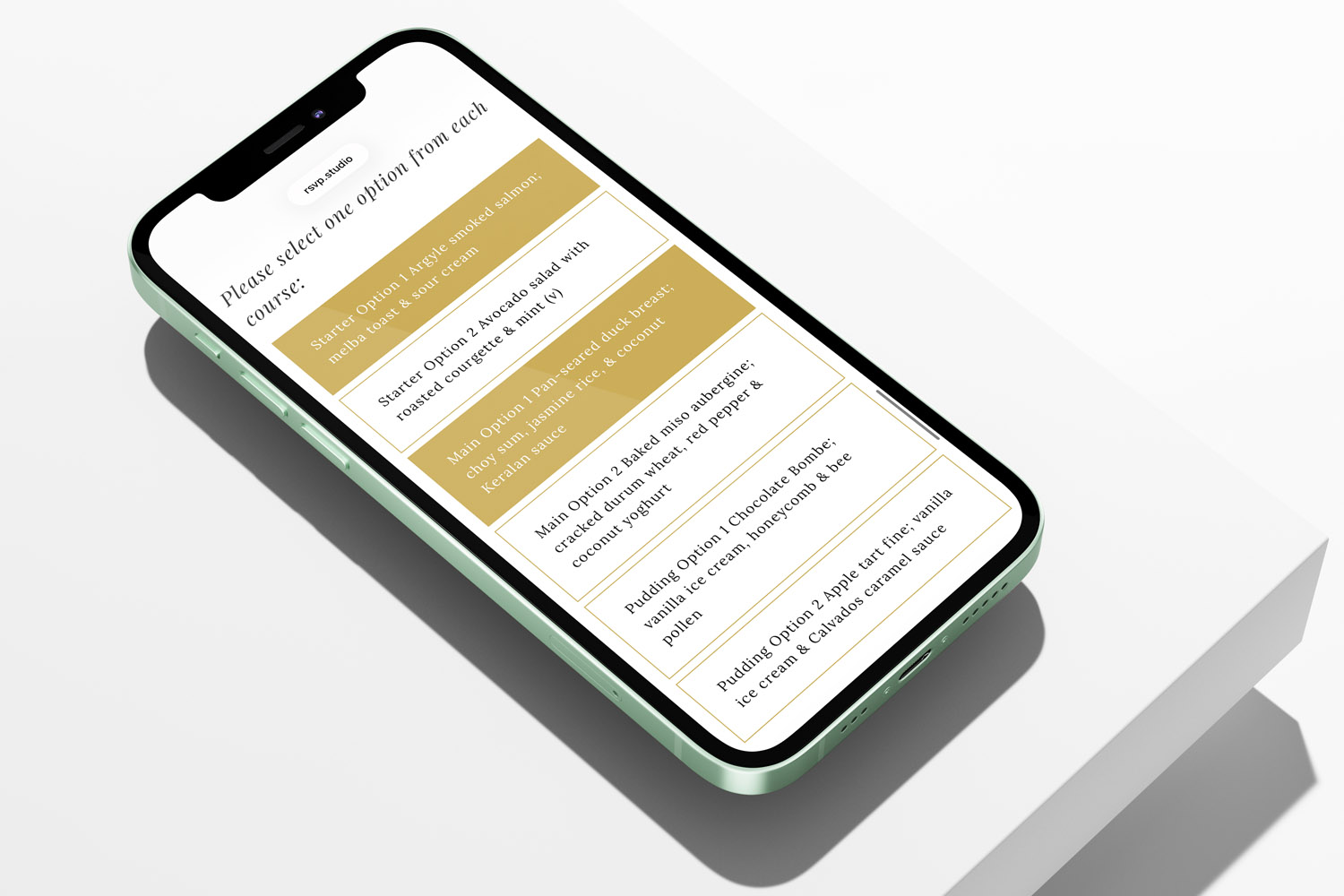
Managing Catering Numbers with a Digital Funeral RSVP
Managing catering numbers for a funeral can feel overwhelming, but using a digital funeral RSVP streamlines the process. Learn how RSVP.studio helps you collect accurate attendee counts, dietary needs, and share clear summaries with your caterer, easing your planning.
Privacy & security for online funeral RSVPs: a practical guide
Learn how RSVP.studio helps you protect privacy and security when managing online funeral RSVPs. This guide covers password protection, data handling, and guest visibility, ensuring sensitive funeral details are shared safely and you remain in control.
Sharing a Funeral RSVP Link on WhatsApp, Email and Social Media
Learn how to share a funeral RSVP link thoughtfully across WhatsApp, email, SMS, and social media. This guide covers step-by-step instructions, privacy tips, and helpful wording, making it easier to invite guests and manage responses with care.
What to include on a funeral RSVP page
Creating a thoughtful funeral RSVP page helps guests find essential details and respond with ease. This article guides you through what to include on a funeral RSVP page, ensuring clear communication, accessibility, and sensitivity for a smooth planning experience.

Ideas & Inspiration
Online digital funeral RSVP tools make organising memorial events easier. Explore the blog for tips on customising RSVP pages, managing responses, and ensuring seamless guest communication.