Sharing a Funeral RSVP Link on WhatsApp, Email and Social Media
When you’ve created a funeral RSVP page, the next step is getting the link into the right hands—quickly, clearly and sensitively. This guide explains practical, step-by-step ways to share a single RSVP link across WhatsApp, SMS, email and social media, plus tips for international guests, privacy, and what to say when sharing the link verbally. It’s written for families, friends, celebrants and funeral directors using RSVP.studio (Funeral).
Important: RSVP.studio does not send invitations on your behalf. You control when, where and how you share your link. Guests respond through your page, and replies are saved to your Utterly Printable account.
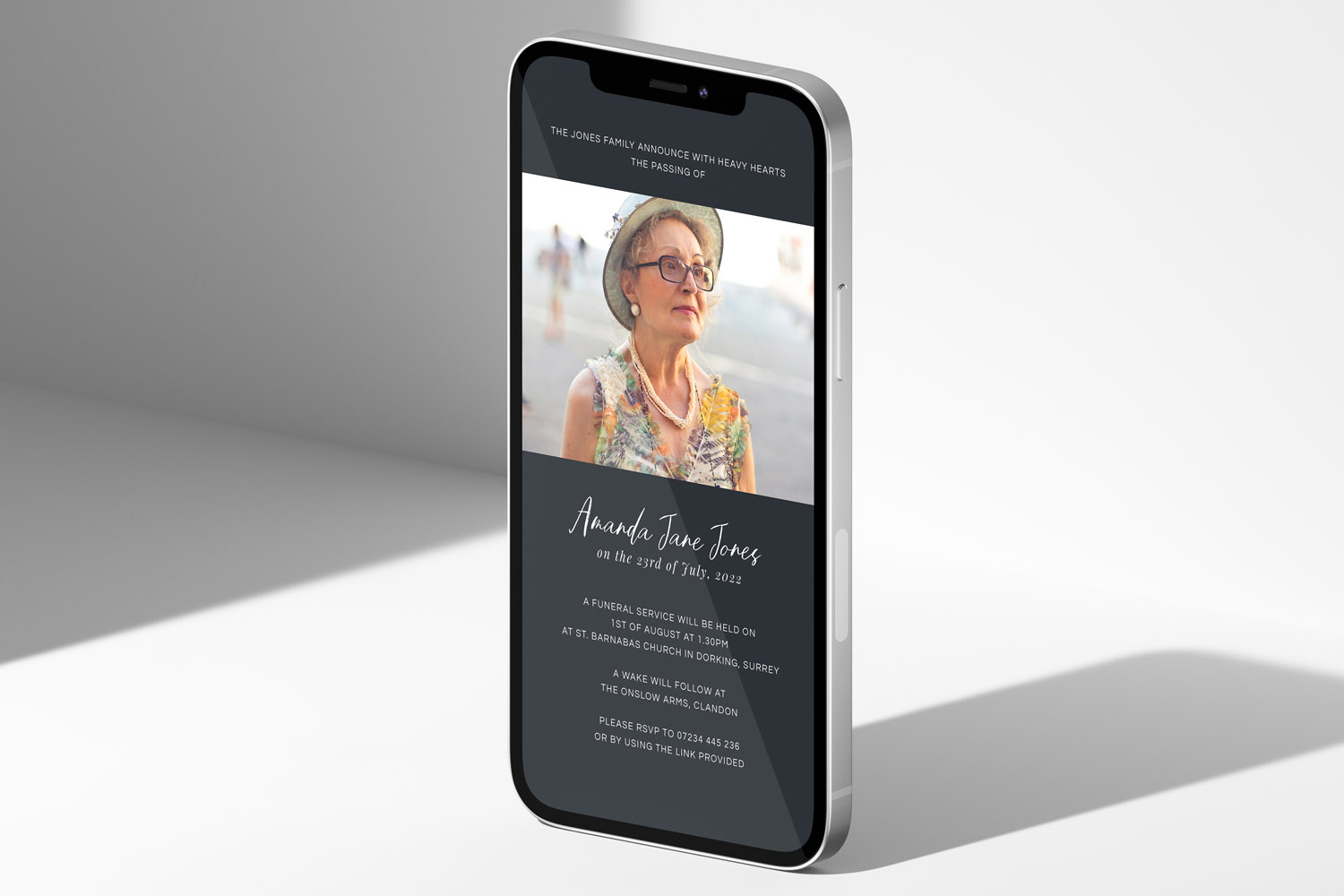
RSVP.studio funerals digital invitation shown on a mobile screen, ideal for sharing funeral details and RSVP links with loved ones.
1) Before you share: prepare a clear, secure RSVP link
A few minutes of preparation makes sharing smoother and avoids confusion later:
- Give your link a clear title. Use the full name of your loved one and the event (e.g. “Service for Mary Ellis”). This helps people recognise the page instantly.
- Add the essentials. Include service time, venue name and address, wake details (if any), and any practical notes such as parking, donations or dress code. If you’re managing more than one part of the day, add separate sub-events so guests can respond to each part appropriately.
- Set an RSVP deadline. A gentle cut-off helps with venue capacity and catering.
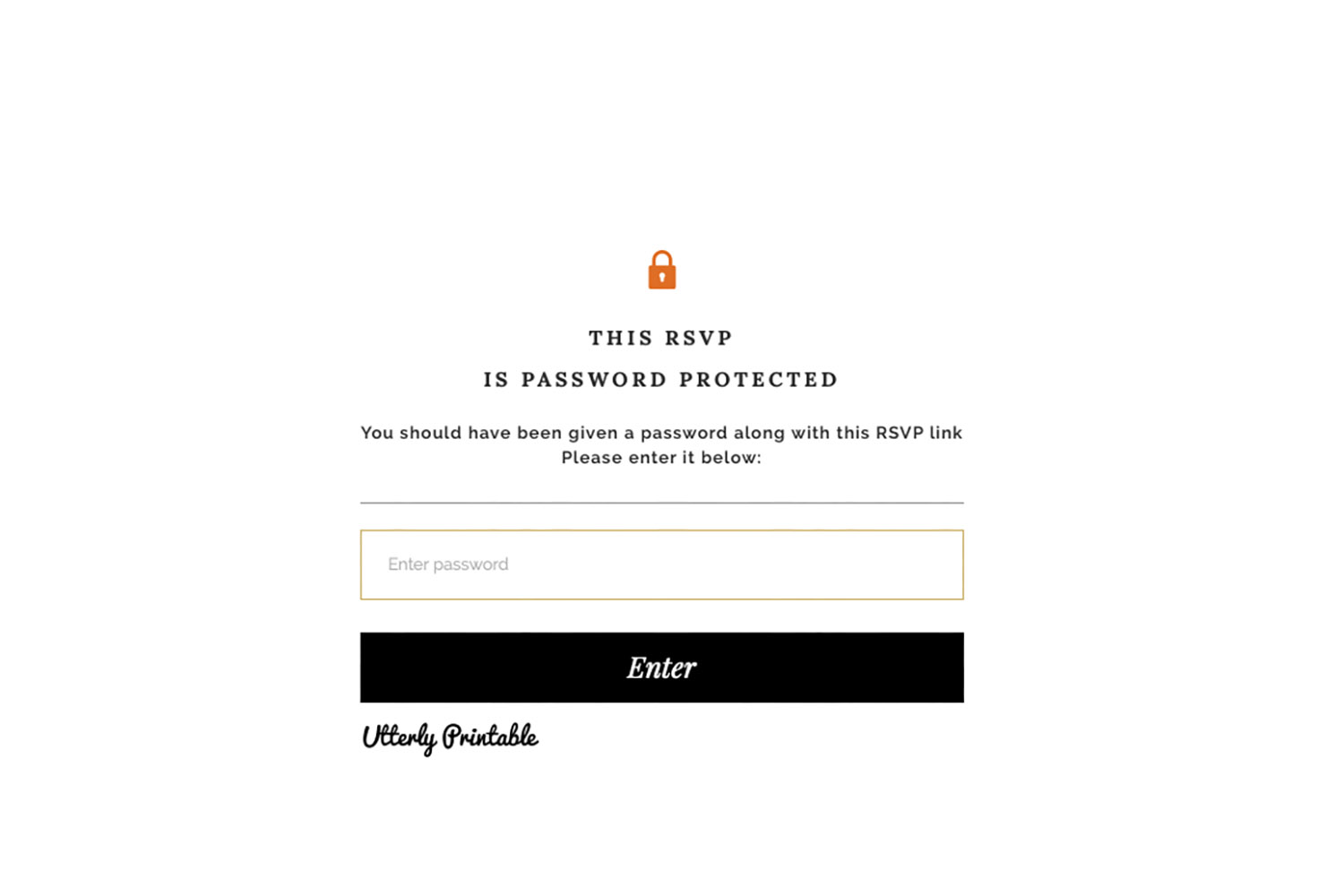
- Consider a password. If privacy matters, switch on password protection so only invited guests can see the details.
- Keep the URL short and memorable. RSVP.studio lets you use a concise, custom web address, which is easier to share in a message and to read out over the phone.
- Test your page. Open the link on your own phone and send it to one trusted person to check the page reads well on mobile and the form is straightforward to submit.
- Plan your distribution list. Split contacts by channel (e.g. WhatsApp, SMS, email). For older guests or those not on smartphones, be ready to share verbally and follow up with a text.
If you’ve not set up your page yet, you can create your link in minutes here: create a funeral RSVP link.
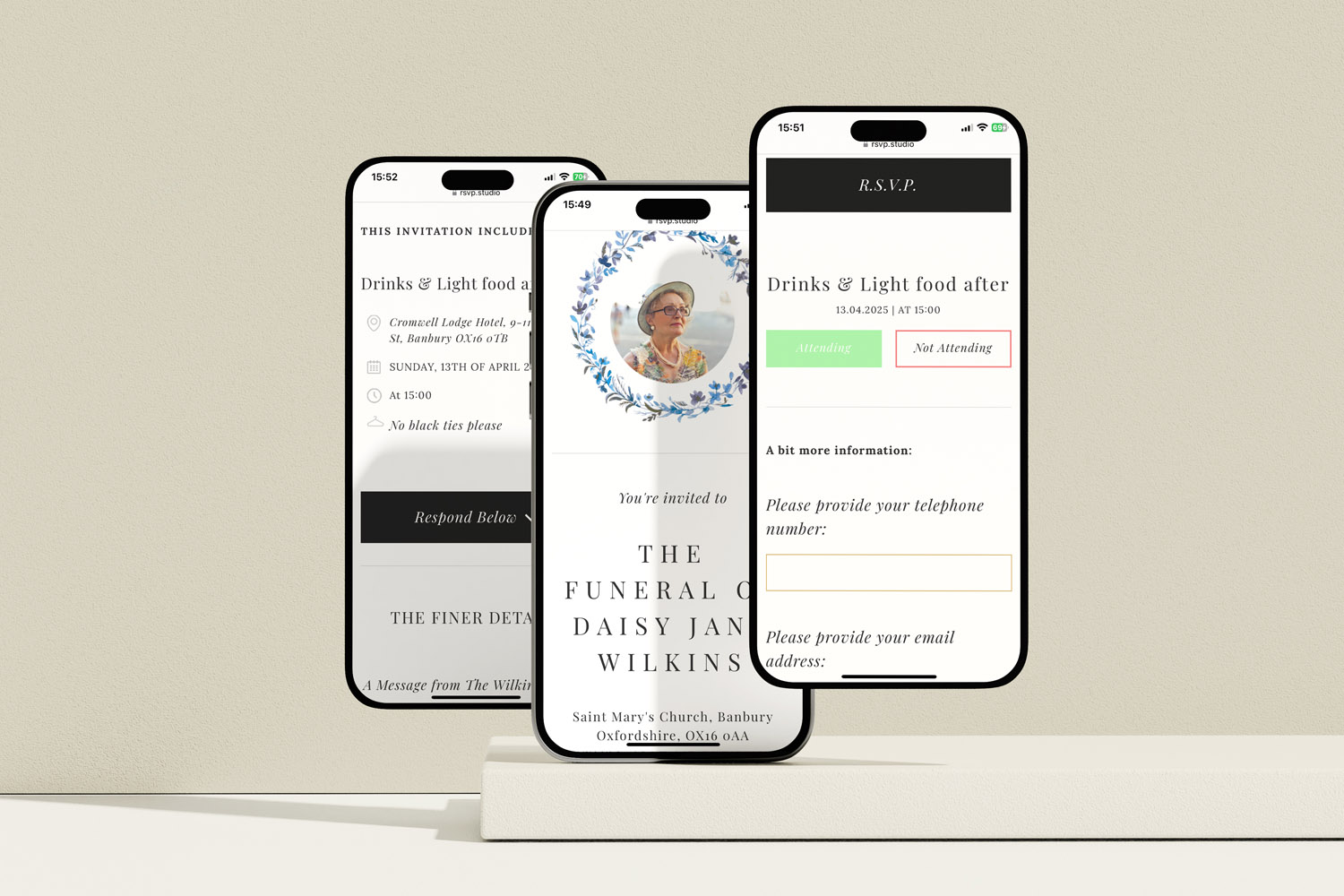
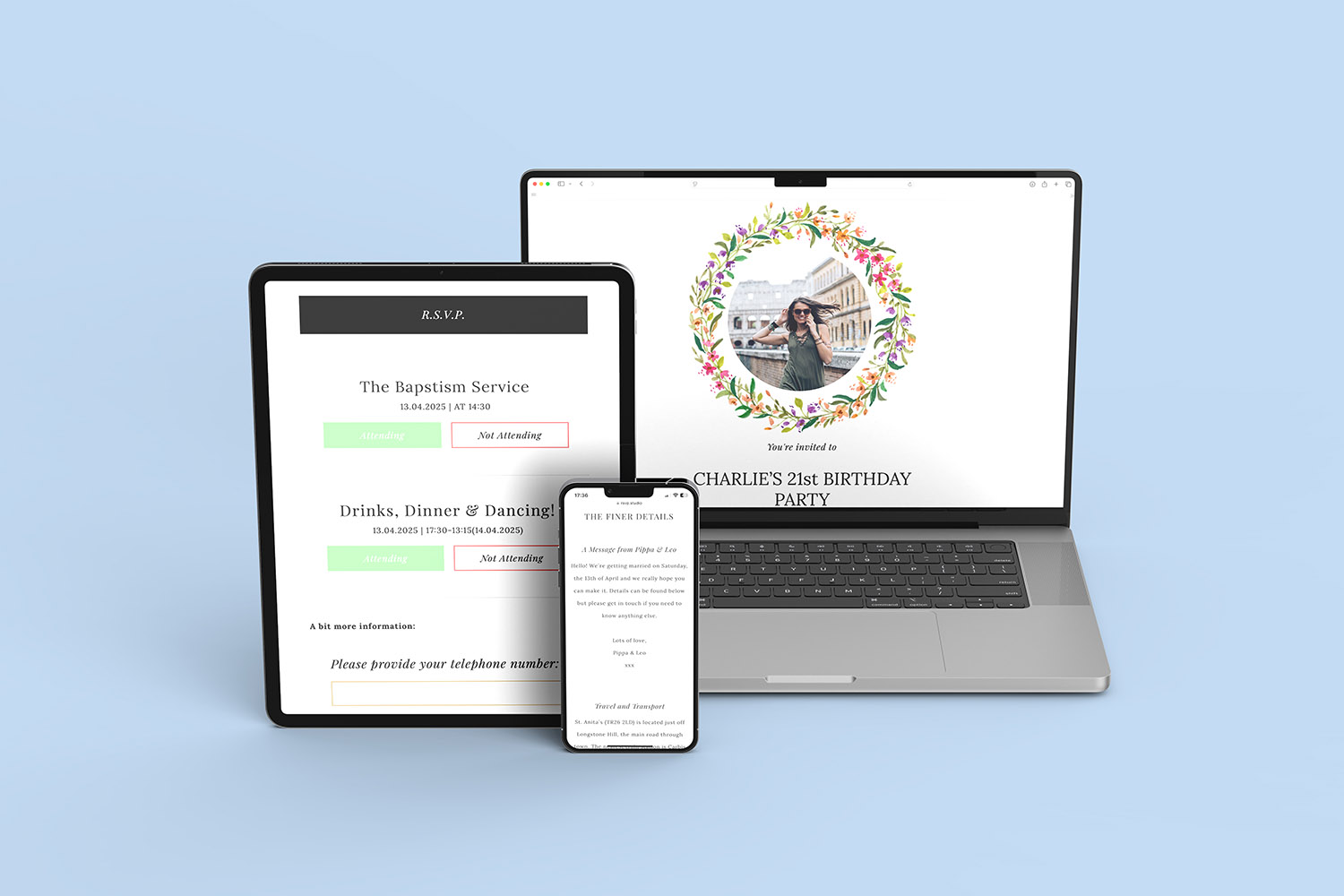
RSVP.studio funerals digital invitations make it easy to share service details and collect responses directly from guests’ smartphones.
2) How to share your RSVP link on WhatsApp, SMS, email and social media
Below are message templates and practical tips for each channel. Adjust wording to suit your family’s tone.
WhatsApp (individual messages and group chats)
- Copy your RSVP link from your dashboard.
- Paste it into WhatsApp with a short, respectful note (example below).
- For group chats, pin the message (if supported) and consider asking an admin to post it too, so it stays visible.
- For broadcast lists, remember recipients must have your number saved to receive the message—send a test first.
Suggested wording:
“Hello — we’re very sad to share that [Name] has passed away. Details for the funeral and a short RSVP form are here: [your link]. If you plan to attend the service and/or wake, please let us know via that page by [date]. Thank you.”
Tips:
- Add a one-sentence summary of the plan (e.g. “Service at St John’s, wake at The Red Lion”).
- If you’ve enabled a password, include it in the same message and ask people not to forward publicly.
- For international contacts, WhatsApp is often the simplest option—no international SMS charges.
SMS / Text message
- Keep the message brief so it’s readable without expanding.
- Paste the short RSVP link; avoid long tracking URLs that can look suspicious.
- Follow up with a second message if you need to share a password.
Suggested wording (160 characters):
“Funeral details for [Name] and RSVP: [link]. Please reply by [date]. If needed, the page password is: [password]. With love, [Your name].”
Email (individual or small groups)
- Use a clear subject line: “Funeral details and RSVP for [Name]”.
- Put the date, time and place in the first two lines, then your link.
- For small groups (e.g. siblings), use Cc. For larger sets, use Bcc to protect privacy.
Suggested email body:
Dear all,
We’re writing with details for [Name]’s funeral.
Service: [Day, date, time, venue]
Wake: [Venue or “details on the page”]
Please see full information and RSVP here: [your link].
If prompted, the password is: [password].
With thanks,
[Family name]
Facebook, Instagram and other social platforms
- For private sharing, send the link via direct message or to a private group.
- For public memorial notices, consider omitting sensitive details (addresses, times) and ask people to message you for the link and password.
- On Facebook, you can post a pinned update in a family group so the link doesn’t get buried.
Verbal sharing (phone calls, visits) and printed materials
- Read the URL slowly, in groups (e.g. “RSVP dot studio slash mary-ellis-funeral”).
- Offer to text or email the link immediately after the call, so the person has it to hand.
- If you’re printing an order of service, you can add the link or a QR code so late replies still reach you. If you need a well-designed programme, explore our classic order of service templates and our photocollage order of service designs.
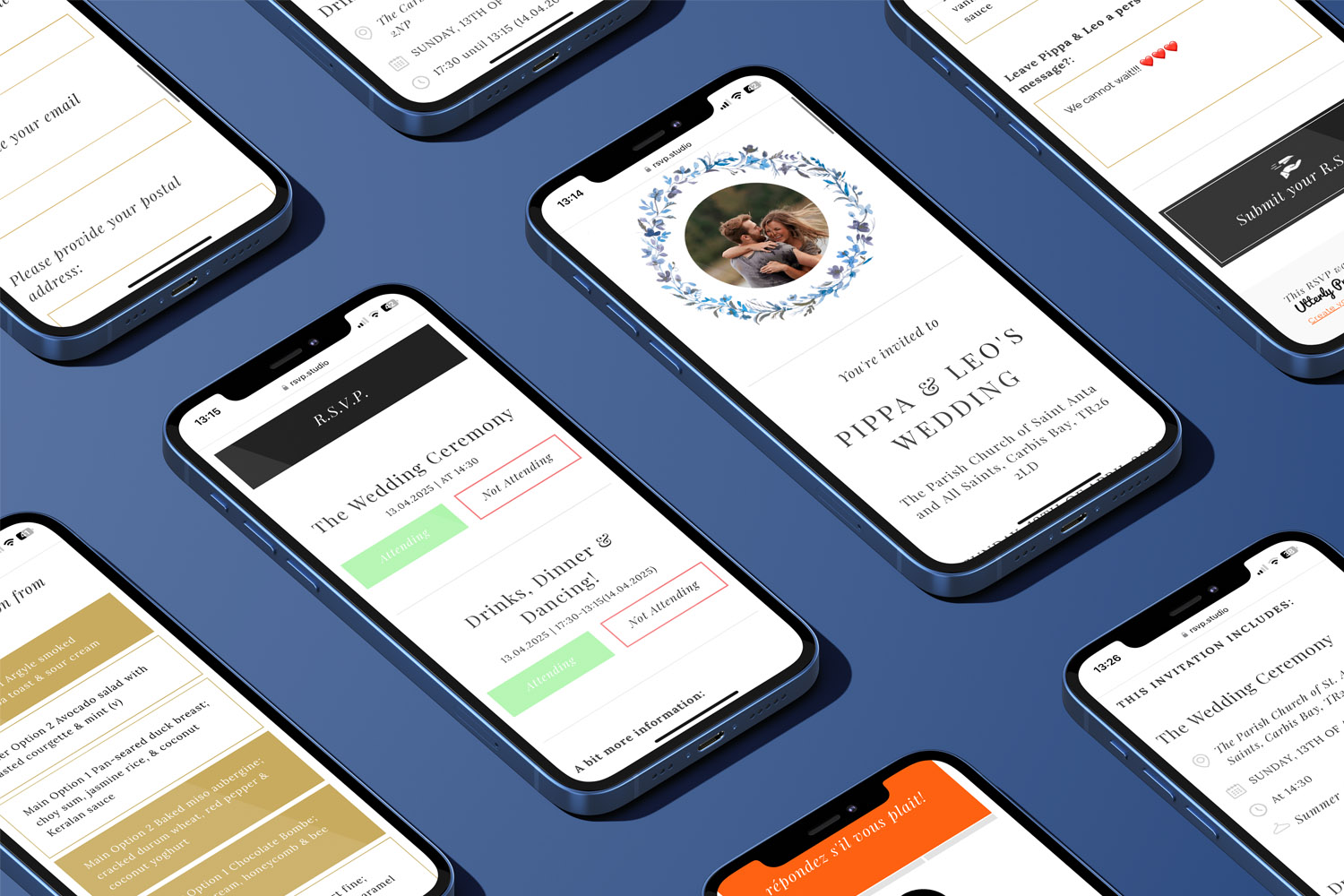
RSVP.studio funerals digital RSVP forms make it easy to manage invitations and responses directly from your mobile device.
3) Privacy, international guests and practical tips
Private vs public sharing
If you want to avoid the details circulating beyond invited guests, share the link only via direct messages or email and switch on password protection. Remind recipients not to forward broadly and to keep the password within your circle.
What RSVPs include (and don’t)
Your RSVP page is a simple way to gather attendance and any helpful details (e.g. dietary needs for the wake). It does not send invitations automatically, and you won’t see “opens” like you might with marketing software. Replies arrive when guests submit the form. You can pause the page if plans change, then update date, time or venue and reenable the page when you’re ready.
International guests
- Prefer WhatsApp or email to avoid SMS fees.
- Include the country code if you must send a text.
- Note time zones when confirming the service time; consider adding “UK time” or a city timezone reference in your message.
- For relatives with limited internet access, share key details in the message itself, and let them RSVP via you if that’s easier.
Short, trustworthy links
A clean, human-readable URL reassures people the link is legitimate. Using the custom RSVP.studio link you created keeps messages short and readable, especially in texts.
Group coordination
If multiple family members are sharing the link, agree a single message template and a deadline, so guests receive a consistent, gentle prompt rather than repeated nudges.
Printed stationery and your RSVP link
Bridging print and digital can be helpful. You might add the QR code or link to an order of service so late confirmations still reach you. If you’re preparing a printed programme, browse our traditional order of service styles or consider a commemorative layout using photocollage templates.

Funeral RSVP Link: Frequently Asked Questions
These quick answers cover the most common questions families have when distributing an online funeral RSVP link.
No. You share the link yourself by WhatsApp, SMS, email or social media. Guests open your page to view the details and submit their response there.
Yes. If privacy matters, enable password protection and send the password only to invitees. Avoid public posts; use direct messages or email instead.
Create sub-events (e.g. service, committal, wake) so guests can confirm the parts they’ll attend. This keeps head-counts accurate for venues and catering.
Keep it warm and simple: who the service is for, when and where, your RSVP deadline, and the link. Offer a password if enabled. Examples are included above.
Yes. You can read out the essential details by phone and note their response on their behalf, or text/email the link so a family member can submit it for them.
Further help: If you need to build your page, start here: RSVP.studio – Funeral. And if you’re preparing a printed programme, our classic order of service templates and photo-collage designs pair well with a simple RSVP link or QR code.
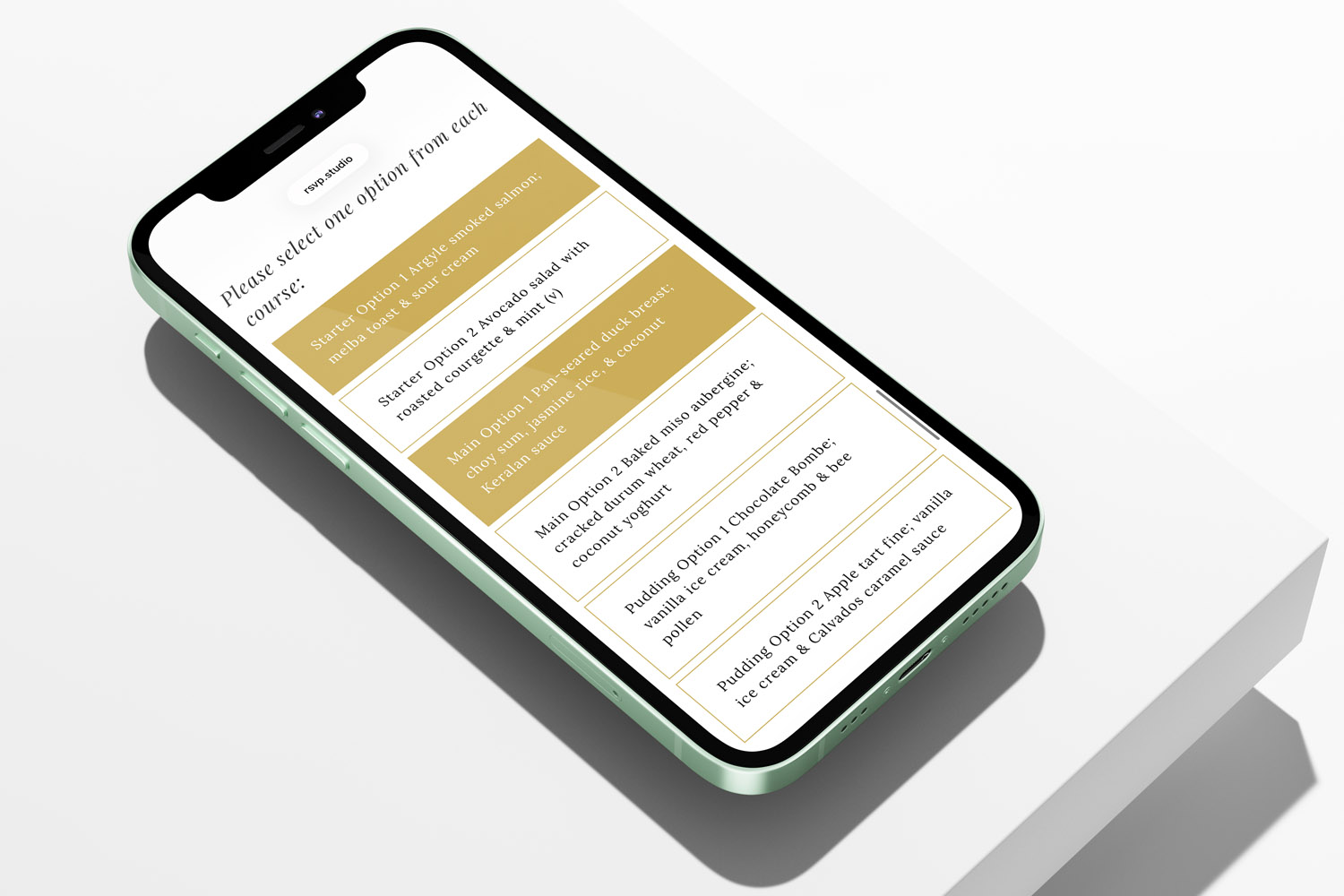
Managing Catering Numbers with a Digital Funeral RSVP
Managing catering numbers for a funeral can feel overwhelming, but using a digital funeral RSVP streamlines the process. Learn how RSVP.studio helps you collect accurate attendee counts, dietary needs, and share clear summaries with your caterer, easing your planning.
Multi-event funerals: collecting RSVPs for the service, committal and wake
Planning a multi-event funeral can feel overwhelming, but collecting RSVPs for the service, committal, and wake is made simple with RSVP.studio. Learn how to organise attendance, manage details, and keep everyone informed with ease and respect.

Privacy & security for online funeral RSVPs: a practical guide
Learn how RSVP.studio helps you protect privacy and security when managing online funeral RSVPs. This guide covers password protection, data handling, and guest visibility, ensuring sensitive funeral details are shared safely and you remain in control.
What to include on a funeral RSVP page
Creating a thoughtful funeral RSVP page helps guests find essential details and respond with ease. This article guides you through what to include on a funeral RSVP page, ensuring clear communication, accessibility, and sensitivity for a smooth planning experience.

Ideas & Inspiration
Online digital funeral RSVP tools make organising memorial events easier. Explore the blog for tips on customising RSVP pages, managing responses, and ensuring seamless guest communication.