How to design a save the date card online (step-by-step with common pitfalls)
Designing a save the date online is quicker and easier than you might think. This guide walks you through the full process—from choosing a template and customising colours, fonts and photos, to adding a QR code, proofing, ordering a sample, and picking print or digital. It’s written for couples creating their own cards in the UK, using Utterly Printable’s online editor and collection of wedding save the date templates.

User selects and updates text fields to personalise a wedding save the date design online.
1) Choose a template that matches your wedding vibe
Start with the look and format that suits your day. Think about the style of your venue, your season, and the overall mood you’re going for.
Pick a style that fits:
- Romantic botanicals, clean modern type, rustic touches or classic elegance—choose a design that hints at your day to come. If you’re already dreaming about the rest of your suite, have a browse of invitation styles for later down the line such as floral wedding invitation templates, or explore broader ranges like modern, rustic, classic and boho invitations for inspiration.
Choose a size and orientation:
- Popular formats include A6 (postcard-style), 5″x7″ (a timeless favourite), 148 × 148 mm square and A5 for bold impact. Portrait, landscape or square layouts are available, and many designs offer front-only or double-sided options.
Consider the finish you’ll want later:
- If you’re planning a photo-led design, a silky stock is a great match. For a luxe, tactile feel, a thicker card can make a strong first impression. (Utterly Printable offers House 350gsm, Premium Fedrigoni 324gsm, Photo Silk Touch 400gsm, and Super Thick 650gsm options, all FSC-certified.)
What you’ll personalise:
- Names, wedding date, location/town, a short line of wording, and (optionally) a QR code or web address to guide guests to your RSVP page.
Good to know before you start:
- Templates aren’t free to use; you customise online, then choose professional printing or a high-resolution download. UK printing only (no international shipping), but there’s a digital option for sending overseas.
The user adds a scannable QR code to the design, allowing guests to access an online RSVP or event page easily.
2) Customise the design in the online editor
Once you’ve chosen a template, open it in the editor to make it yours. The goal is simple, legible information presented beautifully.
Colours & typography
- Switch colour palettes to match your scheme. Pair a clear body typeface with an expressive display font for names or headings. Avoid stacking too many scripts: they can reduce legibility, especially at small sizes.
Photos that print crisply
- Upload a well-lit, high-resolution image—soft or pixelated pictures will look low-quality on paper. If you’re cropping, maintain enough headroom and breathing space around your faces so nothing feels cramped.
Layout & spacing
- Keep key text comfortably away from the edge so it doesn’t look crowded after trimming. Leave breathing room around names, dates and any decorative motifs. If your design allows, balance elements across the page to avoid heavy corners.
QR code (optional)
- Generate a QR code in the editor and link it to your wedding website or RSVP.studio page. Size it generously enough to scan on a phone, and place it on a clean background for contrast.
Instant proof
- Download a free on-screen proof to check layout and spelling. Read it aloud or have a friend review—fresh eyes spot tiny mistakes.
The screen shows a user adding a photo to a design and adjusting its position and crop for a clean personalised layout.
3) Proof, sample and print (timings, paper & pitfalls)
This is where the “design to print” plan comes together.
Order a printed sample (recommended)
- If you’re unsure about paper choice or colours, order a single printed sample from £3.49. It’s the best way to check how your design, fonts and imagery look on each stock in real life.
Choose your paper well
- House (350gsm): bright white, smooth-matte—versatile and great value.
- Premium (Fedrigoni 324gsm): warm off-white with a subtle texture—refined, classic.
- Photo Silk Touch (400gsm): bright white with a gentle sheen—ideal for photo-heavy layouts.
- Super Thick (650gsm): double-thickness with understated texture—serious impact for minimalist designs.
Turnaround & delivery (UK)
- Express: 1–2 working-day production & delivery (order by 6 pm).
- Standard: 3 working-day production & delivery.
- Add 1–2 days for the Scottish Highlands and Northern Ireland. Shipping is UK-only; for overseas contacts, consider a digital alternative.
Prefer digital?
- You can download a high-resolution, print-ready PDF for home printing or local print, or send a mobile-optimised card via save the date for WhatsApp.
Common pitfalls (and quick fixes)
- Low-resolution photos: If an image looks soft on screen, it will print soft. Swap in a higher-quality file or reduce the photo’s size in the layout.
- Text too close to the edge: Leave a clear safety margin; give headlines and dates extra breathing space.
- Overuse of script fonts: Use script sparingly for names or a single line; keep details in a clean sans or serif.
- Poor colour contrast: Light text on a pale background is hard to read. Darken the text or choose a deeper background tone.
- QR code issues: Keep it at a scannable size, with plain background and adequate white space. Test on multiple phones.
- Skipping the proofread: Check names, dates, venues and URLs carefully. Once printed, typos can’t be corrected.
Eco & flexibility notes
- All card stocks are responsibly sourced and FSC-certified, UK production keeps miles down, and you can choose a carbon-offset option at checkout. If your plans change later, it’s easy to duplicate your design and update details for evening invites or new dates without starting from scratch.
Where to design and print
- Browse and customise the collection of wedding save the date templates, then print professionally or download the final file. When you’re ready to move on to your invitations, head to wedding invitation templates and keep your style consistent—whether that’s floral, modern, rustic, classic or boho.

Frequently asked questions
Short answers to the things couples ask us most.
For UK weddings, 6–12 months is typical. For destination weddings, aim for 8–12 months to give guests time to plan.
Common formats are A6, 5″x7″, 148 × 148 mm square and A5. Choose portrait, landscape or square depending on your design and photo.
Yes—generate a QR code in the editor and link it to your wedding website or RSVP.studio page. Keep it clear of busy backgrounds for reliable scanning.
If colour accuracy, paper feel or photo quality matters to you (it usually does), a sample is the safest way to confirm everything. Samples start from £3.49.
Printing is UK-only (including Northern Ireland). If you need to reach guests abroad, use the high-resolution PDF download or send a mobile card via WhatsApp save the date .
Matching your save the date to the rest of your wedding stationery: a practical guide
Learn how to coordinate your save the date with your wedding stationery in this practical guide. Explore easy tips for matching colours, typography, motifs, and layout, creating a cohesive look for your invitations and on-the-day pieces.
Save the Date Etiquette in the UK: Rules, Modern Trends & Common Mistakes
Discover the essentials of save the date etiquette in the UK, including who to send them to, what details matter, and how to avoid common mistakes. Explore modern trends, digital options, and wording tips for every type of wedding celebration.
Save the Dates with QR Codes — What They Are and How to Use Them
Explore how QR codes on wedding save the dates make sharing RSVP forms, travel info, and your website easy. Get practical tips for QR code placement, styling, and testing to keep invitations modern, elegant, and guest-friendly.
What to Write on a Wedding Save the Date (Complete Wording Guide)
Learn what to write on a wedding save the date with this comprehensive wording guide, including essential details, optional extras, and ready-to-use examples for every style to help you create clear, stylish, and stress-free save the dates.
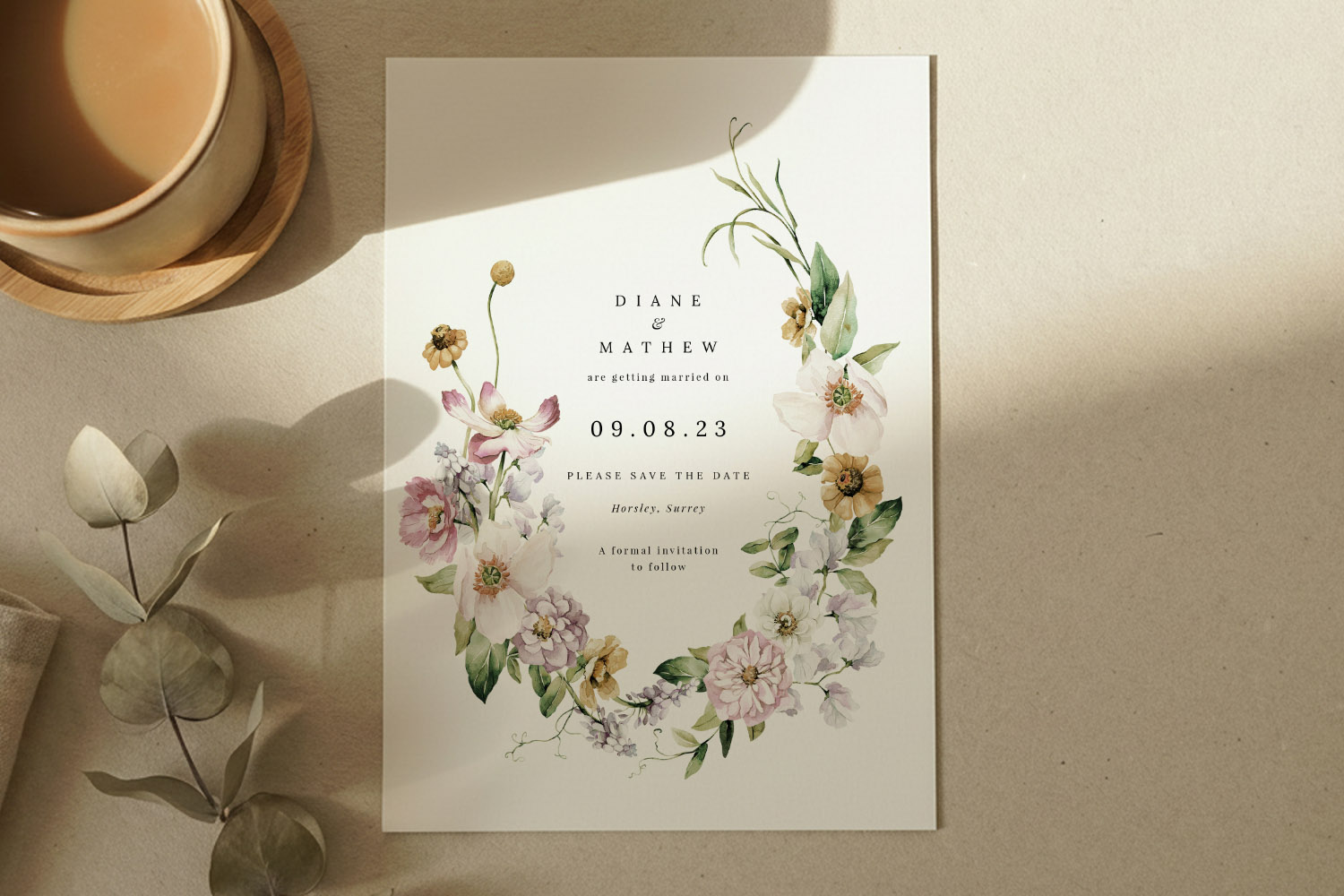
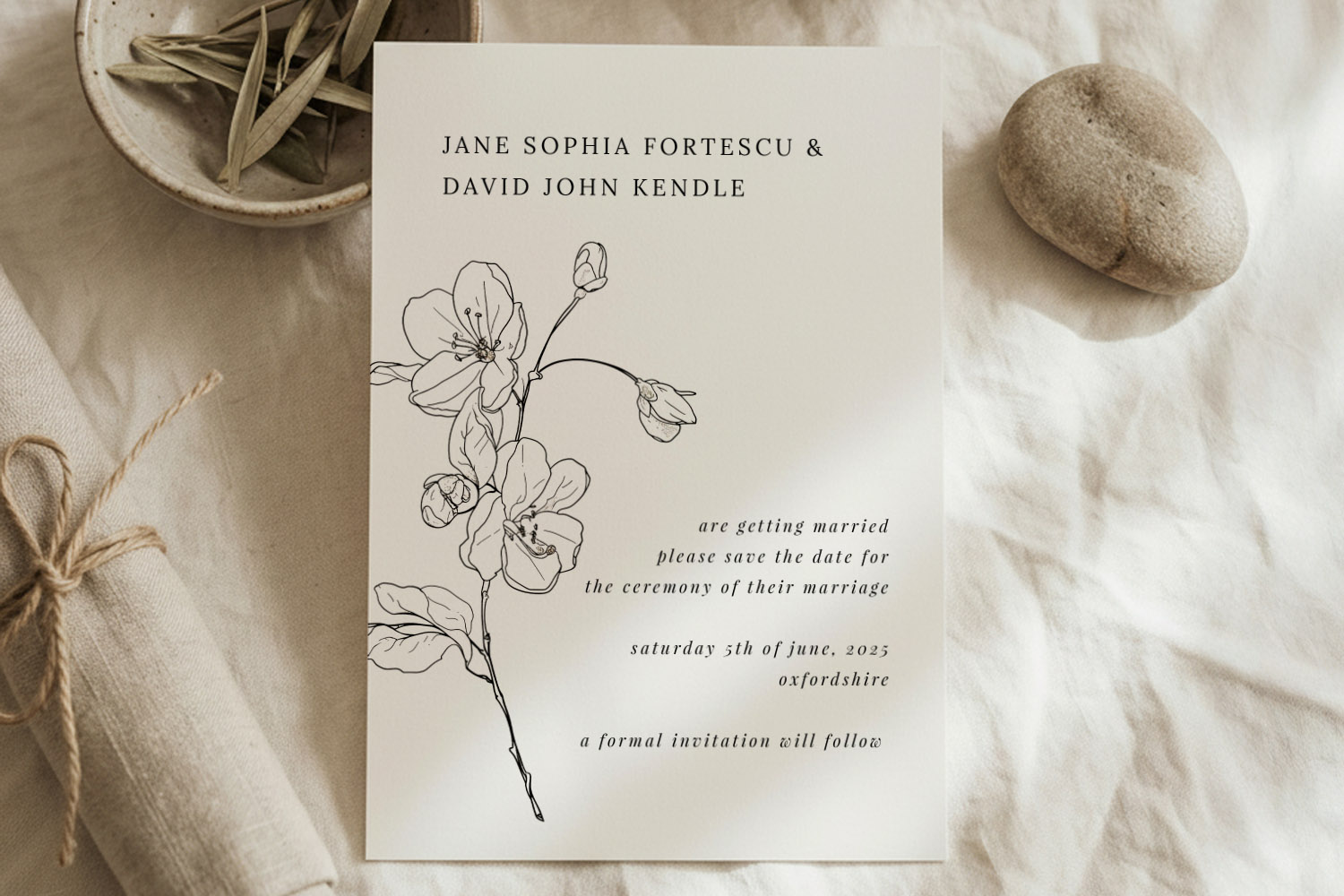
Which Paper Stock Is Best for Wedding Save the Dates? (324gsm vs 350gsm vs Silk vs 650gsm)
Discover which paper stock is best for wedding save the dates as we compare 324gsm, 350gsm, silk, and 650gsm options. Learn how finish, colour, and texture influence your card’s look, feel, and practicality for your special announcement.
Products related to wedding save the date cards:

Trends & Tips
Save the dates are the perfect way to announce your big day. Check out the blog for inspiration on personalisation, timing, and coordinating them with the rest of your wedding stationery.