Sharing your RSVP.studio link: WhatsApp, SMS, email and printed invitations explained
You’ve created your event’s online RSVP page—great. The next question is practical: how do you actually share that link with guests in the real world, and what will their experience be like on different devices? This guide explains the simplest ways to distribute your personalised RSVP URL across WhatsApp, SMS, email and printed stationery, why it works so well on mobiles, how to display or embed it on physical invitations (including QR codes), and the etiquette of sending and resending your link. Throughout, we reference real features of RSVP.studio so you know exactly what’s possible—without hype.
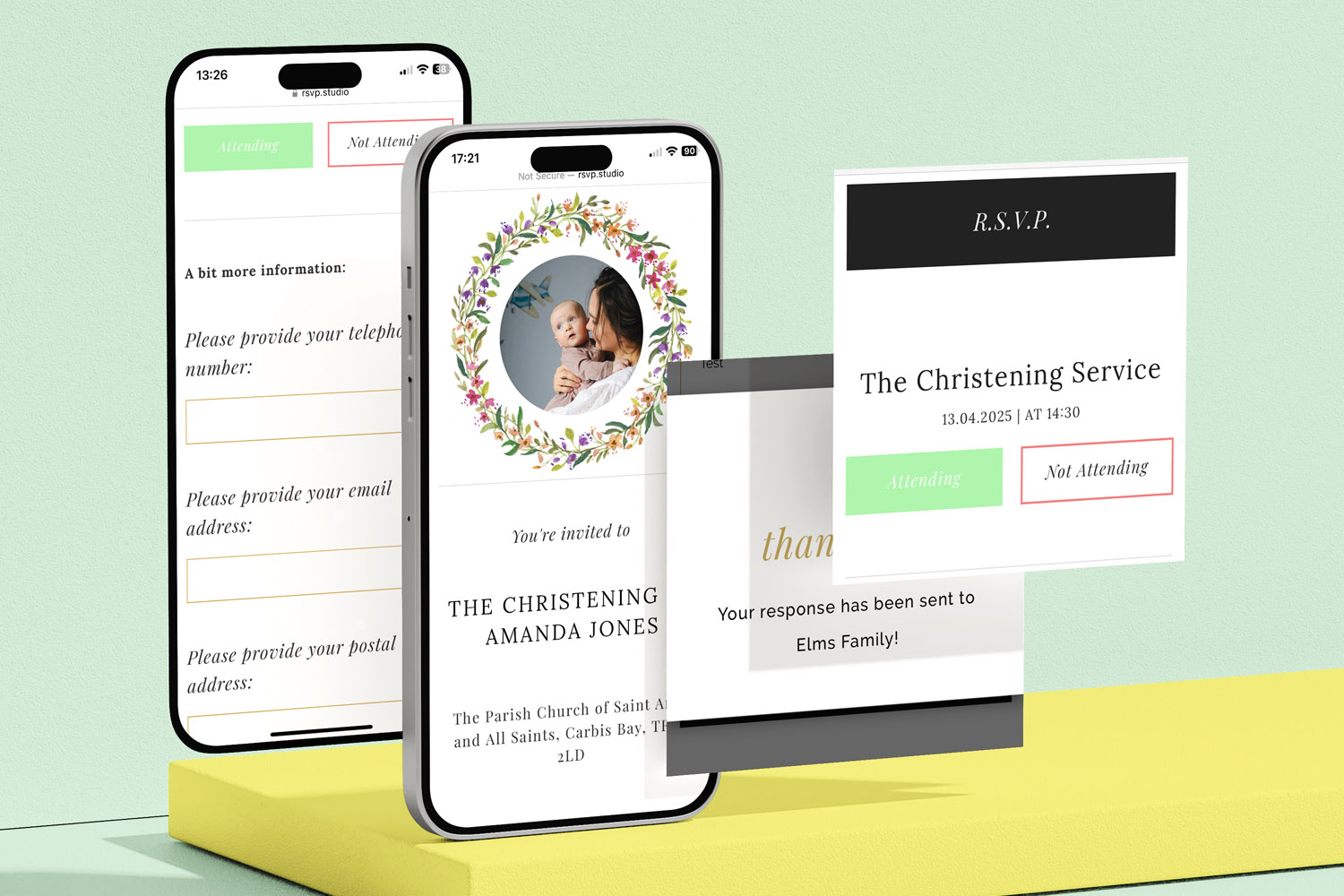
RSVP.studio makes managing event invitations simple, with digital RSVP forms for christenings and easy response tracking on your mobile.
1) WhatsApp & SMS: the quickest way to get replies (H2)
For many events, WhatsApp or SMS is the fastest, most reliable route to confirmed head-counts. With RSVP.studio, you create a personalised web address that begins “www.RSVP.studio/…”. There’s no app to install and no per-guest fee—just a single shareable link for everyone. Guests tap the link on their phone and the page opens instantly in their browser, whether they’re on iPhone or Android.
Why it works so well on mobiles
- Built for small screens: The RSVP page is mobile-friendly by design, so fields, buttons and photo frames display clearly on smartphones.
- Everything in one place: Guests can view key details (date, times, venue map, dress code) and complete your questions in one short form.
- Covers real guest scenarios: Multiple-choice questions let you gather menu choices, transport needs or song requests; plus-one fields keep numbers accurate; sub-events handle things like rehearsal dinners or receptions with separate times and locations.
- Privacy options: If needed, you can toggle password protection at any time.
- Edit or pause if plans change: You can update the wording, switch the link to “pause” temporarily, or reopen it—handy for phased invites or final numbers.
WhatsApp sending tips
- Keep the link near the top: Place the URL on its own line so it’s easy to tap.
- Add a short explainer: e.g. “Please reply via this link by 15 May so we can confirm catering.”
- Use broadcast lists for personal delivery: To avoid the link being buried in group chat chatter, send as an individual message or with a WhatsApp broadcast list.
- Pin or star the message: Encourage guests to star the message so the link’s easy to find later.
- Resend politely: If you’ve set an RSVP date in the form, refer to it in your reminder.
SMS sending tips
- Introduce yourself and the event early: “Hello! It’s Sam & Priya. Wedding RSVP for 22 June:”
- Keep it short: Texts display best when concise; put the link on its own line.
- Use the event name in the URL if possible: Your custom URL is set at purchase and can’t be changed later, so choose something clear (e.g., “/Sam-Priya-RSVP”).
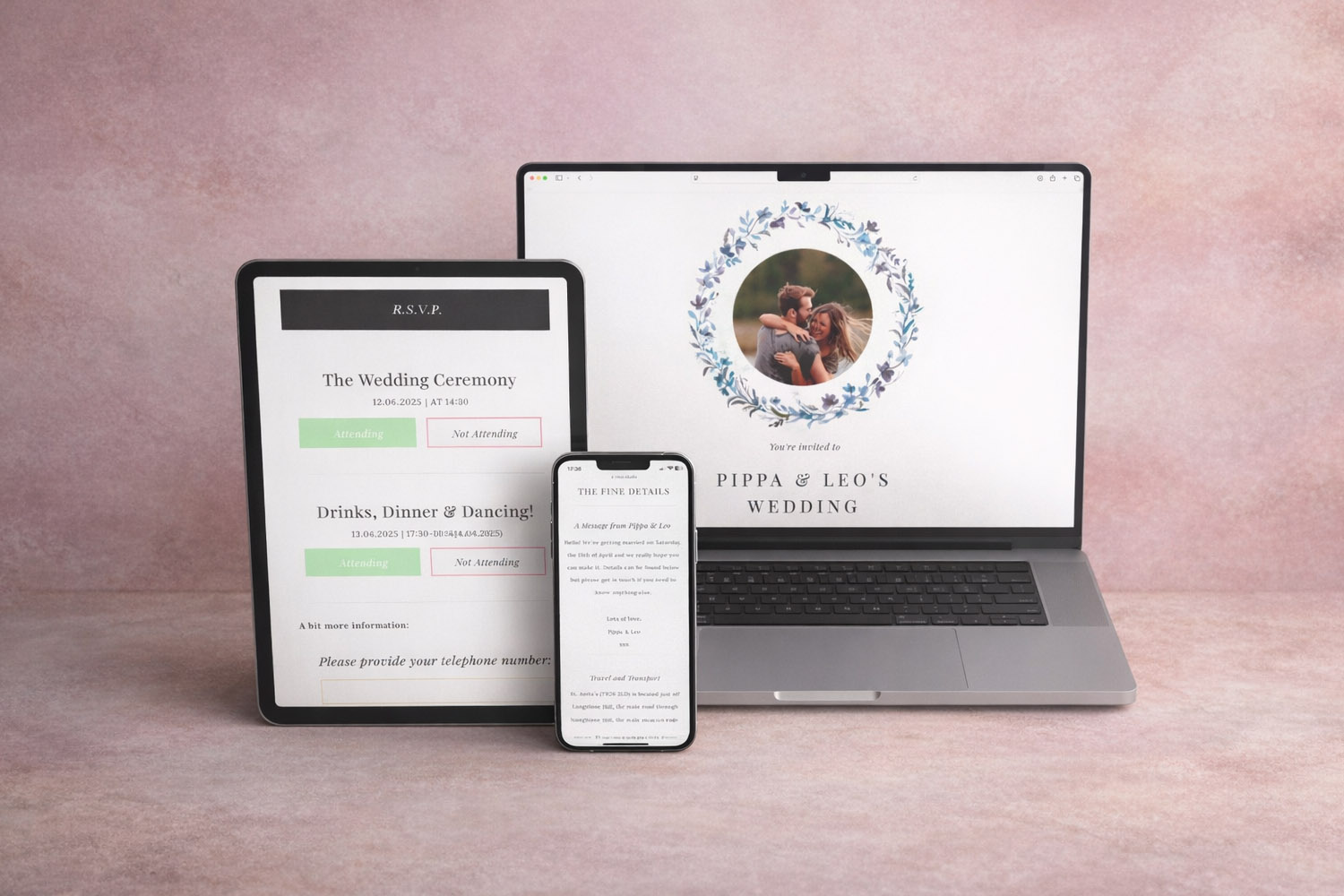
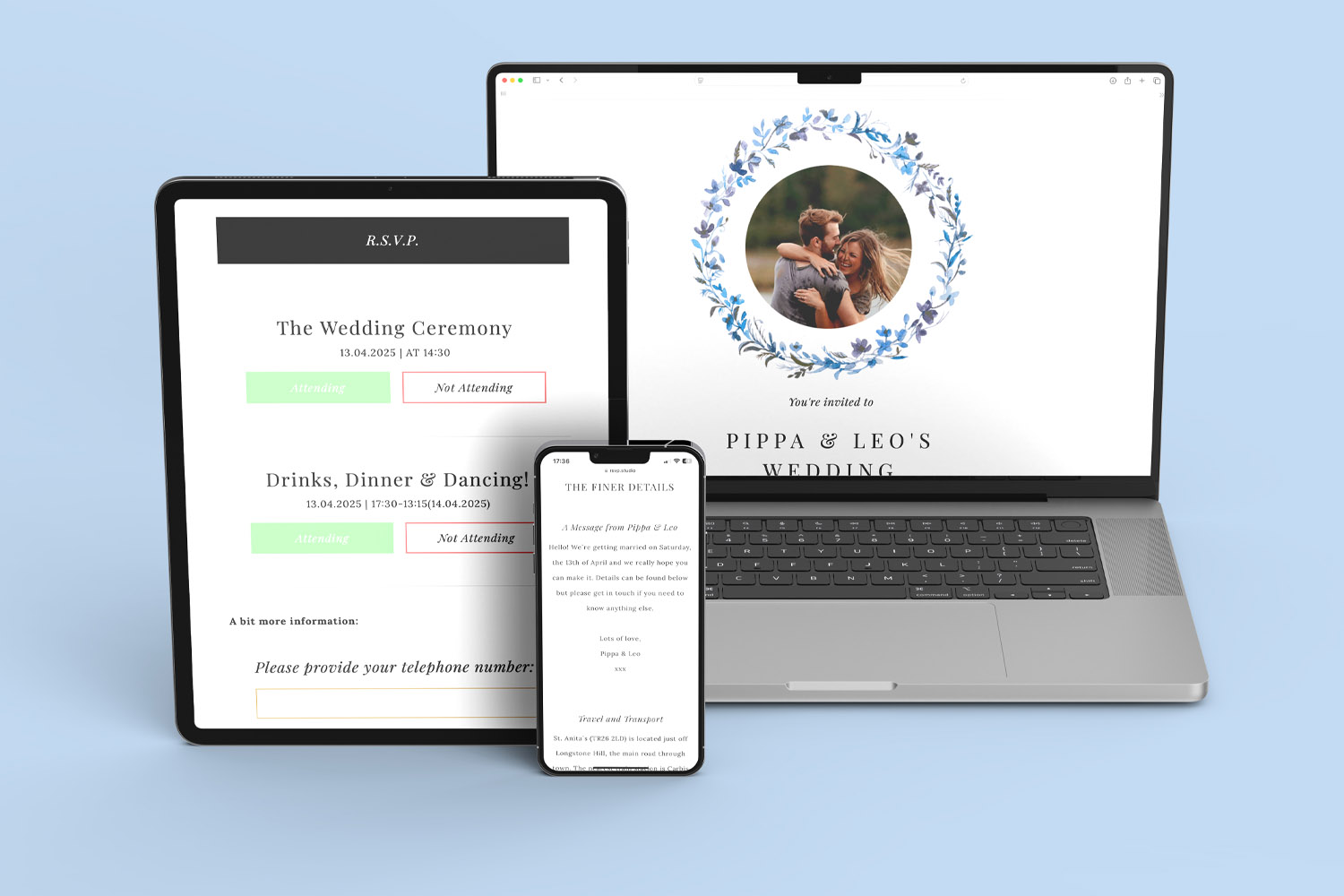
RSVP.studio digital invitations and RSVP forms shown on multiple devices, perfect for managing wedding guest responses with ease
2) Email & social media: clear subject lines, tidy links, and device-friendly viewing (H2)
Email remains ideal for formal invites, workplace functions and longer explanations. Your RSVP.studio page works perfectly across desktops, tablets and mobiles, so recipients reading on a laptop or a phone get the same smooth experience.
Email subject line ideas
- “RSVP by 15 May: Sam & Priya’s Wedding”
- “Kindly respond: Memorial for David – 7 March”
- “Company away day – please RSVP this week”
Email body best practice
- Put the link first: Many people skim; place the URL high up.
- State the deadline: It reduces back-and-forth and helps caterers.
- Add essential info, then link: Even though your RSVP page lists date, time, venue and maps, repeat the basics in the email for clarity.
- Use the same link everywhere: In your email signature, calendar invite, or staff intranet.
What guests see on different devices
- On phones: A single scrollable page with your chosen imagery, colour theme and wording. Buttons are finger-friendly; address links open map apps.
- On tablets/desktops: The same page, simply with more breathing room. It’s quick for families to complete together.
- Accessibility and ease: No account needed; the form loads via the browser and supports standard device features like autofill for names or emails.
Social platforms
If your event is informal (birthdays, reunions), you can paste the RSVP link into a Facebook event, Instagram bio (temporarily), or a private message. Because RSVP.studio is a standalone web page, it behaves well when shared in most messaging or social apps.
A note on data & privacy
RSVP.studio records completed responses in your Utterly Printable account and lets you download them as a spreadsheet at any time. It doesn’t send bulk emails or track “opens”—only submissions—so if you need to chase non-responders, keep a simple guest list separately and tick off names as replies come in.
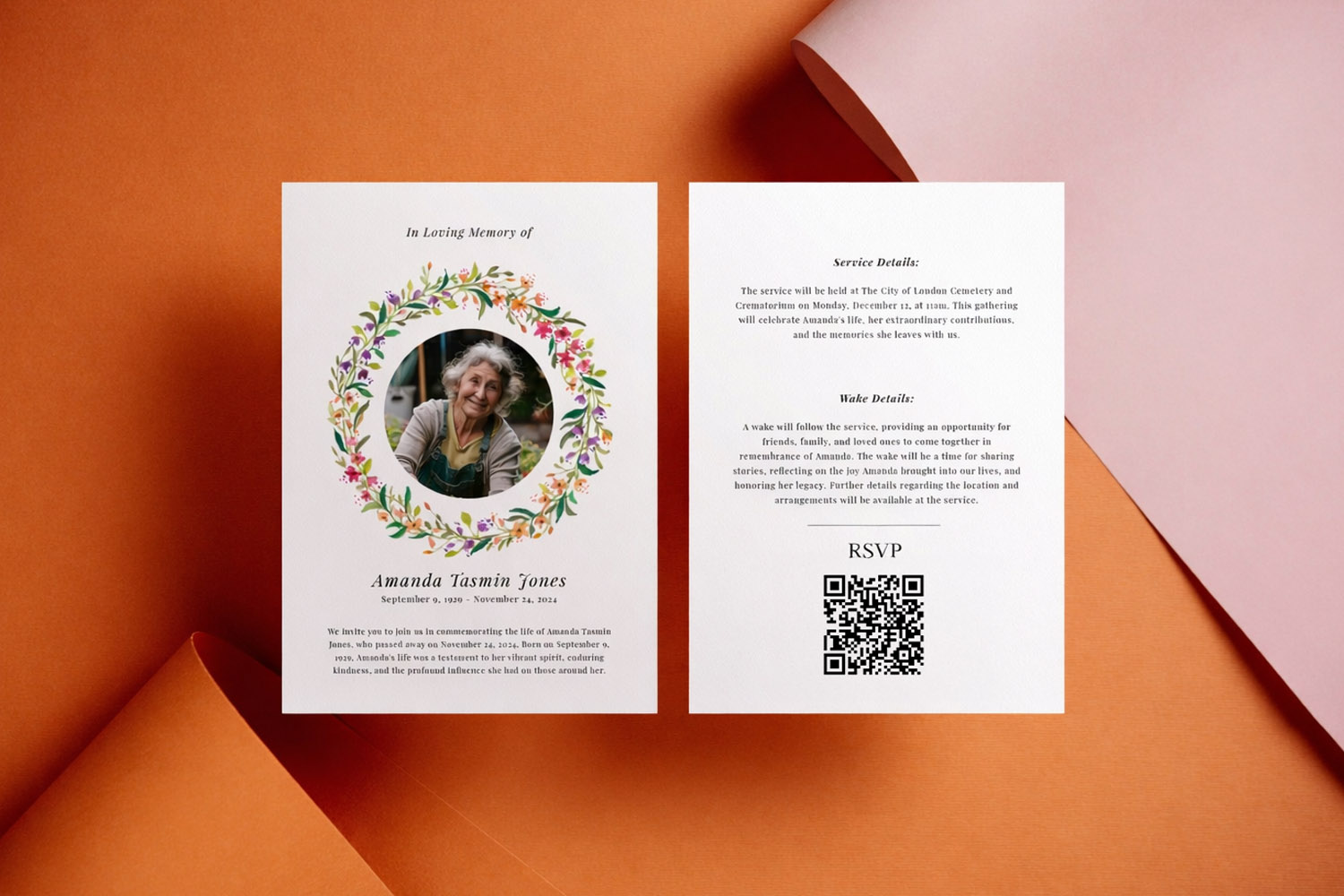
Elegant RSVP.studio memorial invitation cards featuring a floral wreath and QR code, ideal for sharing event details with guests.
3) Printed invitations & QR codes: bridging paper and digital (H2)
Printed stationery remains special—particularly for weddings and milestone celebrations. RSVP.studio is designed to sit neatly alongside your paper suite:
- Short, readable URL: Your personalised “www.RSVP.studio/…” link is unbranded and easy to type. Place it near your RSVP line on the invitation or details card.
- QR code convenience: Pair your link with Utterly Printable’s integrated QR-code generator so smartphone users can scan and respond instantly. It’s ideal for guests who prefer not to type long URLs.
- Consistency across your suite: Use the same RSVP link on invitations, information cards, and even on-the-day pieces like table signage (“Forgot to reply? Please scan to RSVP now.”).
- Confirm your link before print: Because your custom URL cannot be changed after purchase, finalise the wording of the URL in your account before you send stationery to print.
If you’re still choosing your paper design, you’ll find options that harmonise with your online RSVP page—think delicate watercolours or modern minimalist borders. For example, couples often match their RSVP page imagery with our floral wedding invitation templates, then carry the same look through to the day itself with personalised wedding table plans and classic wedding order of service templates.
When to send—and how to follow up
- Weddings: Send the RSVP link with your invitations 8–12 weeks before the day; set your RSVP deadline 3–4 weeks out so you can confirm catering.
- Funerals & memorials: Time is short; include the link immediately via SMS/WhatsApp and follow with an email for anyone who prefers it.
- Corporate events: 3–4 weeks’ notice works well; add the link to the calendar invite for easy access.
Avoid guests missing the link
- Put the URL on its own line in messages; on print, place it next to your RSVP instruction and include a QR code.
- Repeat the link in multiple channels (e.g., invitation card + WhatsApp follow-up).
- Make the deadline visible on the RSVP page and in the message.
Resending to non-responders
- Keep a simple list of invitees and crosscheck against your downloaded RSVP spreadsheet.
- Nudge gently one week before the deadline, then again a few days before.
- For WhatsApp, resend the original message (so guests can scroll up) rather than creating a new thread; for SMS or email, forward your first note and update the opening line.

A quick Q&A to keep you moving
But remember, if you can’t find the answer you’re looking for then just get in touch and we’ll be able to help.
After purchase, your personalised web address (starting “www.RSVP.studio/…”) appears in your Utterly Printable account. Copy and paste it into WhatsApp, SMS, email or social posts. You can share it as many times as you like for a single, fixed fee.
No. Once you set and pay for your custom URL, it can’t be changed. Double-check it in your account before sending anything to print, and generate your QR code from the same final link.
No. Guests open the link in their web browser—on any smartphone, tablet or computer. The page is mobile-friendly and quick to complete.
Yes. You can toggle password protection on or off at any time, which is useful for private or corporate events.
Alongside names and attendance, you can add multiple-choice questions (for menu choices, transport needs, accommodation preferences), manage plus-ones by name, set sub-events with their own times and venues, and include a free-text message box.
Helpful next step
If you’re ready to build your link now, head to the RSVP.studio online RSVP website and set up your personalised page in minutes.
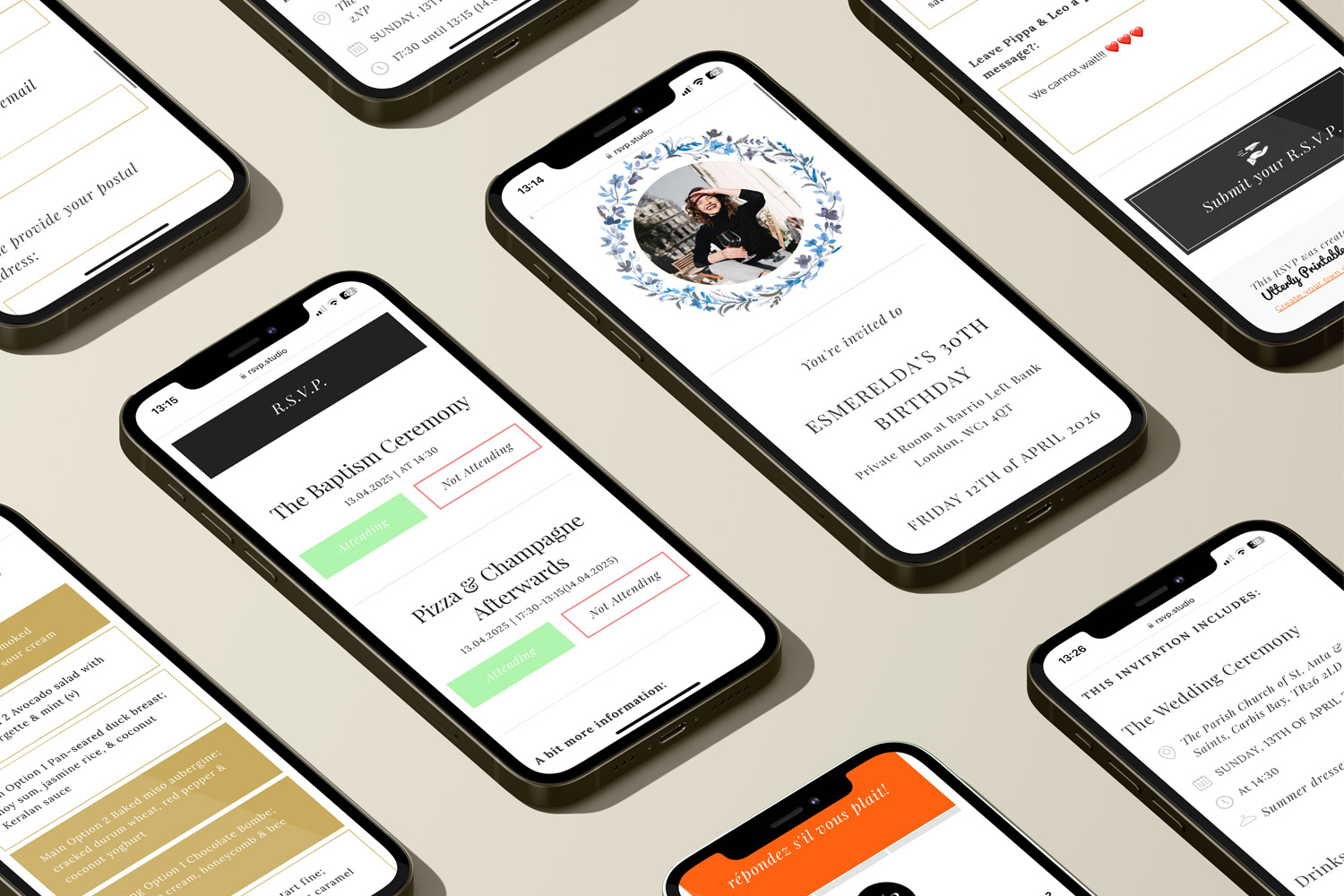
How to Create a Personalised RSVP.studio Link (Step-by-Step Guide)
Learn how to create a personalised RSVP.studio link for weddings, birthdays, or corporate events. This guide shows you how to customise your RSVP page, manage guest responses easily, and share your link-no spreadsheets needed.
Managing plus-one invitations with a digital RSVP
Discover how to manage plus-one invitations seamlessly with a digital RSVP using RSVP.studio. This guide covers practical tools, clear wording, and essential etiquette to help you keep your guest list accurate, organized, and stress-free for your celebration.
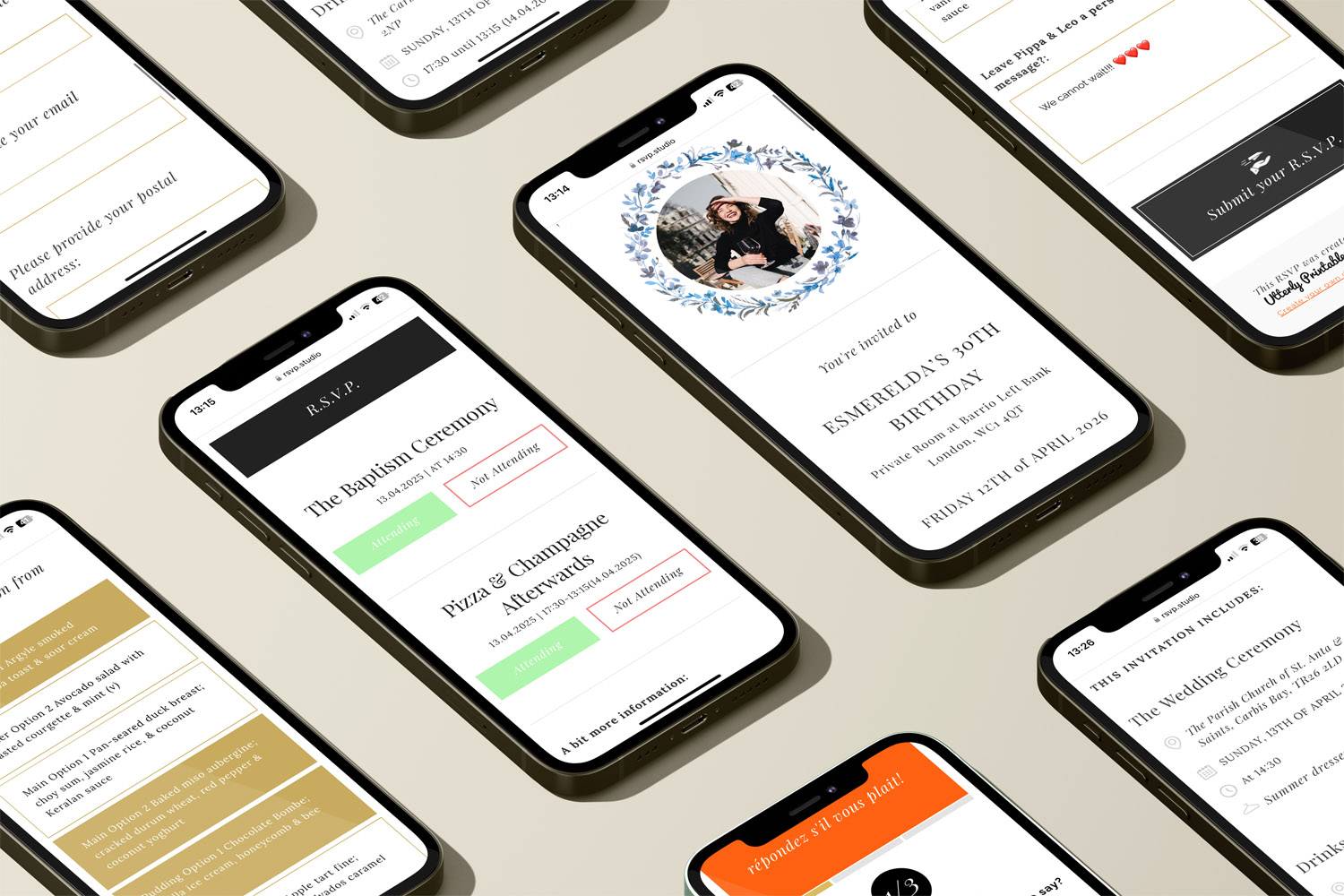
Using Sub-Events in RSVP.studio for Multi-Day or Multi-Part Celebrations
Discover how using sub-events in RSVP.studio streamlines planning for multi-day or multi-part celebrations, allowing you to manage separate RSVP replies, track attendance for each event segment, and keep all guest information organised in one convenient place.
What to Include on Your RSVP.studio Event Page
Learn what to include on your RSVP.studio event page for smooth planning and clear communication. This guide highlights key details, optional extras, and tips to help you gather accurate RSVPs and ensure a welcoming, mobile-friendly guest experience.


From Our Blog
Online RSVP websites provide a streamlined solution for event planning. Visit the blog for insights into setting up RSVP pages for weddings, birthdays, and other celebrations.