How and why to add a QR code to your wedding invitations
QR codes on wedding invitations give guests instant access to the details that matter—RSVPs, maps, gift lists and more—without cluttering your design. In this guide, we explain exactly how QR codes work on printed cards, the best links to use, practical sizing and placement tips, and how to add one in the Utterly Printable editor. If you’re still choosing a design, you can start with our full range of wedding invitation templates and add a QR code in minutes.
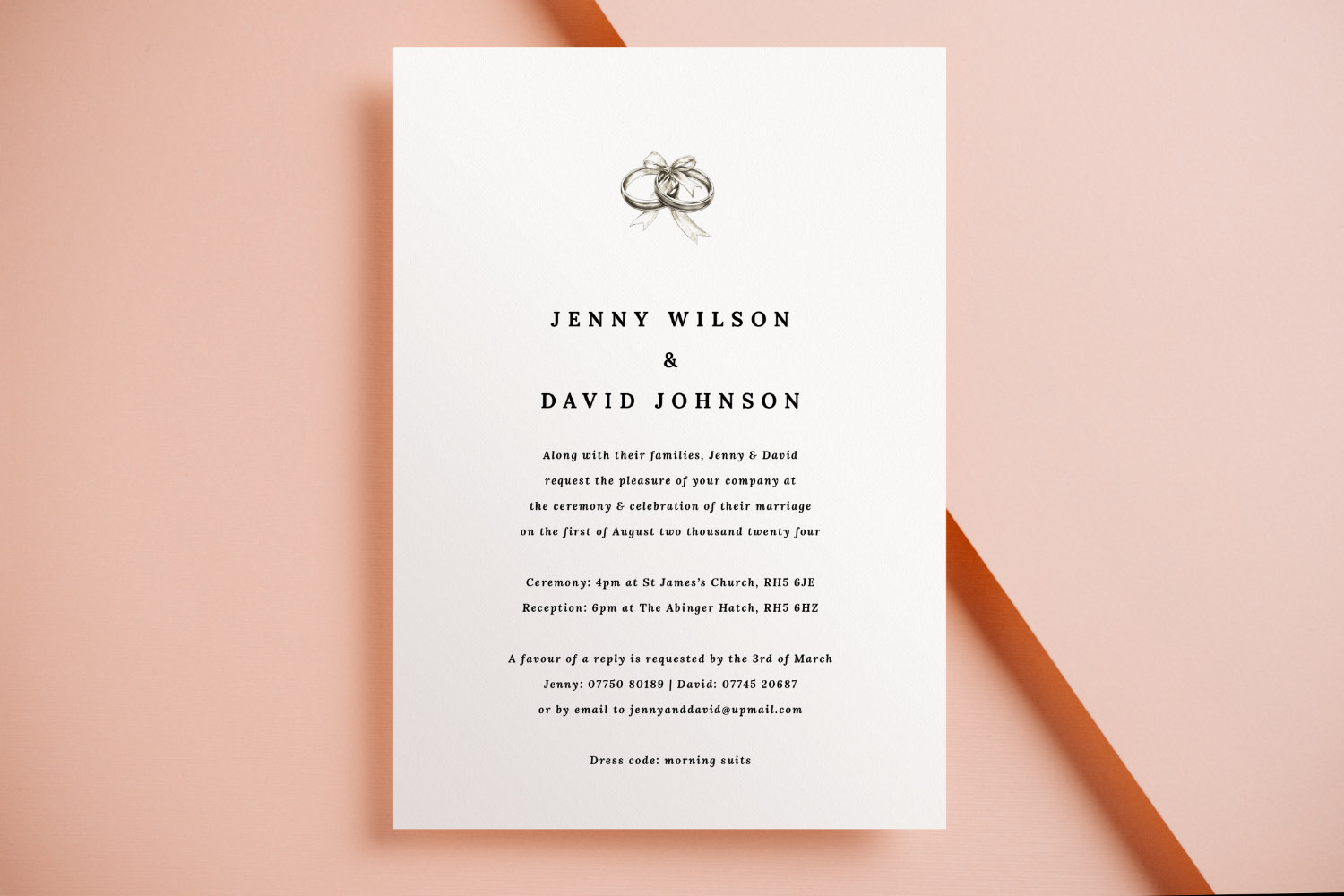
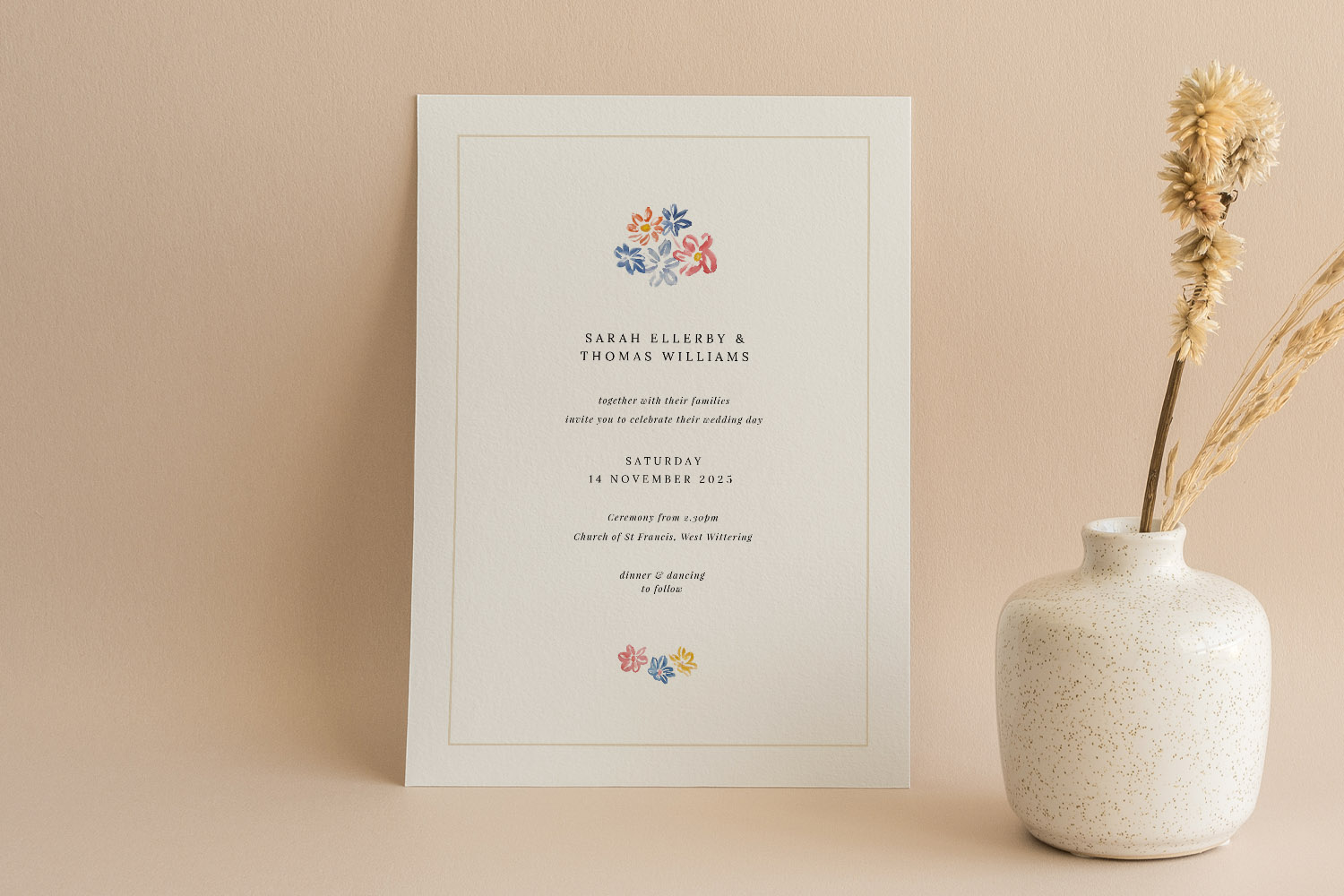
Elegant wedding invitations with a simple black and white design, perfect for couples seeking a classic and timeless announcement.
What a QR code does on a printed invitation
A QR code is simply a scannable square that opens a link on a guest’s smartphone. Most modern phones scan QR codes automatically using the camera app; there’s no special app required. When used thoughtfully, a QR code keeps the front of your card beautifully minimal while giving guests the depth of a wedding website.
Popular links to use on your wedding invites:
- Online RSVPs: A direct link to an RSVP.studio page makes it effortless for guests to reply, choose menu options and add notes.
- Maps & transport: Open a Google Maps pin for the ceremony or reception so guests can navigate with one tap.
- Gift list: Link to your registry or a honeymoon fund.
- Accommodation & timings: A page covering hotels, parking, day/evening schedules and dress code.
- Photo galleries or livestreams: Handy for destination weddings or larger guest lists.
How guests use them today: Younger guests typically scan immediately and RSVP within seconds. Older family members often still prefer a printed RSVP line or email address. The most guest-friendly approach is to print both: keep traditional RSVP details on the card, and add a QR code as the fast, modern option.
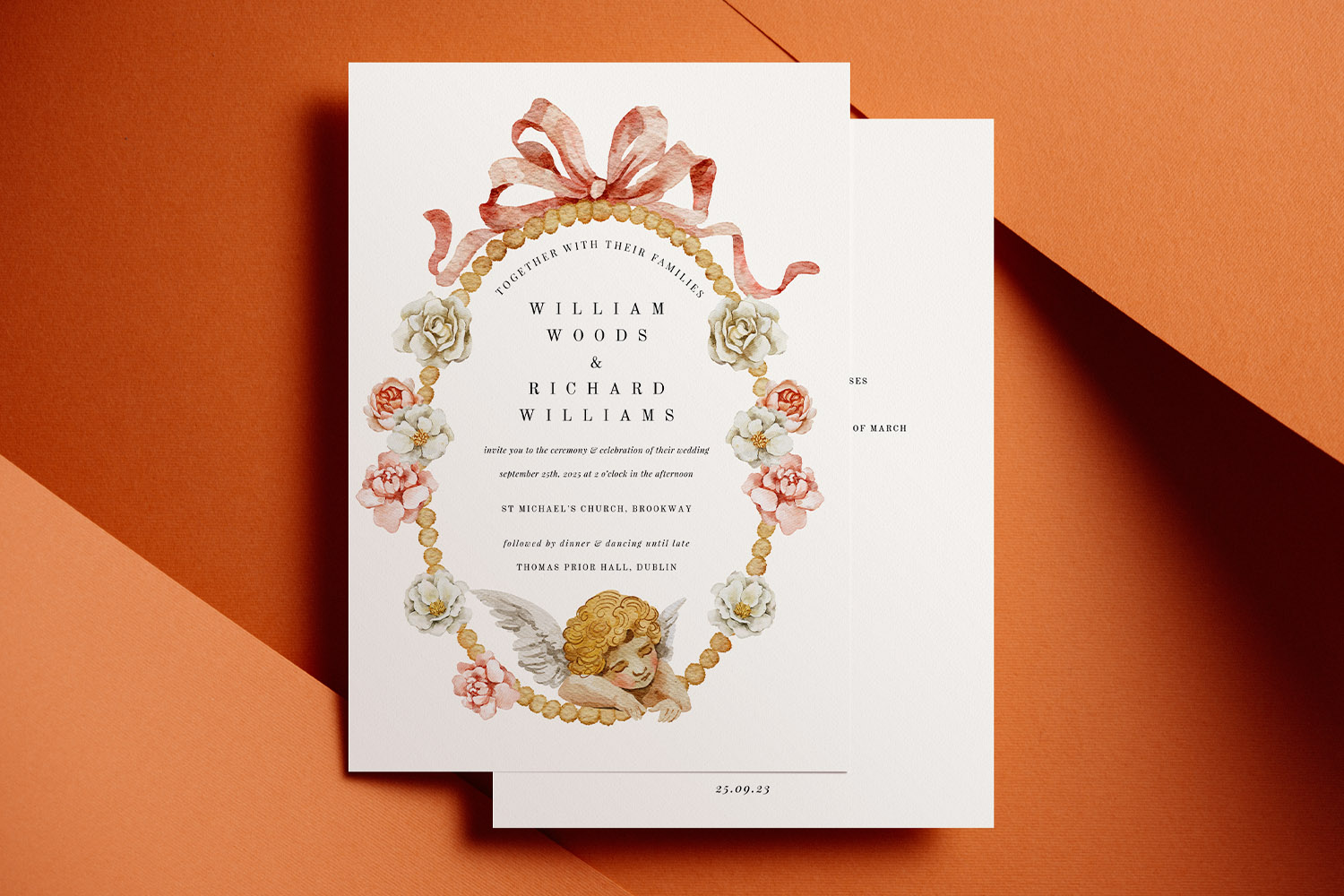
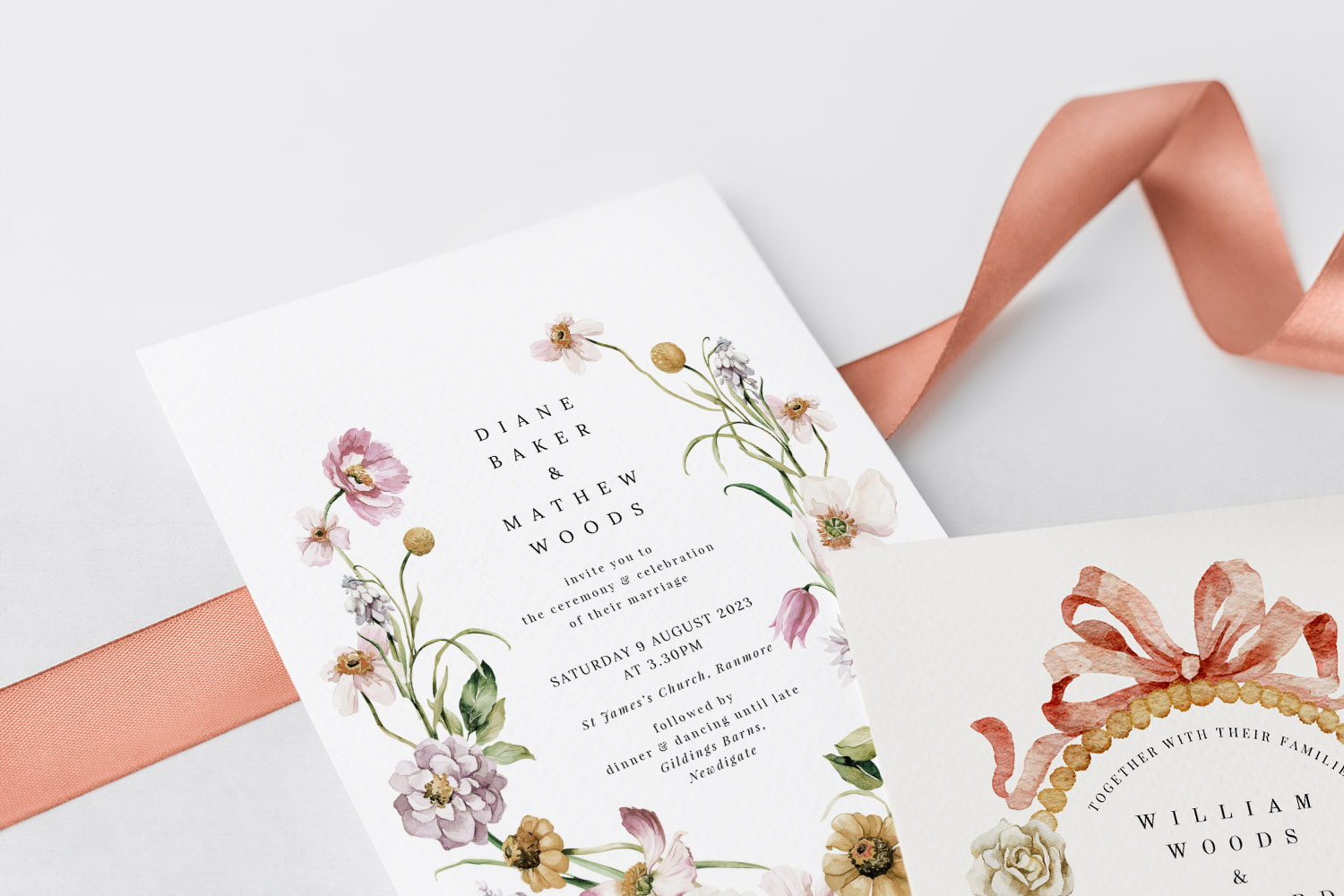
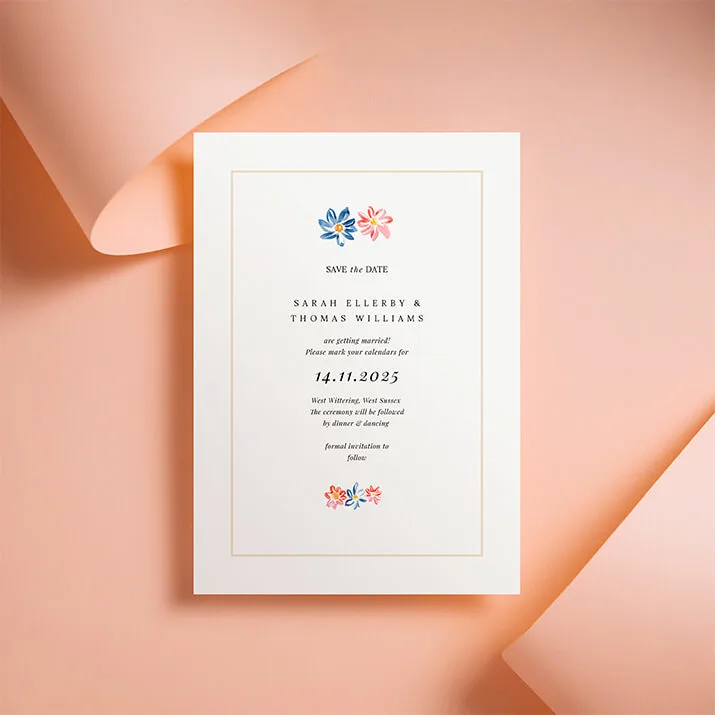
Classic wedding invitations with delicate floral and ribbon artwork, perfect for couples seeking a timeless and elegant stationery style.
Sizing, placement and design rules for scannability
A well-placed QR code should be easy to scan, discreet, and harmonious with your design. Follow these practical guidelines:
1) Placement that feels natural
- Back of the card: Bottom-left or bottom-right corners keep things tidy and unobtrusive.
- Information panel or insert: If you’re pairing invitations with an information card, placing the code here keeps the main invite completely clean.
- Front of minimalist designs: If the look is modern and pared back, a small code near the base can work—just keep it visually balanced.
2) Recommended sizes
- For 5×7″ or A5 invites, a comfortable working size is 22–30 mm square.
- For A6 or 148 × 148 mm square cards, aim for 18–24 mm.
- If guests might scan from arm’s length (e.g. pinned to a fridge), 25–30 mm gives extra reliability.
3) Contrast and the “quiet zone”
- Print the code in a dark tone (black or deep charcoal) against a light, uncluttered background.
- Keep a clear margin (quiet zone) of ~2–4 mm around the code with no text or graphics.
- Avoid overlaying the code on busy patterns—tuck it beneath a block of body text or onto the reverse.
4) Paper and print considerations
Utterly Printable’s cards are professionally produced on high-definition Canon iX presses, so even compact codes print crisp and clean. All stocks are premium and scan well: smooth-matt cards are especially glare-free, while our Photo Silk Touch stock has a gentle sheen that still maintains definition. If you’re unsure, order a printed sample and try scanning in everyday lighting.
5) Good linking hygiene
- Use a single, stable URL that you control (e.g. your RSVP.studio page or wedding website).
- Shorter links make simpler codes, which are easier to scan.
- If you need different information for day vs evening guests, generate separate codes on separate designs.
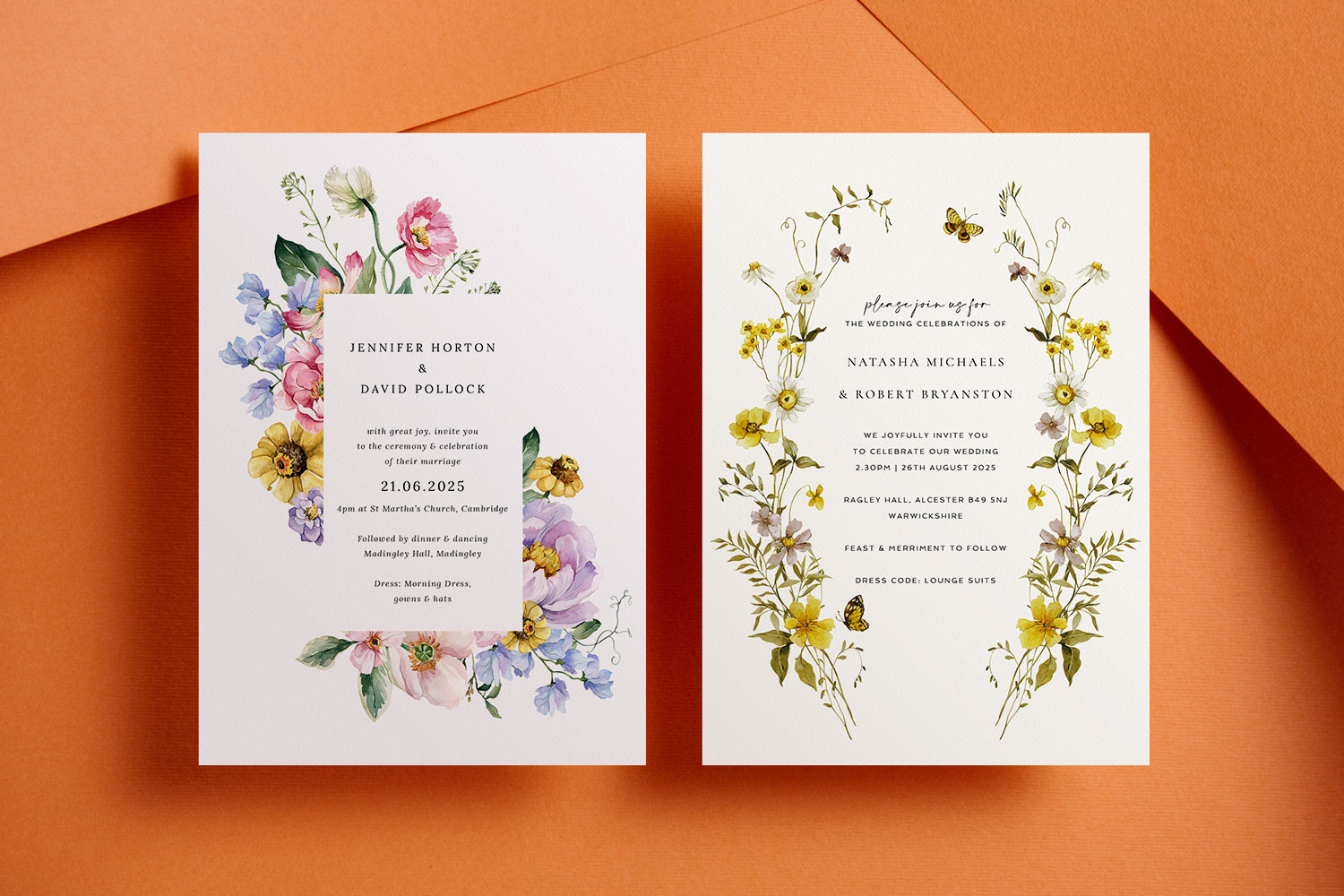
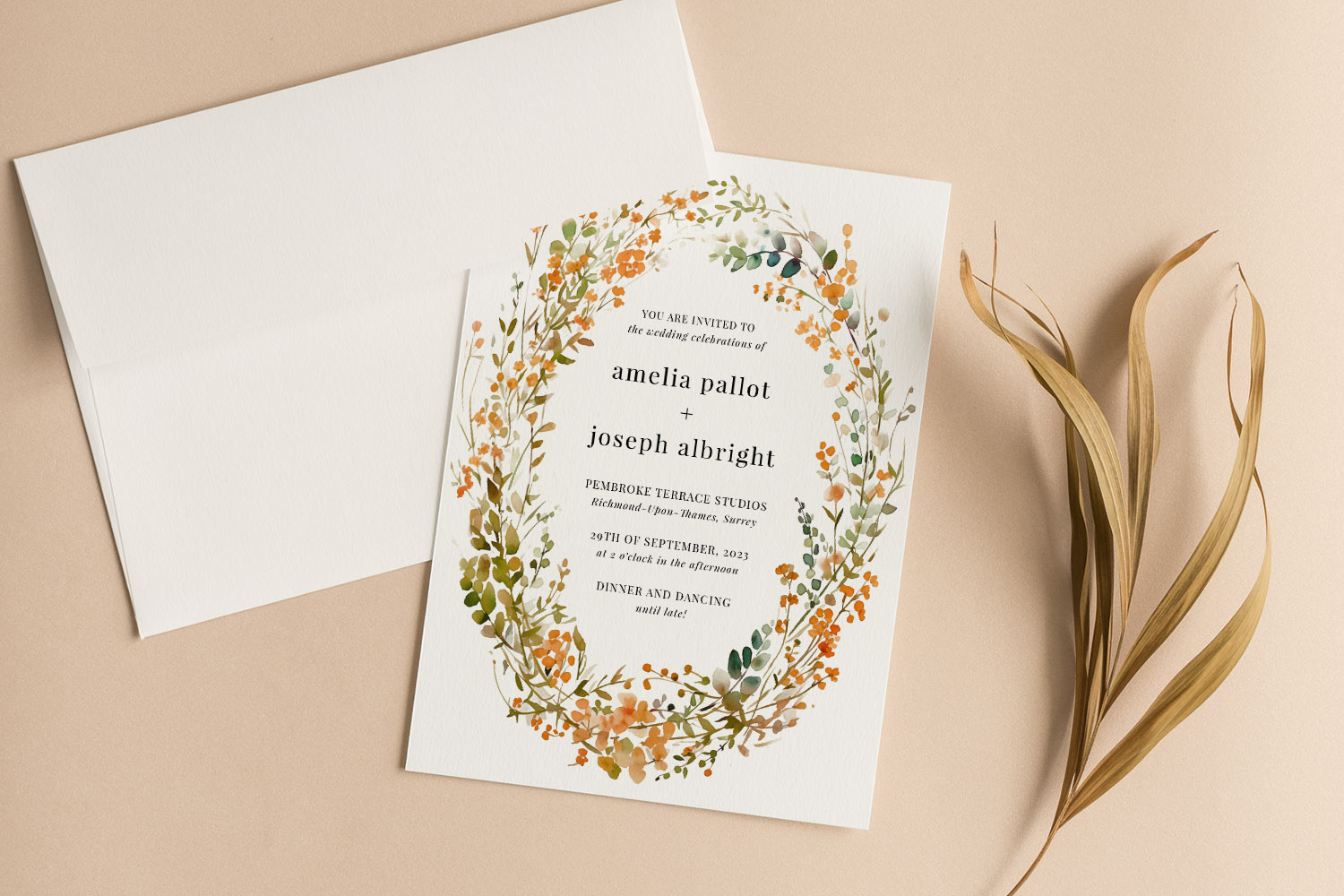
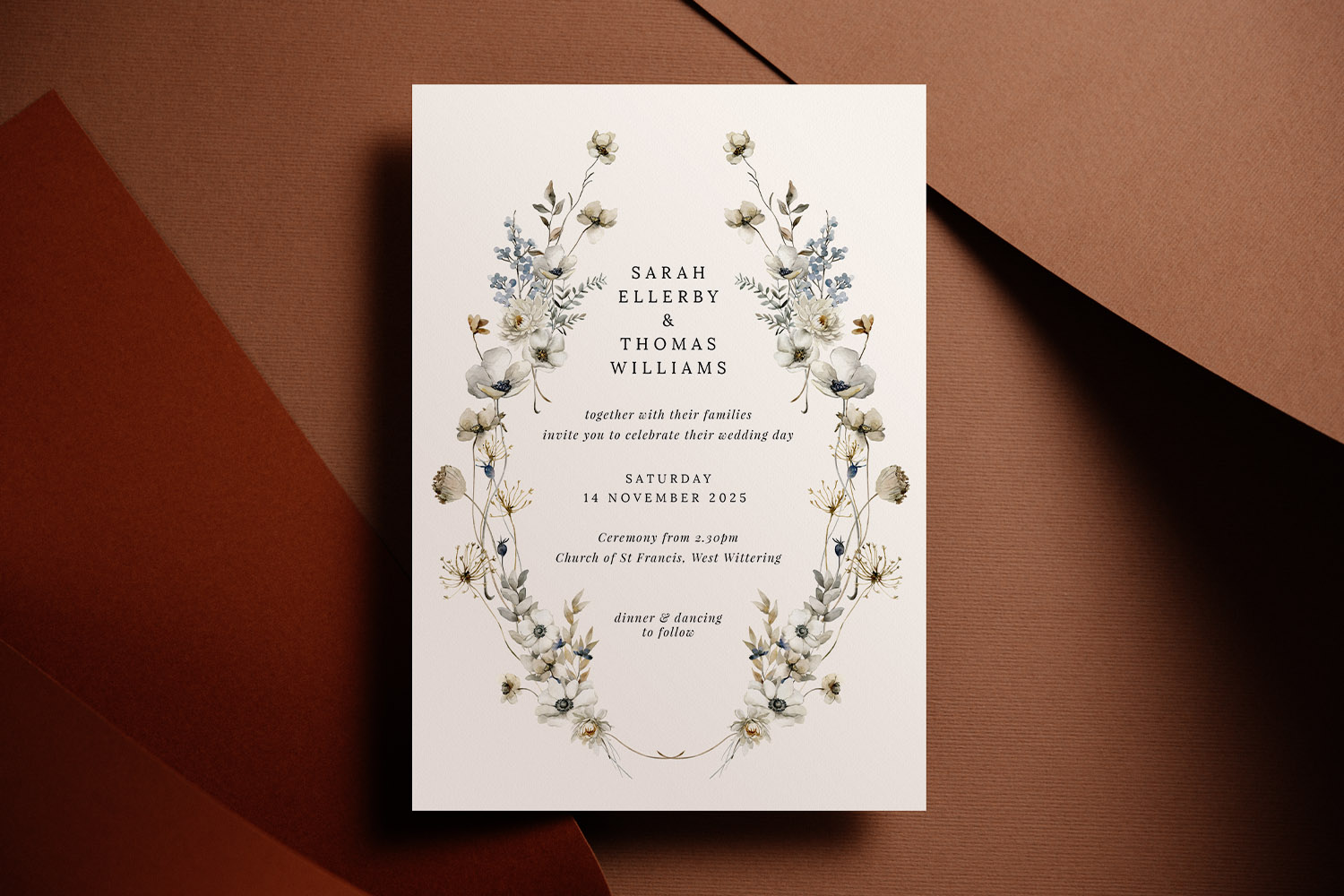
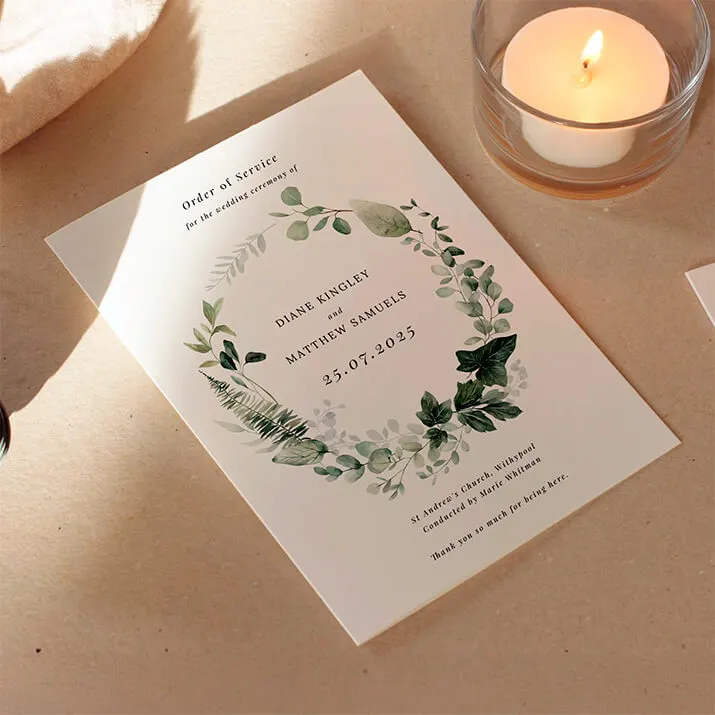
Beautiful wedding invitations with delicate floral artwork, perfect for couples seeking a romantic and nature-inspired stationery style.
How to add a QR code in the Utterly Printable editor
Adding a QR code is quick and straightforward:
- Choose your design
Browse our complete collection of wedding invitation templates, or head straight to a style you love—timeless looks in classic wedding invitation templates, nature-inspired floral wedding invitation templates, or elegant photo wedding invitations. You can also browse by style to see modern, minimalist and rustic options. - Open the online editor
Personalise the wording, fonts and colours in real time. The editor includes a simple tool to drop in a QR code—paste your link (for example, your RSVP.studio page) and the preview updates instantly. - Place and size the code
Drag the QR code to the back of the card or an information area, and set the size within the guidance above (e.g. ~22–30 mm for 5×7″). Ensure there’s breathing room around the code and strong contrast behind it. - Proof with confidence
Download a high-resolution proof to check alignment and legibility. If you’d like total peace of mind, order a printed sample and test the code with different phones and in different lighting. - Print or download
When you’re happy, choose professional UK printing on luxurious, FSC-certified card stocks (A5, A6, 148 × 148 mm square, or 5×7″)—our Canon iX presses keep small squares pin-sharp—or select an instant digital download if you’re handling your own printing or sharing a PDF with family abroad. Envelopes are included with printed orders.
Why QR codes complement (not replace) your details
Keep essential information in print: names, date, venue, RSVP email or phone, and any key timings. The QR code is there to make everything quicker and clearer, but printed details ensure every guest can respond comfortably.

QR code wedding invitations: FAQs
Quick answers to the most common questions couples ask about adding QR codes to their wedding invitations.
Your RSVP.studio page is the most useful single link. Alternatively, point to a simple landing page that branches to RSVP, maps, accommodation and your gift list.
As a rule of thumb: 22–30 mm on 5×7″ or A5 cards, and 18–24 mm on A6 or square cards. If people will scan from a distance, size up to ~30 mm.
The back of the card in a corner, or on an information insert, strikes the best balance between usability and a clean design. On very minimal layouts, a small code on the front can also work.
Light textures are fine when the code is a solid dark colour on a pale background. Utterly Printable’s premium card options print crisp codes; just maintain good contrast and a clear margin around the code.
Yes. Create separate designs (e.g. day vs evening) and generate a code for each link. This keeps information relevant and avoids confusion.
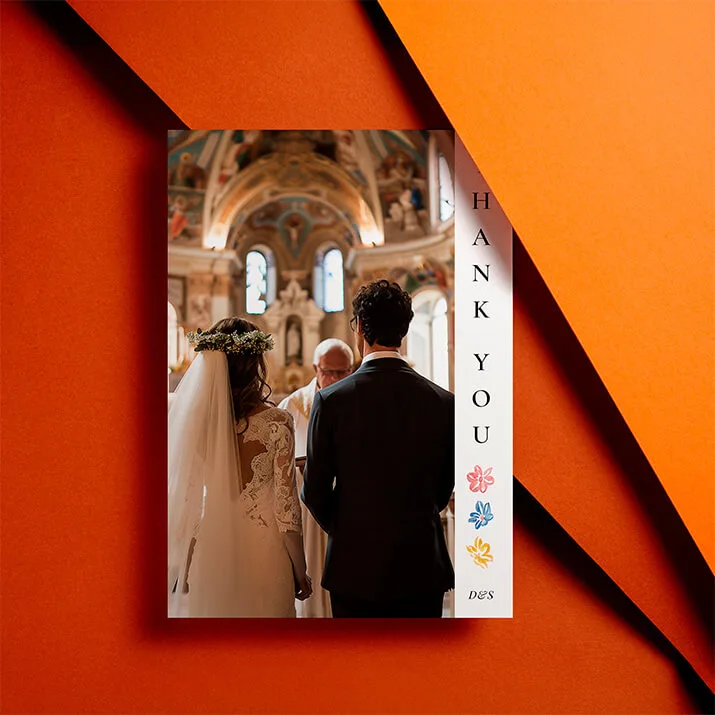
Related templates to explore: love the idea of a discreet code and a timeless look? Browse our classic wedding invitation templates. Prefer botanicals? See our floral wedding invitation templates. Want to showcase your engagement shoot? Try our photo wedding invitations, or browse by style across the full collection of wedding invitation templates.
Common mistakes to avoid when designing wedding invitations online
Designing wedding invitations online is easy, but avoiding common mistakes ensures your invitations look perfect in print. Discover practical tips on text, layout, image quality, proofing, and ordering so your wedding invitations are beautifully clear and memorable from the start.
How to co-ordinate your wedding invitation with the rest of your stationery suite
Learn how to coordinate your wedding invitation with your entire stationery suite by selecting matching fonts, colors, motifs, and materials, ensuring every detail-from RSVP cards to menus-looks beautifully unified and thoughtfully designed for your special day.
Wedding Invitation Paper Explained: Silk, Uncoated & Textured Compared
Discover the differences between silk, uncoated, and textured wedding invitation paper with this helpful guide. Learn how each card stock-smooth, textured, silk, and super-thick-impacts print quality, design style, and the overall feel of your wedding invitations.
Wedding Invitations with RSVP Cards: Do You Need Both?
Choosing between RSVP cards and digital replies for wedding invitations can be challenging. This article explains when to use each RSVP method, how to combine them effectively, and offers tips for ensuring clear, stress-free guest responses.
Wedding invitation wording: what information to include (UK)
Learn how to word UK wedding invitations with confidence, covering key details, layout tips, family considerations, and RSVP options. This guide helps ensure your invitation wording is clear, elegant, and tailored to your special day.
Products related to wedding invitations:

Our Creative Journal
Classic wedding invitations set the tone for timeless celebrations. Get inspired with design tips, customisation ideas, and advice on choosing the perfect style for your big day.